You can use website triggers to trigger your personalizations based on user actions on your website. You can create your website triggers by following these instructions:
1. In your campaign, navigate to Rules > Website Trigger.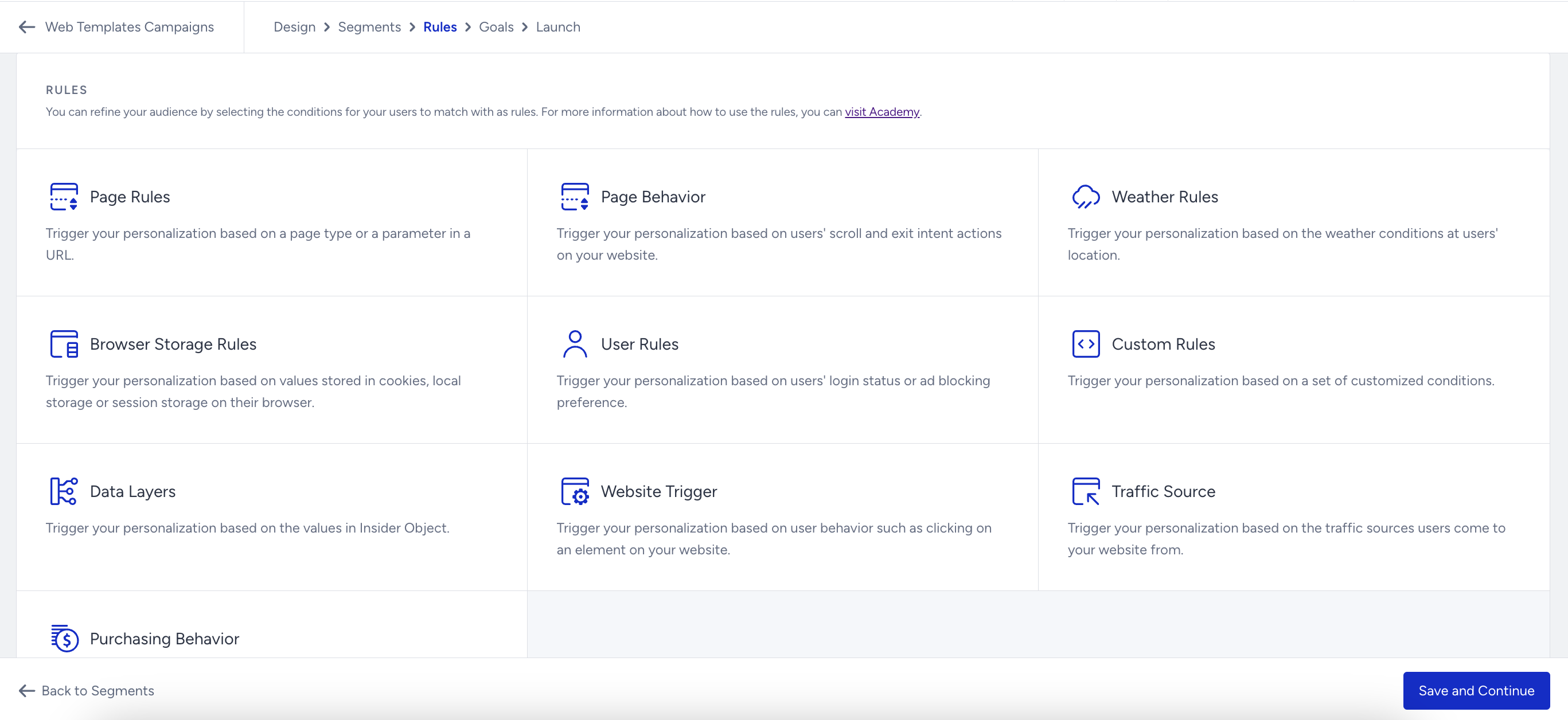
2. Click Create Website Trigger to create a new one. It will direct you to your website.
3. Click on the element you want to assign as a trigger.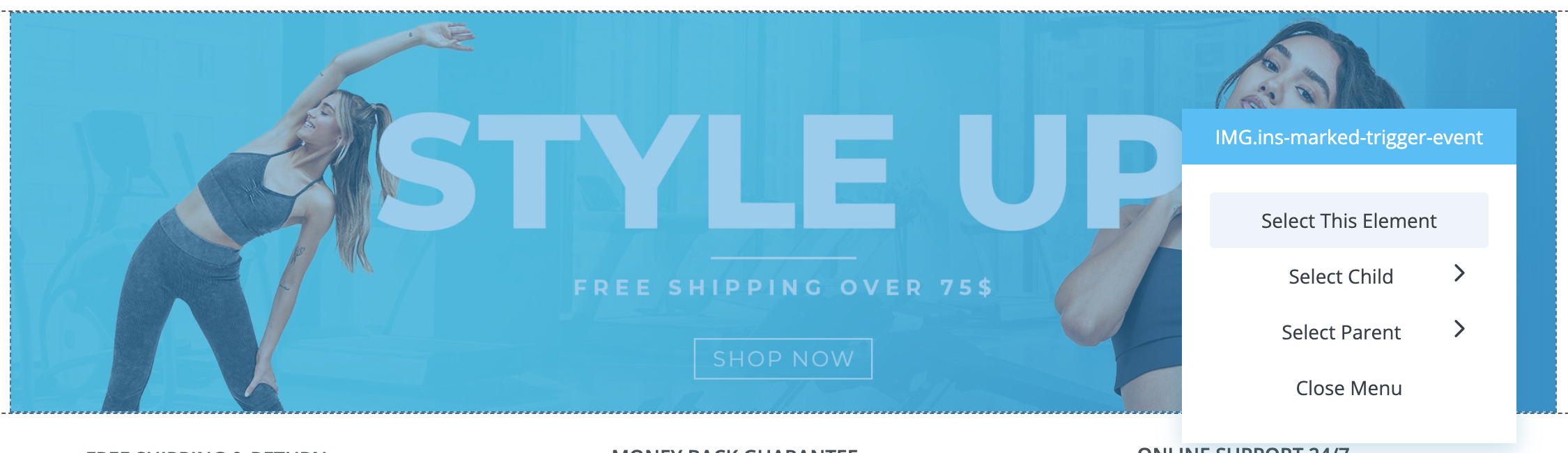
You can select a specific element as a Website Trigger only once.
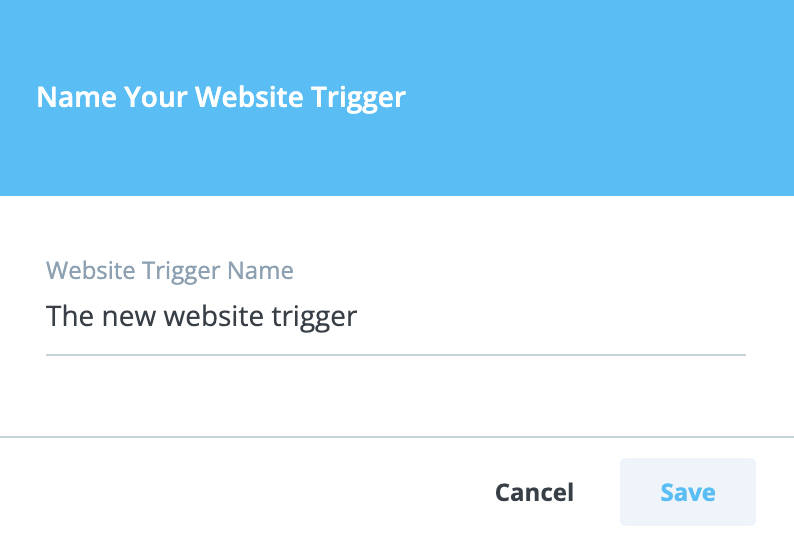
4. Set a name for your trigger and save this step.
You can delete previously created website triggers, but you cannot edit any website trigger once you select the element as a trigger.
5. You can see its details when you return to the Rules step.