You can trigger campaigns based on user actions, such as clicking on an element on your website. The Website Triggers feature enables you to render your personalizations after the respective page has loaded, allowing you to personalize your website in response to user behavior dynamically.
When any website trigger is selected as the rule for a campaign, that campaign will be displayed when you click the respective website trigger.
If any other rule is selected for the campaign, it should also return true for triggering the campaign.
You can view the website triggers you have previously created under Components > Website Triggers.
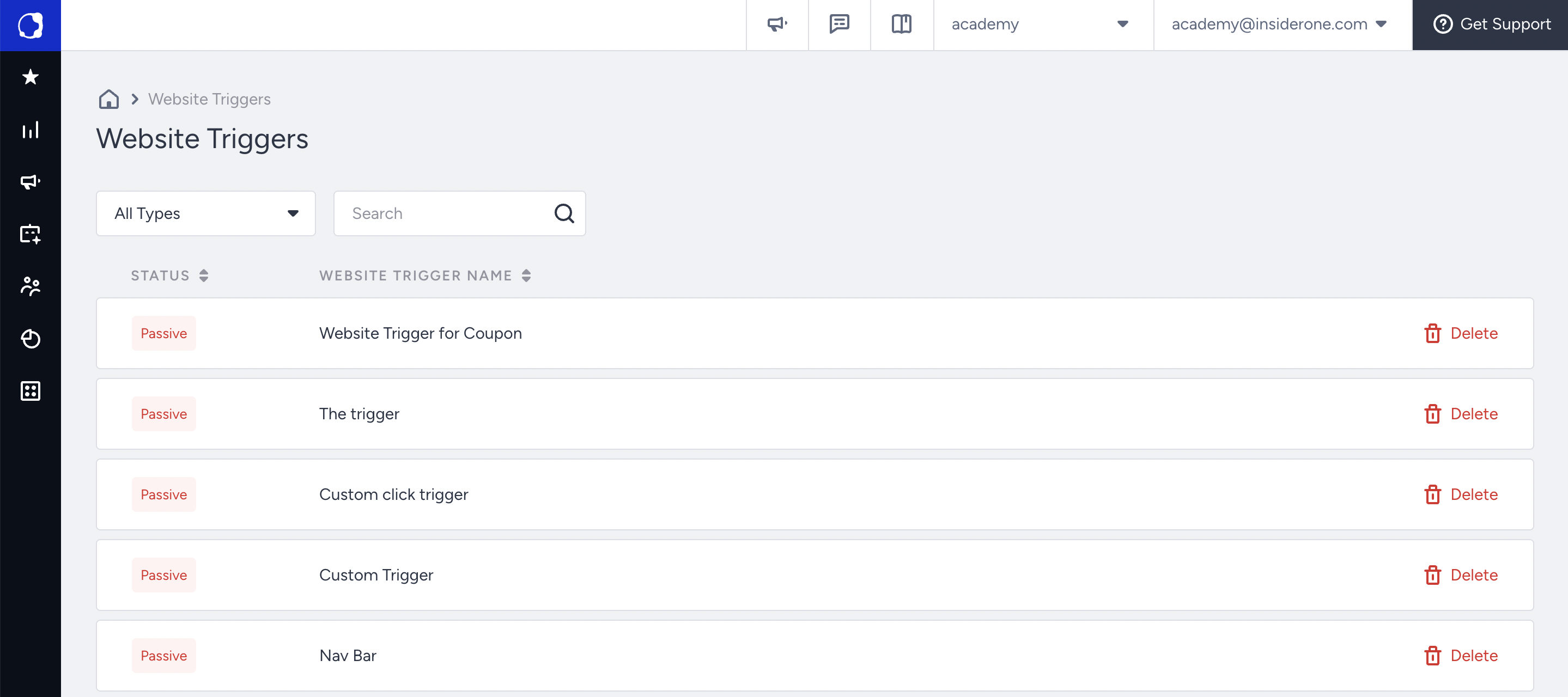
Website triggers can be deleted but cannot be edited.
Please note that Website Trigger is not available for Category Optimizer, InStory, Smart Recommender, or their desktop and mobile versions, if any.
See more on Creating Website Triggers.