Suggested readings: App Content Optimizer, Using Content Optimizer
You can use Content Optimizer to make changes to your application without requiring app testing, deployment to your store, or user app updates to see the changes.
Before using Content Optimizer, ensure that your variables in the app source code are integrated and that the default values for all new variables are set on your end.
Content Optimizer enables you to run A/B tests on your app for many use cases, as follows:
You can change the user interface (UI) for different audience segments.
You can change the color of the Add to Cart/Purchase button to see if it affects your conversion rate. You need to define variables for the button color for this use case.
You can change the Add to Cart/Purchase button text or font family to see if it affects your conversion rate. You need to define variables for the button text for this use case.
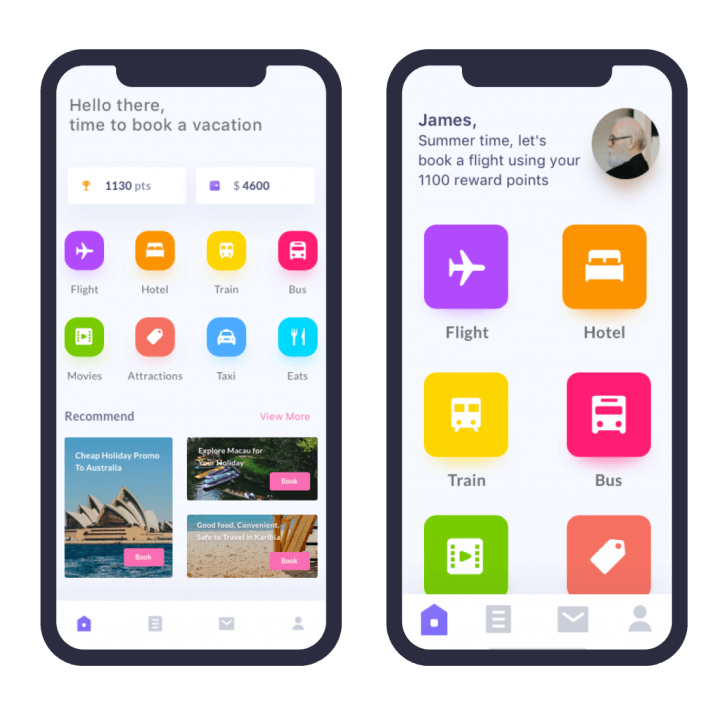
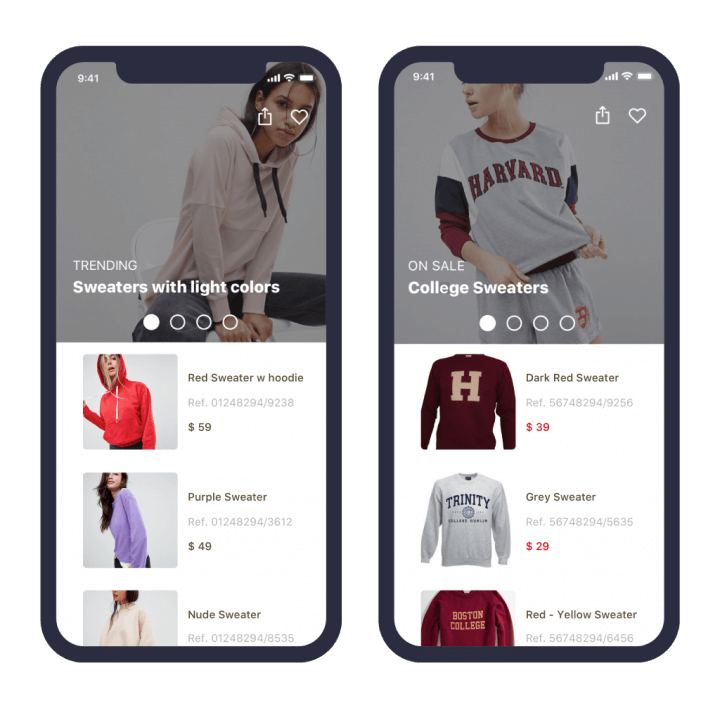
You can change the order of the home page slider. For this use case, you can create a new endpoint for the new slider order and define a variable whose value is this new endpoint. For example, you can display a banner about personal care products first to users whose last visited or searched product was a personal care product. Alternatively, you can target users who have not yet purchased any products and display the discounted products on the slider.
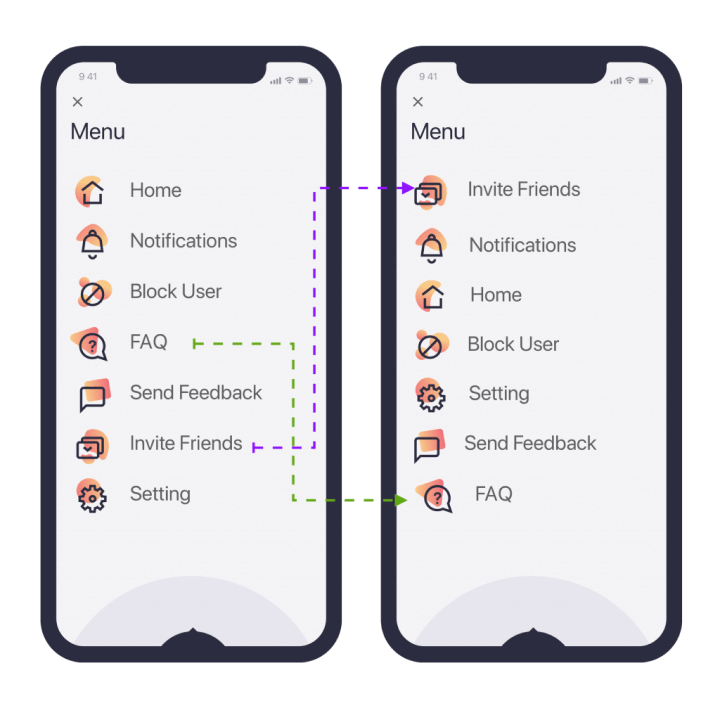
You can change the menu position by defining your category array as a variable and reordering its segments.
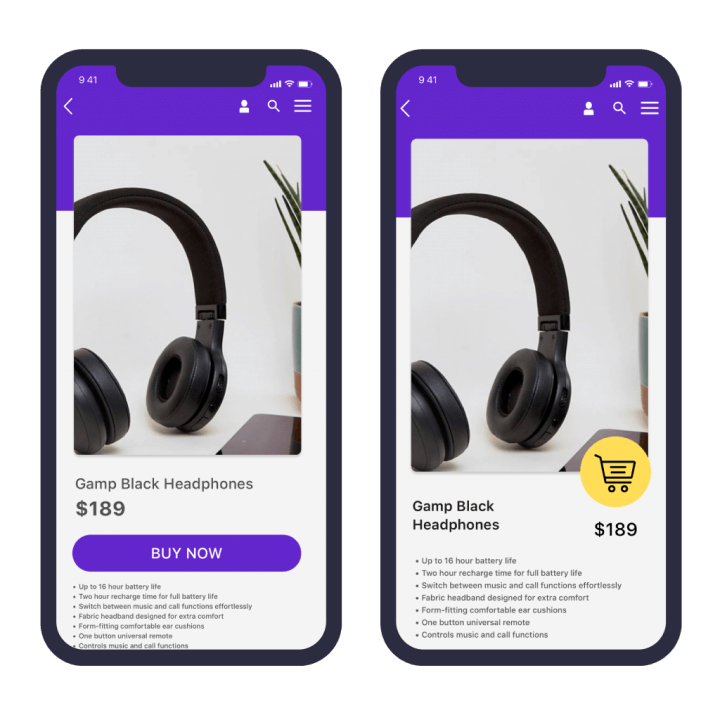
You can update your product detail pages and test different UI layouts to see if they affect your conversion rate. To run such an A/B test, you need to develop at least two different layouts and assign a variable to each layout. Then you can use these variables to easily adjust your app's design.
Based on these use cases, get started with Use Content Optimizer.