The Sliding Settings let you control how the slider behaves while designing the inline Recently Viewed Items template.
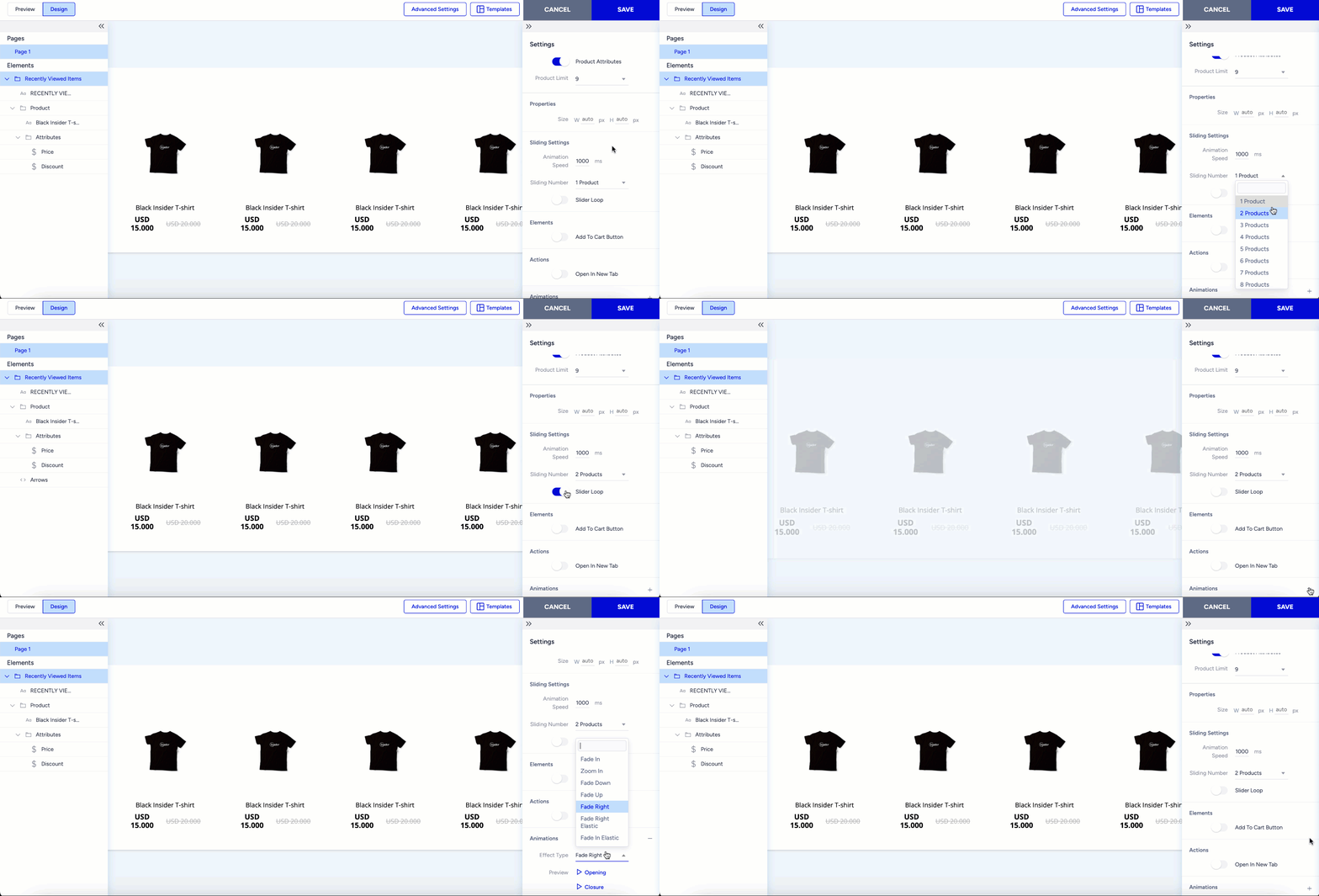
Here’s what you can configure:
- Animation Speed
Controls the speed at which the slider transitions between items.
- Sliding Number
Sets the number of products that move with each arrow click.
- Slider Loop
When enabled, the slider loops continuously at the defined animation speed.
Additional customization options:
- Add to Cart Button
Toggle this on to display an Add to Cart button beneath each product.
- Open in New Tab
Enable this if you want users to open product links in a new browser tab.
Add entry/exit animations to enhance the overall visual design.