After creating your message, you can choose a target segment to send your message to, such as users who purchased a specific product in the last 5 days, iOS or Android users, or users who triggered the mobile app open event.
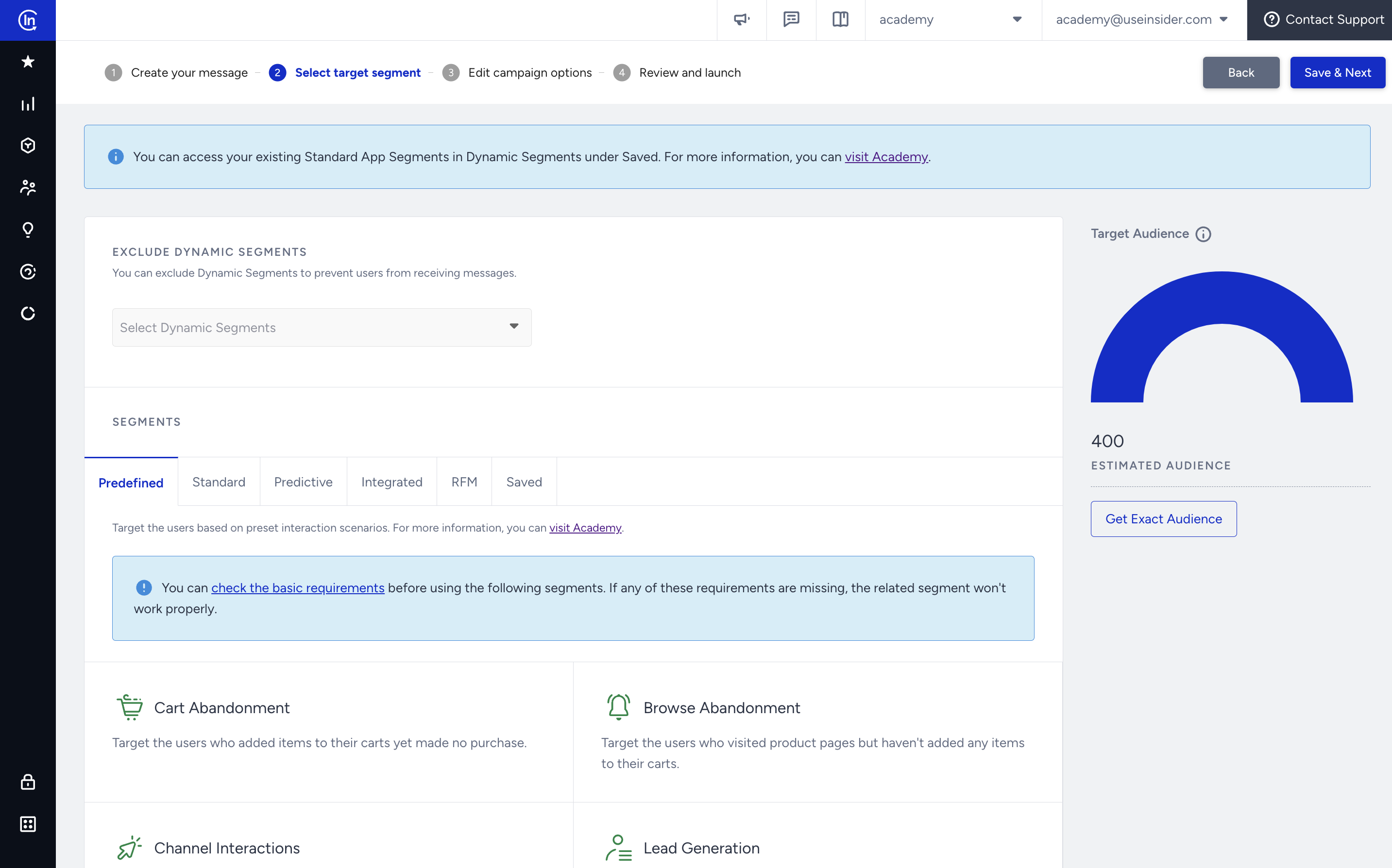
You can select dynamic segments to exclude. On the right side of the page, you can see the estimated audience. To get the exact audience after selecting the segments, click the Get Exact Audience button.
This step offers the following segmentation options:
- Predefined segments
- Standard segments
- Predictive segments
- Integrated segments
- RFM segments
- Saved segments
Once you select your segments, click the Save & Next button to proceed to the next step.