While designing a template, to change the order of layouts, you can either drag and drop them directly in the left menu or use the Switch Order button on the canvas.
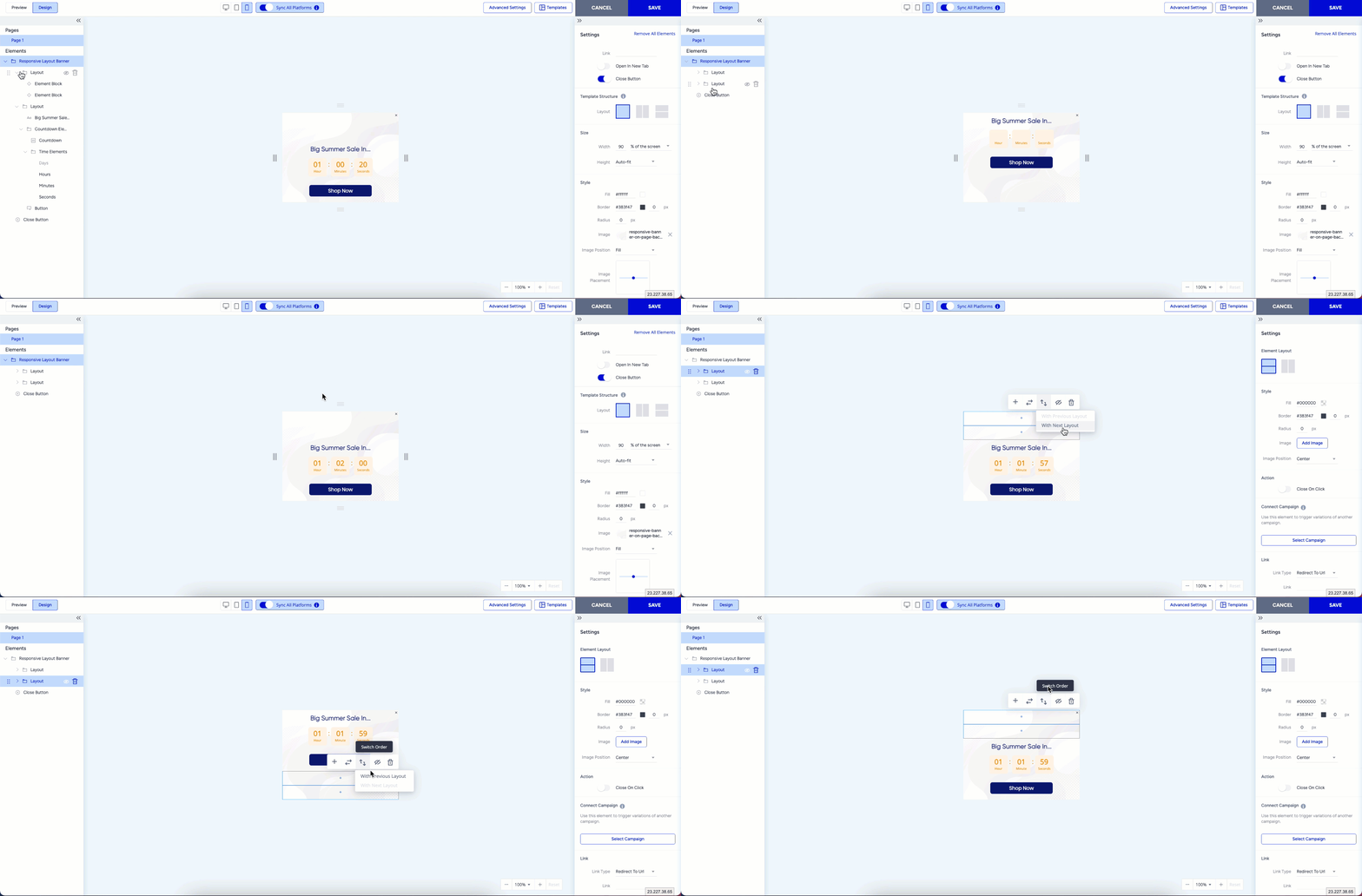
This feature lets you quickly reorganize your layouts to suit your design needs, ensuring a flexible, efficient workflow.