While designing a template, you can adjust the placement of elements within a layout. To change it, click the Change Layout button directly on the canvas or modify the settings in the Settings menu.
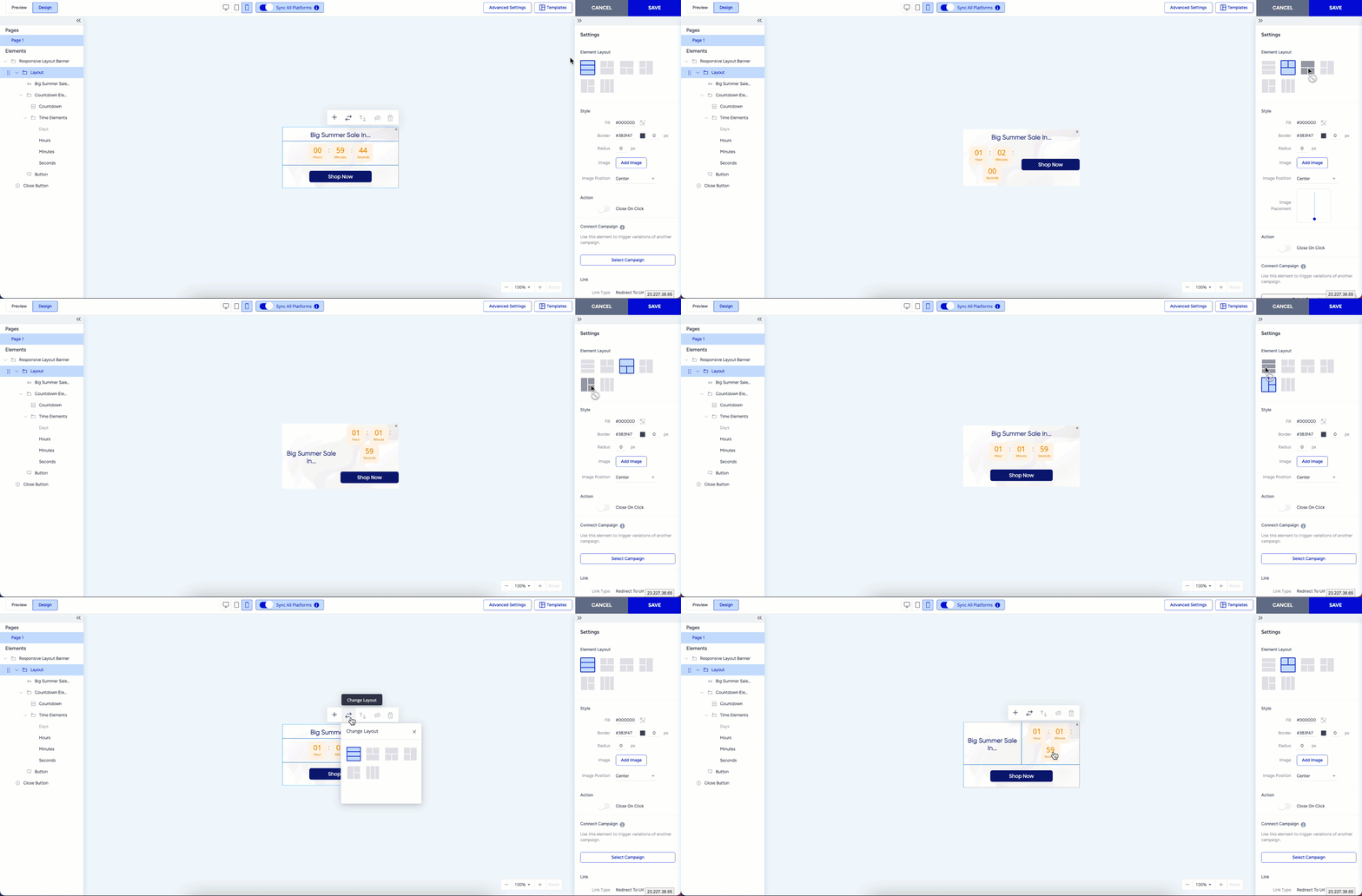
This flexibility allows you to customize the structure and arrangement of elements to fit your design better.