While designing a template, to edit a layout’s appearance, select the desired layout from the left menu, then adjust its settings in the Settings menu.
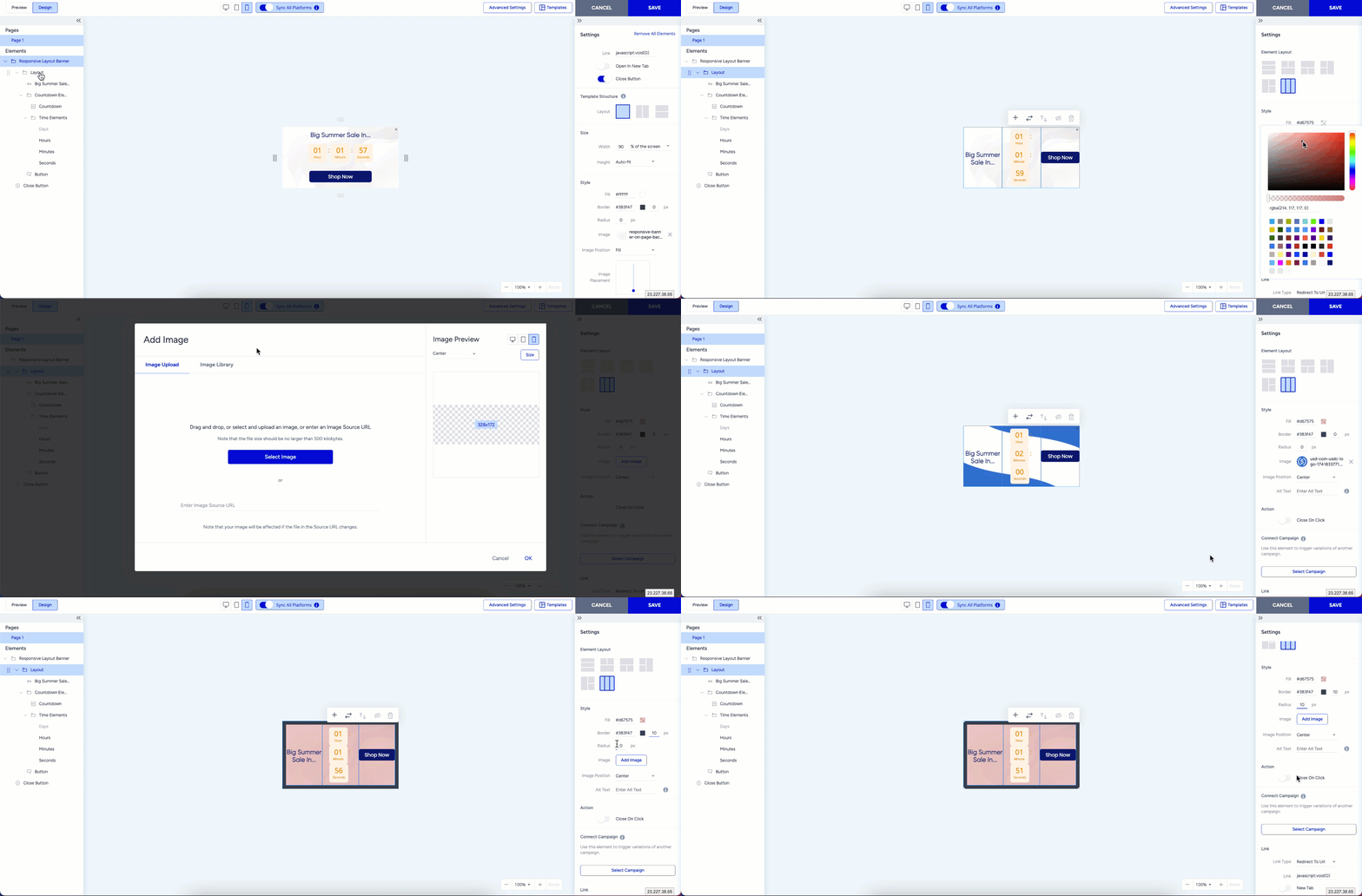
You can modify the layout as described in the Change a Layout article. Additionally, you can:
Change the background image
Apply a fill color
Adjust the border color and thickness
Add a corner radius
Assign a Close action
Set up a redirect link for user clicks
These changes apply only to the selected layout and do not affect other layouts.