Trigger Web Push campaigns are automated push notifications sent in response to specific user actions, behaviors, or conditions. These campaigns are highly effective in delivering personalized, real-time messages that align with a user’s intent.
By sending notifications at the right moment, such as cart abandonment, product views, or inactivity periods, Trigger Web Push campaigns can re-engage users, increase return visits, and drive conversions.
This article provides best practices for Trigger Web Push, covering event setup, targeting logic, timing strategies, and message optimization to maximize campaign performance.
Inform users about delivery benefits
Delivery costs and processes play an essential role in ecommerce. That’s why marketers offer various delivery benefits, primarily for purchases above a predefined threshold. Trigger Web Push notifications are an easy way to inform users about these benefits. If a user has items in their cart but leaves your website without completing the purchase, it’s the best time to reach out.
Set the cart amount as a trigger rule, define your exit-intent duration, and communicate with users to encourage them to make a purchase.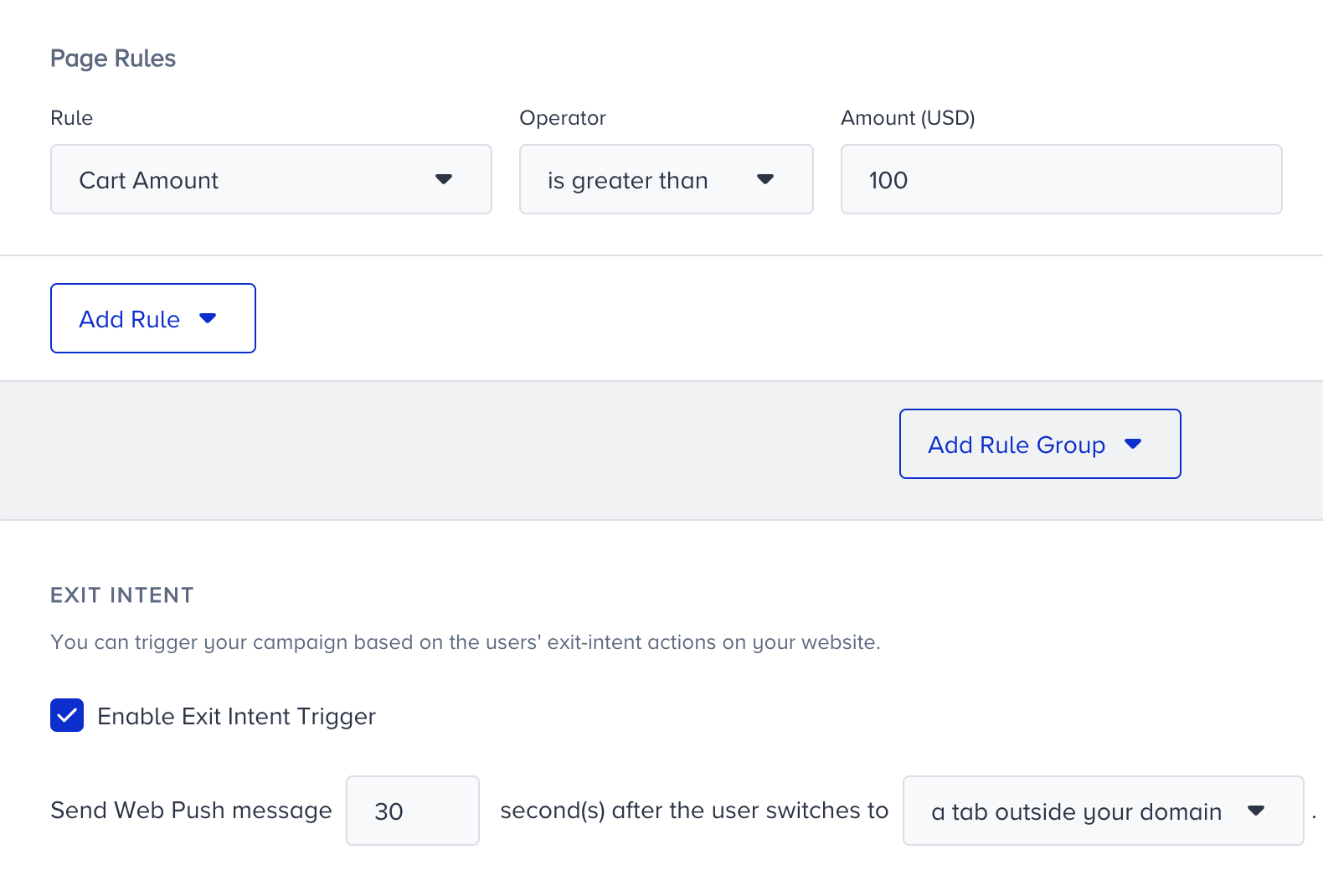
Make your users stay on the product page
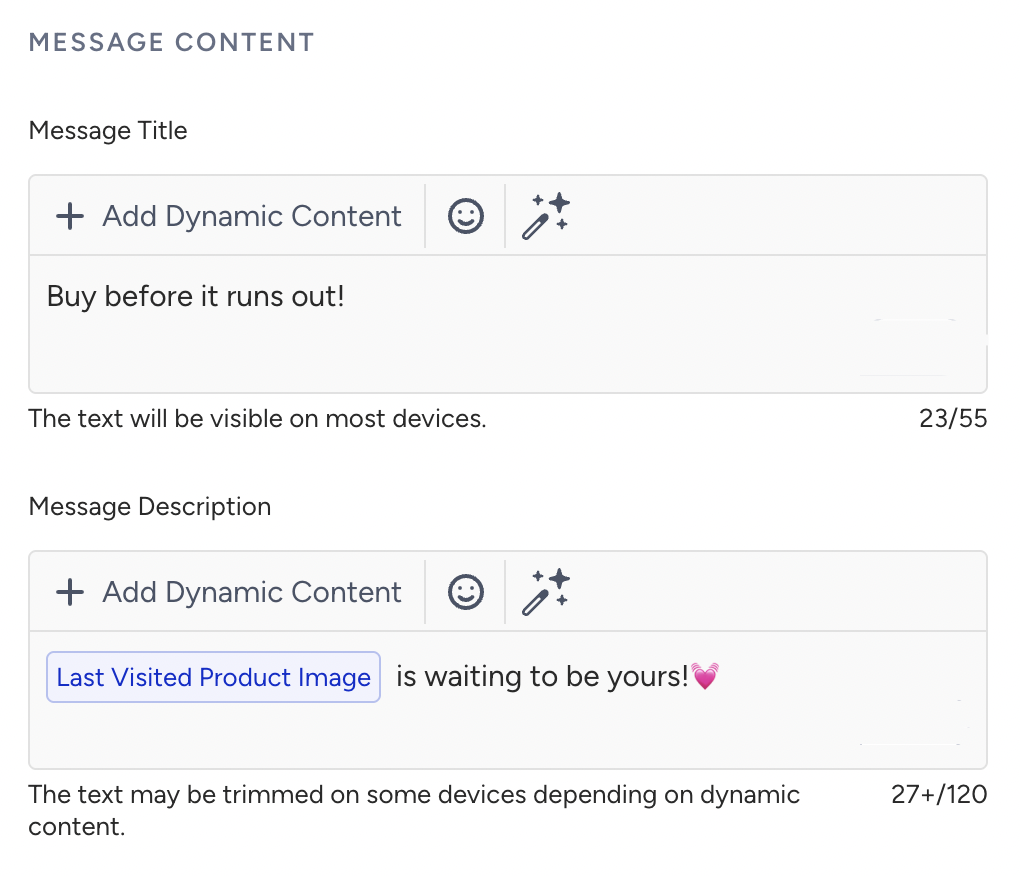
As every marketer knows, the product detail page is a crucial step in the conversion funnel. Users visiting your product pages are considered more engaged with your brand and are more likely to complete a purchase. However, these users may become distracted and fail to progress further in the funnel. You can use Trigger Web Push notifications with exit-intent behavior to message these users and help them pick up where they left off. Use dynamic attributes for the last visited product to strengthen your message.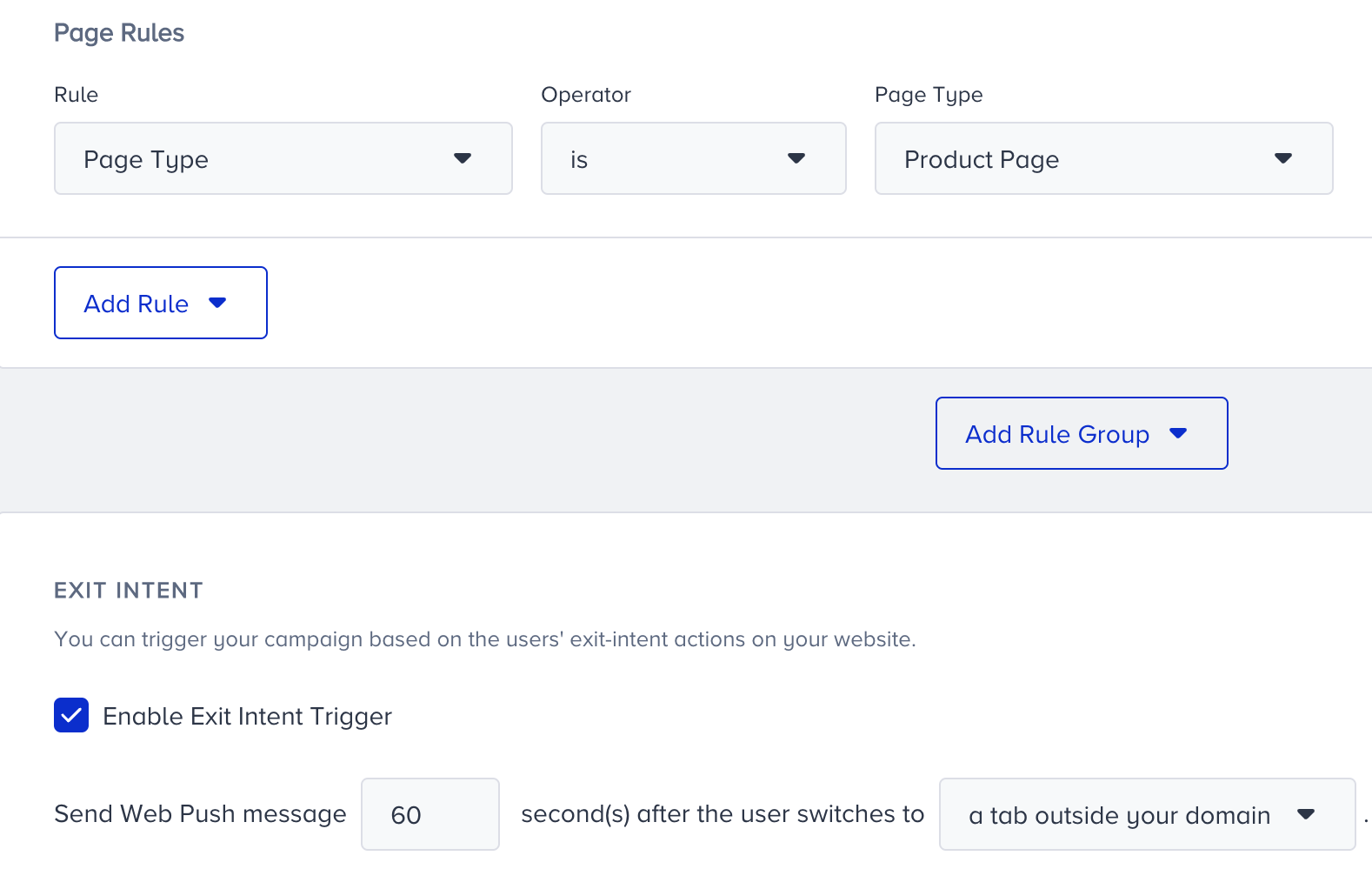
Target cart abandoners immediately
Users sometimes require a gentle nudge to complete a purchase. Even though they have items in their cart, users who left your website are a valuable audience you can send an encouraging Trigger Web Push notification to. All you need to do is create a trigger rule for the item count in the cart or a cart amount you prefer, and enable exit intent.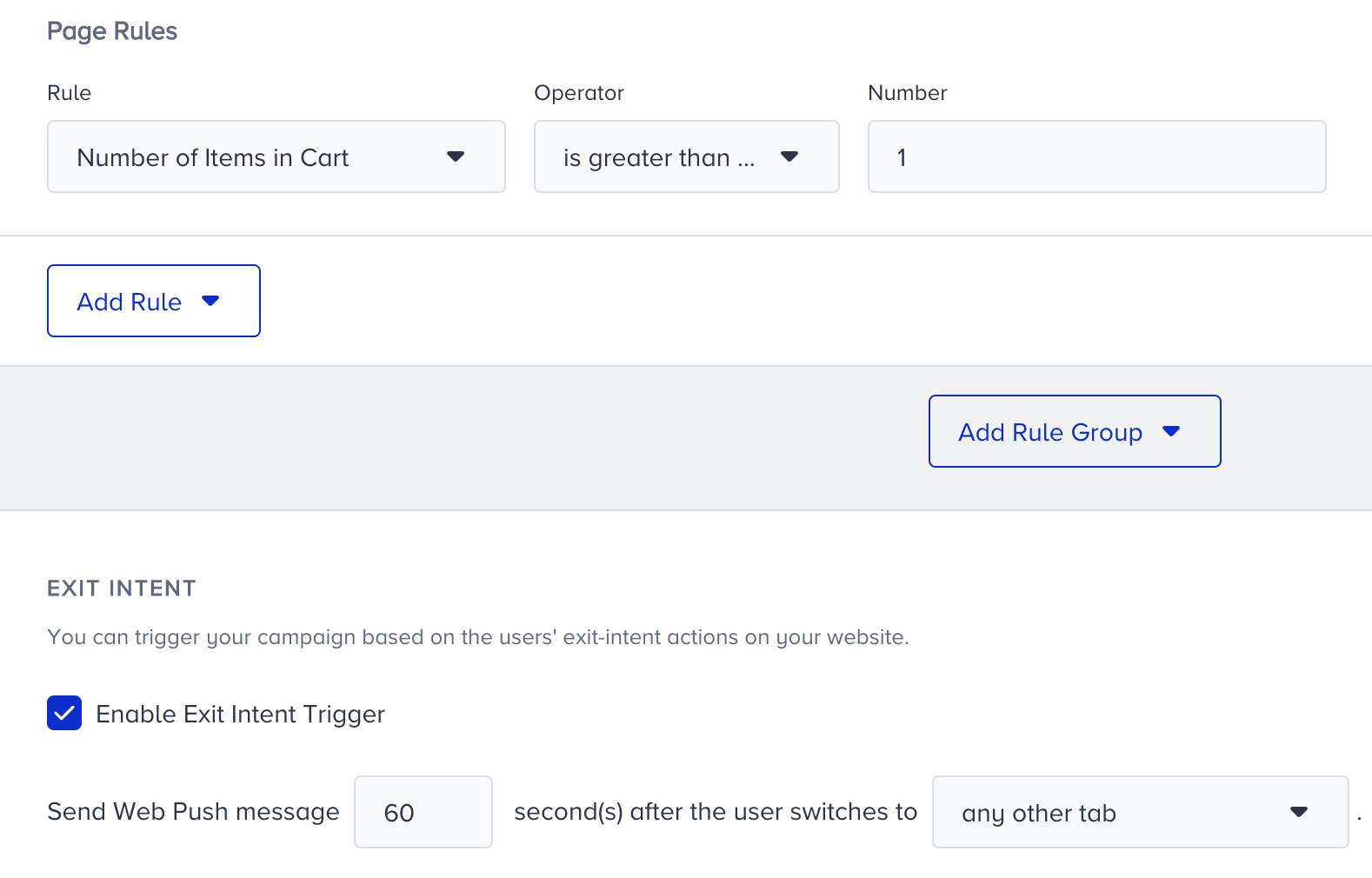
Offer seasonal products according to the weather rules
If you have seasonal products, promoting them with weather-based rules in Trigger Web Push notifications can boost sales. All you need to do is set the right temperature to promote your desired product.