When designing a Web Push notification, you can enhance engagement by adding text, emoji characters, and dynamic content using attributes. This helps deliver highly relevant and personalized messages to your users.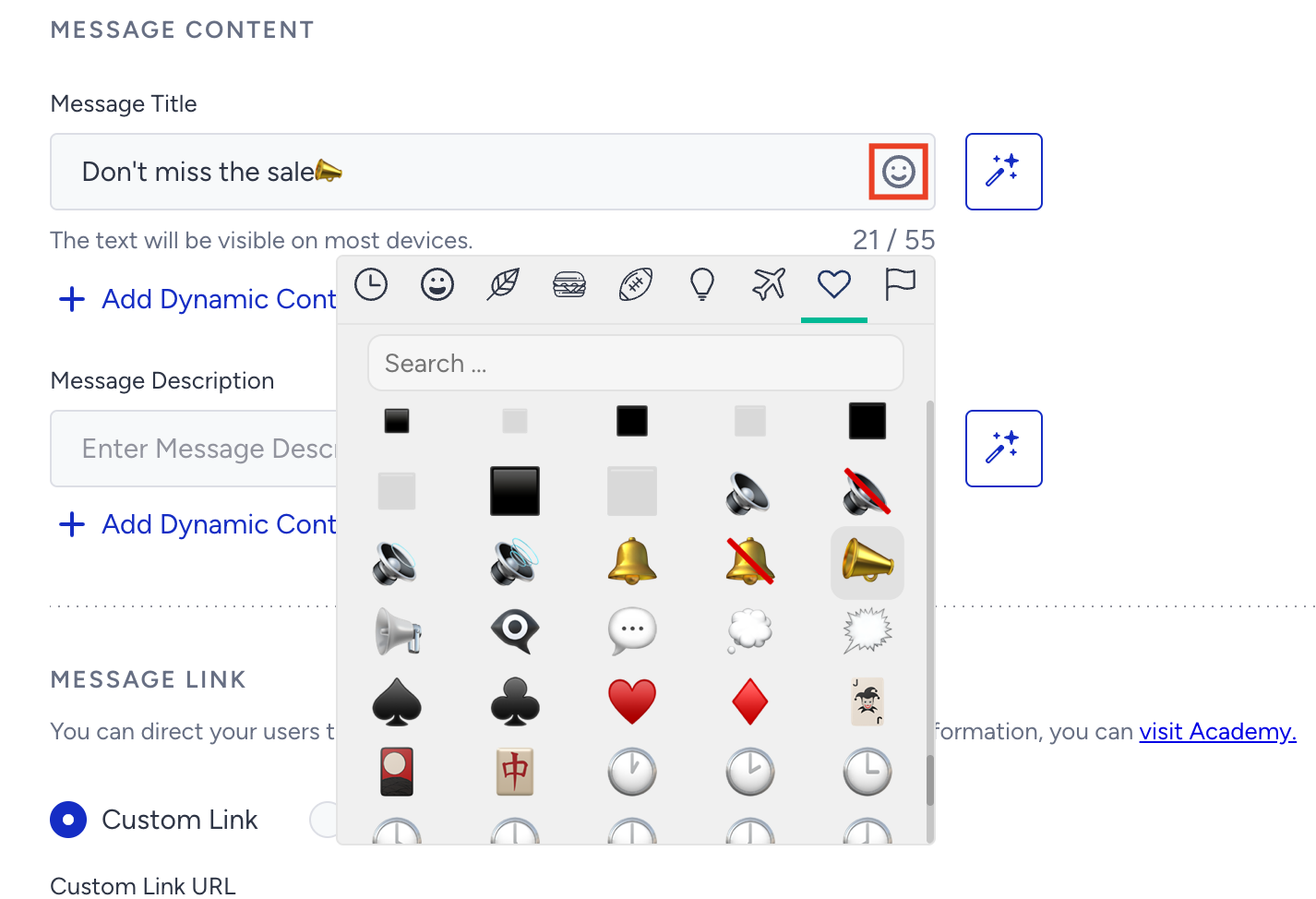
Dynamic Content in Web Push notifications
Click +Add Dynamic Content to insert dynamic fields based on user data. You can choose from four attribute types: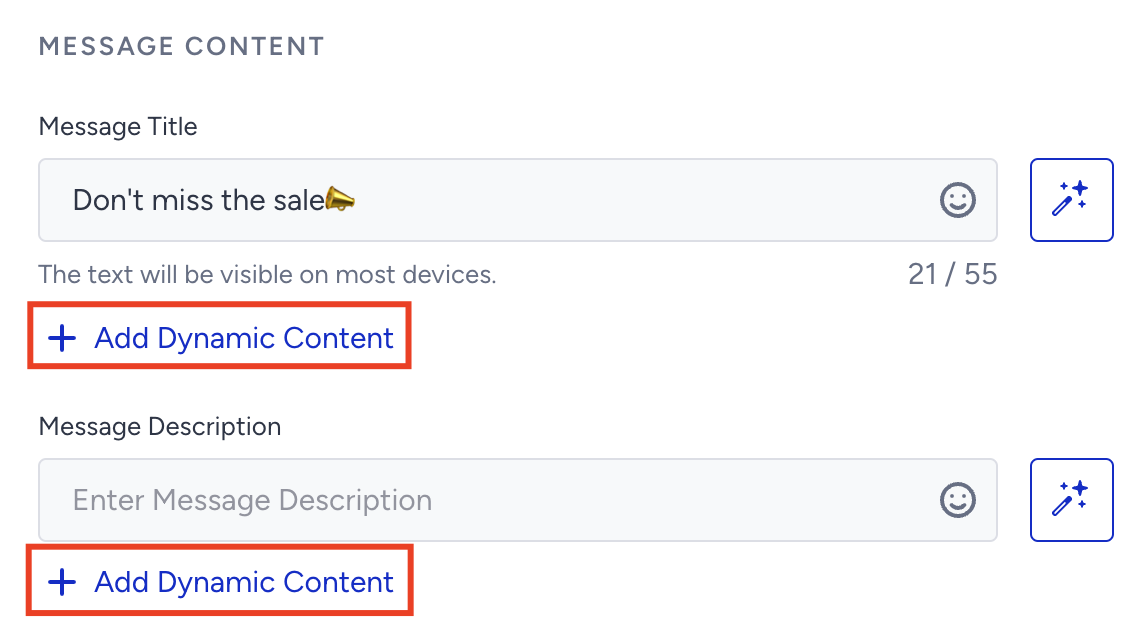
Smart Recommender Attributes:
Use dynamic product or category recommendations tailored to each user.
Default Attributes
Default Attributes contain attributes, such as user name, last visited product name, last visited category, and search query, which are already defined during the initial system rule definitions.
Custom Attributes
Custom Attributes are predefined fields derived from user behavior or first-party data from your systems.
CRM Attributes
CRM Attributes contains attributes you share via the Upsert API.
Expressions
Expressions are formulas used to create new attributes by combining one or more existing ones.
Always define fallback (alternative) text for attributes. This ensures your Web Push notification displays correctly even if the attribute value is missing.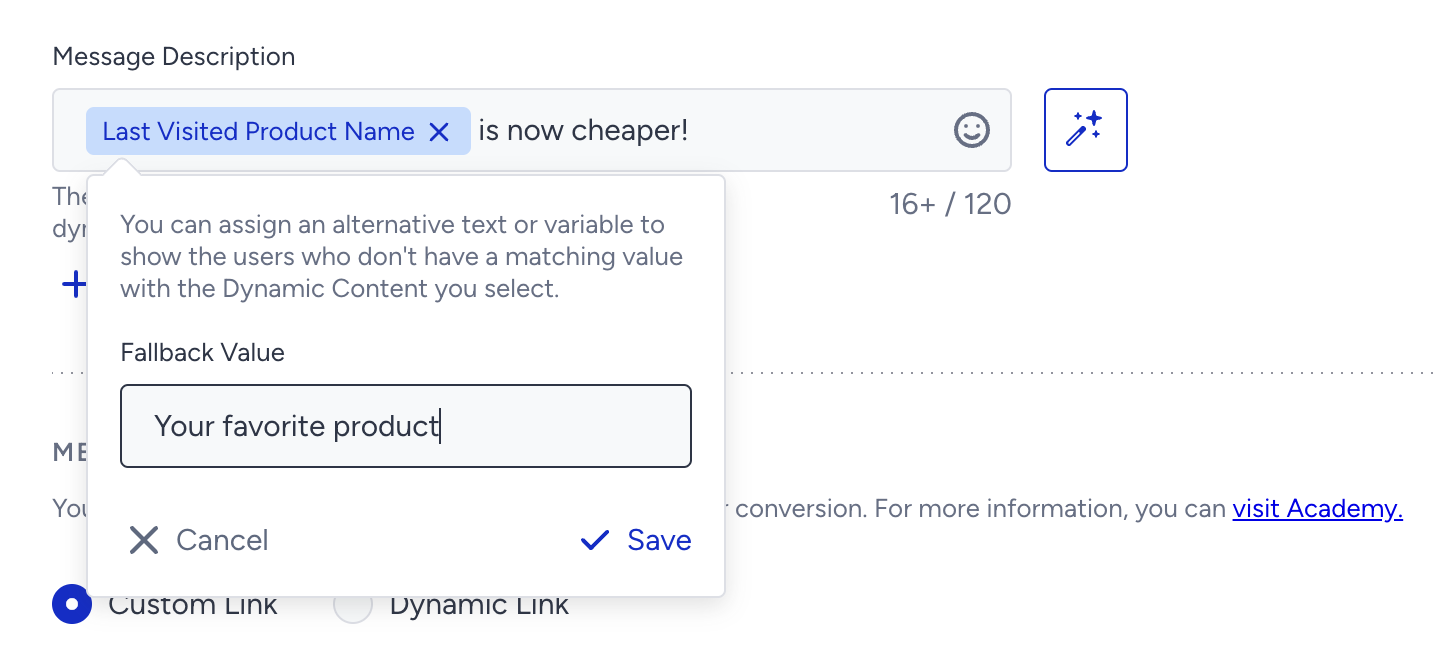
Text Generator
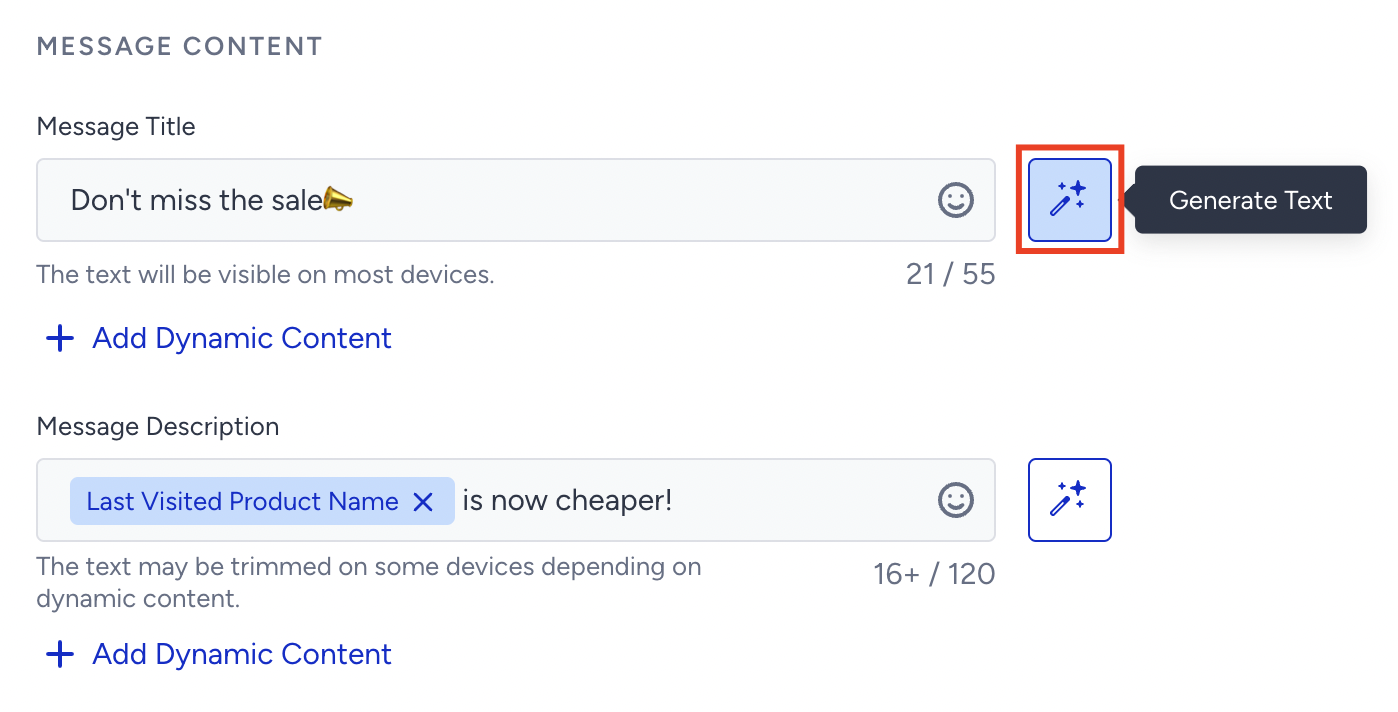
If you need help writing message titles or descriptions, use the Generate Text feature to get AI-generated copy.
To use an AI-generated text:
Click the Generate Text button to see the side modal.
Enter a prompt you want to generate text about.
The language option will be the default language selected by your panel.
Select your industry and use case to define the context for generating the text.
Click the Generate Copy button.
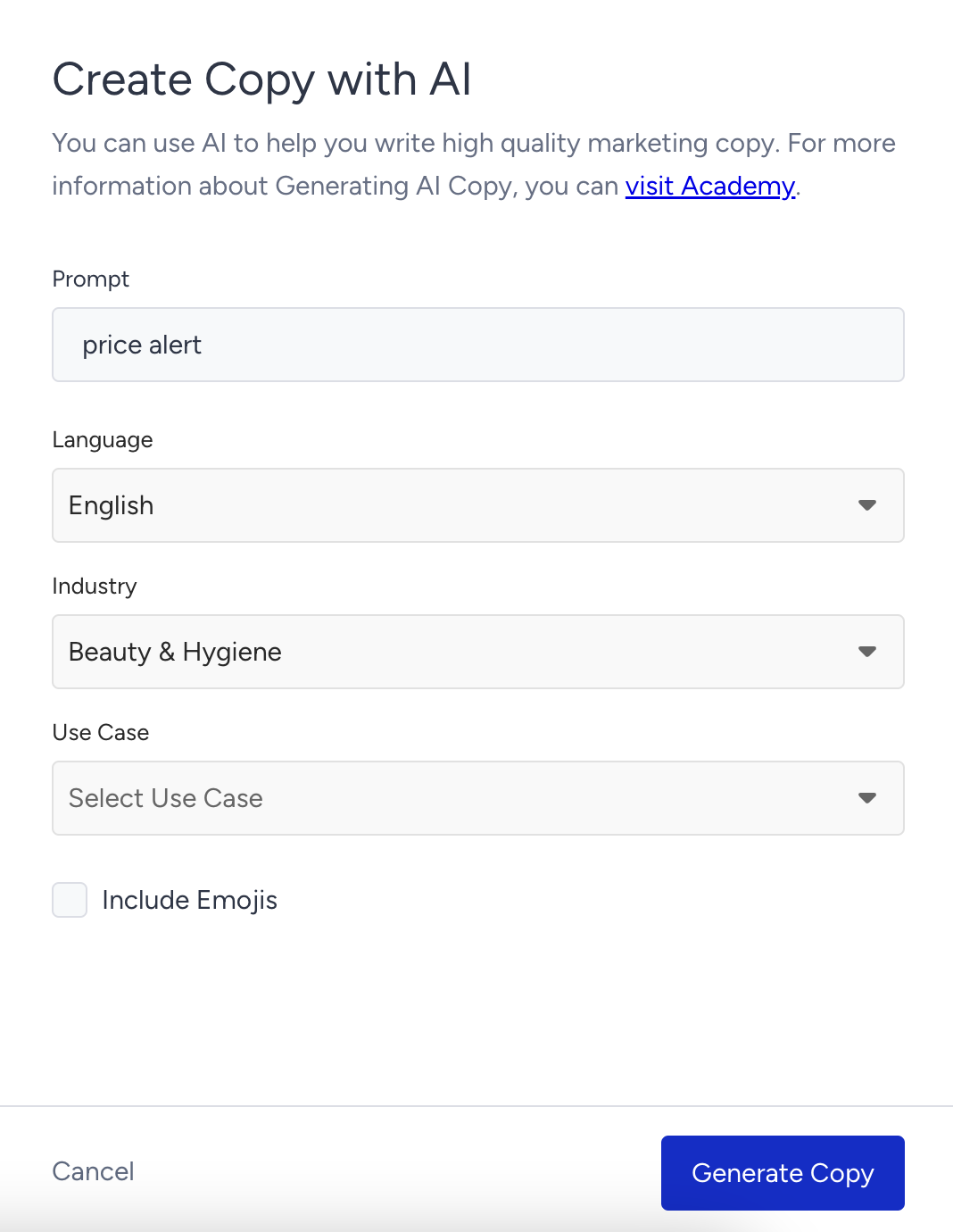
If you want to include emojis in your copy, you can check the "Include Emojis" box. This option indicates that the AI can generate copies with emojis. However, not all options might include emojis.
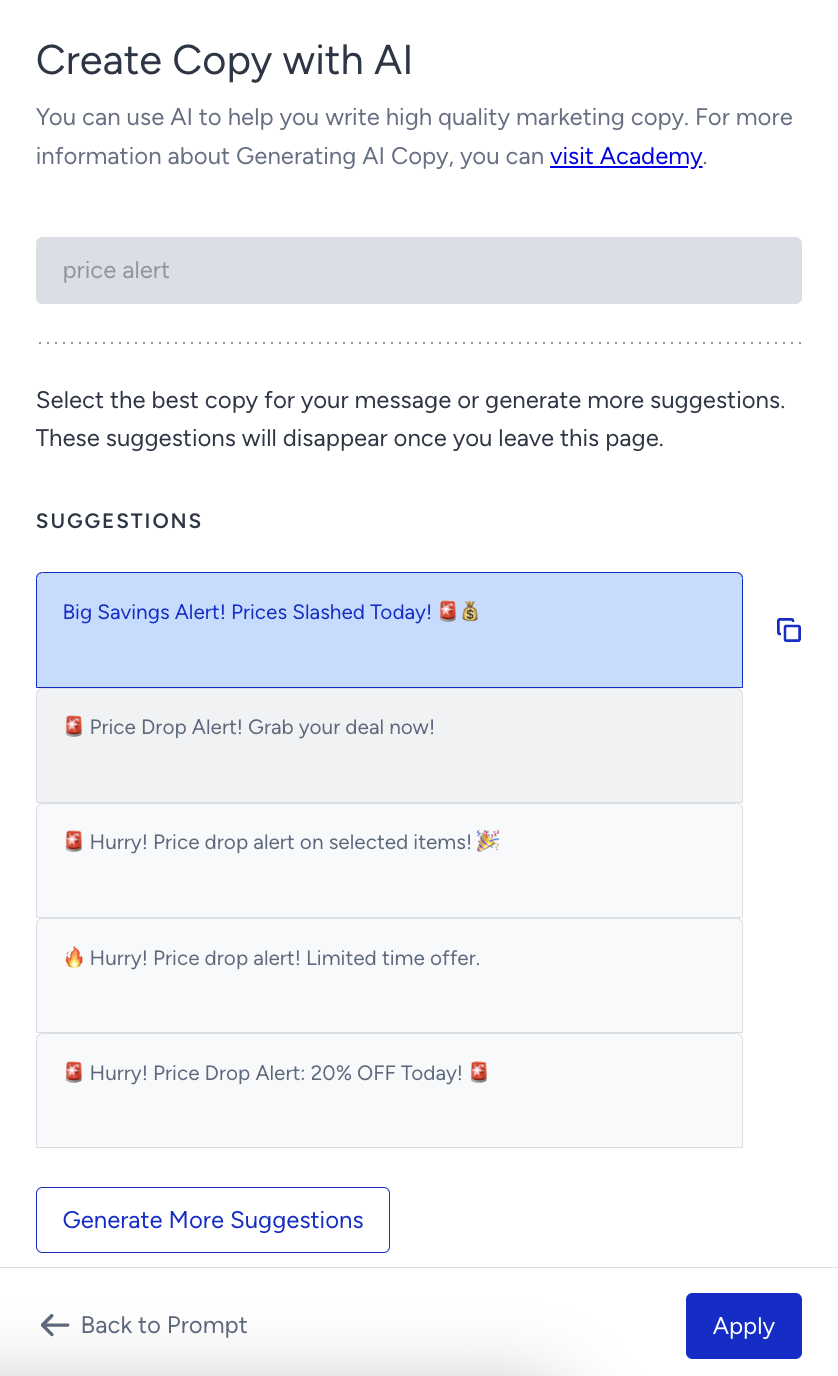
The modal displays five suggestions. To see more, you can click the Generate More Suggestions button.
To use any suggestion, you can select it and click the Apply button, or copy it by clicking the Copy button against the suggestion you want to use.
Once you click the Apply button, the copy will be added to the respective field.
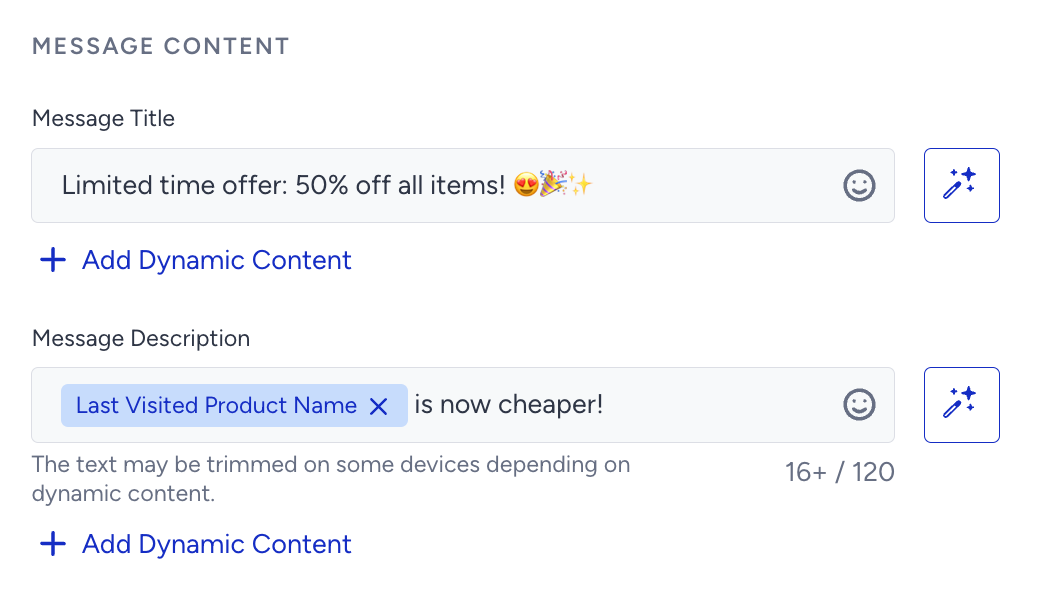
Web Push content length best practices
Keep Web Push notifications concise. Web Push titles and descriptions may be truncated depending on:
Browser type
Operating system
Screen size
Input language
We recommend keeping your title and message short and impactful to ensure visibility across all devices.