Generate Text option is available in both App Push product and App Push channel in Architect journeys
If you need inspiration or assistance while creating your App Push title and message, you can always take advantage of the Generate Text option. This feature is a valuable resource that generates content aligned with your preferences and objectives, ensuring your messaging resonates with your audience.
To use AI-generated text in your title and message:
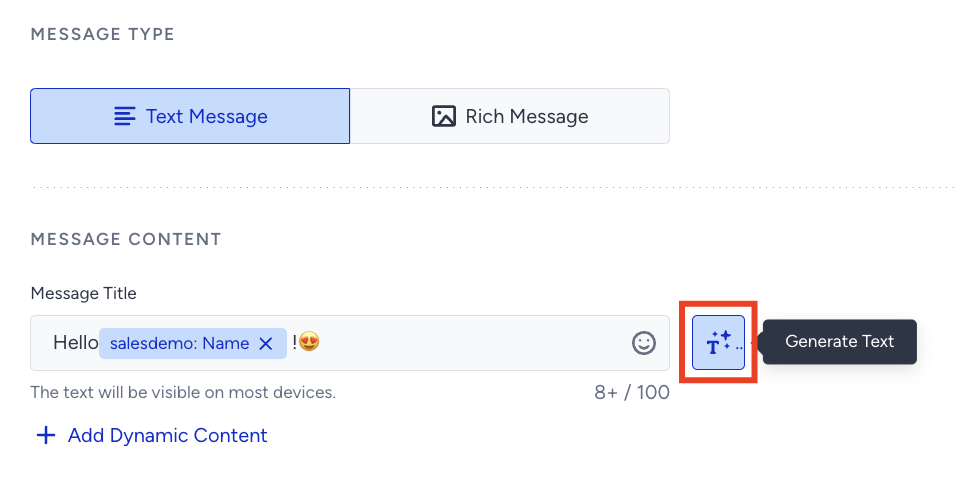
Click the Generate Text button to see the side modal.
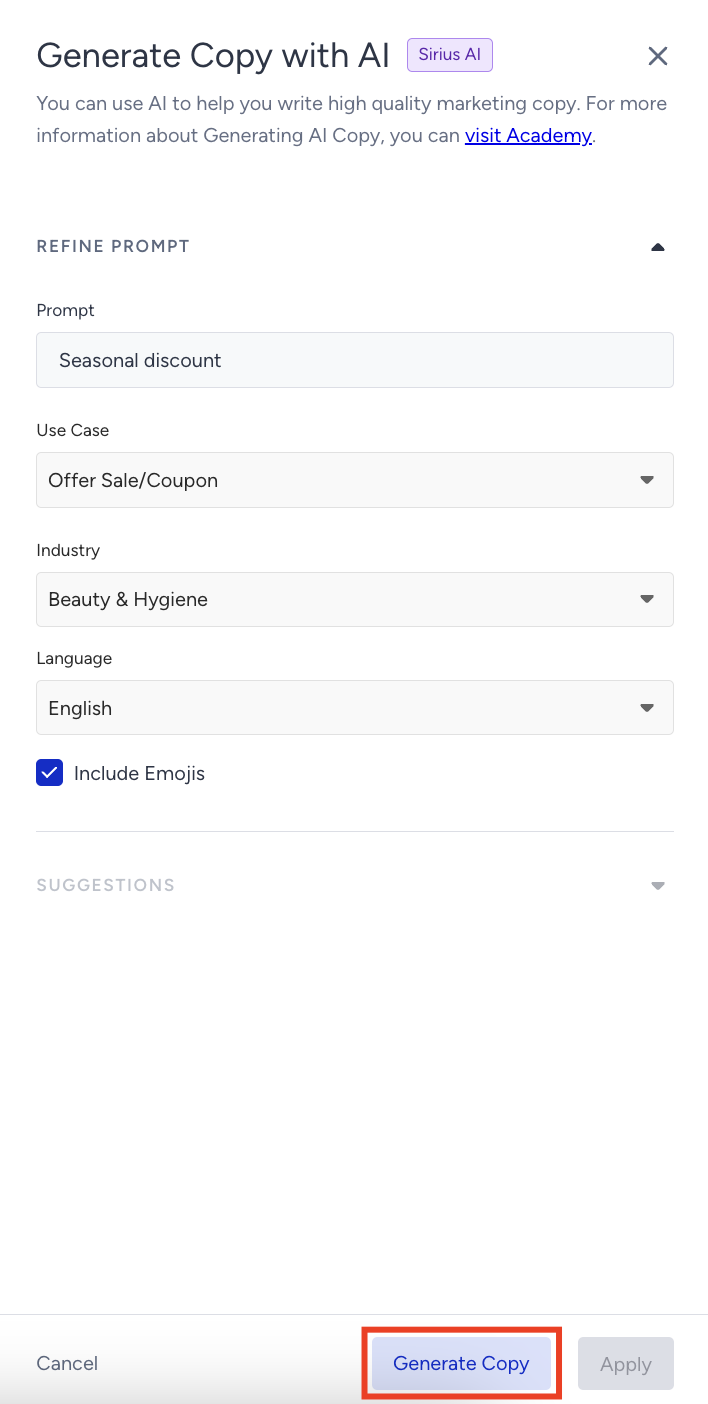
Enter a prompt you want to generate the text about.
Select your use case and industry to define the context for generating the text.
The language option will be the default selected language of your panel.
If you want to include emojis in your copy, select the Include Emojis box.
This option lets the AI generate copy with emojis. However, not all options might include emojis.
Click the Generate Copy button.
The modal offers 8 suggestions, 4 advanced suggestions, and 4 standard suggestions. To see more, click the Generate More button.
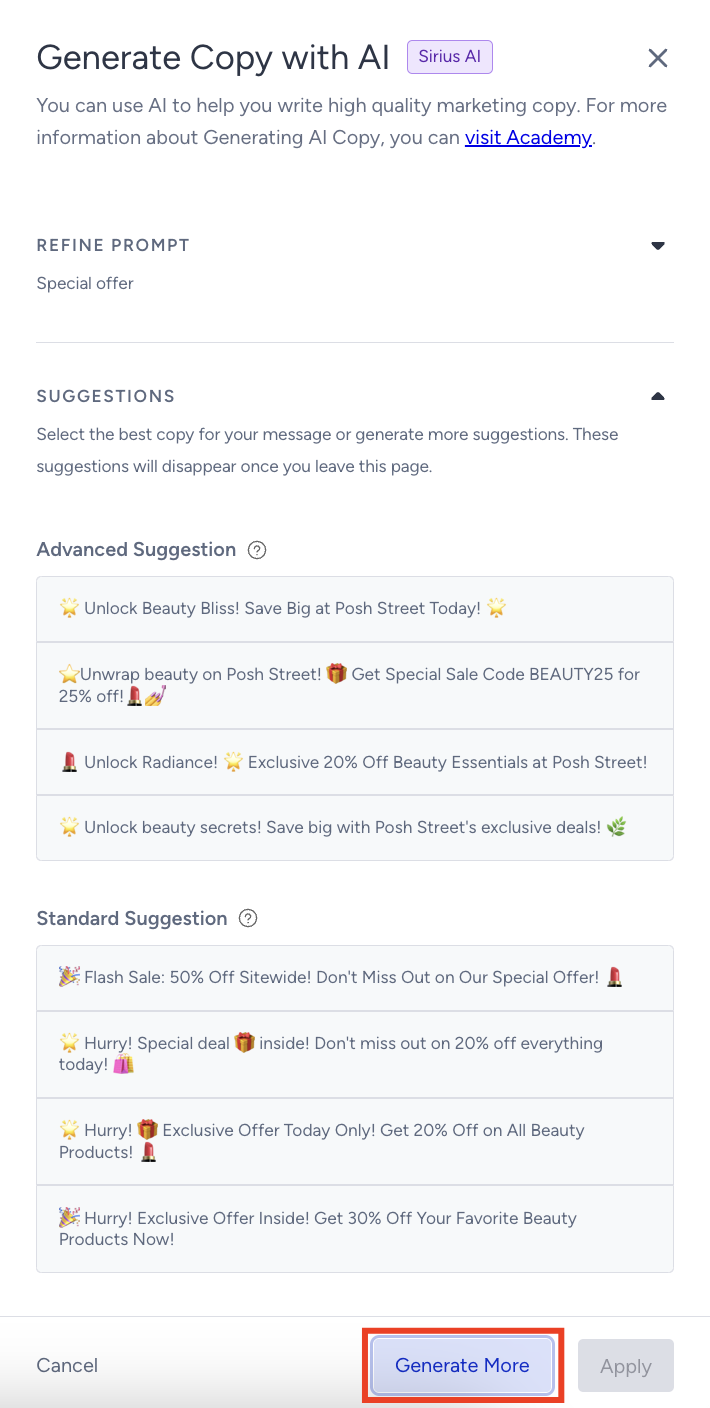
Advanced and standard suggestions are currently only available in the App Push channel in Architect Journeys.
In standard text production, the information you enter is sent anonymously to OpenAI, and the suggestions are generated. In advanced text production, your website is analyzed, and suggestions are generated based on the information entered in the fields. This results in more personalized, brand-voice-appropriate suggestions.
To use any suggestion, you can select it and click the Apply button.
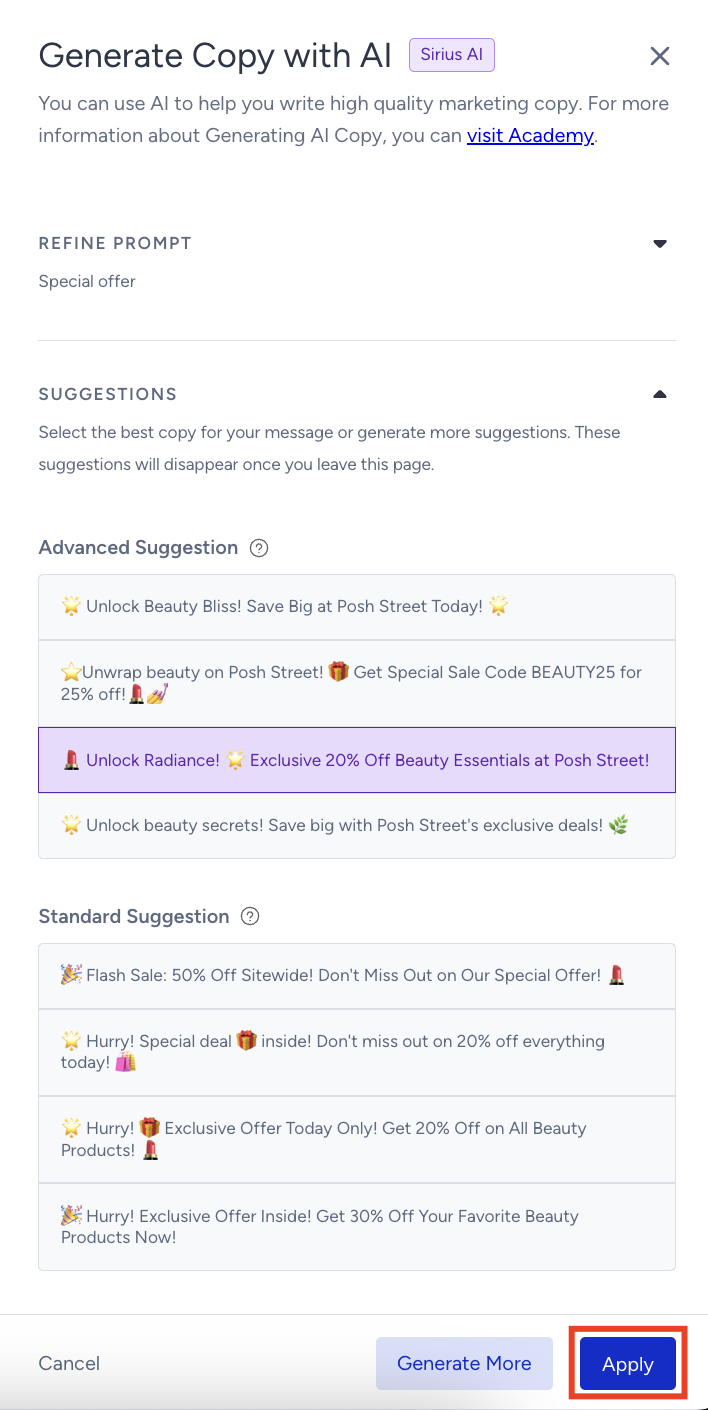
After you click the Apply button, the copy will be added to the respective field.
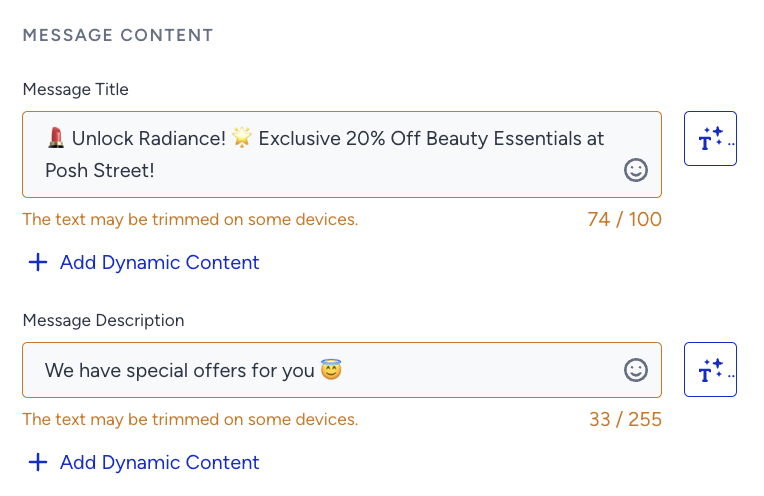
Insider One recommends keeping your content brief, as the title and the description may be trimmed on some devices due to the browser, operating system, screen resolution, input language, etc.