App Frames enables marketers to publish personalized content embedded directly into the app's native layout (inline). Instead of appearing as an overlay or popup, the content becomes a natural part of the application's interface.
While updating embedded content areas in an app typically requires a development cycle and creates a dependency between marketing and engineering teams, App Frames reduces this dependency to a one-time SDK integration. Your development team can define placements in the app once, and after that, you can manage campaigns end-to-end through the panel without requiring engineering support.
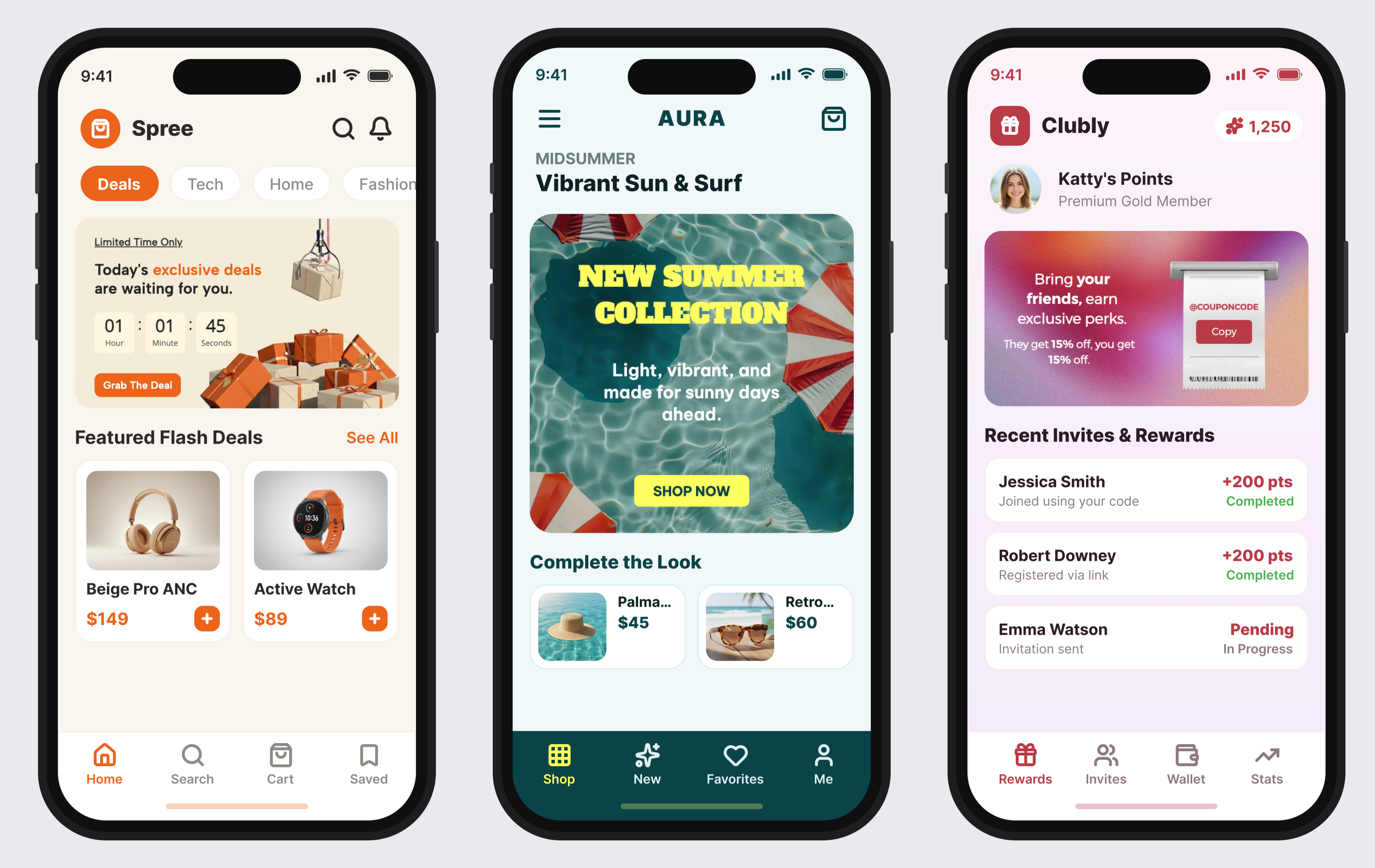
App Frames offers three key advantages:
It does not interrupt the user's experience because it is displayed within the app's layout.
It does not depend on notification permissions and remains visible on the screen as long as the campaign is active.
Unlike traditional placement-based content, updating it does not require creating an engineering ticket.
Keep in mind:
A single placement can have up to 10 active campaigns at the same time.
If multiple campaigns in the same placement have the same priority, the most recently created campaign is displayed.
A campaign can contain up to 8 variants.
A campaign can have up to 6 tags.
App Frames requires the application to be updated to a supported SDK version.
Placement IDs must be defined by the development team during SDK integration.
Requirements
App Frames will not be displayed on devices with SDK versions older than the following versions: