You can follow these instructions to set up your Firebase messaging service.
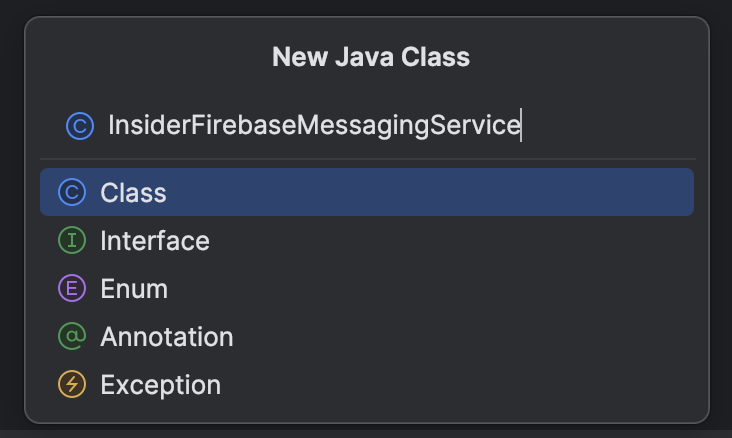
1. Create a new Java Class following New > Java Class.
2. You can name it as InsiderFirebaseMessagingService.

3. Copy and paste the code snippet below for your newly created class.
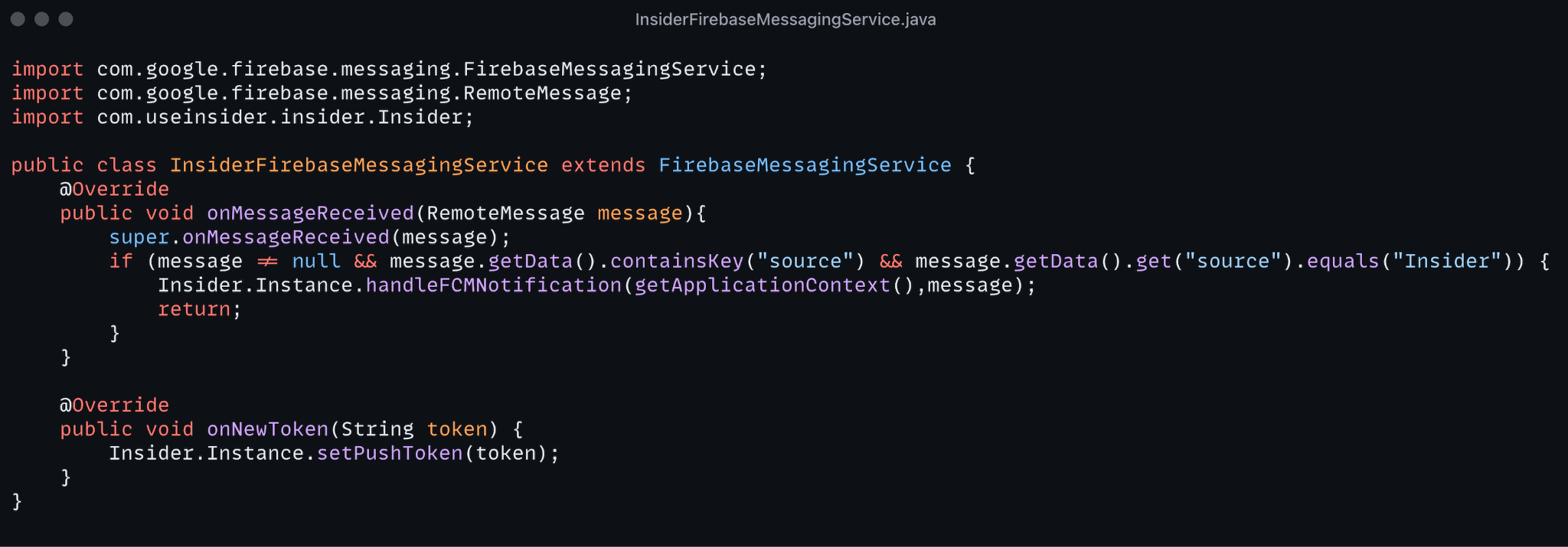
import com.google.firebase.messaging.FirebaseMessagingService;
 import com.google.firebase.messaging.RemoteMessage;
 import com.useinsider.insider.Insider;

 public class InsiderFirebaseMessagingService extends FirebaseMessagingService {

     @Override
     public void onMessageReceived(RemoteMessage remoteMessage) {
         super.onMessageReceived(remoteMessage);
         if (remoteMessage != null
                 && remoteMessage.getData().containsKey("source")
                 && "Insider".equals(remoteMessage.getData().get("source"))) {
             Insider.Instance.handleFCMNotification(getApplicationContext(), remoteMessage);
return;
         }
     }

     @Override
     public void onNewToken(String token) {
         super.onNewToken(token);
Insider.Instance.setPushToken(token);
     }
 }
import com.google.firebase.messaging.FirebaseMessagingService
 import com.google.firebase.messaging.RemoteMessage
 import com.useinsider.insider.Insider

 class InsiderFirebaseMessagingService : FirebaseMessagingService() {

     override fun onMessageReceived(remoteMessage: RemoteMessage) {
         super.onMessageReceived(remoteMessage)
         if (remoteMessage.data["source"] == "Insider") {
             Insider.Instance.handleFCMNotification(applicationContext, remoteMessage)
         }
     }

     override fun onNewToken(token: String) {
         super.onNewToken(token)
Insider.Instance.setPushToken(token)
     }
 }
4. Register InsiderFirebaseMessagingService inside the AndroidManifest.xml manifest:
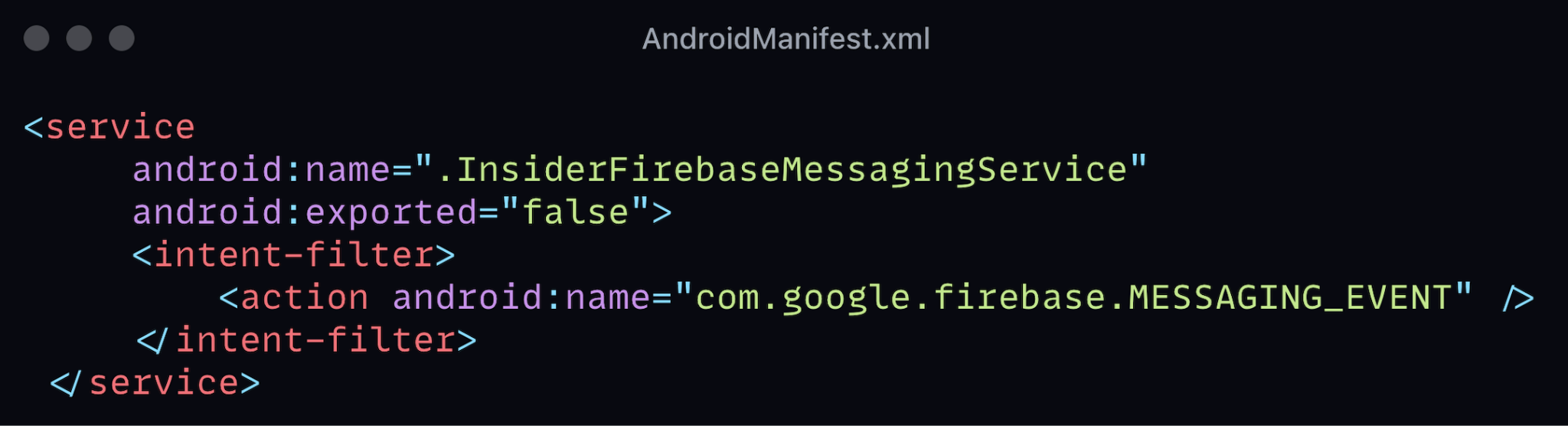
<service
     android:name=".InsiderFirebaseMessagingService"
     android:exported="false">
     <intent-filter>
         <action android:name="com.google.firebase.MESSAGING_EVENT" />
     </intent-filter>
 </service>