You can follow these steps to initialize the SDK.
1. Init Insider SDK in your Application Class (landing class).
Keep in mind that "your_partner_name" is the given name of the app panel on the Insider side. You can gather this info from Insider One team, or you can log in to the InOne panel and navigate it yourself. It is placed at the top right of the panel, next to the username. Use lowercase only.

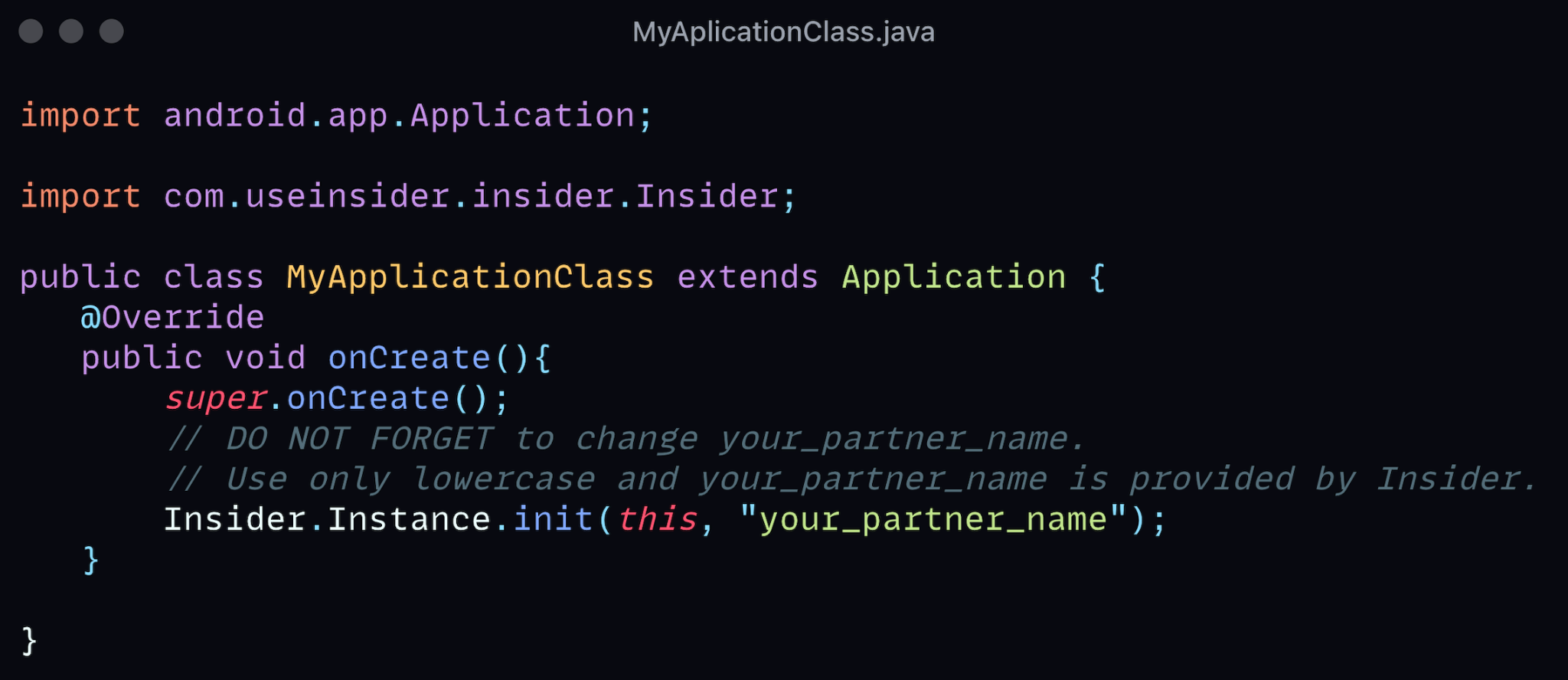
import android.app.Application;

import com.useinsider.insider.Insider;

public class MyApplicationClass extends Application {
   @Override
   public void onCreate(){
       super.onCreate();
       // DO NOT FORGET to change your_partner_name.
       // Use only lowercase and your_partner_name is provided by Insider.
       Insider.Instance.init(this, "your_partner_name");
   }

}
import android.app.Application
import com.useinsider.insider.Insider
class MyApplicationClass : Application() {
override fun onCreate() {
super.onCreate()
// DO NOT FORGET to change your_partner_name.
// Use only lowercase. your_partner_name is provided by Insider.
Insider.Instance.init(this, "your_partner_name")
}
}Make sure that you have initialized Insider SDK in your application class. Please avoid initializing it in the activity class. During your Integration, if you're using your UAT panel, make sure to update "your partner name" value to migrate integration to the live panel.
2. Register your Splash Activity
This step is optional. Call setSplashActivity only if your app has a dedicated Splash Activity that you want the SDK to recognize and skip when surfacing In-App campaigns. If you don't have a splash screen, omit this call entirely; the previous step is enough for initialization.
When you have a Splash Activity, calling setSplashActivity prevents Insider In-App messages from appearing on top of it. Call it immediately after the init.
(3).png)
import android.app.Application;

import com.useinsider.insider.Insider;

public class MyApplicationClass extends Application {
   @Override
   public void onCreate(){
       super.onCreate();
       // DO NOT FORGET to change your_partner_name.
       // Use only lowercase and your_partner_name is provided by Insider.
       Insider.Instance.init(this, "your_partner_name");

       // DO NOT FORGET to change MySplashActivity.class
       Insider.Instance.setSplashActivity(MySplashActivity.class);
   }

}
import android.app.Application
import com.useinsider.insider.Insider
class DemoApplication : Application() {
override fun onCreate() {
super.onCreate()
// DO NOT FORGET to change your_partner_name.
// Use only lowercase and your_partner_name is provided by Insider.
Insider.Instance.init(this, "your_partner_name")
// TODO: Add your splash activity.
// Insider.Instance.setSplashActivity(Splash.activity);
}
}