With A/B Winner Autoselection, you can authorize the AI-backed system to select the winner path and automatically direct all users to that path based on the metrics you choose. This feature removes the need to manually check the A/B split results, track each path's success, and create another journey with the winner path. Instead, you can enable autoselection, let the system determine the best path for a specific duration, and automatically direct users to that path once the calculation is completed.
A winner path enables you to send your messages to the right users at the right time with the right content by the right channel and engage your users. This will help you:
- Improve the performance of your journey,
- Take actions based on A/B test results,
- Increase the effectiveness of the journey by allocating users to the option with better conversions.
How does winner autoselection work?
Once you enable Winner Autoselection on the A/B Split element, the system calculates the best path according to two variables: winner metric and calculation duration. For example, you select Conversions as your winner metric and set your calculation duration to 30 days. You launch your journey and wait 30 days for the announcement of the winner path. The Winner Autoselection determines the best path that brings the most conversions within this duration.
You can set percentages for the allocation of the paths inside the A/B Split element. Based on this path allocation, users will be directed to the paths.
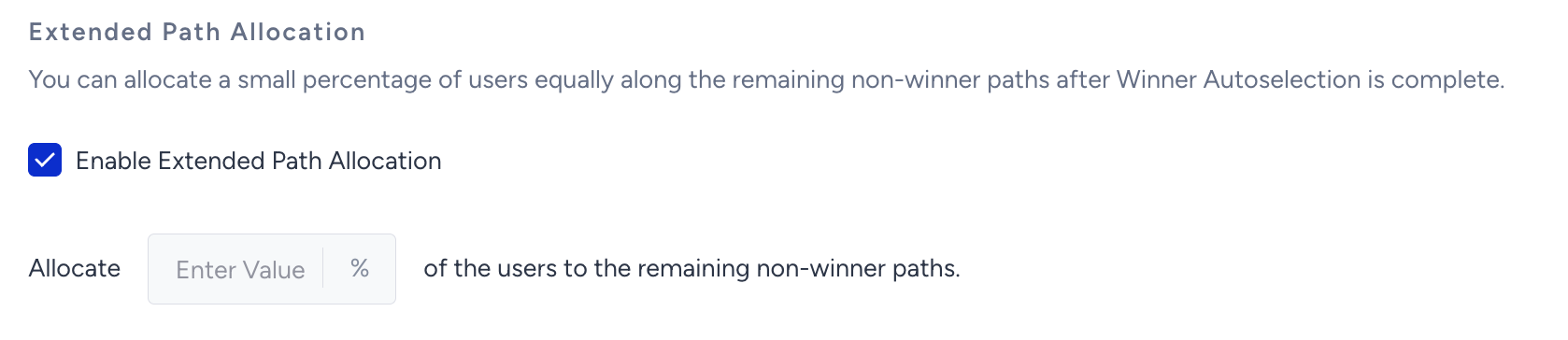
If you check the “Enable Extended Path Allocation” box, you can allocate a small percentage of users equally along the remaining non-winner paths after the Winner Autoselection is complete. If the winner becomes one of the remaining non-winner paths, then the winner will change. Once Architect determines the new winner, a percentage of users you allocated under the “Extended Path Allocation” will continue to follow the remaining paths, and the cycle will continue.

Once you enable the Extended Path Allocation, Architect allocates the users equally based on the percentage you define.
To enable winner autoselection, follow these steps:
1. After adding the A/B split element, check the Enable Winner Autoselection box.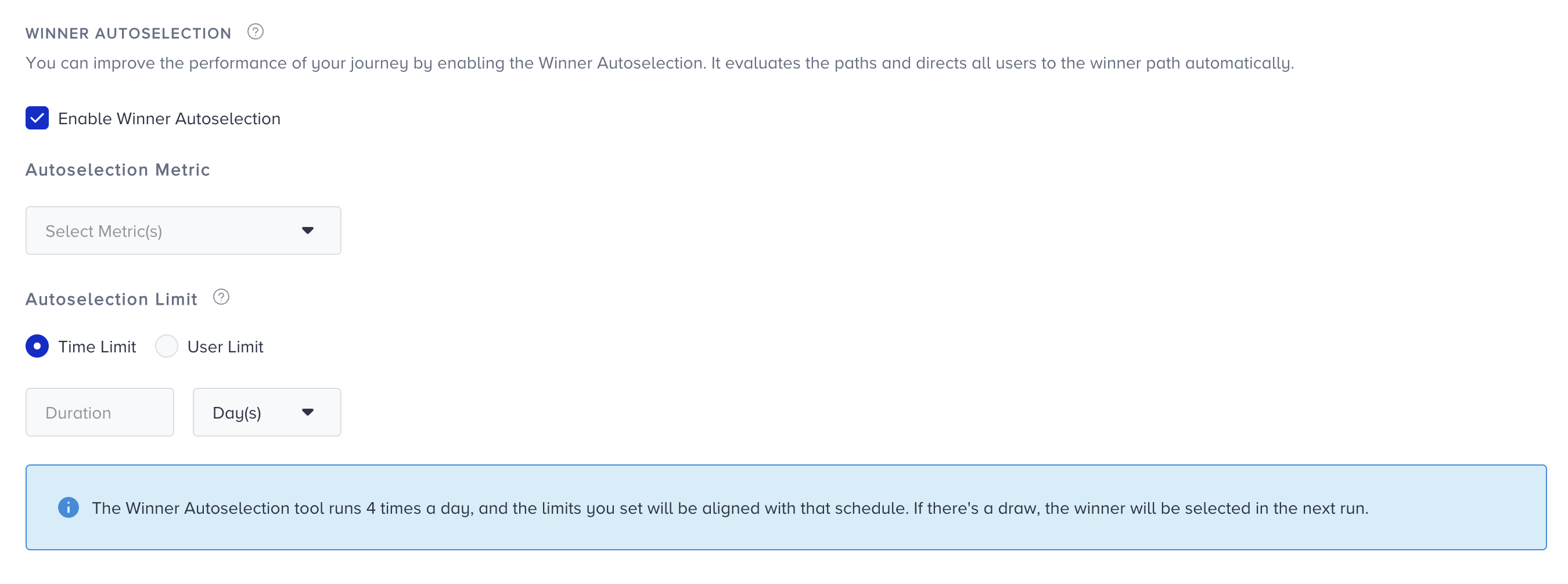 2. Select one of the following metrics for the system to use to determine a winner:
- Total opens & clicks: Total opens and clicks of the channel used in the A/B split path(s).
- Open & click rate: Open and click rate of the channel used in the A/B split path(s).
- Conversions: Conversions of the channel used in the A/B split path(s).
- Conversion rate: Conversion rate of the channel used in the A/B split path(s).
- Revenue: Revenue of the channel used in the A/B split path(s).

3. Select an autoselection limit: Time limit or user limit. The system uses this limit to finish the calculation of the winner.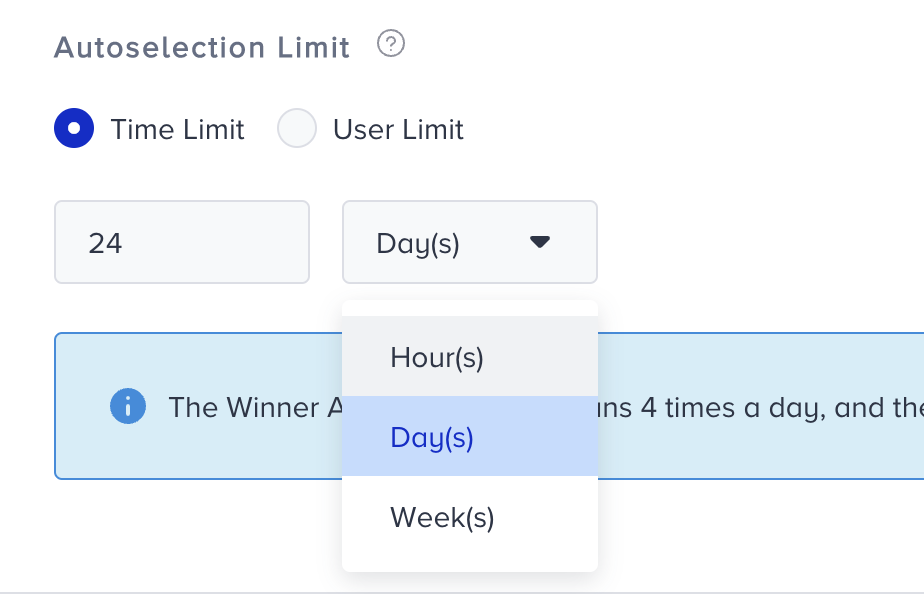
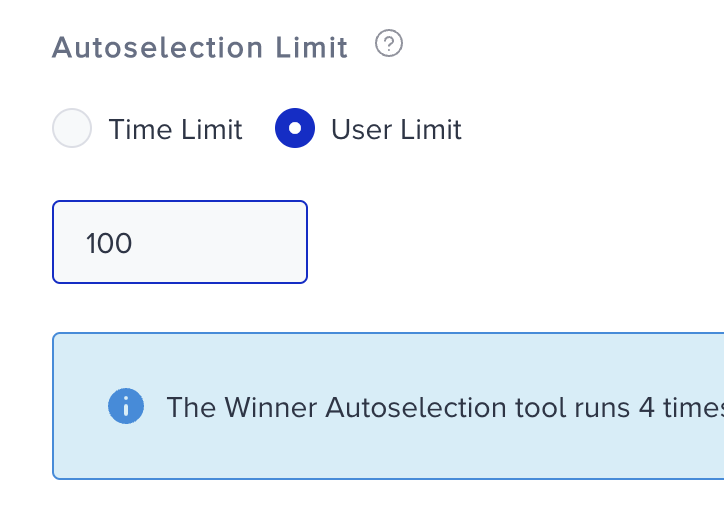
The optimal duration of your autoselection period may differ based on the channel. For example, the duration required for an ordinary user to engage with a web push campaign is usually considerably shorter than that required for an SMS campaign. If you use the time limit of web push for the SMS channel, many users may not enter the experiment, and you may carry out the autoselection process with only a limited number of users, which may lead to a biased outcome.
That's why you should also consider the average duration most users take to interact with the respective channel to obtain more reliable results.
You can also enable the Extended Path Allocation to allocate a small percentage of users equally along the remaining non-winner paths after the Winner Autoselection is complete.
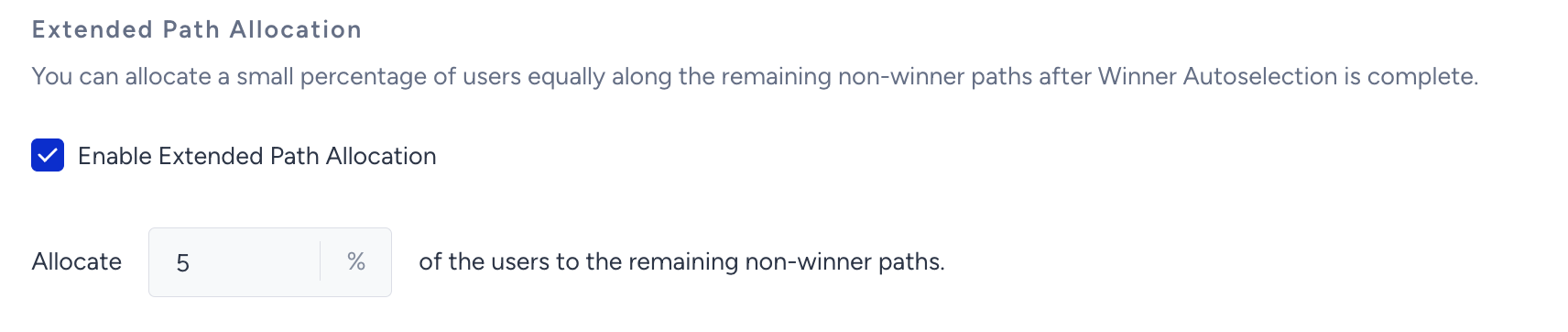
Once you enable the Extended Path Allocation, Architect allocates the users equally based on the percentage you define.
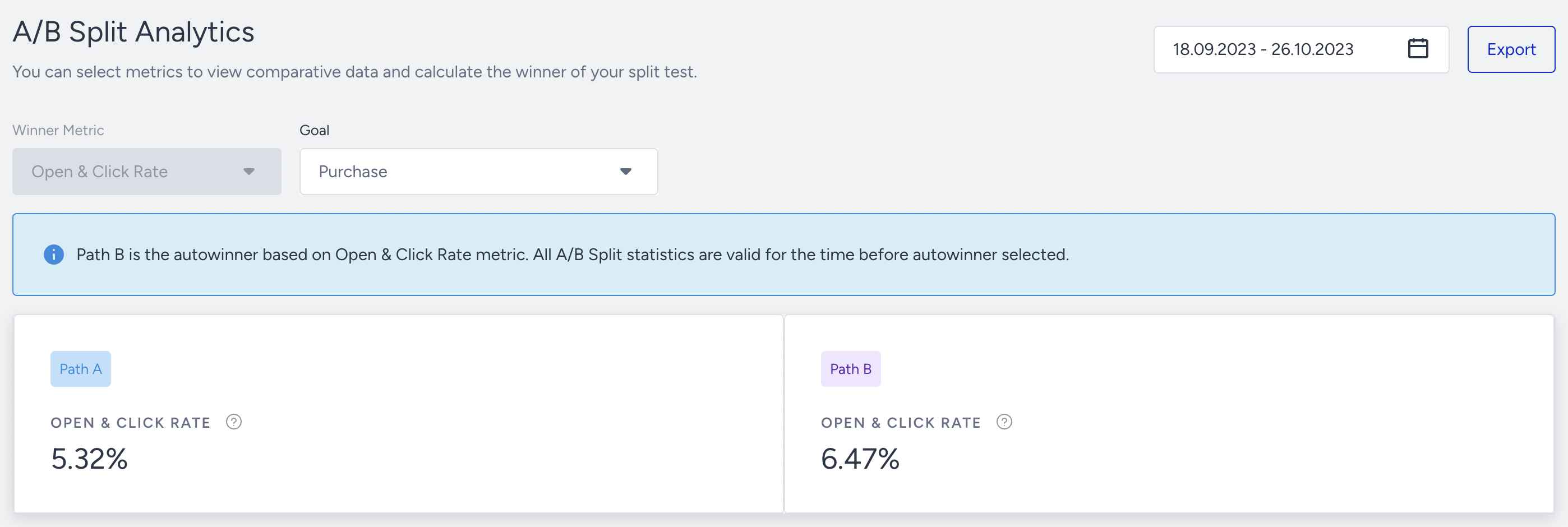
A/B Split Analytics
A/B Split analytics help you see how your options perform on the paths. You can also see the A/B winner autoselection results on the A/B split analytics based on the selected metric.