Silent Hours (similar to a do-not-disturb, or DND, setting) allow you to prevent Web Push notifications from being delivered during specific time intervals, such as late at night or early morning, when messages may be disruptive or subject to legal restrictions.
Why use Silent Hours?
Avoid disturbing users at inconvenient times (e.g., 3:00 am).
Comply with regulations in countries where unsolicited notifications are restricted or penalized during certain hours.
Protect user experience and reduce opt-out risk.
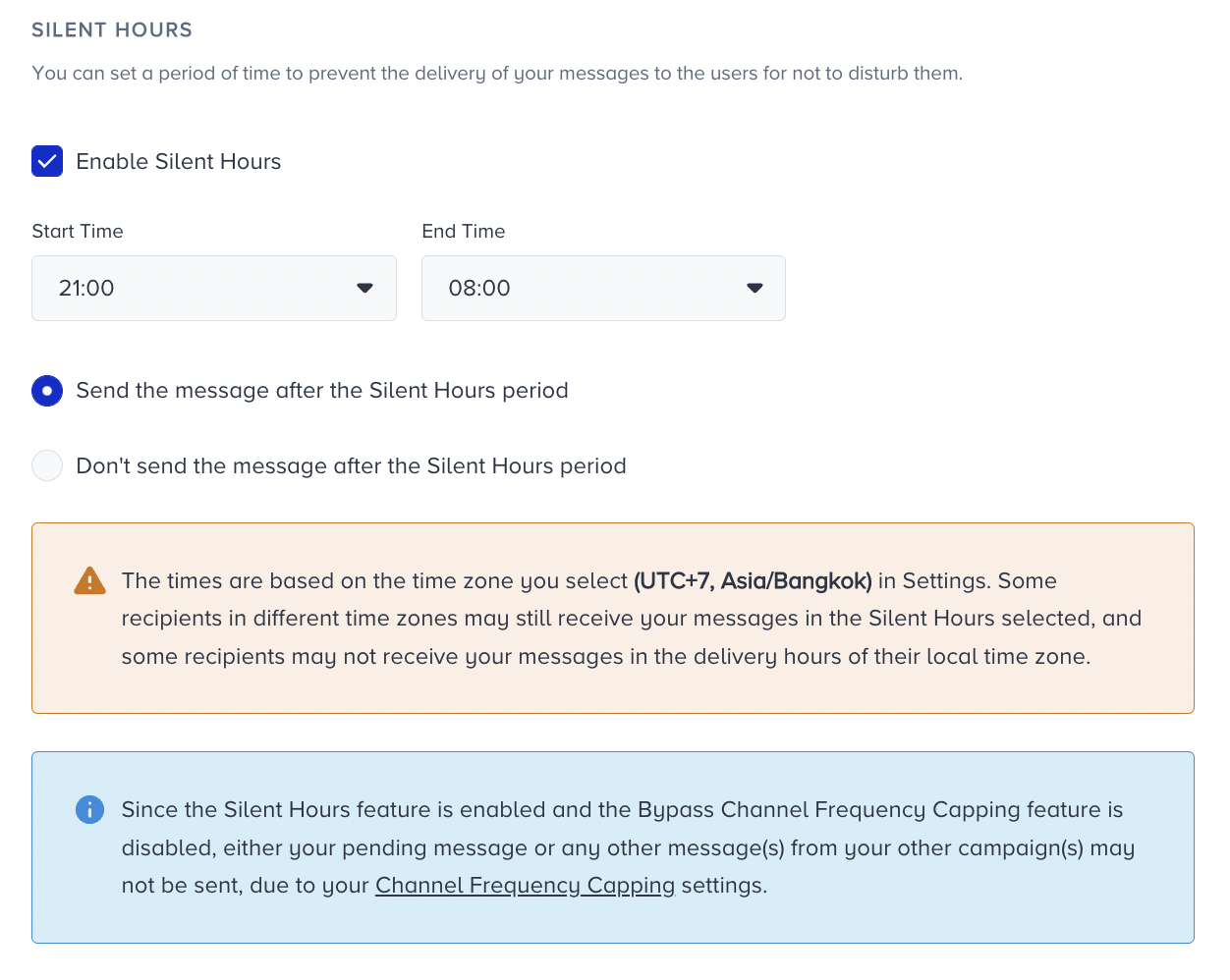
How to set Silent Hours
You can configure Silent Hours in the Launch step of your campaign setup.
Define a restricted time range (e.g., 21:00 – 08:00).
During this time, no Web Push notifications will be delivered.
You can choose whether to:
Delay delivery until after the Silent Hours end, or
Skip delivery for messages that fall within the restricted time range.
The Silent Hour feature is available for Trigger, Cart Reminder, Back in Stock, and Price Drop Pushes.