Tags allow you to organize, filter, and group your Web Push campaigns for easier management and reporting.
Benefits of using tags
Quickly find and filter campaigns on the listing page.
Group campaigns by theme, purpose, or team.
Use tags to filter analytics and export results more efficiently.
How to add tags
You can add tags during the Launch step of your Web Push campaign setup.
You can:
Select from existing tags.
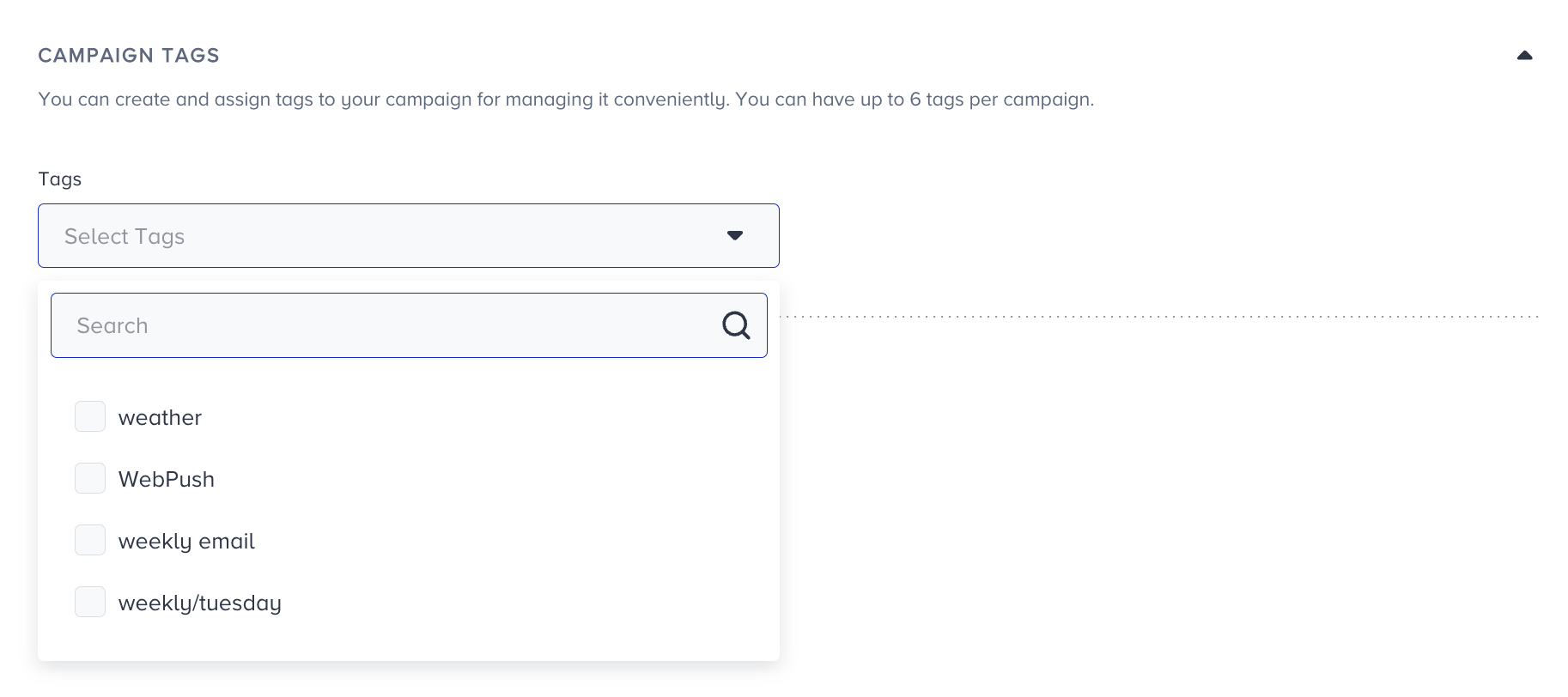
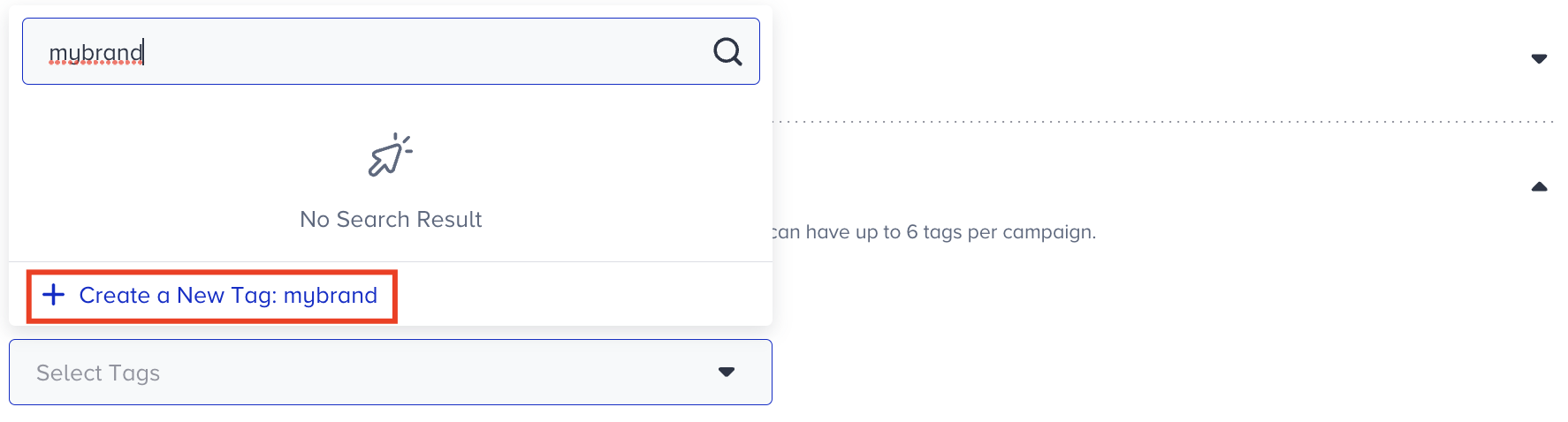
Create new tags and save them for future use.
Tag visibility
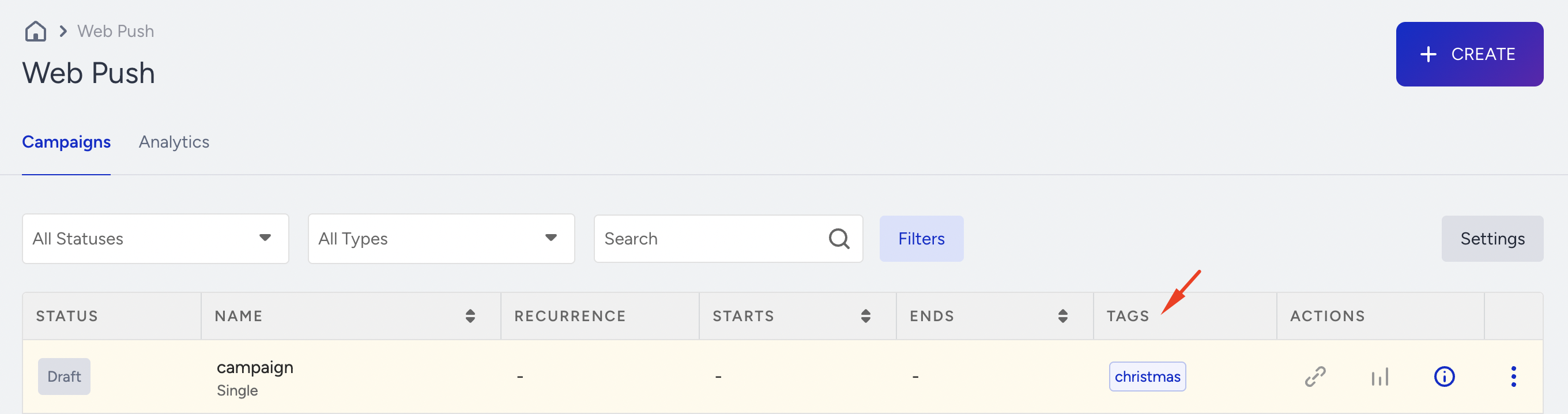
Tags appear in the Tags column on the campaign listing page.
They are also visible in overall analytics.
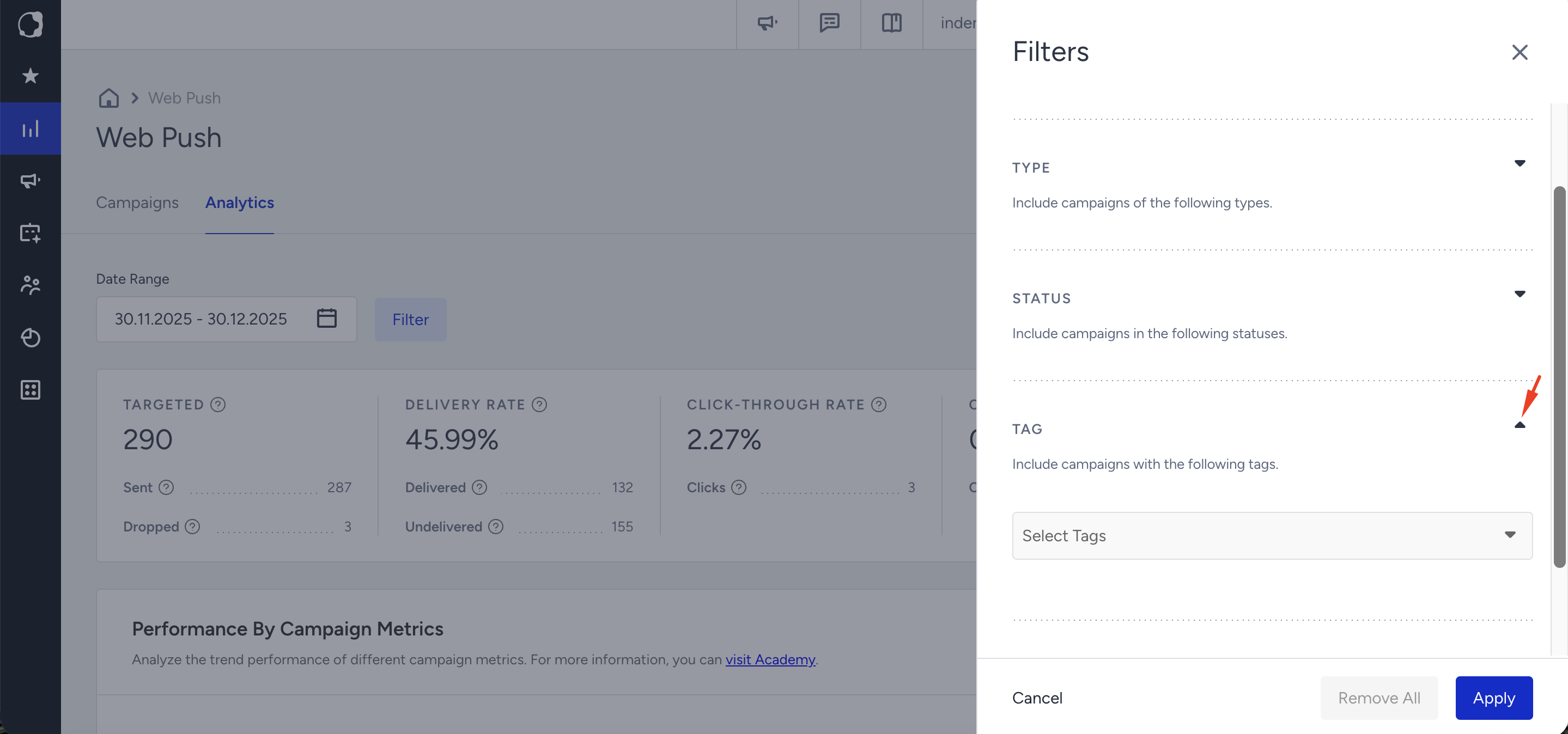
You can search and filter campaigns by tag or use them when exporting reports.