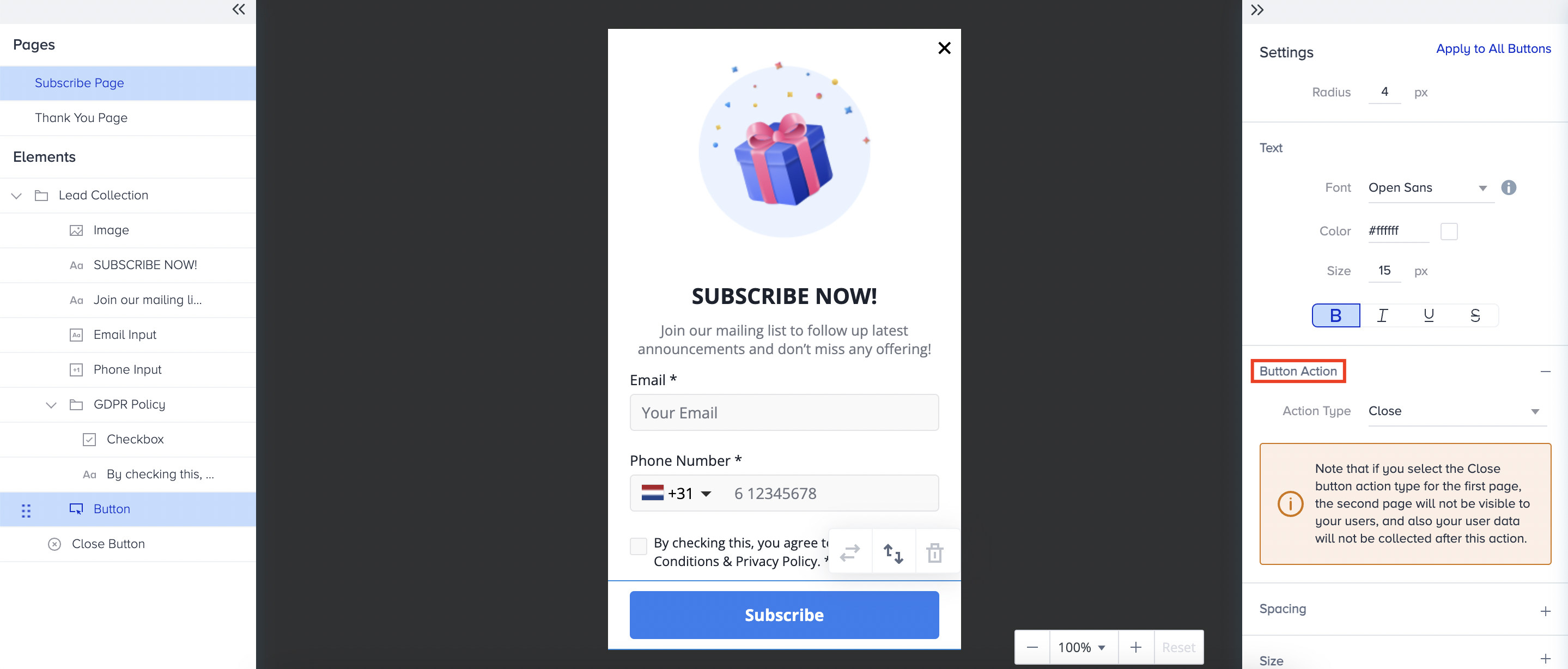
Button elements help you direct users to different actions. For example, you can redirect users who click the first button when they close the form, a common practice in pop-ups. The Button Actions feature for the Cross-platform Lead Collection templates allows you to assign different actions to the button elements.
You can find Button Actions under the Settings menu of all Cross-platform Lead Collection templates, and you can assign five different actions to them:
Submit and Slide
The Submit and Slide action is available only for the button elements on the first page. Users who click the button with the Submit and Slide action will be directed to the second page, and the data they shared on the first page will be saved.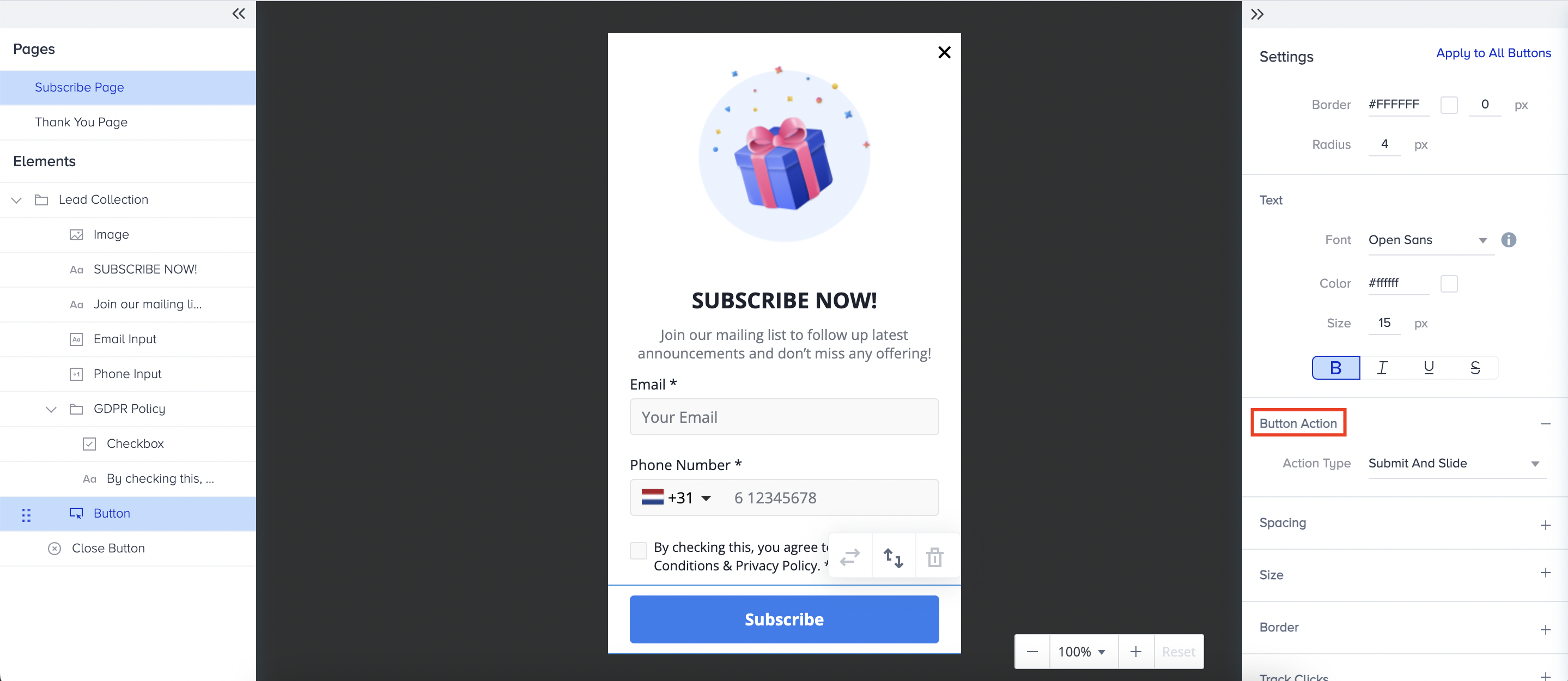
Submit and Close
The Submit and Close action is available only for the button elements on the first page. If you assign the Submit and Close action to a button on the first page, the form will close after users click the button, and they will not be able to view the second page of the form. However, the data users share on the first page will be saved.

Submit and Redirect to URL
The Submit and Redirect to URL action is available only for the button elements on the first page.
If you assign Submit and Redirect to URL to a button on the first page, users will be directed to the Link after they click the button, and they will not be able to see the second page of the form. However, the data users share on the first page will be saved.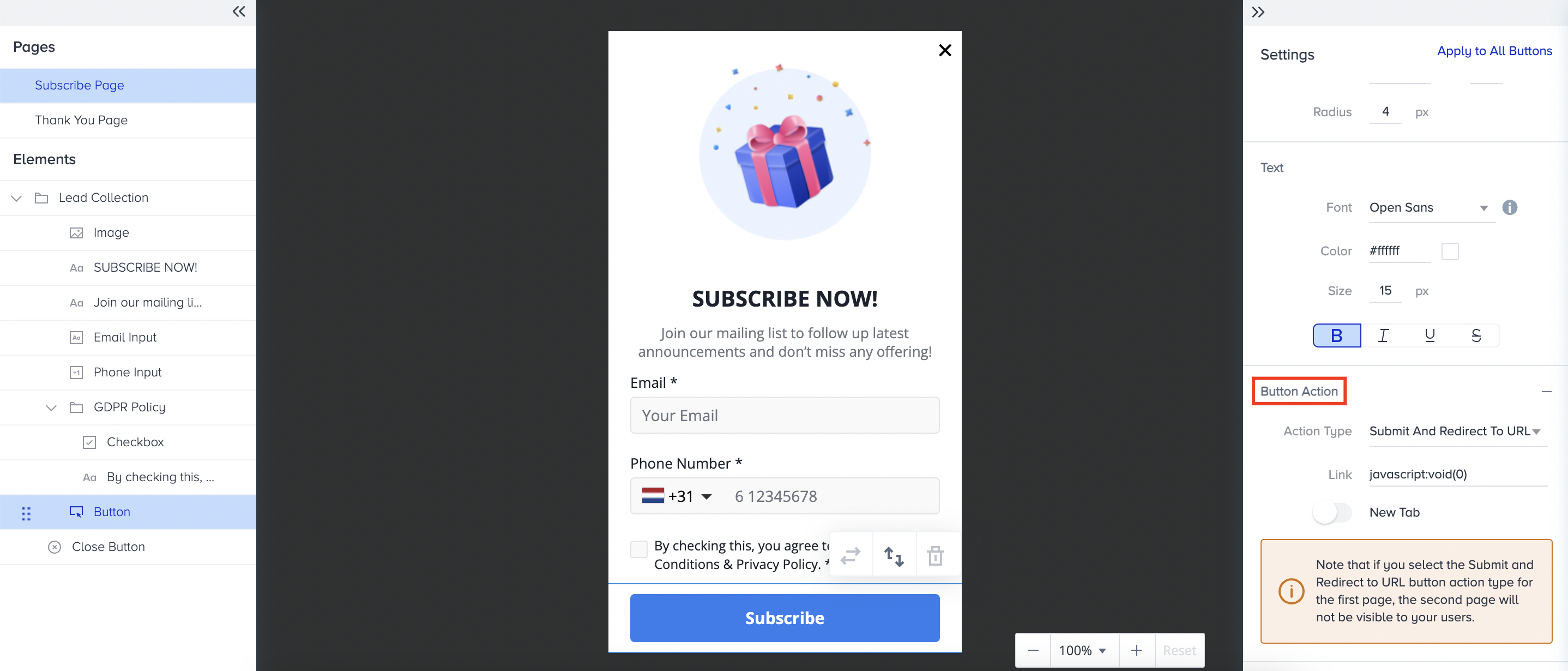
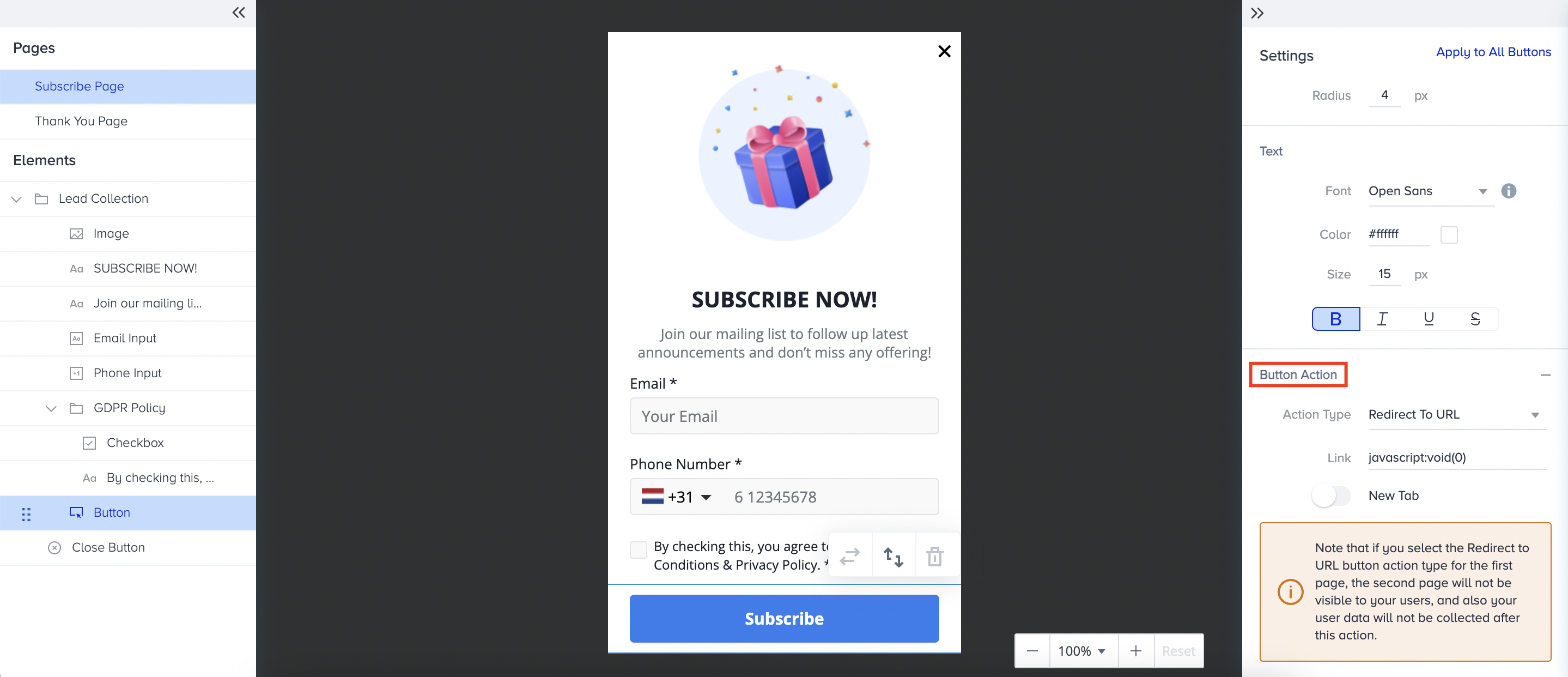
Redirect to URL
The Redirect to URL action is available for the button elements on both pages.
If you assign the Redirect to URL action to a button on the first page, users will be directed to the Link after clicking the button, and they will not be able to view the second page of the form. Additionally, the data that users share on the first page will not be saved.
If you assign the Redirect to URL action to a button on the second page, users will be directed to the Link after clicking the button.
Close
The Close action is available for the button elements on both pages.
If you assign the Close action to a button on the first page, the form will close when users click the button, and they will not be able to view the second page. Additionally, the data that users share on the first page will not be saved.
If you assign the Close action to a button on the second page, the campaign will close when users click it. Data submitted on the first page will be saved.