Tasks let you schedule recurring work, so Insider One AI runs it automatically for you, without you having to open the InOne panel and ask each time.
A task is a recurring job you set up in plain language. You describe what should happen and how often, and the assistant saves it as a scheduled task that runs in the background on its own, for example, a weekly summary of your SMS performance, or a monthly snapshot of your audience growth.
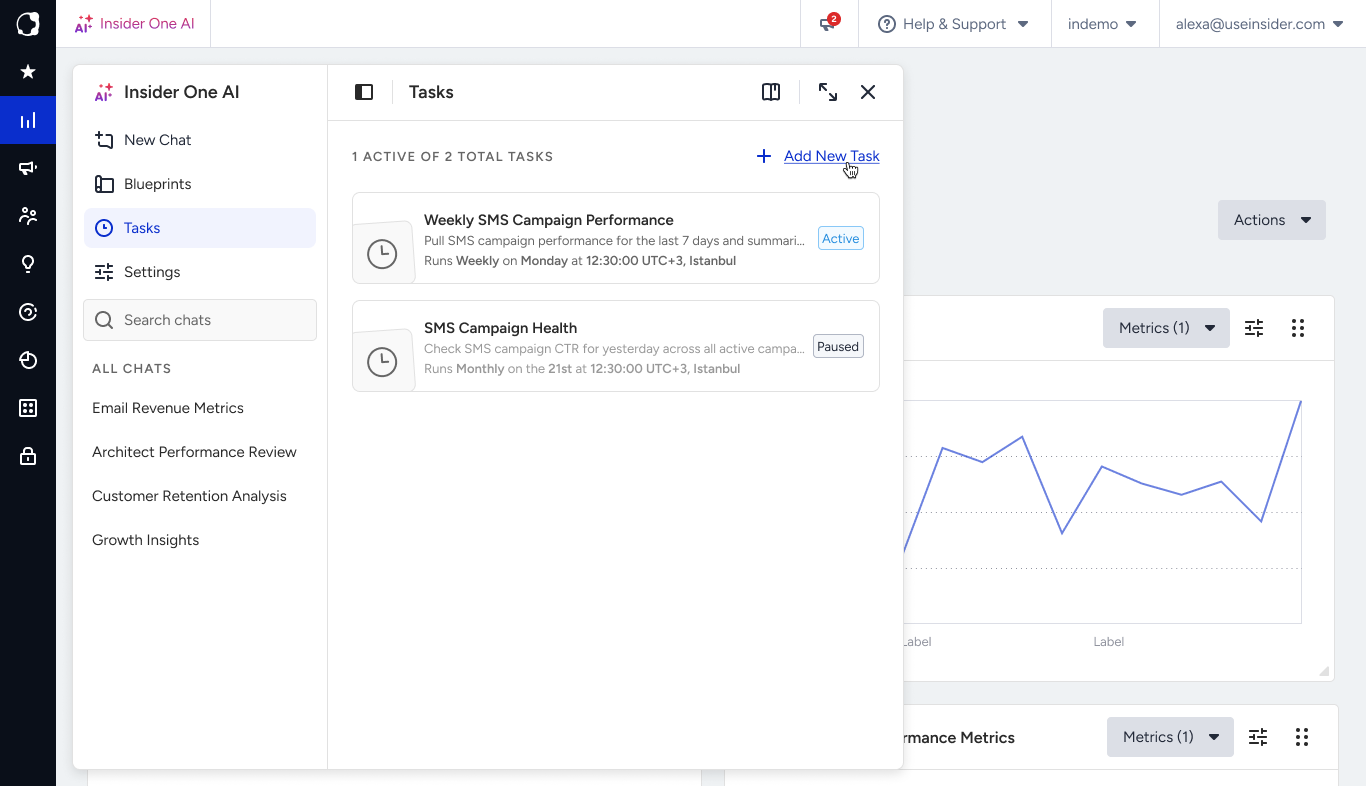
Create a Task
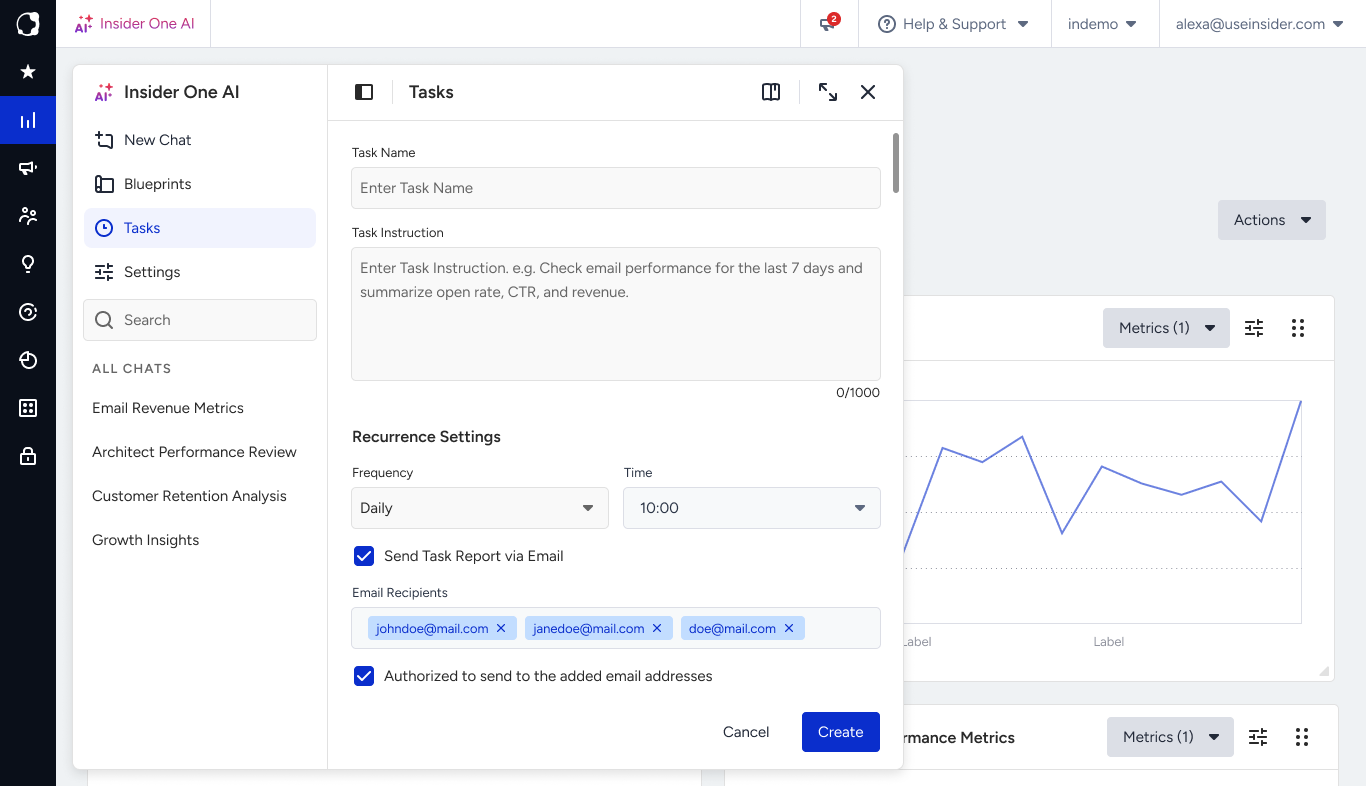
Describe the task in the chat, including the cadence:
"Every Monday, show me last week's email performance."
"Each month on the 1st, report my total reachable audience by channel."
"Every day, check my SMS campaign results and send me a summary."
The assistant collects what the task should do and when it should run, then confirms the new task with a summary card.
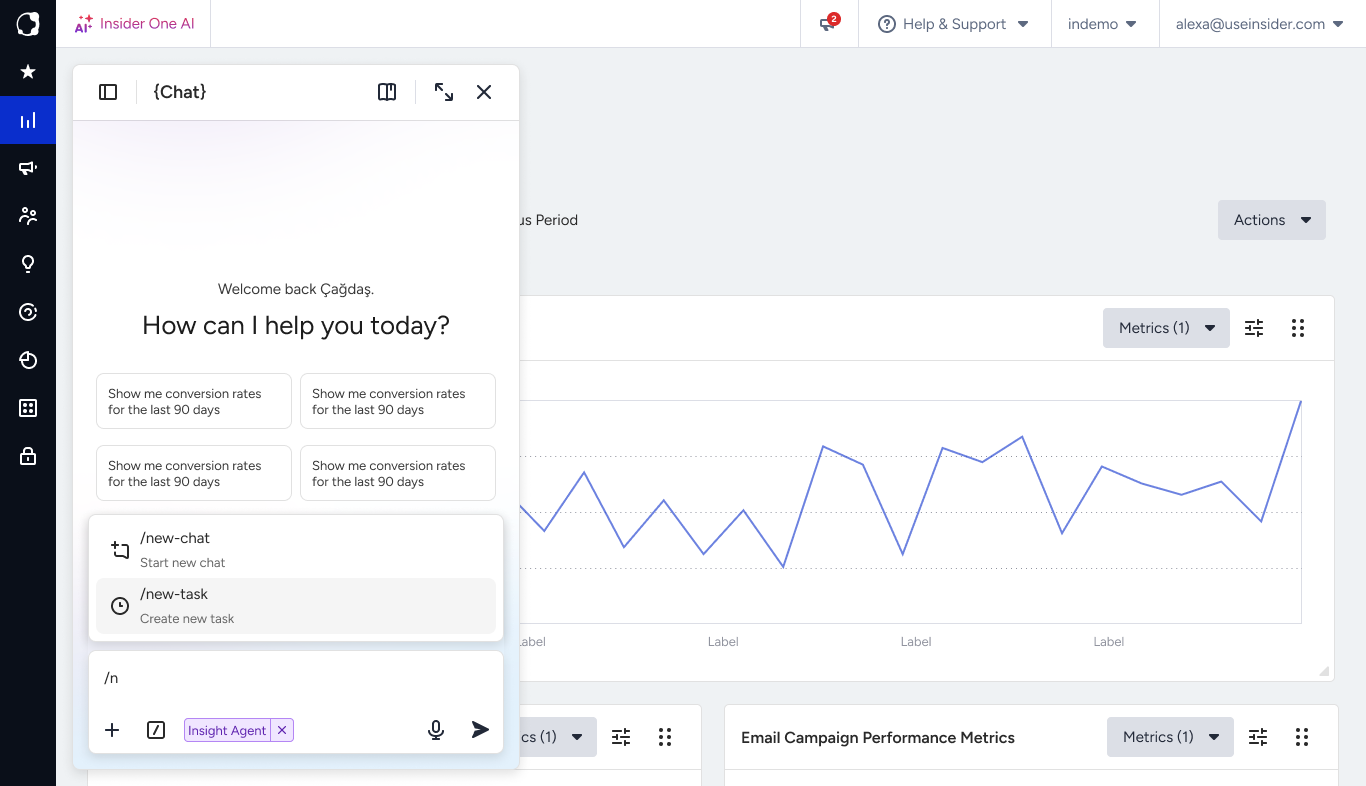
Schedules
Tasks run on a recurring schedule: daily, weekly, or monthly. One-time reminders aren't supported; if you only need something once, just ask the assistant to do it now instead of scheduling a task.
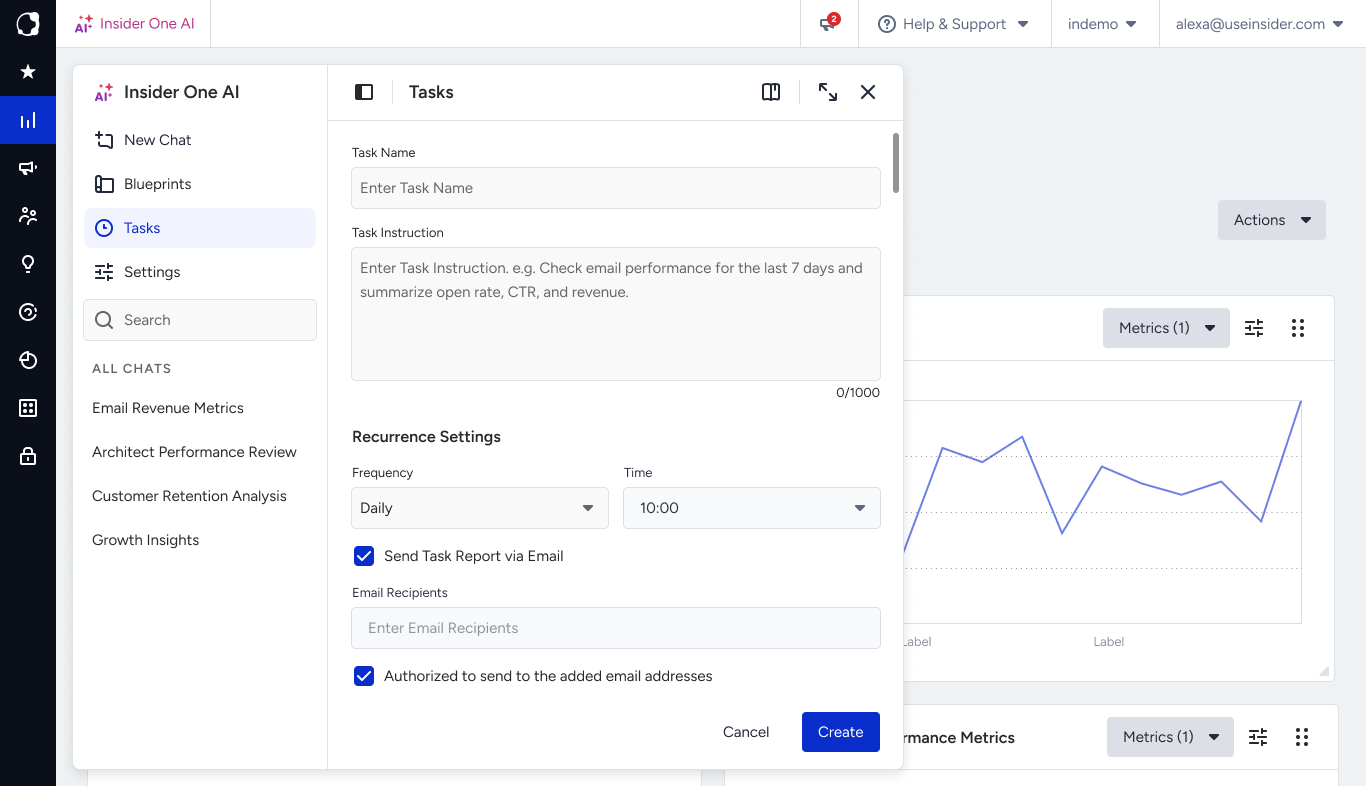
Manage your tasks
You can ask the assistant to:
List your tasks and see what's scheduled.
Pause and run a task now.
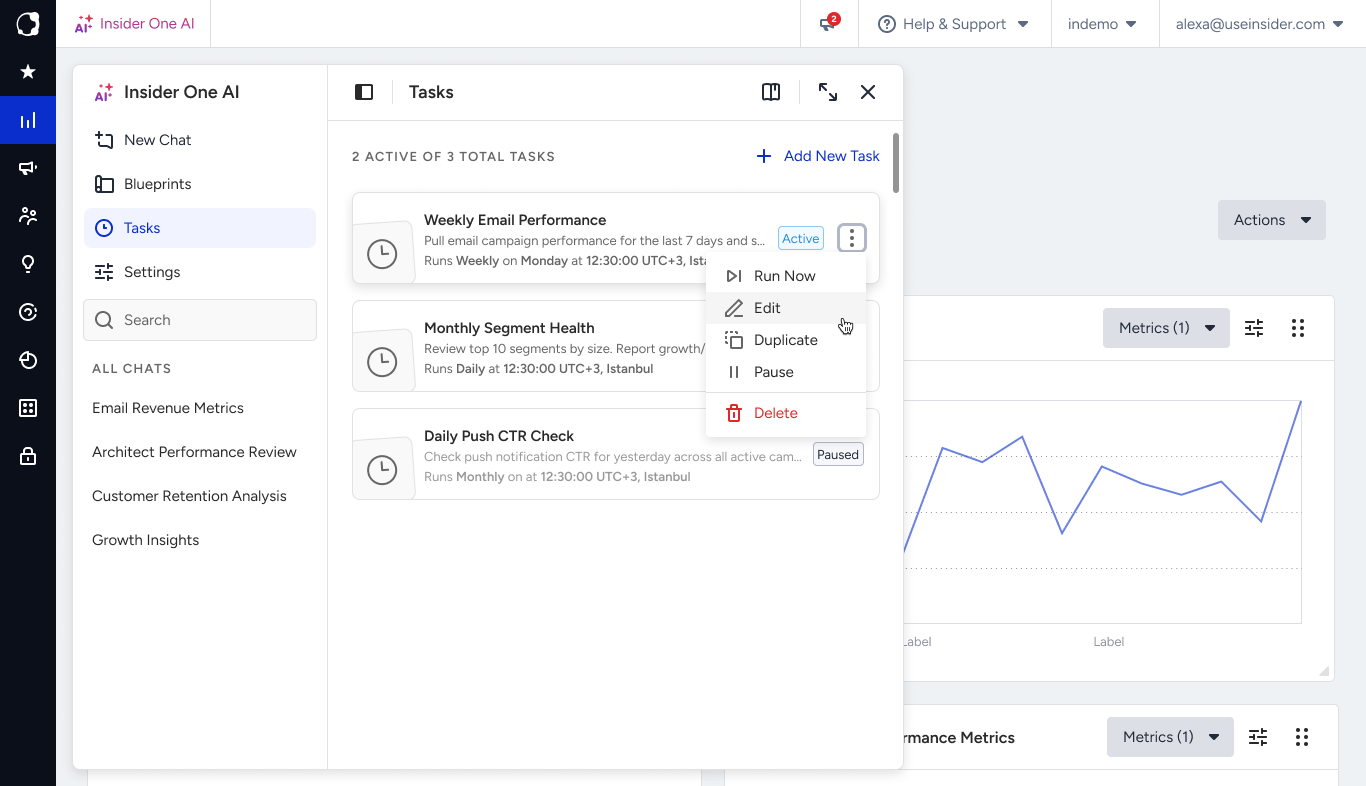
Edit a task's instructions or timing.
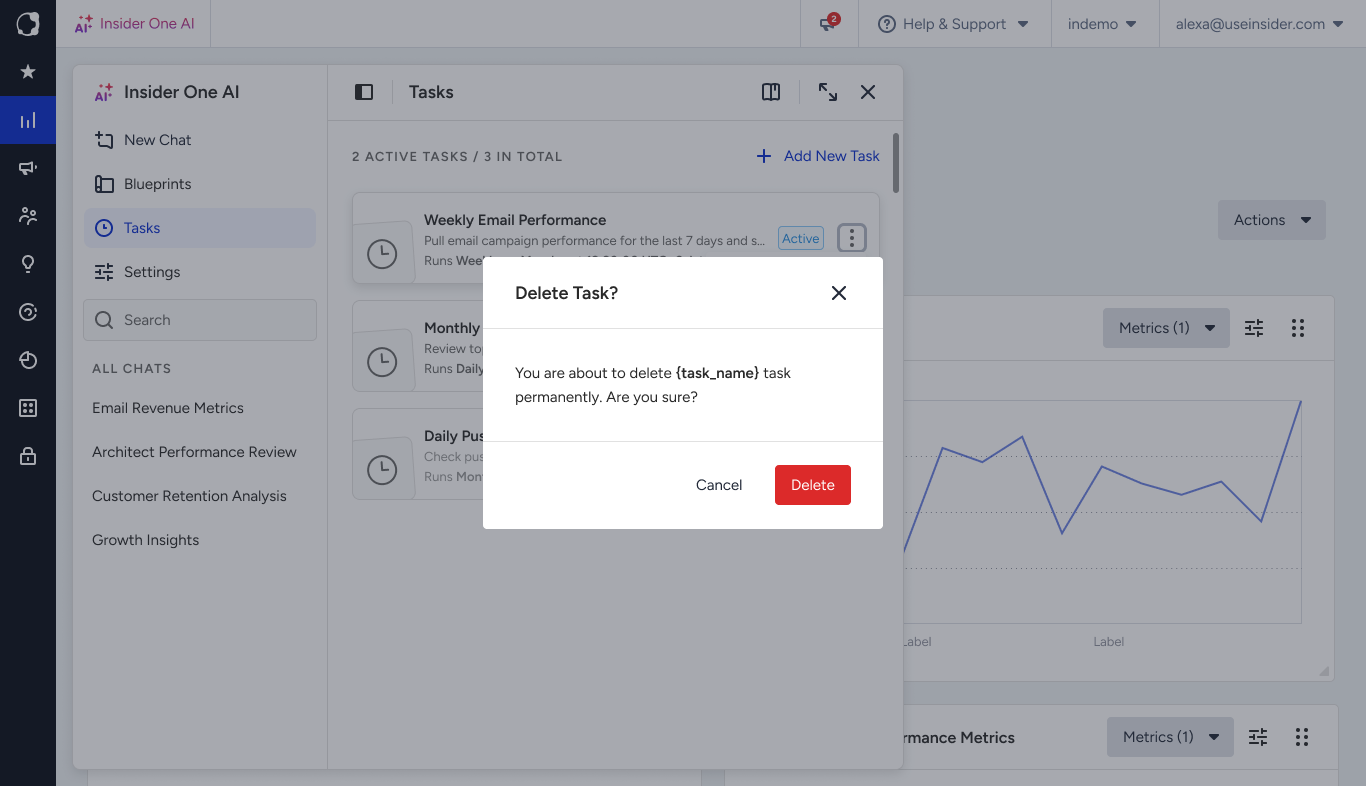
Duplicate, or delete a task.
Notes
Each run uses fresh data. A task describes the job (for example, “report this week's SMS results”), so every run reflects the latest numbers, not a copy of an old result. The output appears in the conversation the task is attached to, the same way a result would if you'd asked the question yourself in chat.
Tasks stay within Insider One's scope: analytics, campaigns, segments and audiences, SMS, and related marketing workflows. The assistant sets up the task; it doesn't run the work on the spot, and the work happens later, each time the schedule fires.