Insider One AI is built for back-and-forth. You can refine an answer with follow-up questions, act on a result without leaving the chat, and come back to previous conversations whenever you need to.
Multi-turn conversations
The assistant remembers the context of your current conversation, so you don't have to repeat yourself. Start broad, then narrow down:
"How did email perform last month?"
"Now break that down by country."
"Just show me the top five."
Follow-up questions
If a response doesn't fully answer your need, ask for clarification or more detail instead of starting over. Short, natural follow-ups work best; the assistant already has the context from your last question.
Conversation history
Your conversations are saved automatically. Reopen a past conversation from your conversation list to pick up where you left off, including the messages and any charts or tables it produced.
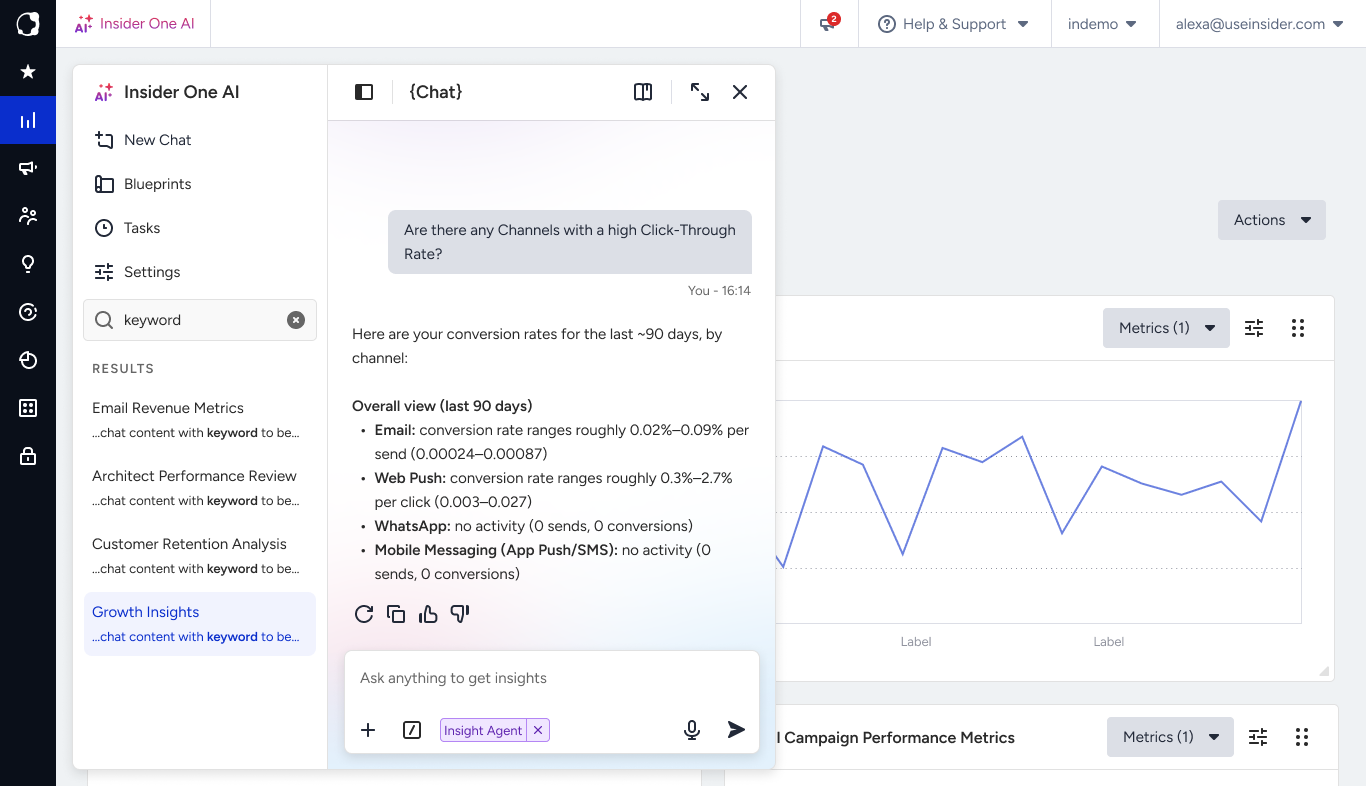
Start a new conversation
When you switch to a different topic, start a new conversation instead of continuing the current thread. This keeps context clean so answers stay focused on what you're working on now. Use the new chat option in the Insider One AI panel to begin one.
Act on a result
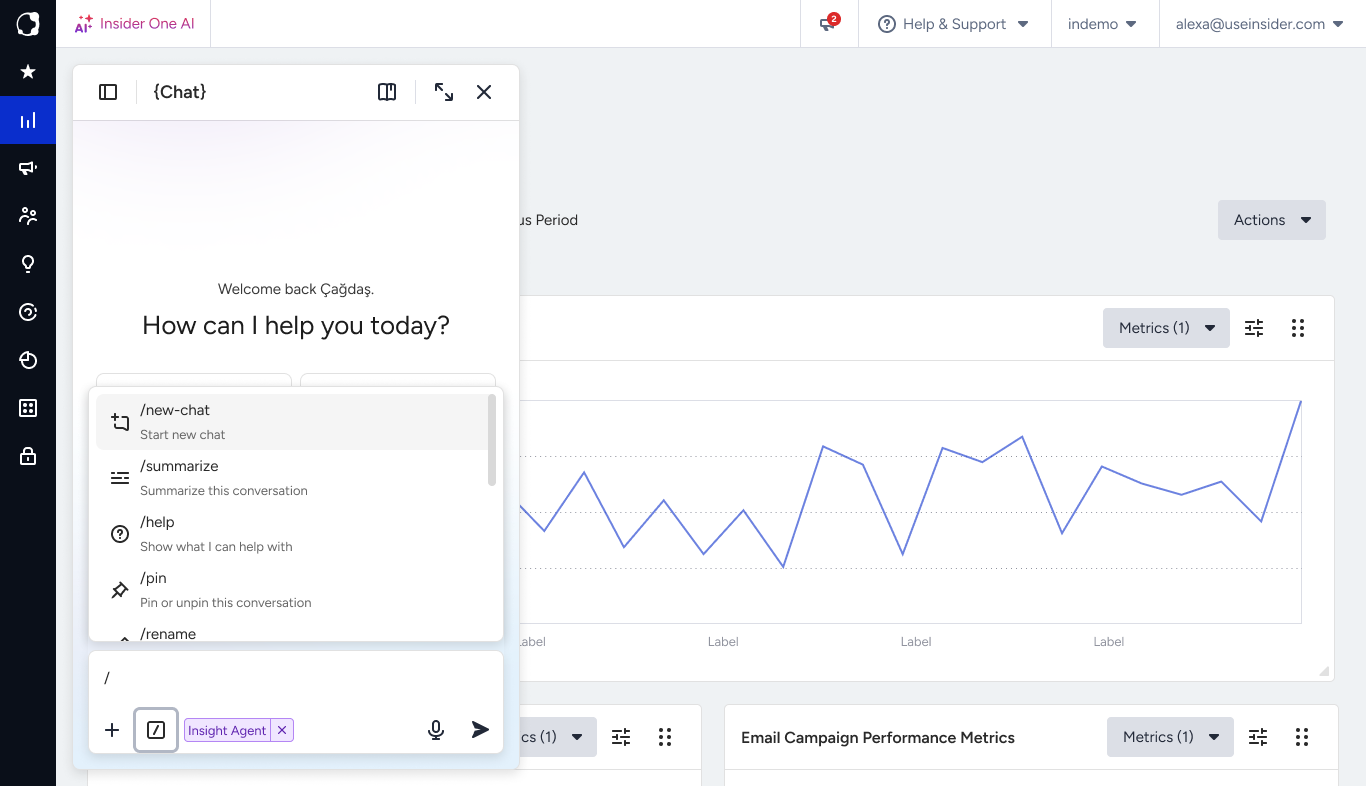
A result you get back, such as a chart, a table, or a draft, isn't a dead end. Depending on what the assistant returned, you can:
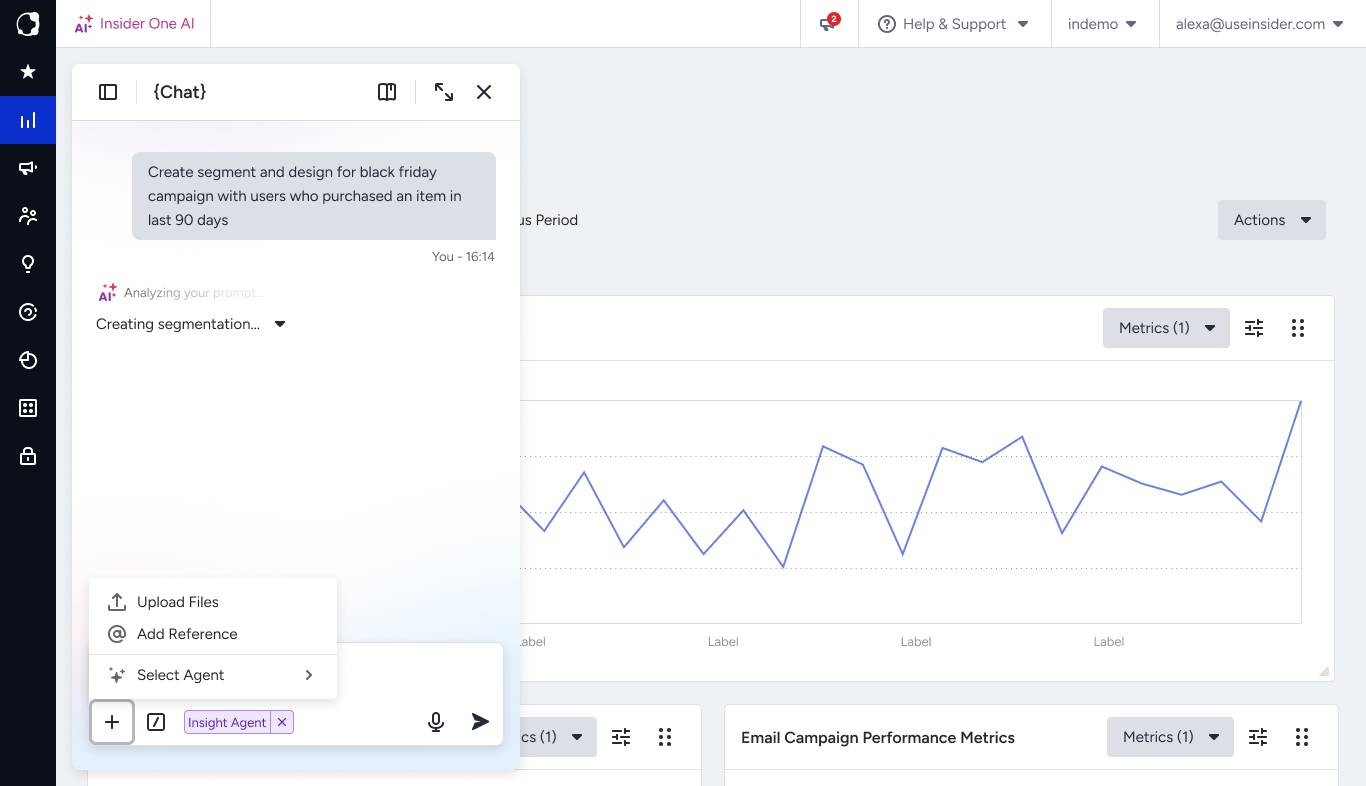
Upload a file to give the assistant additional context, for example, by attaching a file so it can answer questions about its contents.
Use a quick command to take fast actions on the conversation itself, such as pinning it to the top of your list, summarizing it, or renaming it.
Tips for better results
Keep one goal per conversation. Start fresh when the topic changes, rather than pivoting mid-thread.
Be specific. Name the metric, channel, and timeframe you care about; “SMS revenue in May” gets a sharper answer than “SMS performance.”
Refine step by step. Use follow-ups rather than packing every detail into one long question.