
After following the campaign creation steps, you can add a new variant to set your Category Optimizer in the Design step. You can easily drag and drop your category elements to manually change their order.
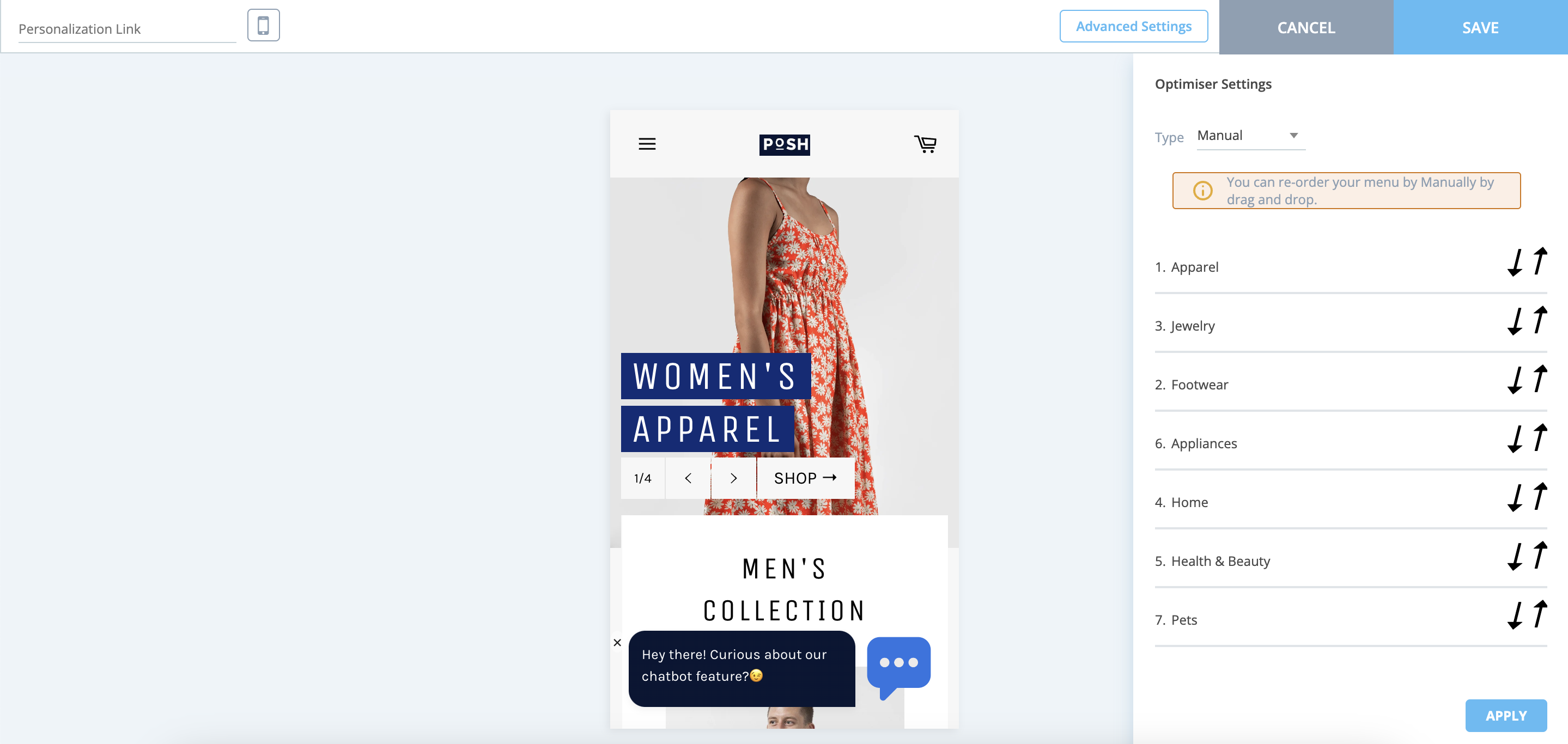
In manual order, you can see your website's available category/menu listings in the design step of your campaign. These categories are retrieved from the respective system rule(s).