The Z-index settings allow you to specify the stacking order of elements along the Z-axis (depth axis) of the web page. The Z-index is particularly useful for controlling the visibility and layering of elements, ensuring that certain elements appear above or below others as desired.
How does the Z-index help?
You can launch multiple campaigns on the same page, which can lead to conflicts among the campaigns and require customizing the Z-Index for each campaign.
Elements with a higher Z-index value will appear in front of elements with lower Z-index values. If two elements have the same Z-index, the one that appears later in the HTML document will be positioned at the top.
Z-index controls which campaign appears on top when campaigns overlap. It doesn’t move a campaign. If your campaign appears in the wrong place or overlaps your website’s own elements, such as a chat widget, check its positioning instead. See Use Responsive Positioning.
How does the Z-index work?
You can find the Z-Index settings within the Position Menu of the Preview tab. You can assign a numerical value ranging from 0 to infinity, thereby determining the stacking sequence of campaigns. 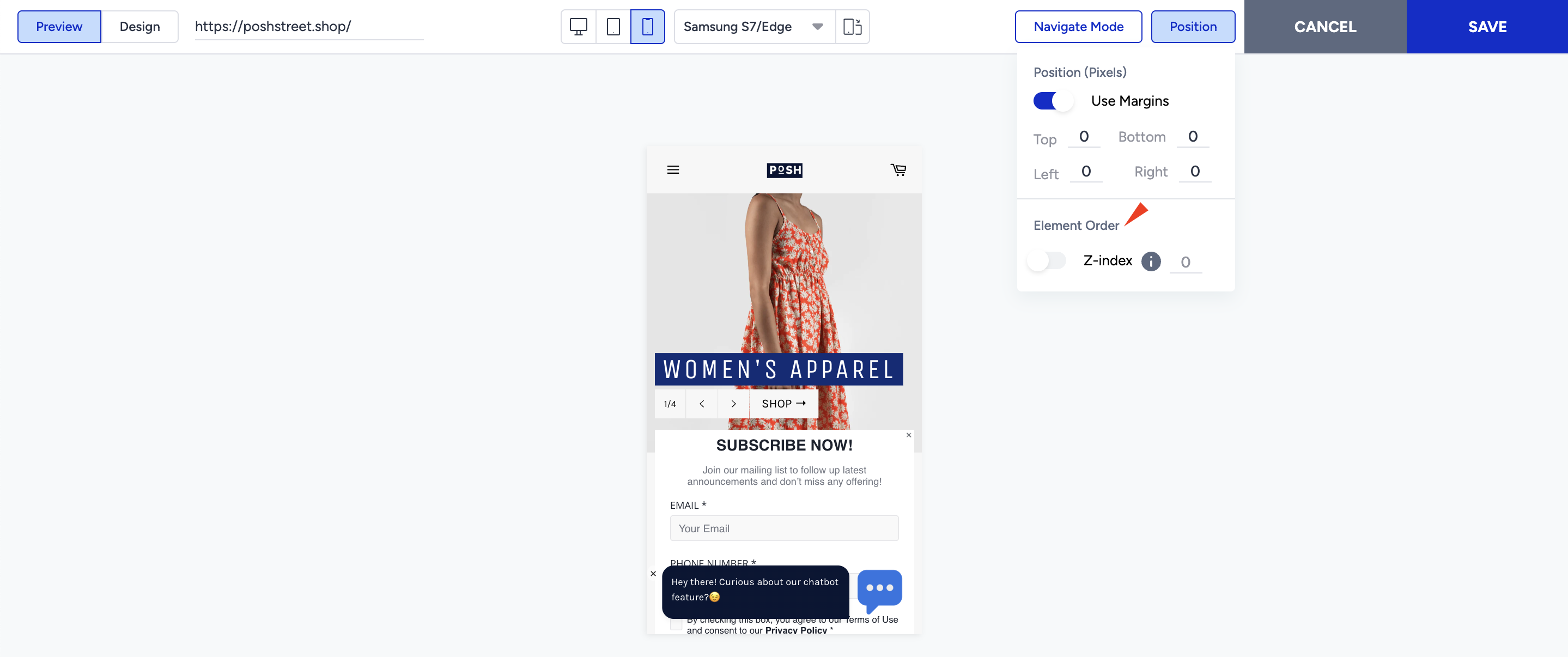
On-page templates have the maximum Z-index value, and inline templates are set to “0” by default. To set a custom Z-index value, you can enable the toggle and change it.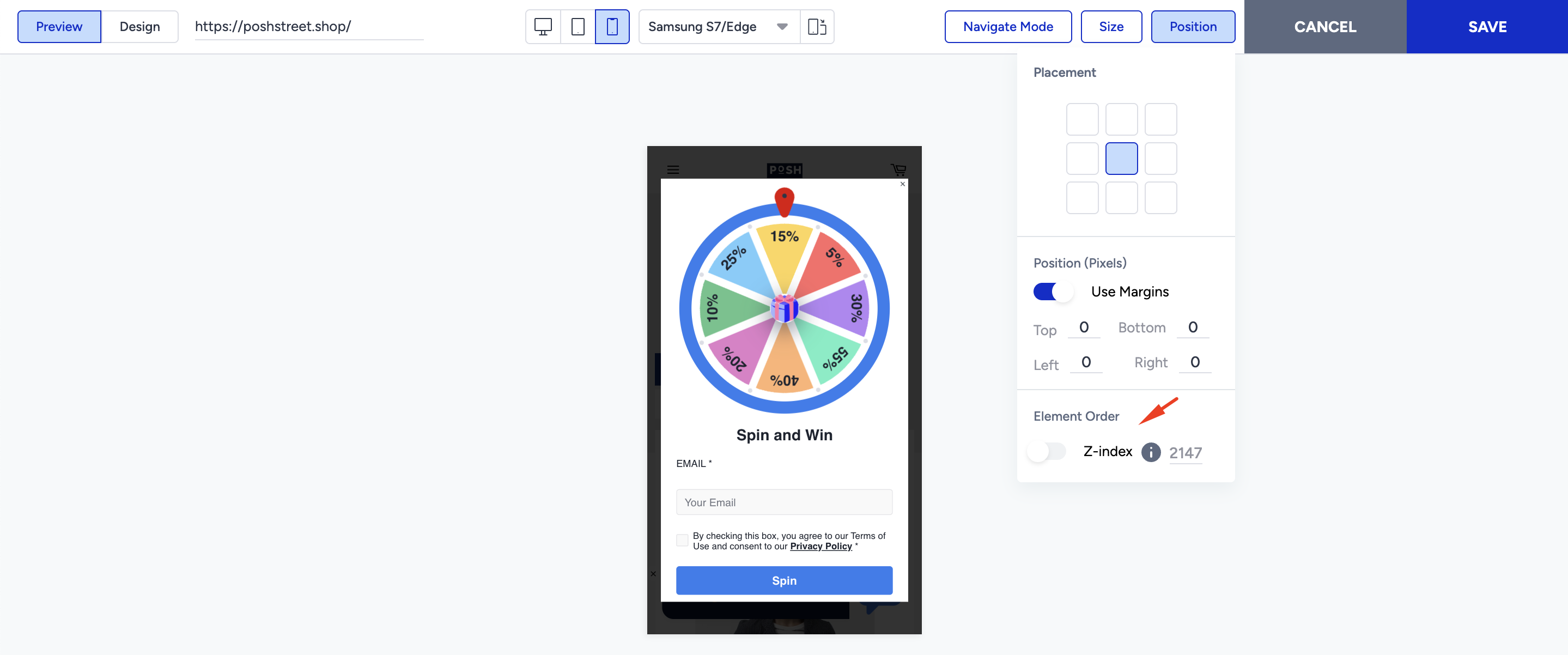
Once you disable the toggle, the Z-index value is reset, and the campaign hierarchy is adjusted according to the template's default value.
The Z-index settings are available for Web Templates and InStory products.