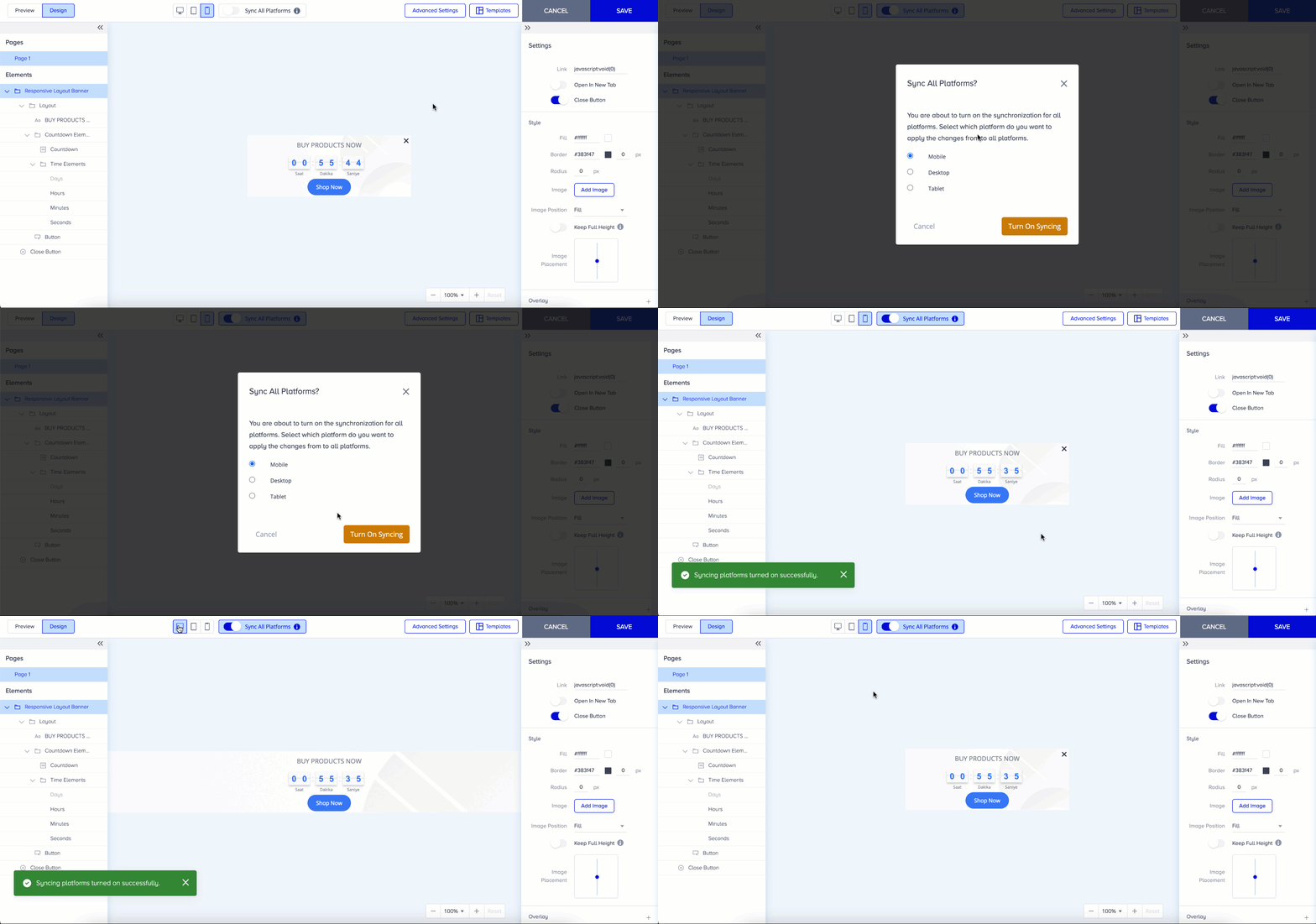
When the Sync All Platforms toggle is enabled, your changes will be instantly applied to Mobile, Tablet, and Desktop platforms for your cross-platform templates. Therefore, you can select the platform to synchronize all platforms. Switching between platform icons, located right next to the Sync All Platforms toggle, allows you to see how your template appears on each platform.
As a rule, only the layout selections won’t apply to all platforms, even when sync is on.
You can switch the sync toggle off if you want to make separate changes on different platforms.