The Campaign Approval Mechanism introduces a structured approval workflow within Web Suite, Smart Recommender, Eureka, Architect, WhatsApp, and SMS, designed for accounts that require strong brand governance, compliance, and accountability across distributed marketing teams.
This feature allows Collaborators to submit campaigns for review by Admins or Editors, ensuring that every campaign aligns with organizational standards before activation. It effectively centralizes the approval process within the platform, eliminating the need for external tools, reducing fragmentation, improving traceability, and minimizing compliance risks.
Roles and permissions
Collaborators: Can create campaigns and submit them for approval.
Admins & Editors: Serve as approvers who can approve, reject (with notes), or edit campaigns.
No new user roles are introduced; approval logic builds on existing permissions.
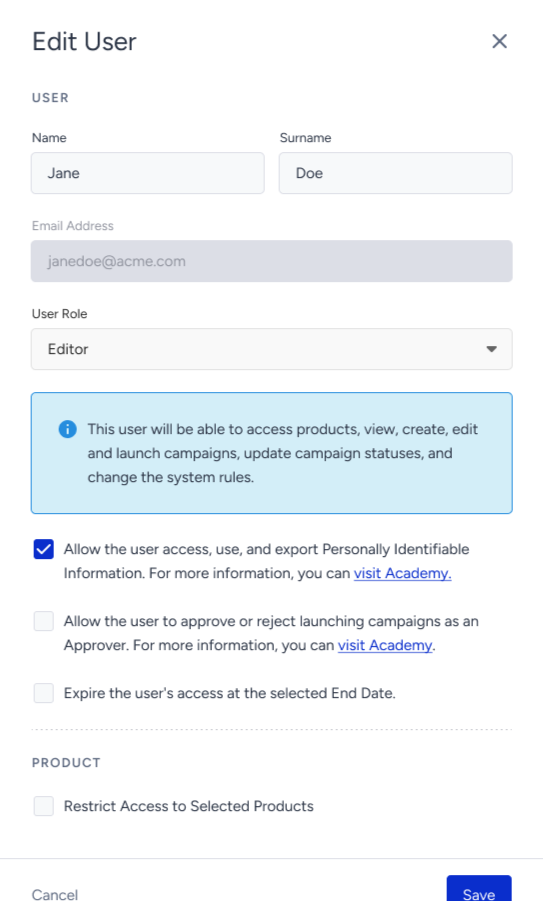
Approval permissions are managed at the user level, similar to PII access controls.
For Admin users: Approval rights are enabled by default and cannot be revoked.
For Editor users: Approval rights are disabled by default, but Admins can grant them via User Management settings.
Campaign Approval Flow
These steps below apply only to Active campaign launches. Test or Passive campaigns are excluded from the approval flow.
A Collaborator user creates a new campaign and configures the campaign settings. In the Launch step, the Collaborator sets the campaign status to Active to enable the Submit for Approval option.
All campaigns must be scheduled in advance to allow adequate time for review. Immediate launches are not permitted.
In the Submit for Approval modal, you select approvers (Admin or Editor users) from a dropdown menu and may add notes if needed.
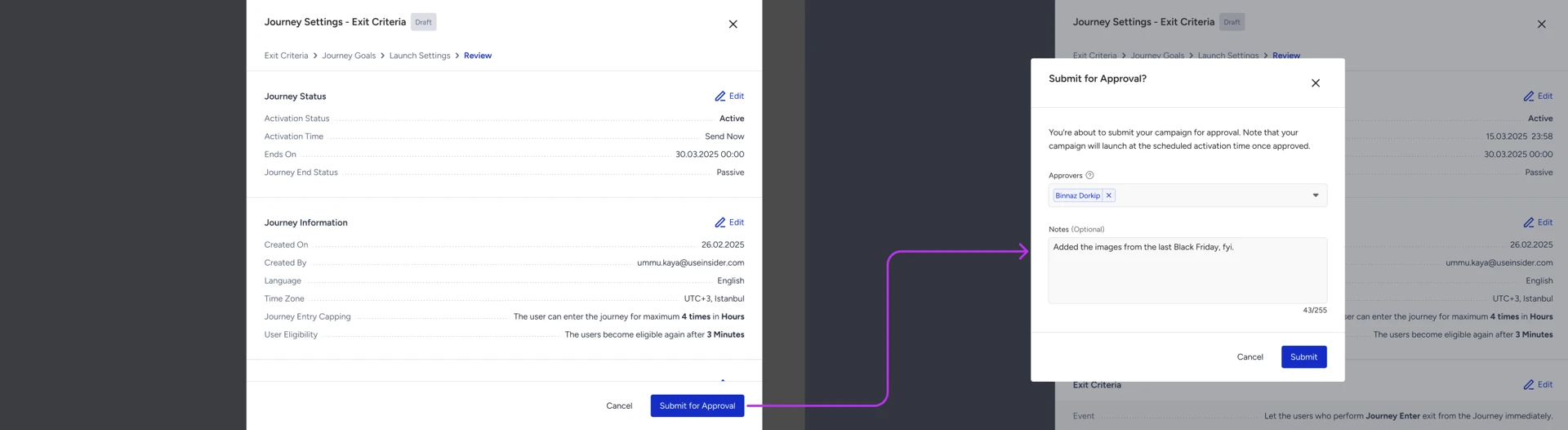
Multiple approvers may be assigned, but only one approval is required for the campaign to proceed.
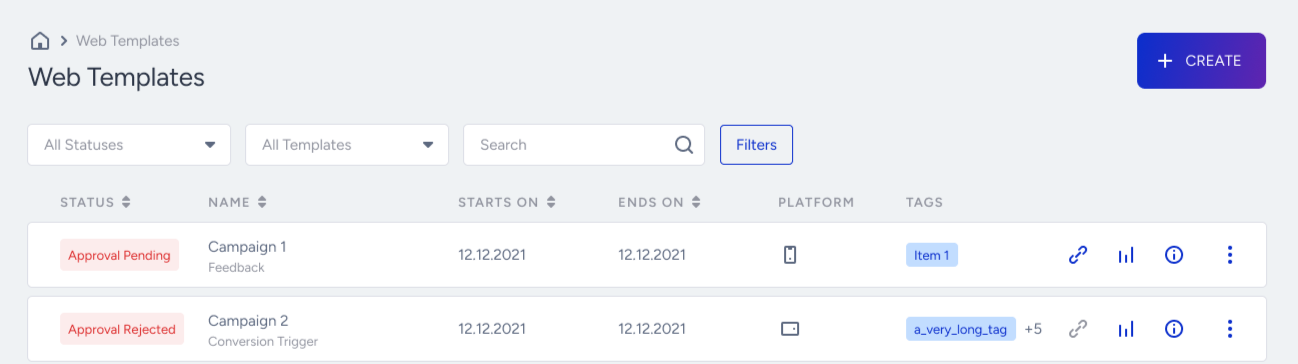
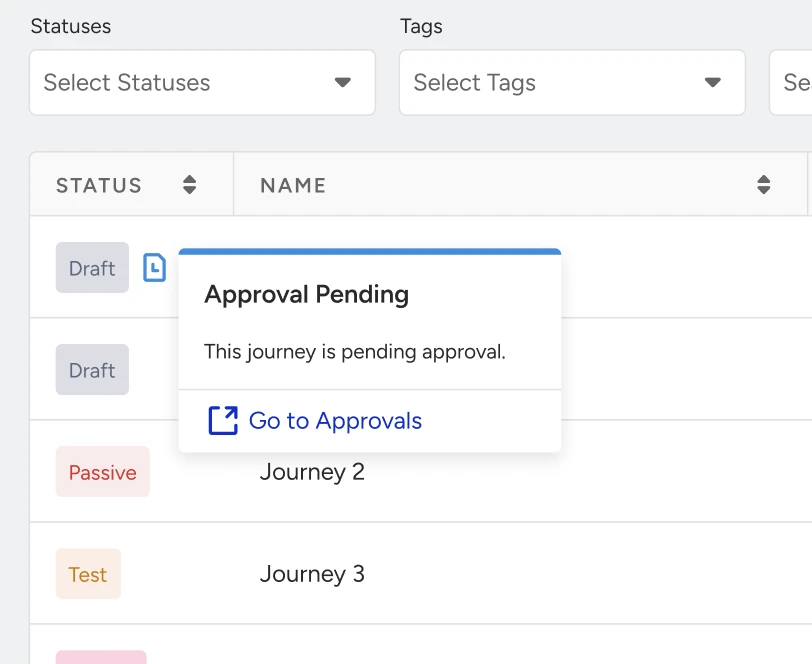
The campaign status will appear as Approval Pending or Approval Rejected on the campaign listing pages.
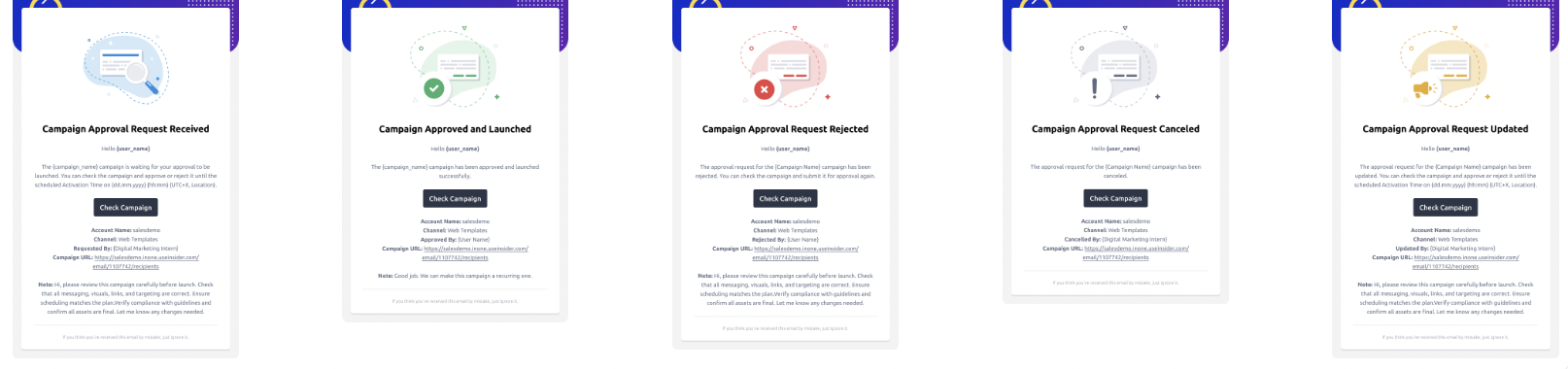
Approvers are notified through multiple channels:
Email notifications,
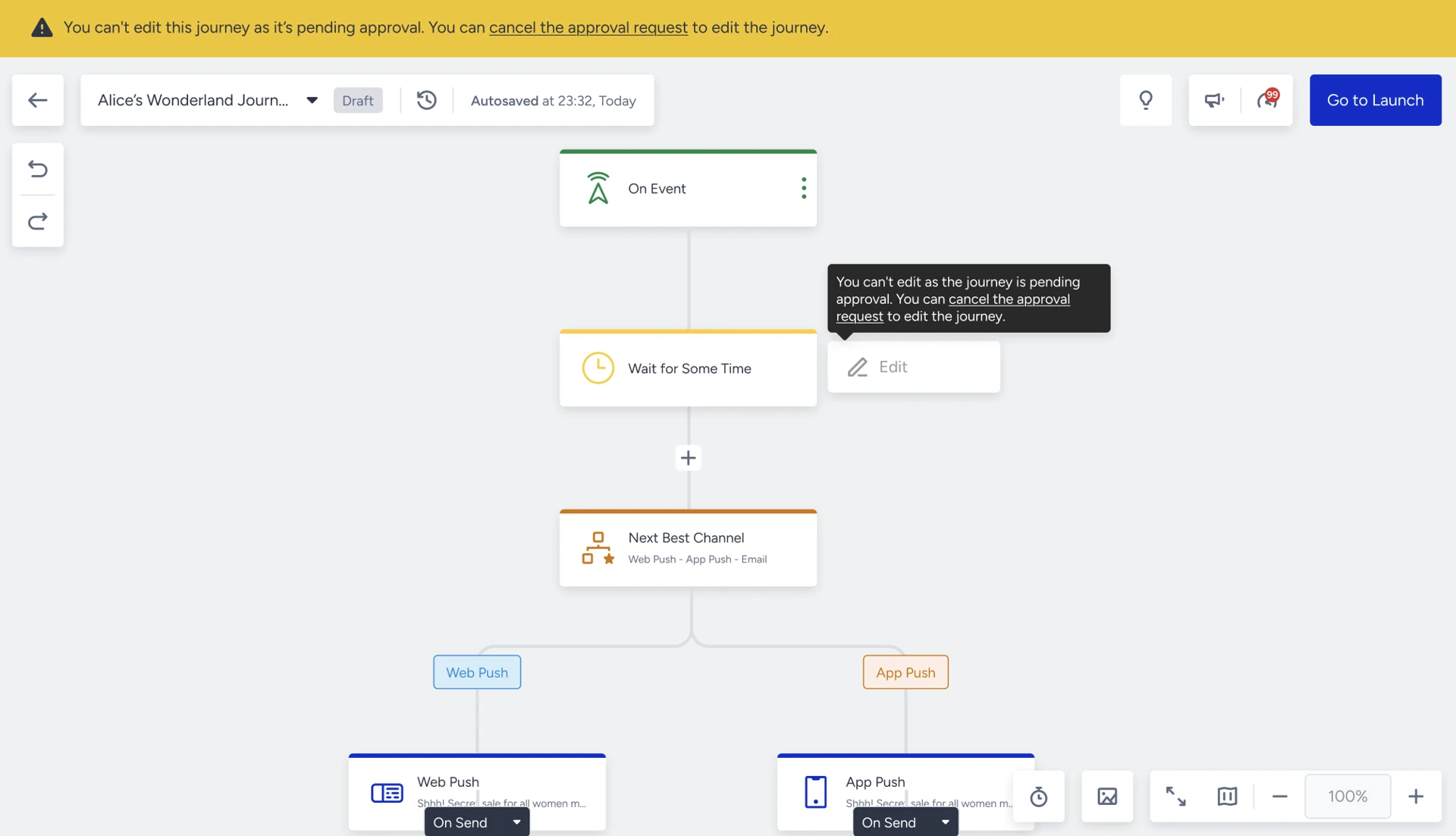
In-platform ribbons, ensuring complete visibility and awareness across users.
Once approved, the campaign becomes ready for its scheduled launch.
Reject: The campaign is returned to the Collaborator with a rejection note, and an email notification is sent.
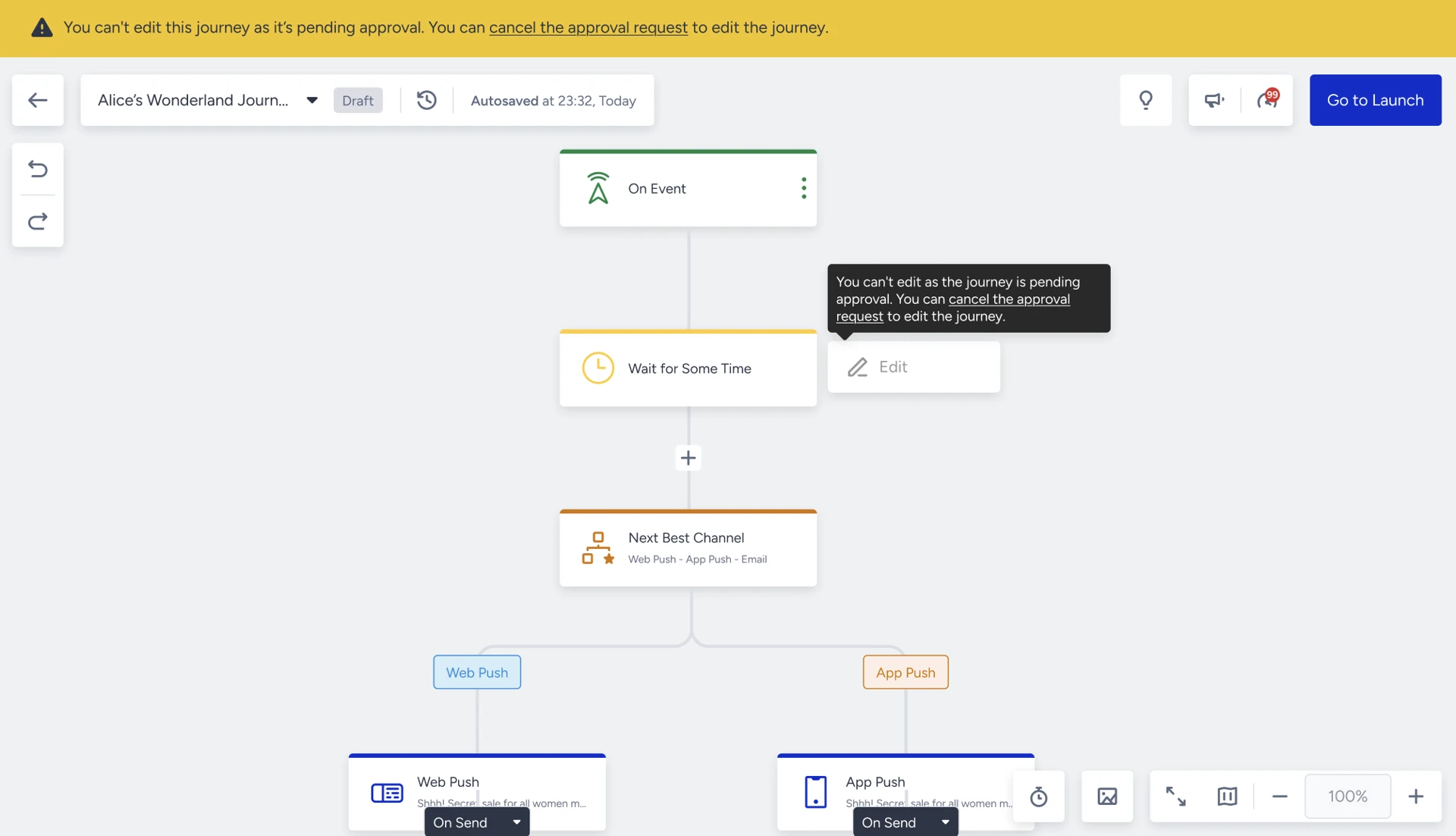
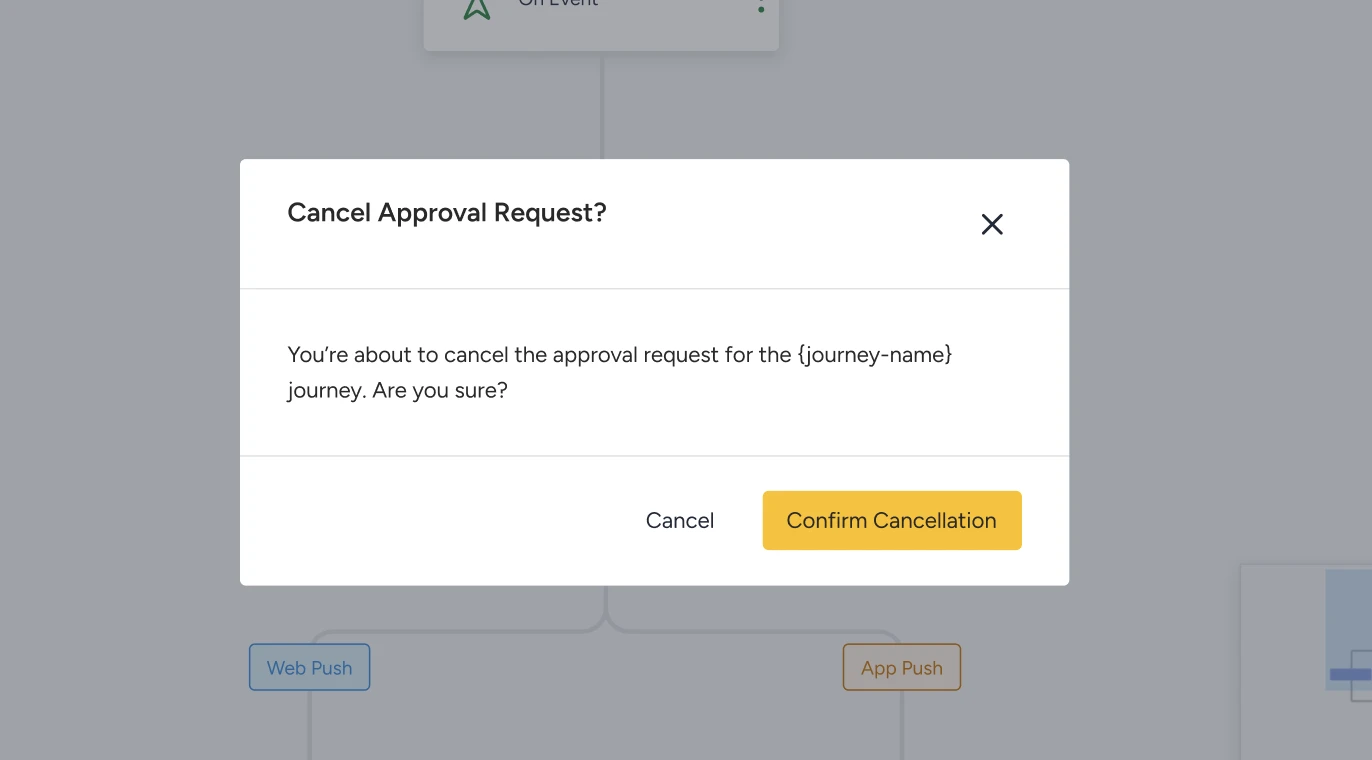
Edit: Edits are not permitted while a campaign is under approval. To make changes, the current approval request must be canceled first. After edits are made, the campaign must be resubmitted for a new approval cycle.
Collaborators and other users who are not approvers will only see a ribbon indicating that the campaign is awaiting approval. To make any changes, they must cancel the existing approval request before editing or resubmitting the campaign.
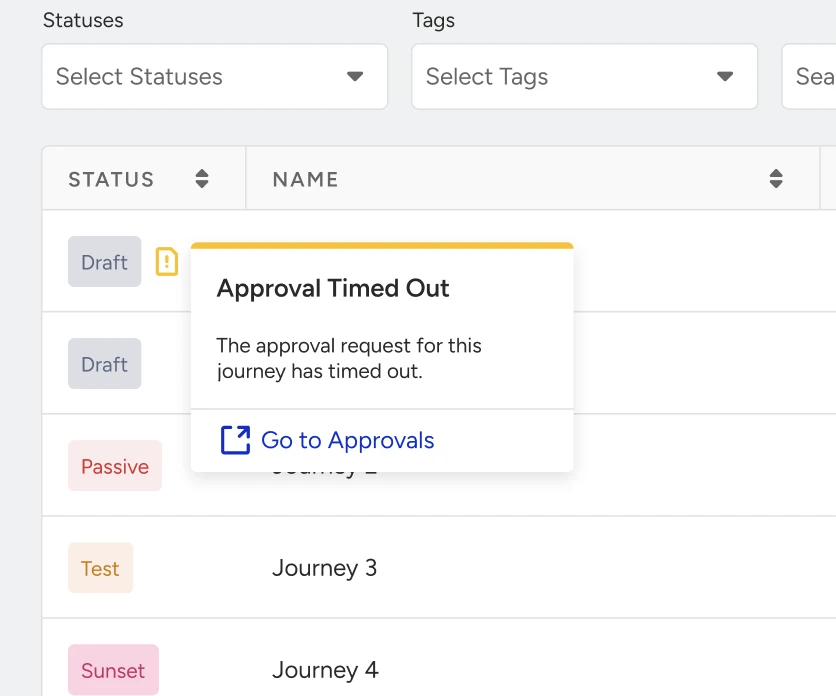
The campaign approval activation time is set to the campaign’s end date. Once the end time has passed, the approval request automatically times out and must be resubmitted.
If all assigned approvers lose their approval permissions or are removed from the approver list (for example, if their role changes from Admin/Editor to a non-approver role), the approval flow halts, and the campaign cannot continue in the approval process.
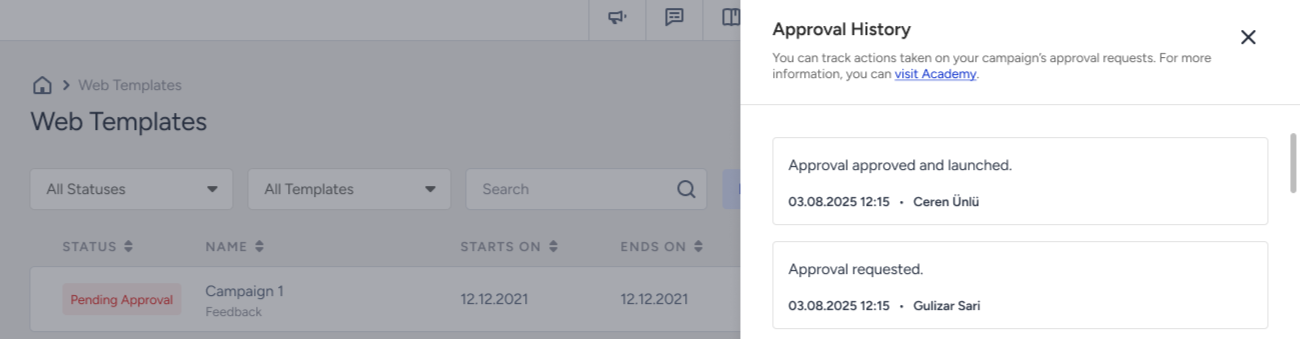
All actions are logged in the Approval History modal, ensuring governance and transparency.