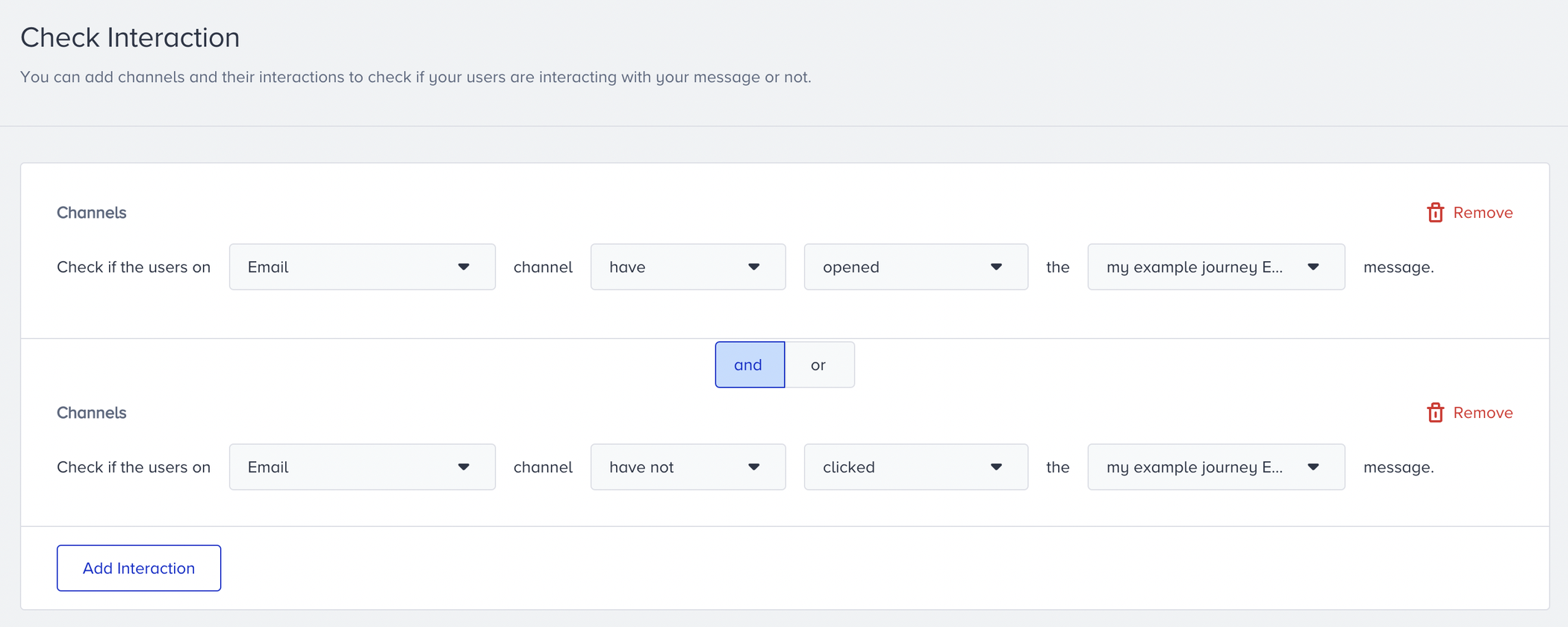
You can follow these steps to use Check Interaction after your Channel and Wait elements in your journey:
- Select the channel you want to check the interactions on.
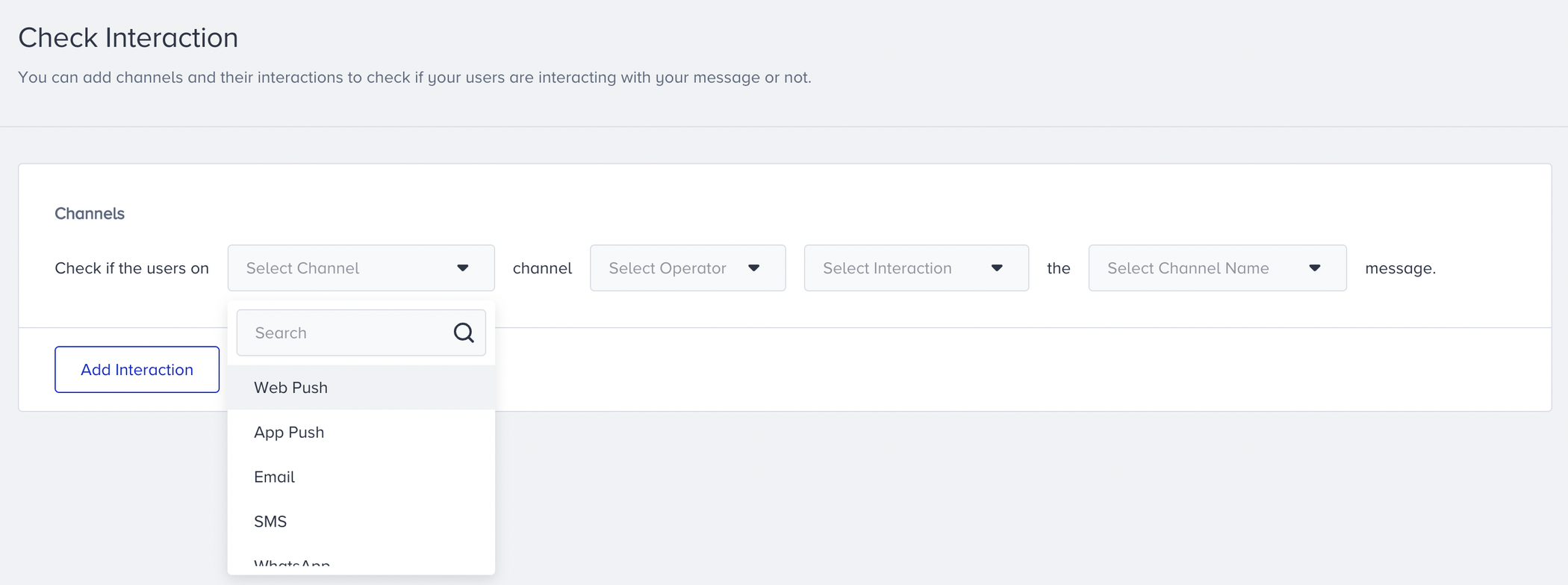
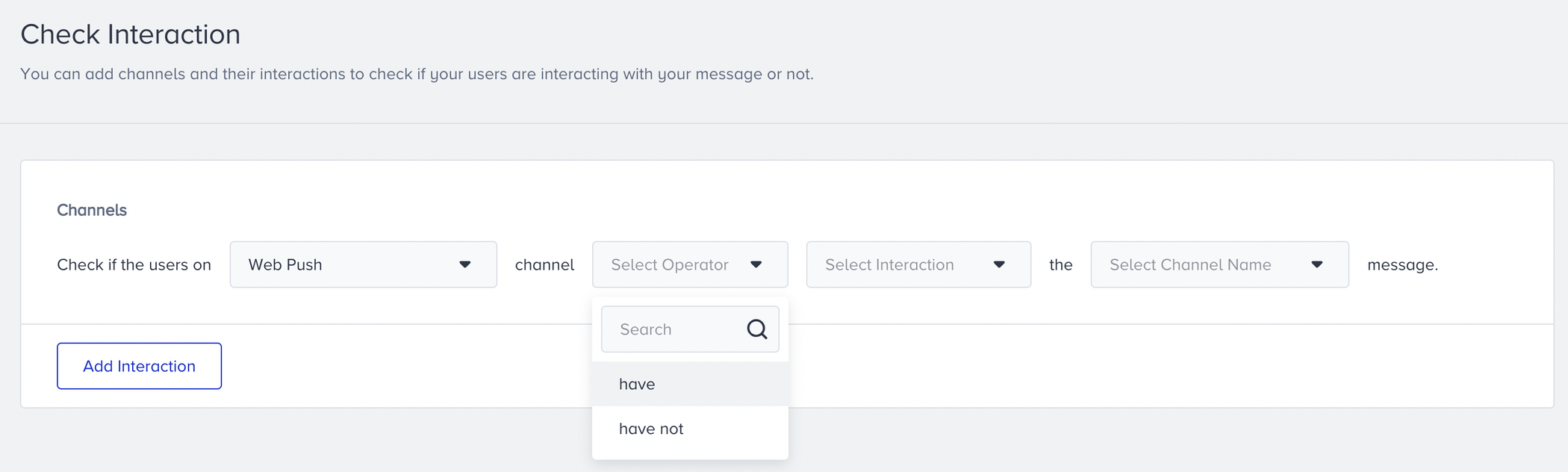
- Select the “have” or “have not” operator according to your business case.
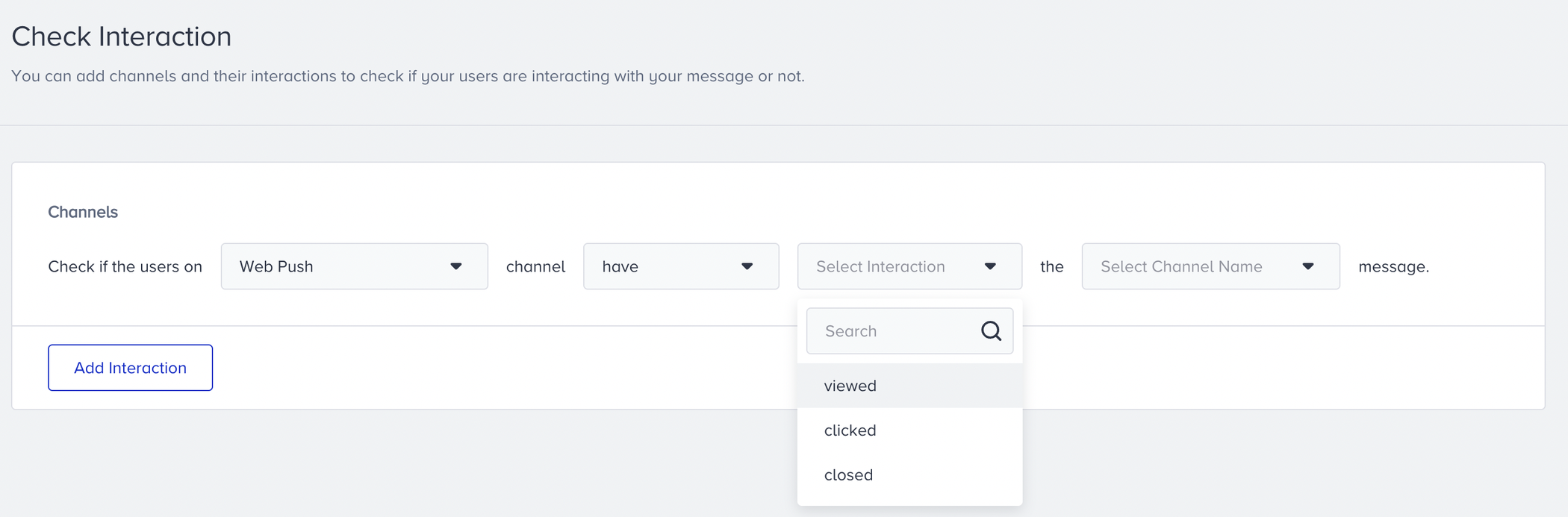
- Select the interaction that you want to track.
- Select the channel name that you added before onto the canvas.
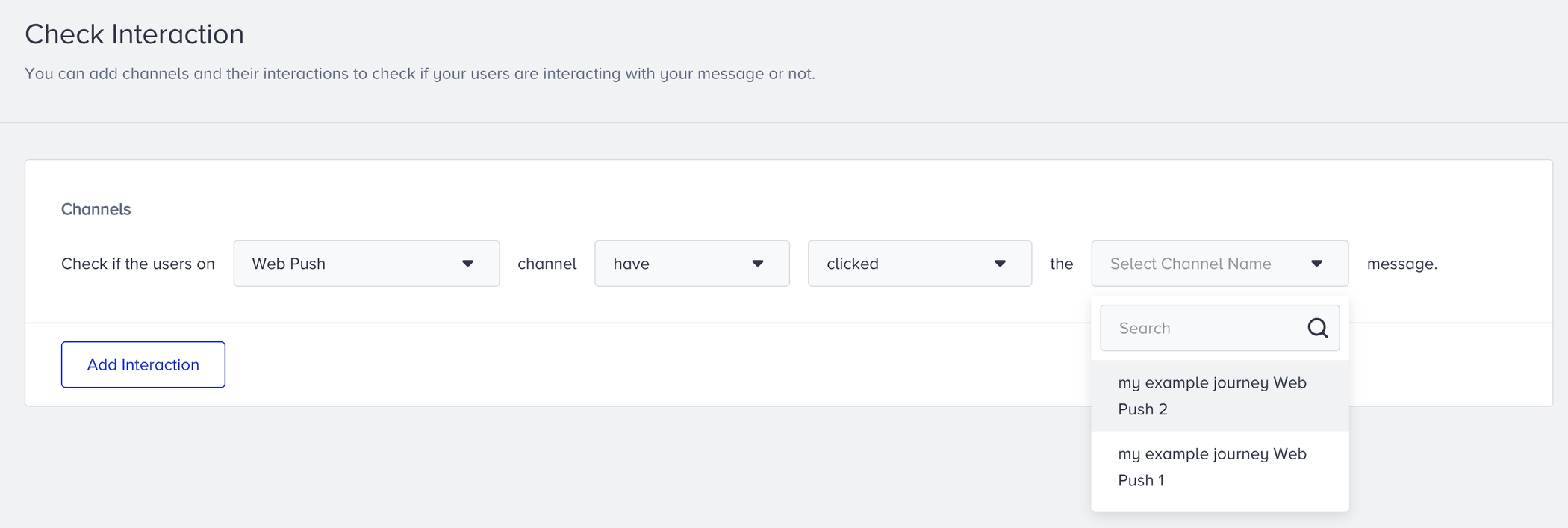 If you want to track more than one action or channel, you can add more than one Check Interaction block. Save the element to continue designing your journey.
your title goes here
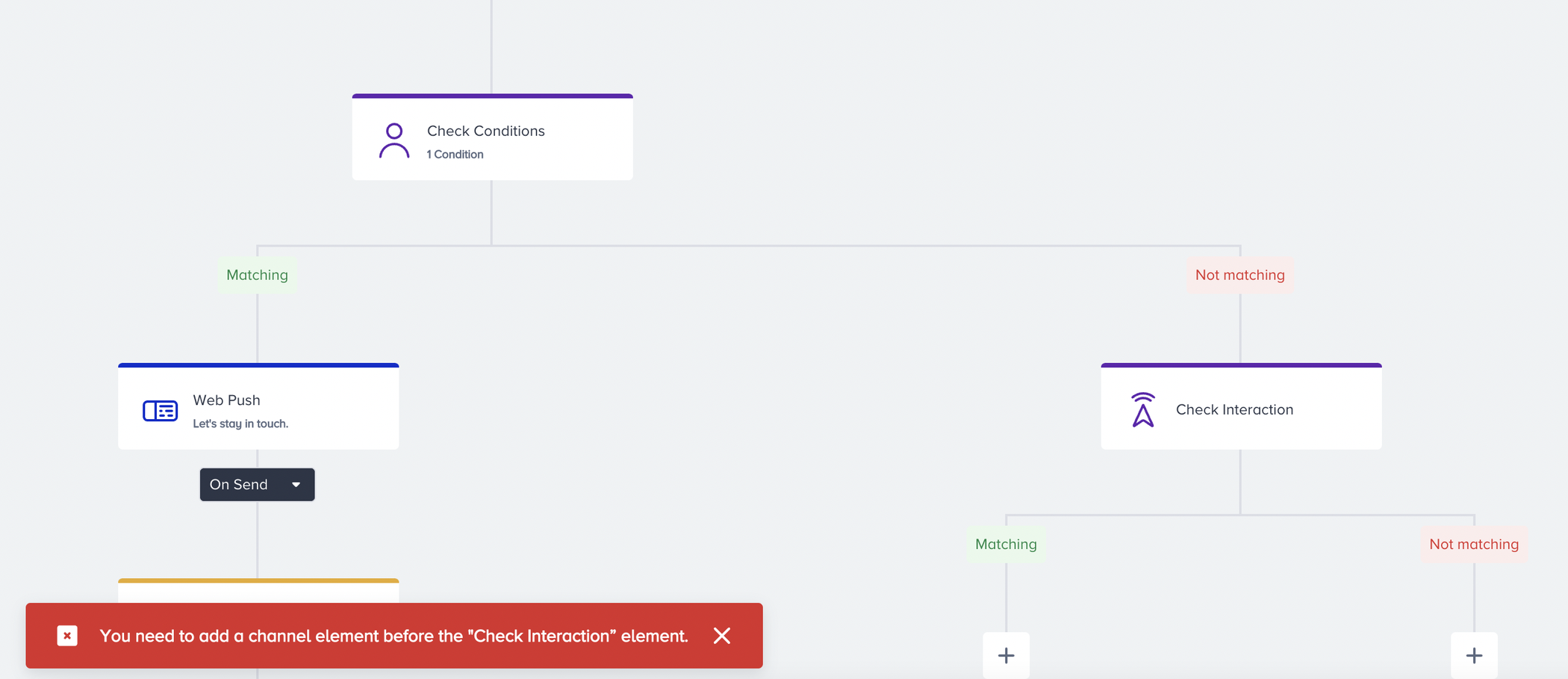
If there is no channel between the Starter and Check Interaction element, you cannot select the channel name inside this element.
Your title goes here
You cannot select the channels on this element's parallel path.
Tips & Tricks
You can consider the following items while using the Check Interaction element in your journey.
- You can add a Wait element before the Check Interaction element and set a minimum of one hour to wait for users to take the desired action.
- You can check multiple users' interactions in the same Check Interaction element. For example, you can check if the user has opened the email but not clicked on the URL in the email.