You can save time by creating a campaign with the Apply to All option, which allows you to apply changes to specific elements across your entire template quickly.
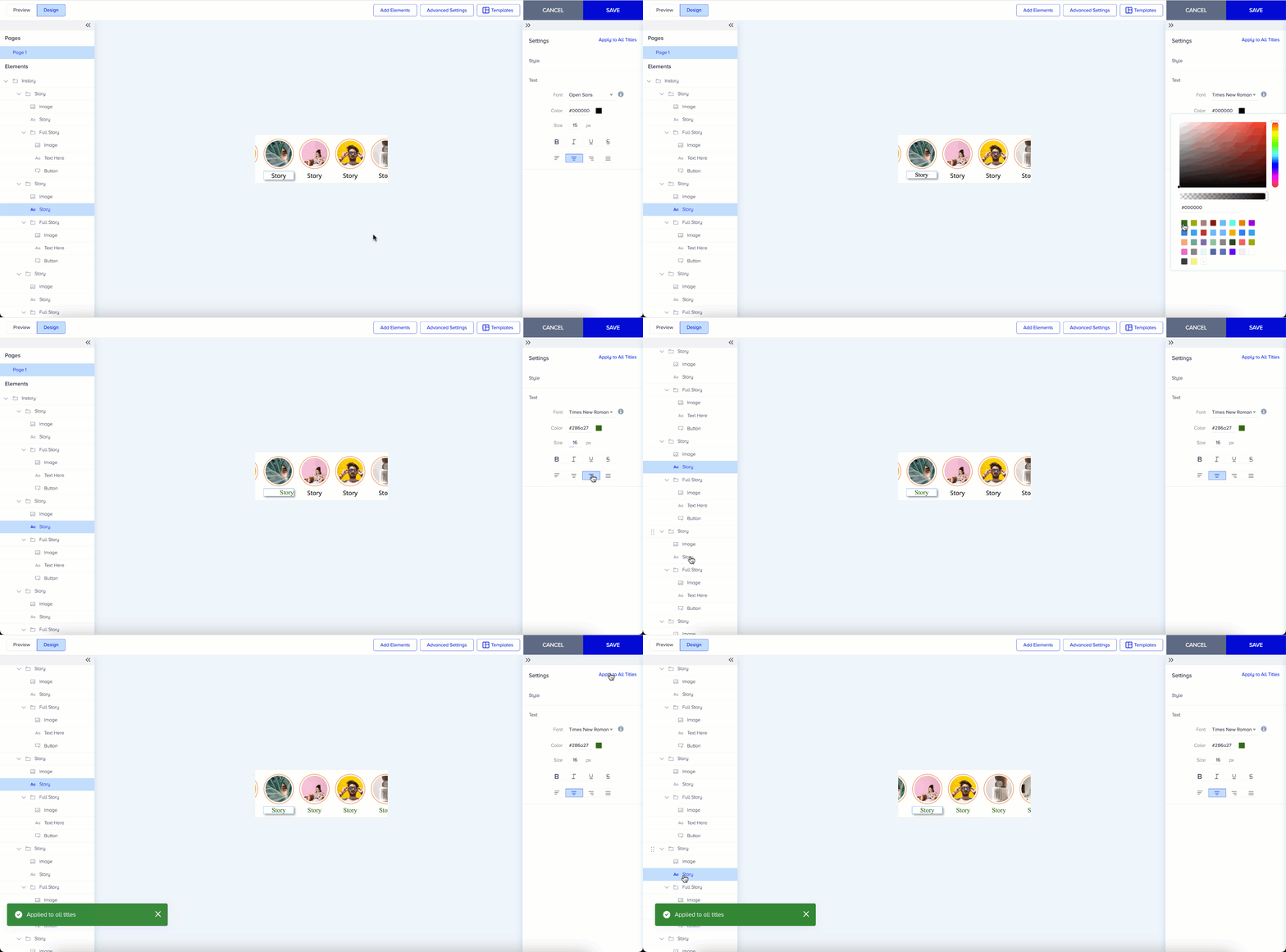
Apply to all works with titles, buttons, texts, and messages:
Customize the text and style settings of your element.
Click the Apply to All button at the top right corner to apply these changes to the same element type on your template.