Suggested readings: Transactional Journey Analytics, Transactional Analytics Dashboard, Transactional Email Channel Analytics, Transactional Journeys: SMS
SMS Channel Analytics in Transactional Journeys provides reporting for transactional SMS messages sent through a journey.
To access SMS Channel Analytics, click the SMS element on the canvas, then click the Go to SMS Analytics button.
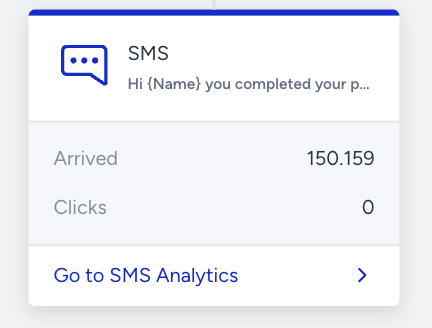
The analytics page displays metrics based on the selected date range.
How are analytics reported?
SMS Channel Analytics tracks metrics as users progress through the journey and interact with the email message.
Channel metrics are reported as soon as users arrive at the SMS element, and delivery events occur.
Engagement metrics update as opens and clicks are detected.
Conversion metrics are reported only if a goal is enabled and are counted within the configured goal duration.
Metrics outside the goal duration window are not included in conversion or revenue calculations.
SMS channel analytics pages
Two versions of the SMS channel analytics page are available.
Analytics without conversion metrics
It is displayed when the journey is launched without Goal Tracking.
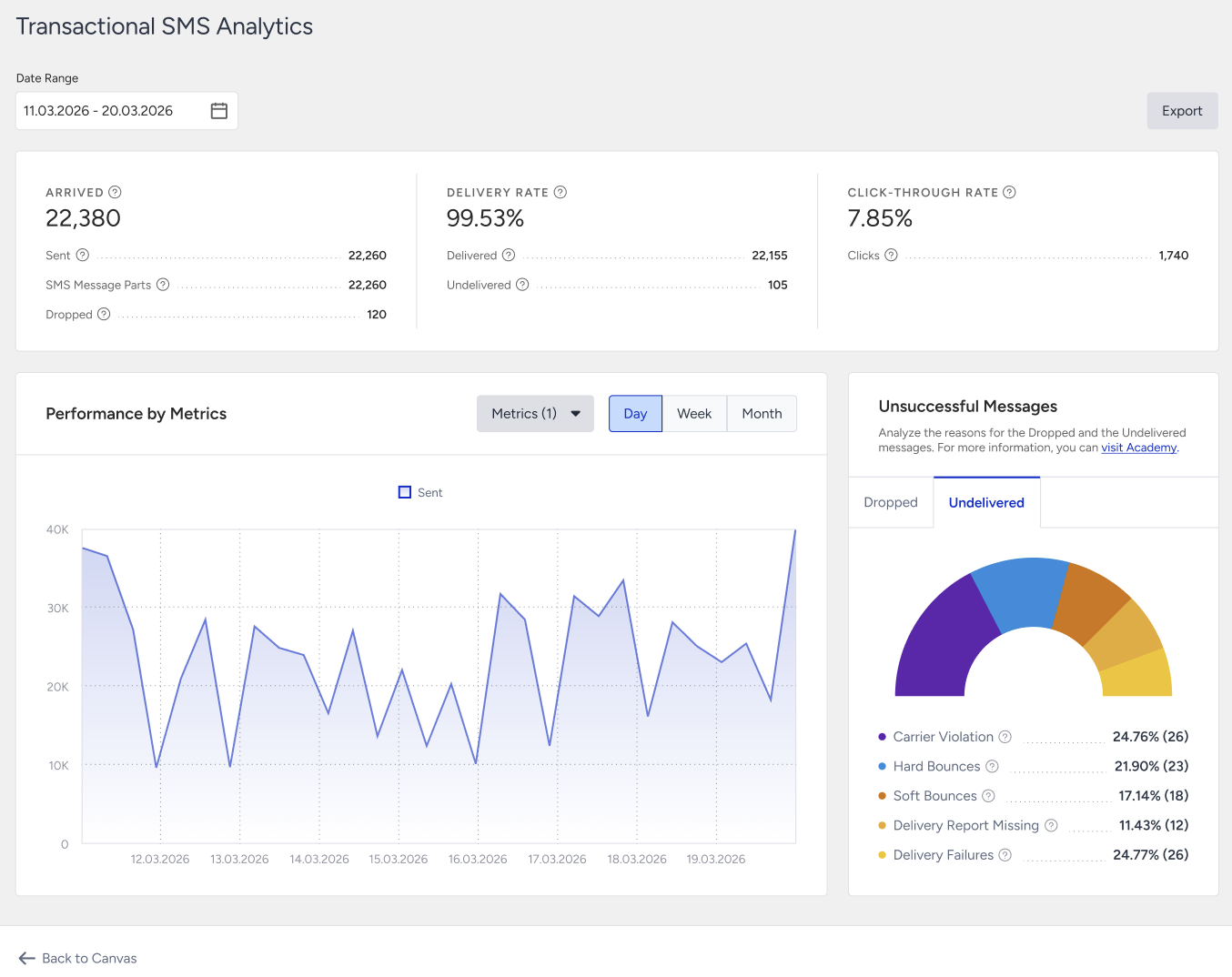
Use the date picker at the top of the page to define the reporting window. All metrics, charts, and breakdowns update based on the selected range.
The metrics below are displayed on the analytics page:
Arrived: The number of users who arrived at this SMS element in the journey. Reported immediately when users arrived at the SMS element.
Sent: The number of SMS messages successfully transferred to the service provider to be addressed to recipients.
SMS Message Parts: The total number of SMS message parts allocated to send all SMS content.
Dropped: The number of SMS messages that were not transferred to the service provider to be addressed to recipients. Reported when a message cannot proceed to delivery.
Delivered: The number of SMS messages successfully transferred to the email service providers. Reported as delivery confirmations are received.
Undelivered: The number of SMS messages that were not addressed to recipients by the service provider. Reported after delivery attempts fail.
Delivery Rate: The percentage of delivered messages compared to sent messages. Updates as Sent and Delivered counts change.
Opens: The estimated number of email messages opened by users and Mail Privacy Protection (MPP). Tracked as open events are received.
Clicks: The total number of times recipients clicked any link in the SMS message.
Click-Through Rate (CTR): The percentage of clicks compared to delivered messages.
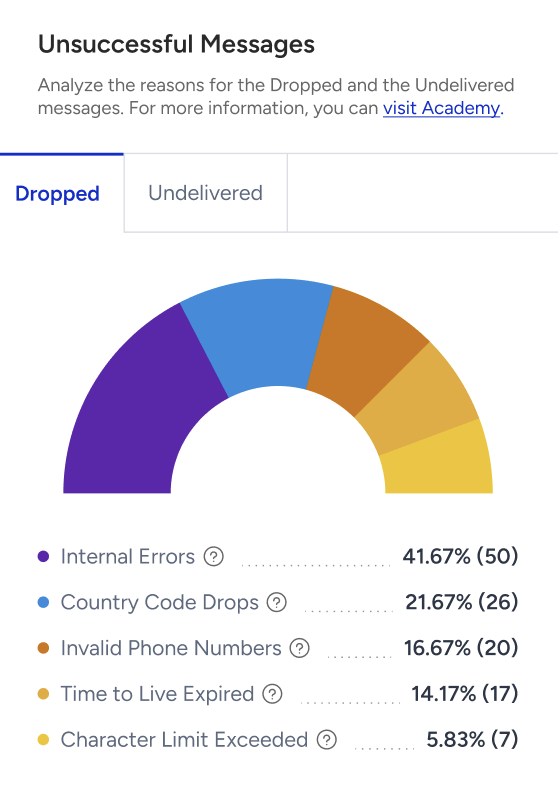
Dropped Messages Breakdown:
Country Code Drops: Dropped due to phone numbers using country codes outside the contract scope.
Internal Errors: Dropped due to Internal system issues.
Invalid Phone Numbers: Dropped due to non-standard or invalid phone number formats.
Time to Live Expired: Dropped because the message could not be delivered within the allowed delivery window.
Character Limit Exceeded: Dropped because dynamic content caused the message to exceed allowed character limits.
Undelivered Messages
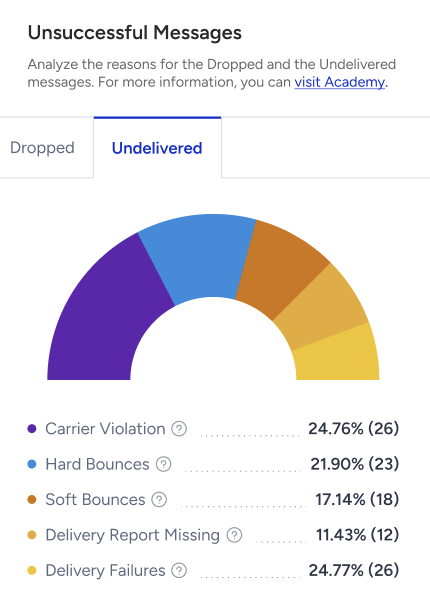
Undelivered messages are SMS messages not delivered to recipients after being sent to the provider.
Carrier Violation: Blocked due to carrier filtering or content policies.
Hard Bounces: Failed because the phone number is not in use.
Soft Bounces: Failed because the recipient was temporarily unreachable.
Delivery Failures: Failed due to provider-side technical issues.
Delivery Report Missing: Failed due to missing delivery confirmation from the provider.
Analytics with conversion metrics
It is displayed when the journey is launched with Goal Tracking.
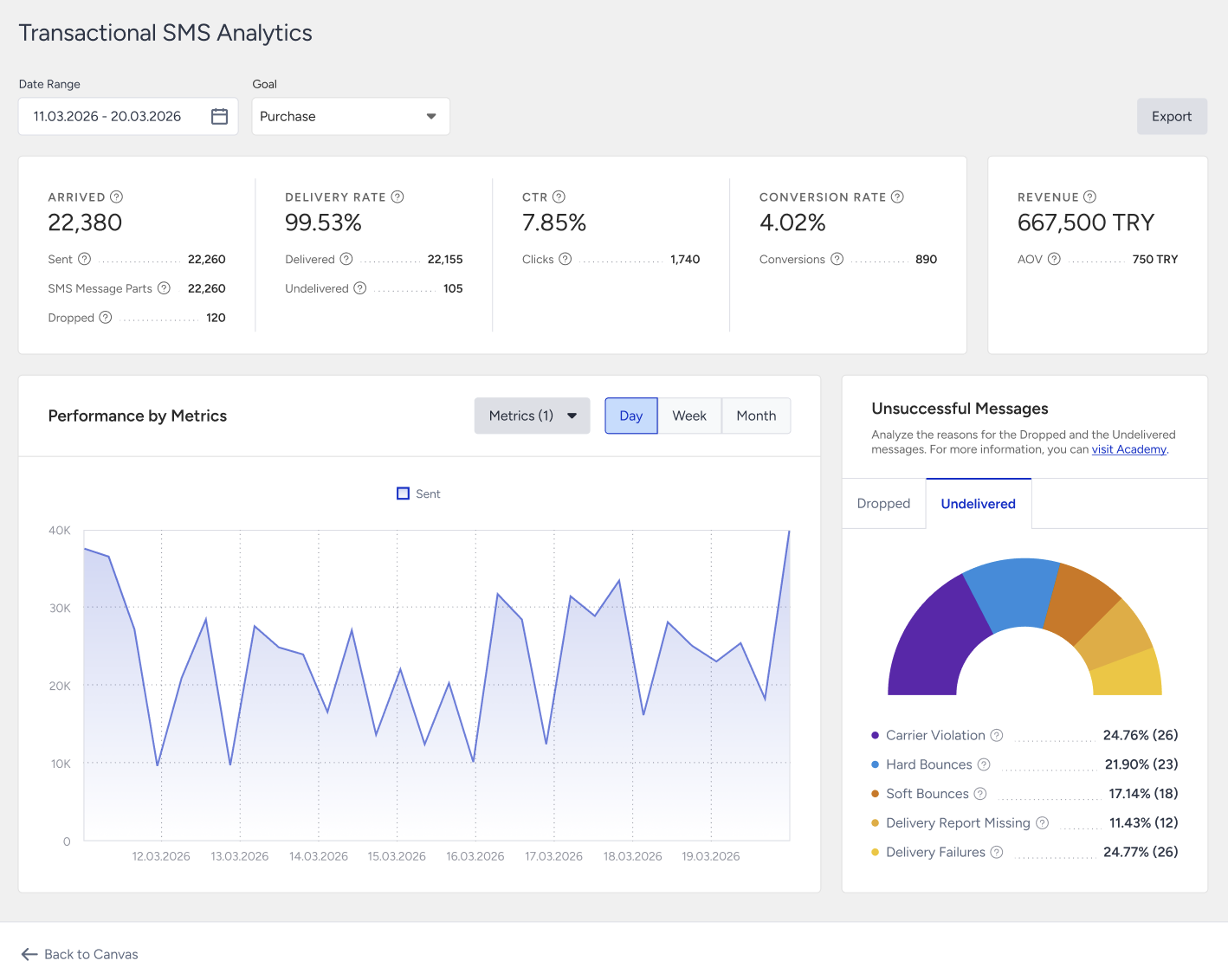
The metrics below are displayed on the Analytics page on top of the channel metrics listed above:
Conversion: The number of successful goal accomplishments attributed to the SMS message within the goal duration.
Conversion Rate: The percentage of conversions compared to delivered messages.
Revenue: The total value of purchases completed within the goal duration and attributed to the SMS message.
Average Order Value (AOV): The division of revenue by the number of purchases made after clicking the SMS message.
Export
Use the date picker at the top of the page to define the reporting window. Click the Export button to download the analytics data.
The export includes only the selected date range and visible metrics. The file is returned in XLSX format. The exported data matches what is displayed on the analytics page.