If you created your campaign using the Design a Widget option, you can test the visibility of your campaign variants directly from the InOne panel.
To test your campaign:
In the Launch step, set the Campaign Status to “Test.”
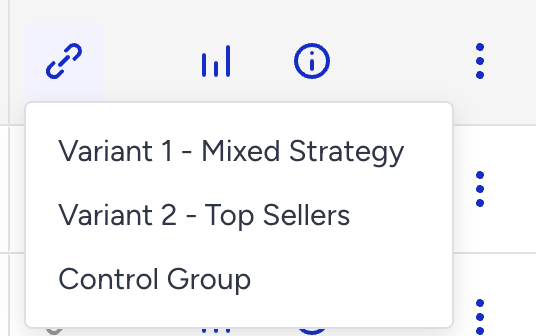
On the Web Smart Recommender page, click the Test Link button next to your campaign.
Select the variant you want to test, then click the test link in the menu.
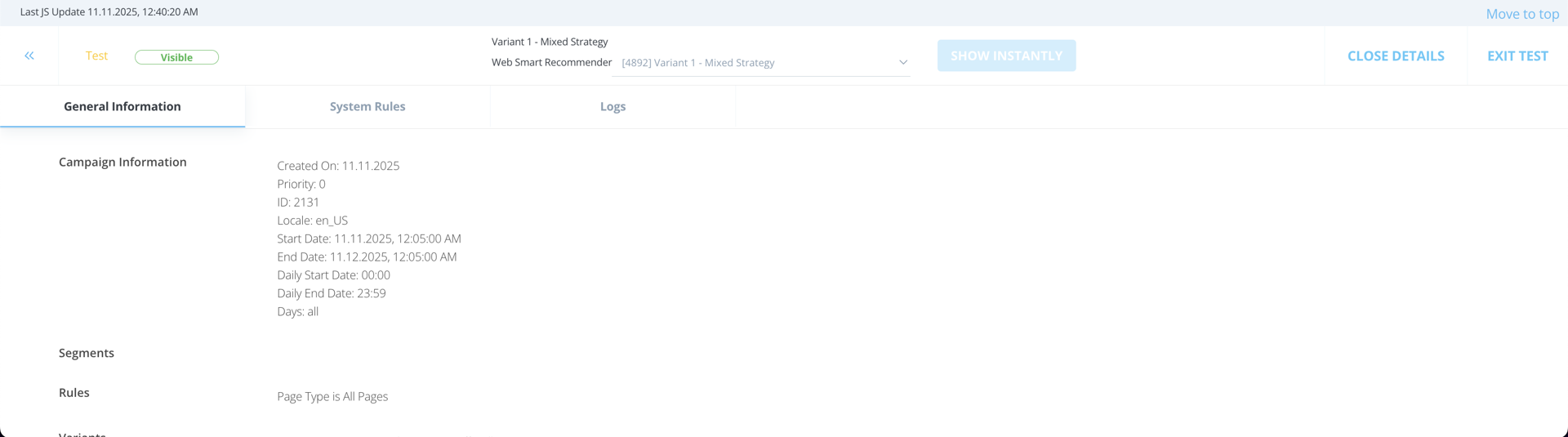
Once you open the test link, you will see a test page with a banner showing test information.
If the personalization and targeting match your configuration, your campaign will appear on this page.
Click the Details button in the right corner of the test banner to view personalization and rule details for the selected variant.