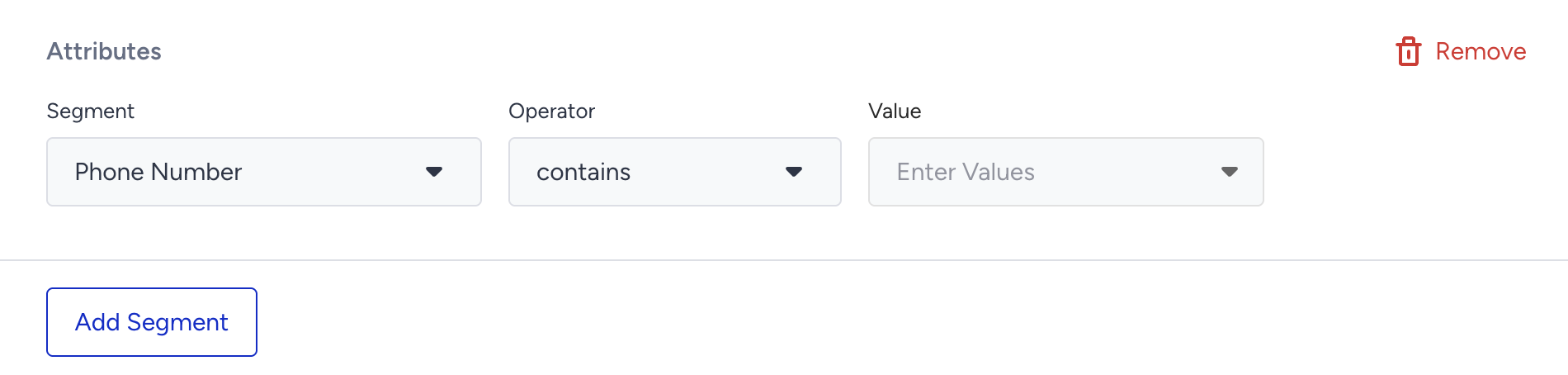
The Attributes segment targets users based on whether they have a specific attribute and the value of that attribute. You can segment by both default attributes (e.g., first name, last name, email) and custom attributes (e.g., last visited product, loyalty tier).
How Attributes work
Attributes are user-related information such as first name, last name, email, last visited product, etc. They are collected through the Insider Tag, or Web and Mobile App SDK.
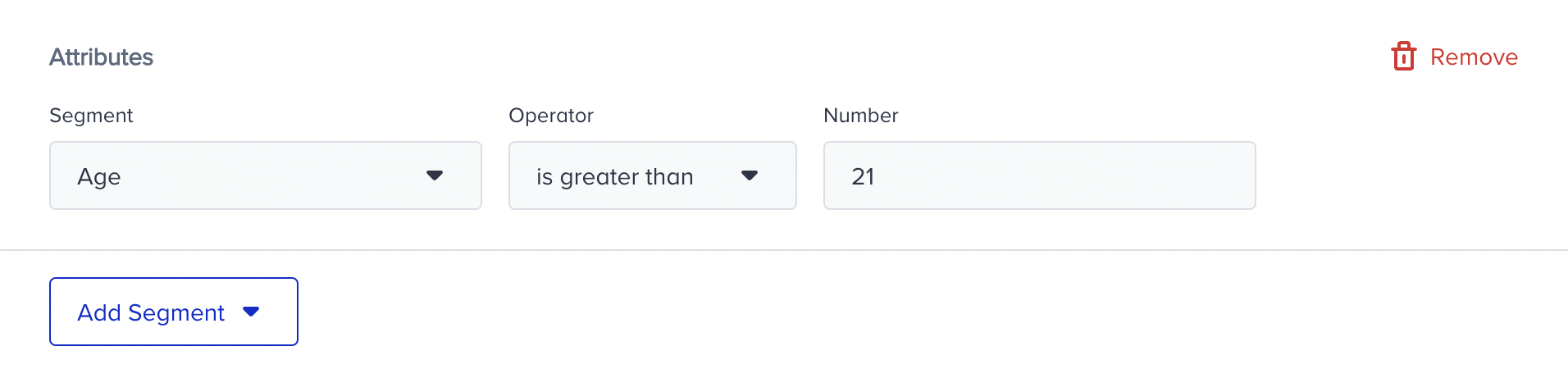
The value you target depends on the attribute's data type. The example below displays a number attribute.
You can also apply multiple value selection, which enables you to select more than one value to filter users in one box. You can easily choose them from the value dropdown menu.
For example, if you want to target users with a set of names, you can include them under one segment box instead of separately adding two segment boxes.
You can use this feature to select data whose type is string or array for attributes. Numbers and boolean types are not available.
Important notes on Value Availability
The segmentation step displays values from the last 30 days only
If you do not see values:
There may be no data at all for that attribute
There may be no data received in the last 30 days
Check a few user profiles to confirm whether the parameter exists