After the account registration, you need to send a test SMS to verify the system’s ability to send messages. You need to enter phone numbers into the designated fields, select the “I am authorized to send test messages to the added phone numbers” checkmark, and click the Send Test Message button.
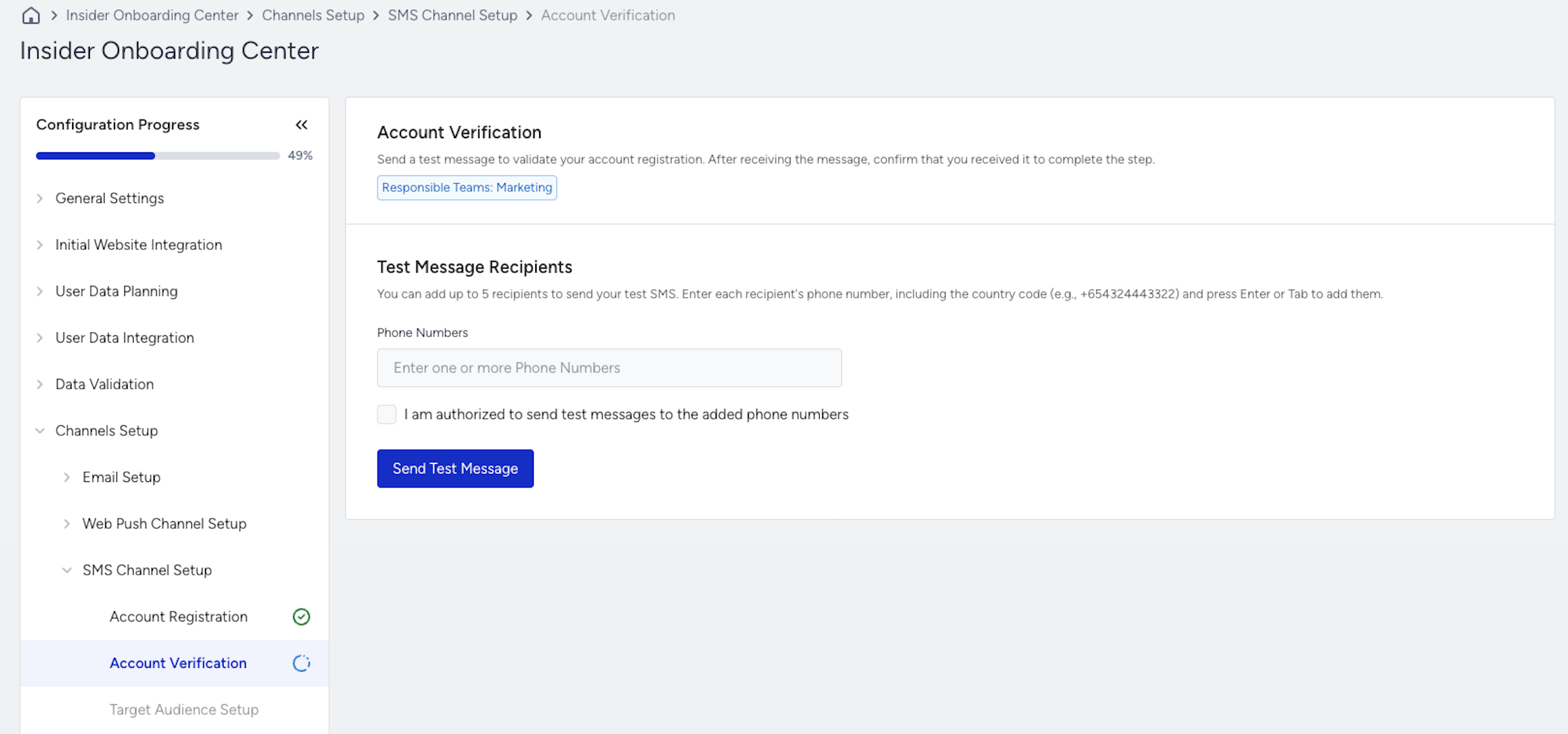
If the test message is not received, you can resend the message or contact the Insider One team for support. Alternatively, if you skip this step, it will be marked incomplete, and you can proceed to the next phase.
When you receive the test message, click the Next button to proceed to the following step.