Private Reply allows businesses to reply to comments made on their posts with a single message on Instagram. Once this message is sent, the conversation ends. When a user replies to this message, a new conversation begins.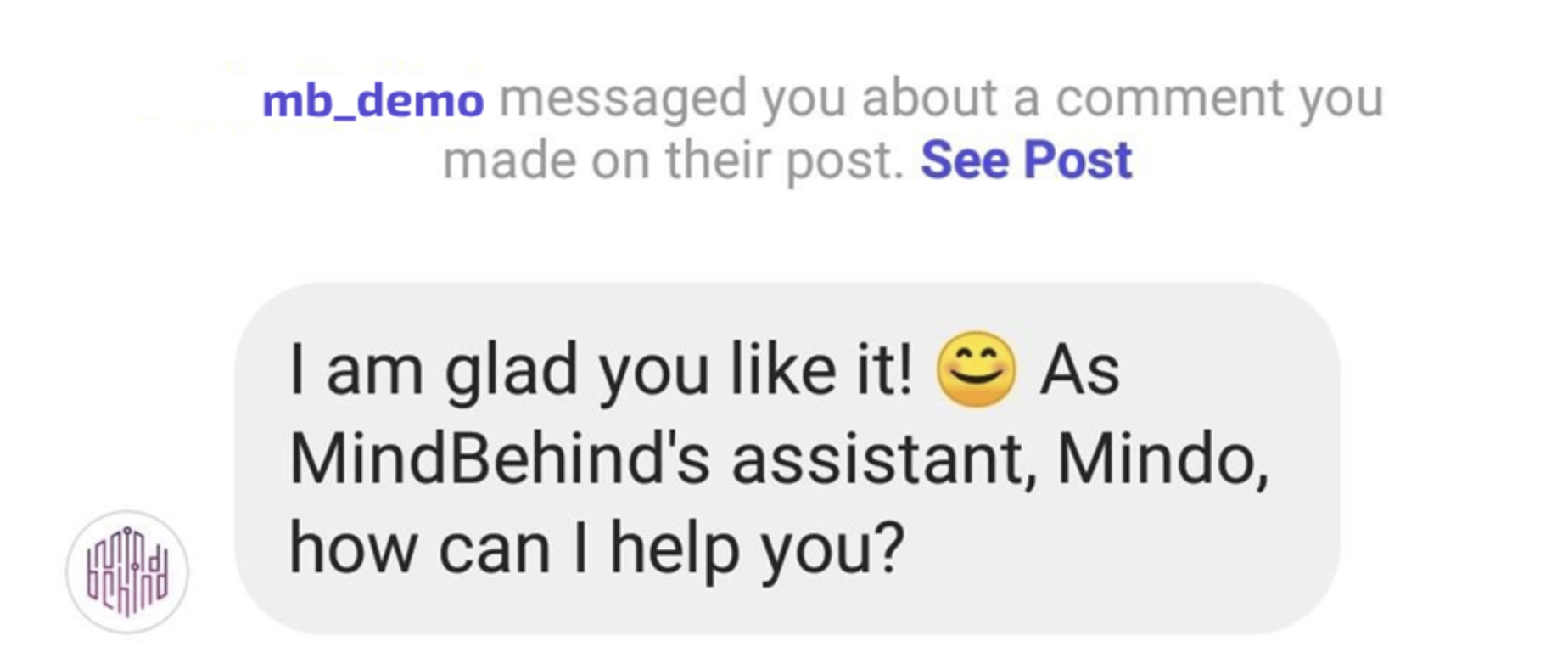 When using this feature, the user receives a message with a reference link to the comment that is being replied to. This feature could be used once the users reply with a message to comments and stories (all except Instagram Live & Reels).
To set up the Private Reply feature for Instagram, follow the steps below:
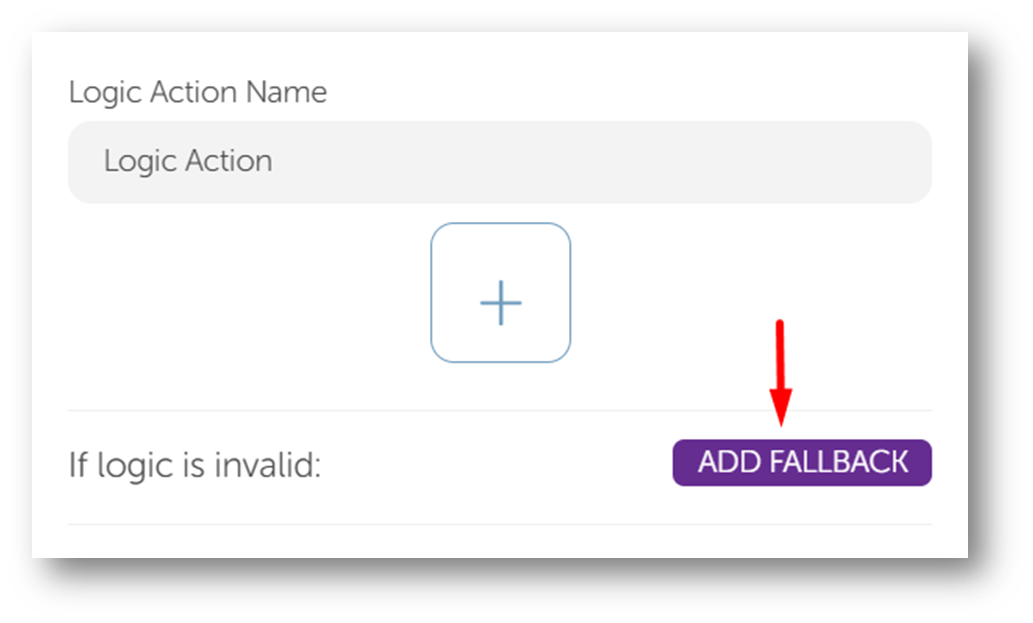
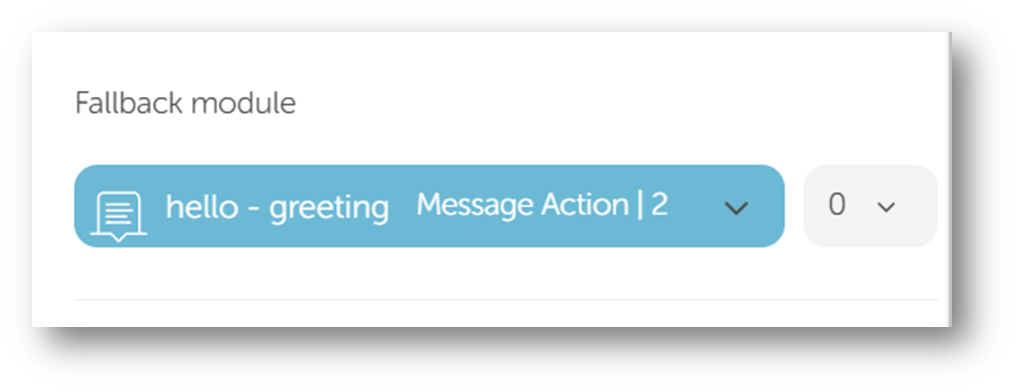
1. The Instagram assistant should have a Logic Action right after the Start Action.
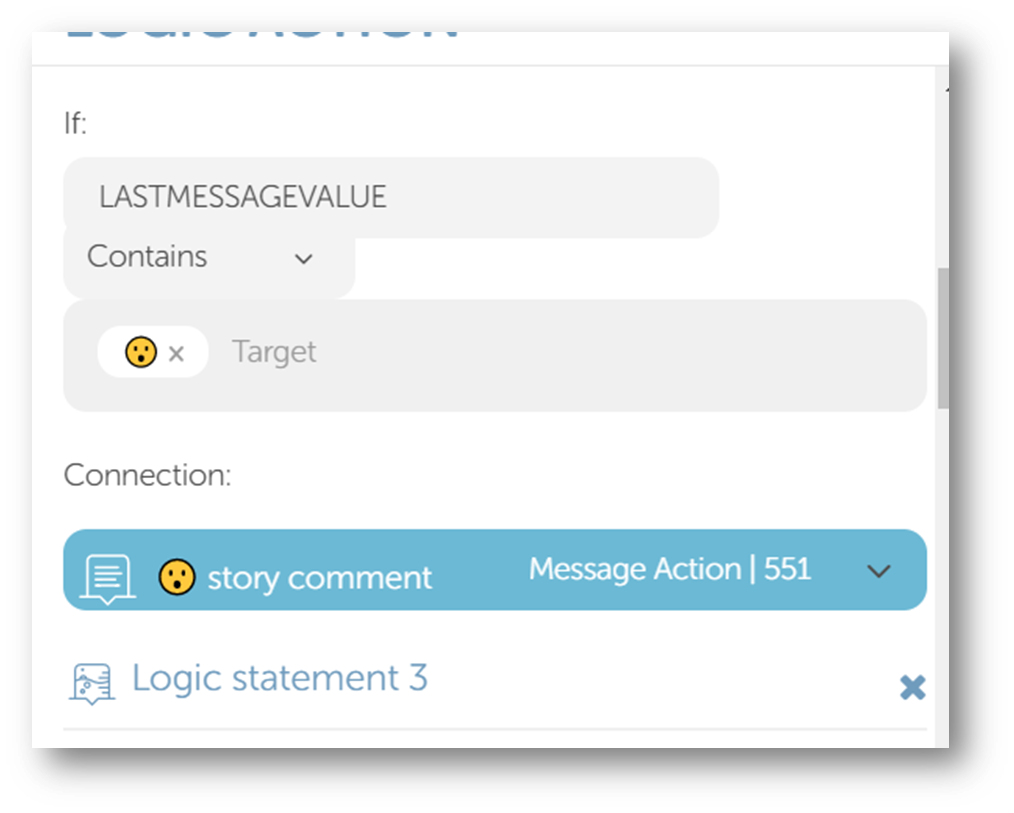
2. The Logic Action should have the parameter LASTMESSAGETYPE as PRIVATE_REPLY in the “Condition” section to get the latest reply from the user.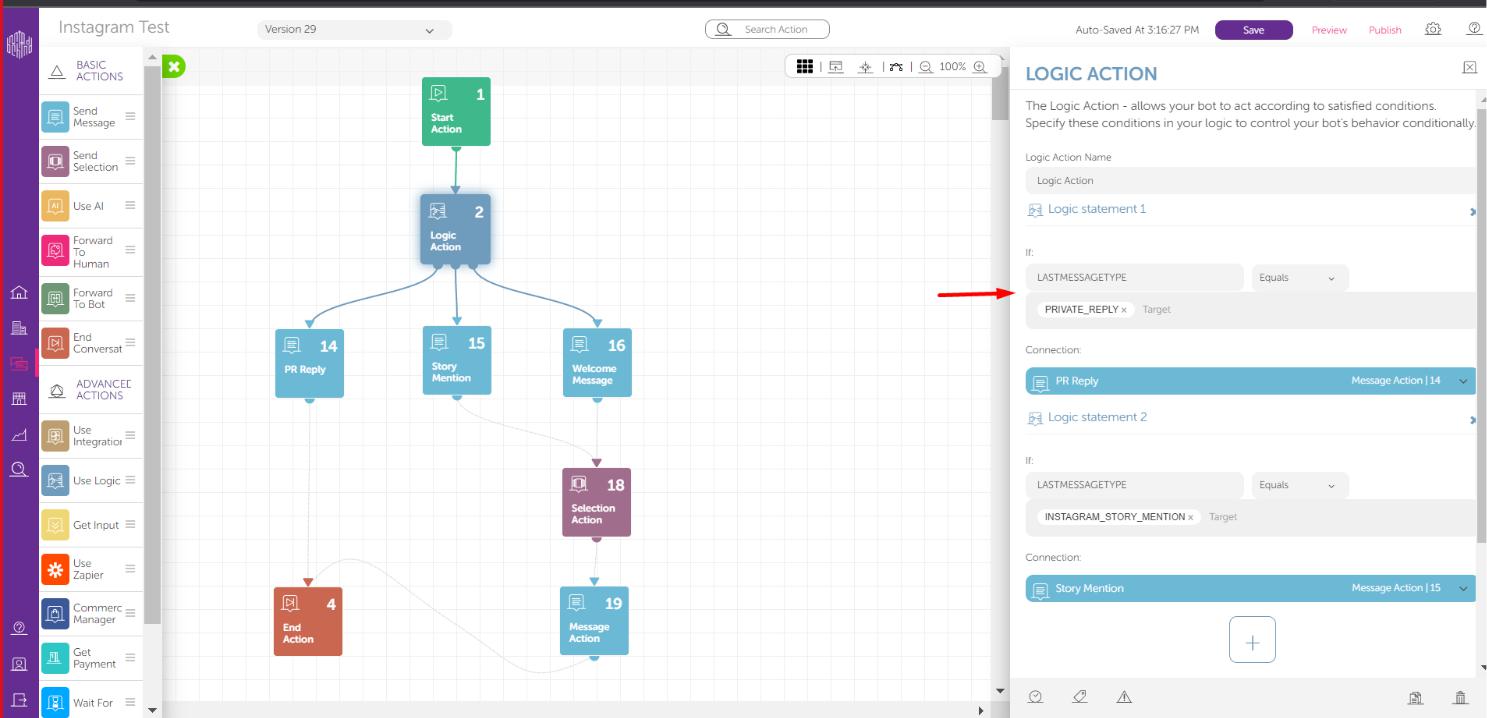 3. A message from the DM is triggered based on the customer's comment on the business account's posts for one time only.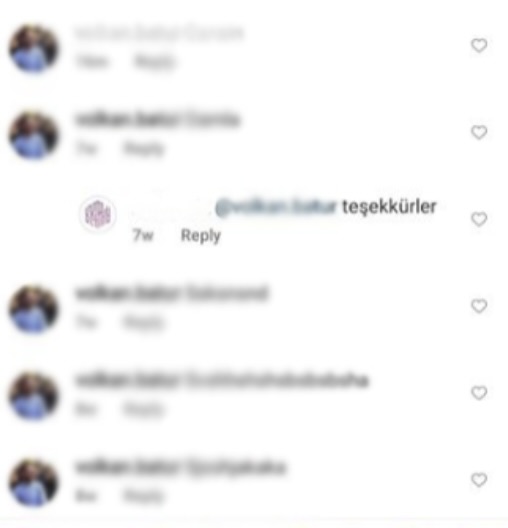
4. The following message, which was defined in the assistant, is sent to the customer in the format below. 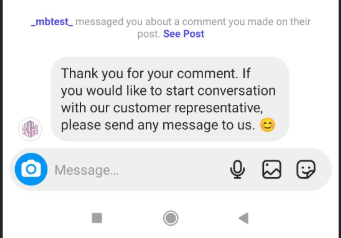 5. As the operator, you can choose “Equals” to reply exactly to a value or “Contains” to reply with a value that has the emoji or word in the target.
Refer to How to Use Logic Action to learn more about the operators and the Logic Action.