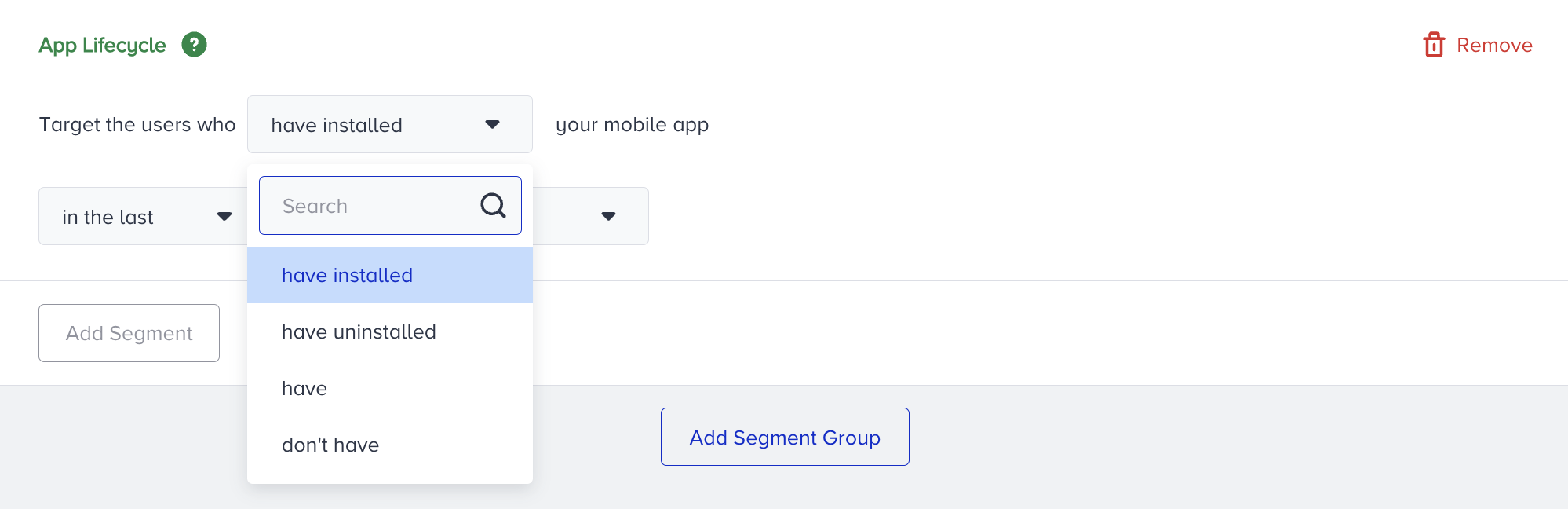
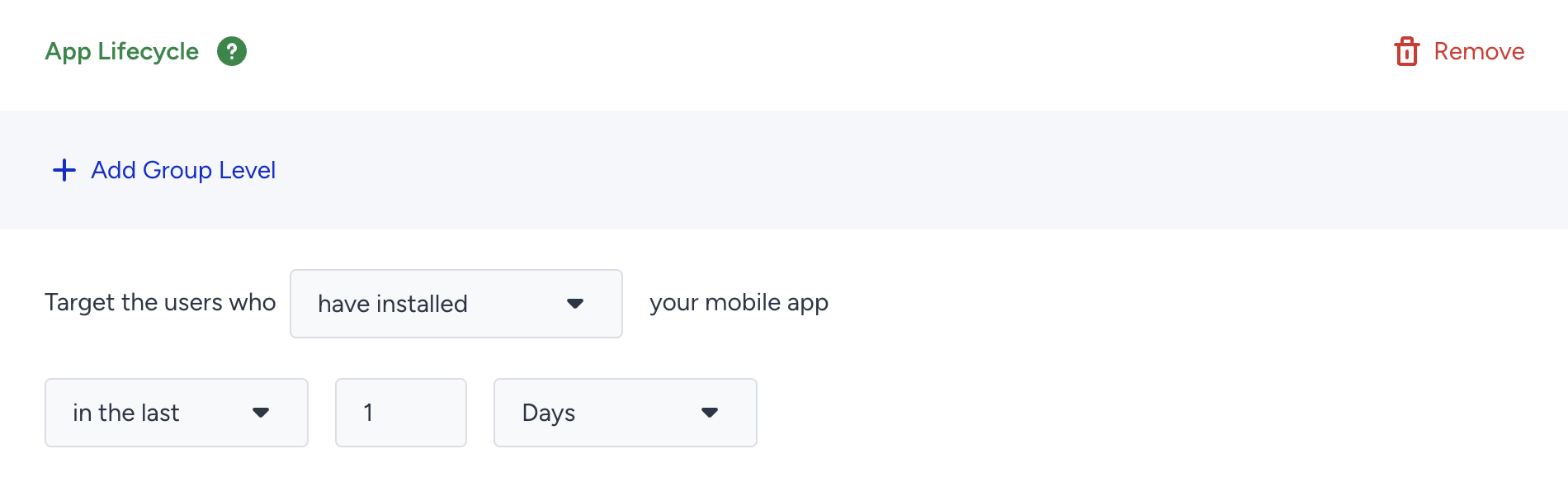
The App Lifecycle segment targets users based on their Mobile App installation status within a defined period. It helps you identify:
Users who installed the app recently
Users who still have the app installed
Users who have uninstalled the app
Requirements
To use the App Lifecycle segment:
The Mobile App Suite must be subscribed, activated, and fully integrated.
At least one user must be detected via the Insider SDK and subsequently identified as uninstalled from the app.
If there is no install or uninstall attribute coming from the SDK, this predefined segment will not appear.
Configuration notes
Install and uninstall attributes are updated daily. So you don't need to make the On Past Behavior work every 60 minutes. A 1-day “triggering frequency” will be enough.
To track the installation, the Mobile App Install Date attribute is tracked by copying the date of the user's first Mobile App Open event.