Google Tag Manager is a free tool that allows you to manage and deploy marketing tags on your website or mobile app without having to modify the code. This guide aims to explain how to publish Web Messenger using Google Tag Manager.
Refer to Tag Manager for further details.
If you do not have an account, go to the Tag Manager to create an account.
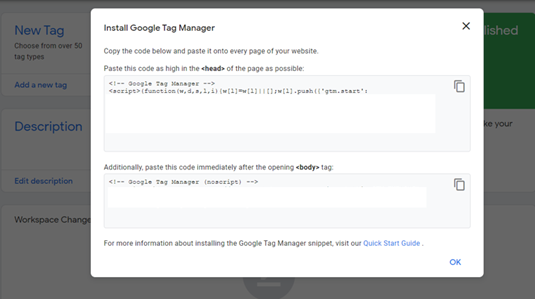
After creating your account, the installation pop-up shows and describes the details of the process.
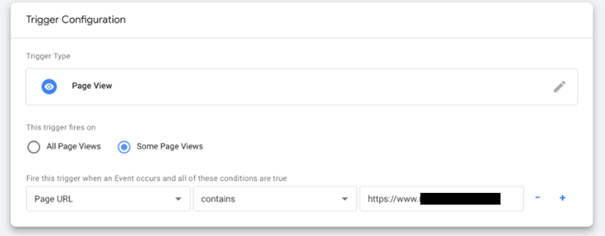
After you paste the MindBehind Web Messenger script, create a new trigger.
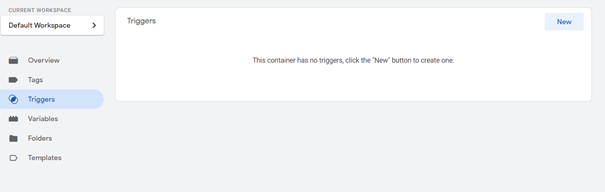
Choose your trigger type(page view) and save it.
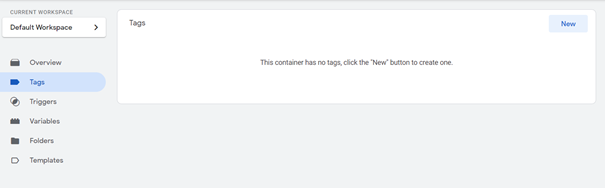
Go to the Tags section and create a new tag.
The tag type should be custom HTML. Paste your script.
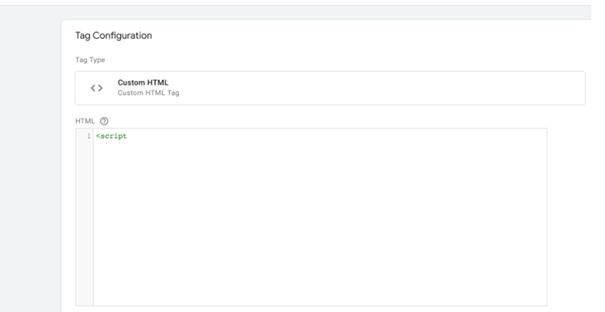
Add your previously created trigger.
Once completed, you are ready to publish!