The Localized Timeout feature on the MindBehind Flow product allows you to configure Reminder and Timeout messages for users.
- Reminder messages are used to prompt users who have not responded to the chatbot for an extended period, encouraging them to continue the conversation.
- Timeout messages notify users that their conversation has ended due to prolonged inactivity and can be configured in multiple languages based on the detected language during the conversation flow.
To configure the Reminder and Timeout messages, follow the steps below:
1. After logging in to your MindBehind Flow account, click the Assistants page on the left menu.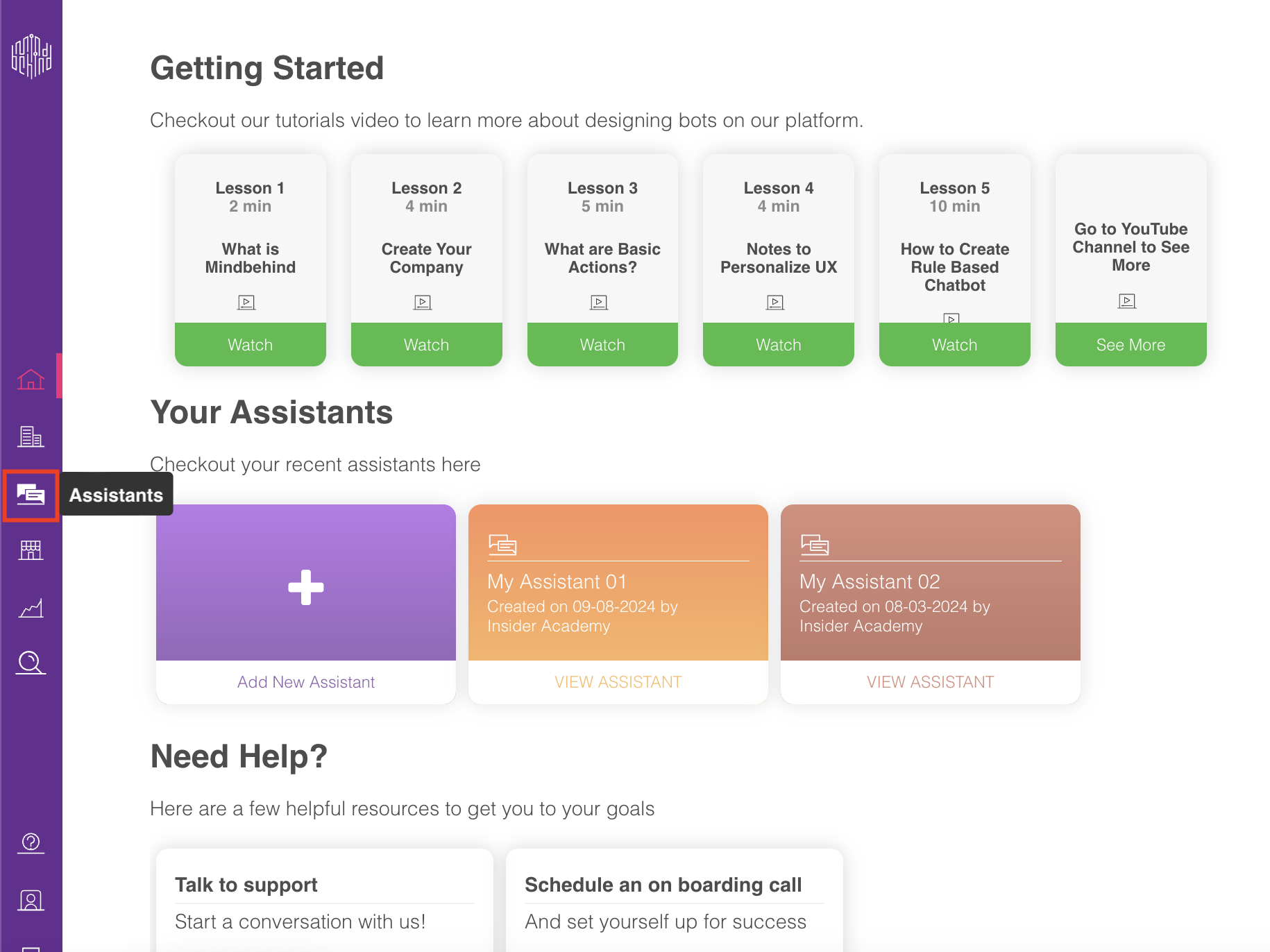
2. On the Assistants page, click on the relevant assistant.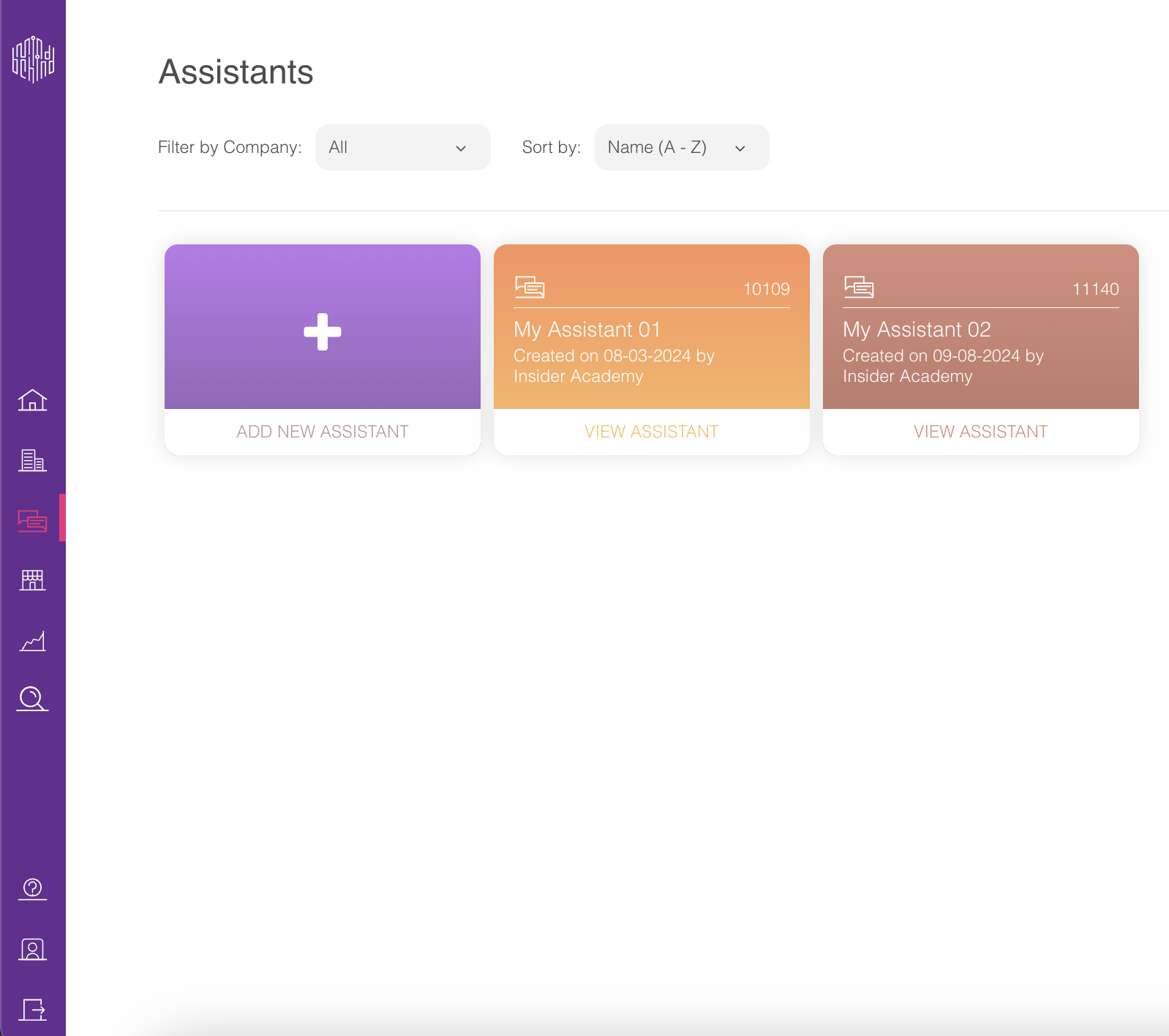
3. Click the Settings icon in the top right corner of the screen. 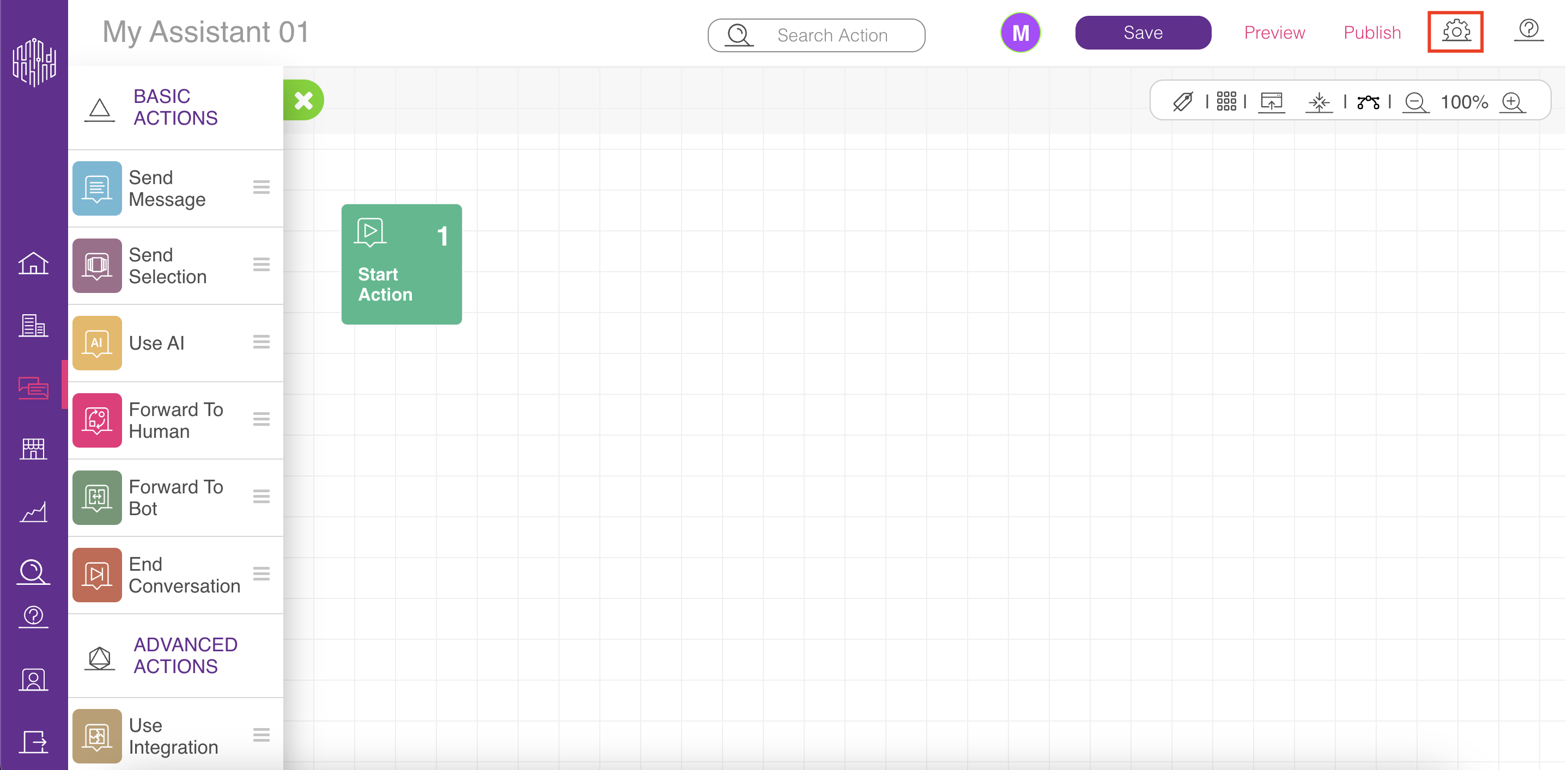
4. Click the Assistant Timeout option on the Settings menu.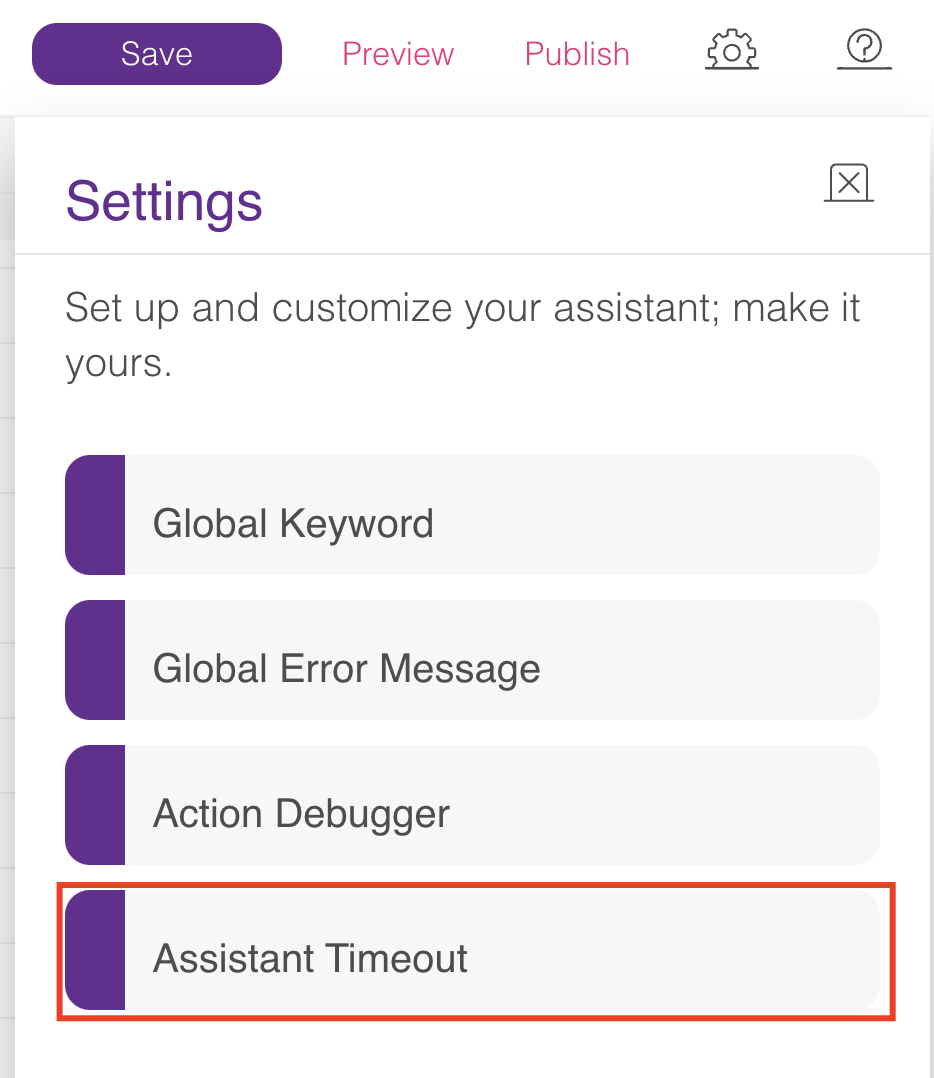 5. You can set a duration to send your Reminder and Timeout messages in the Assistant Timeout menu.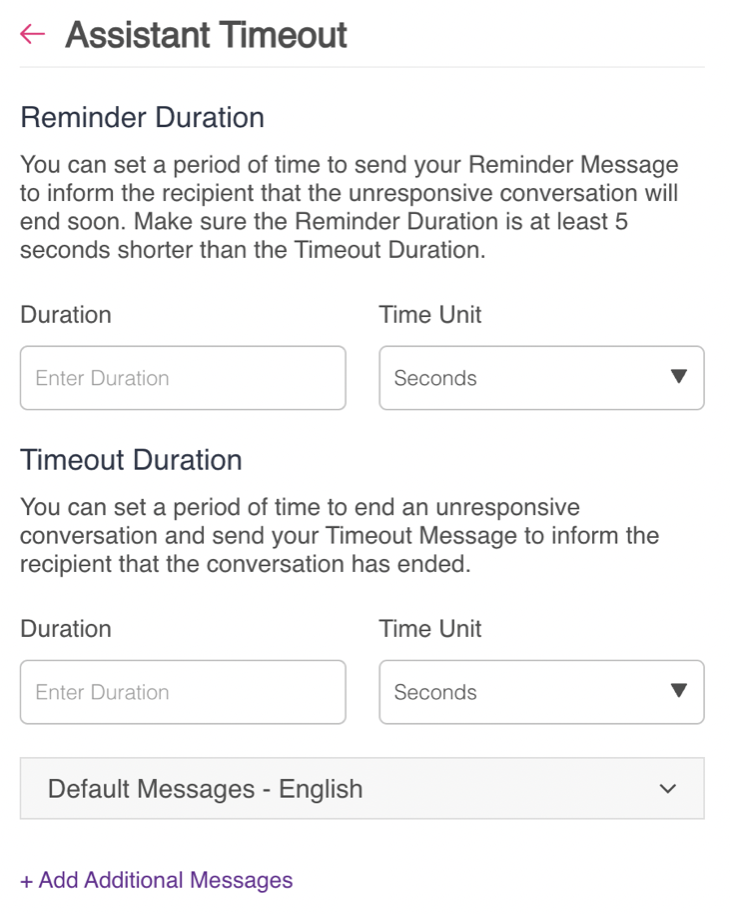
6. If you scroll down, you can see the Default Messages section, where you can set the Reminder and Timeout messages. After choosing the language and entering your messages according to the rules for setting Reminder and Timeout messages below, click the Save button.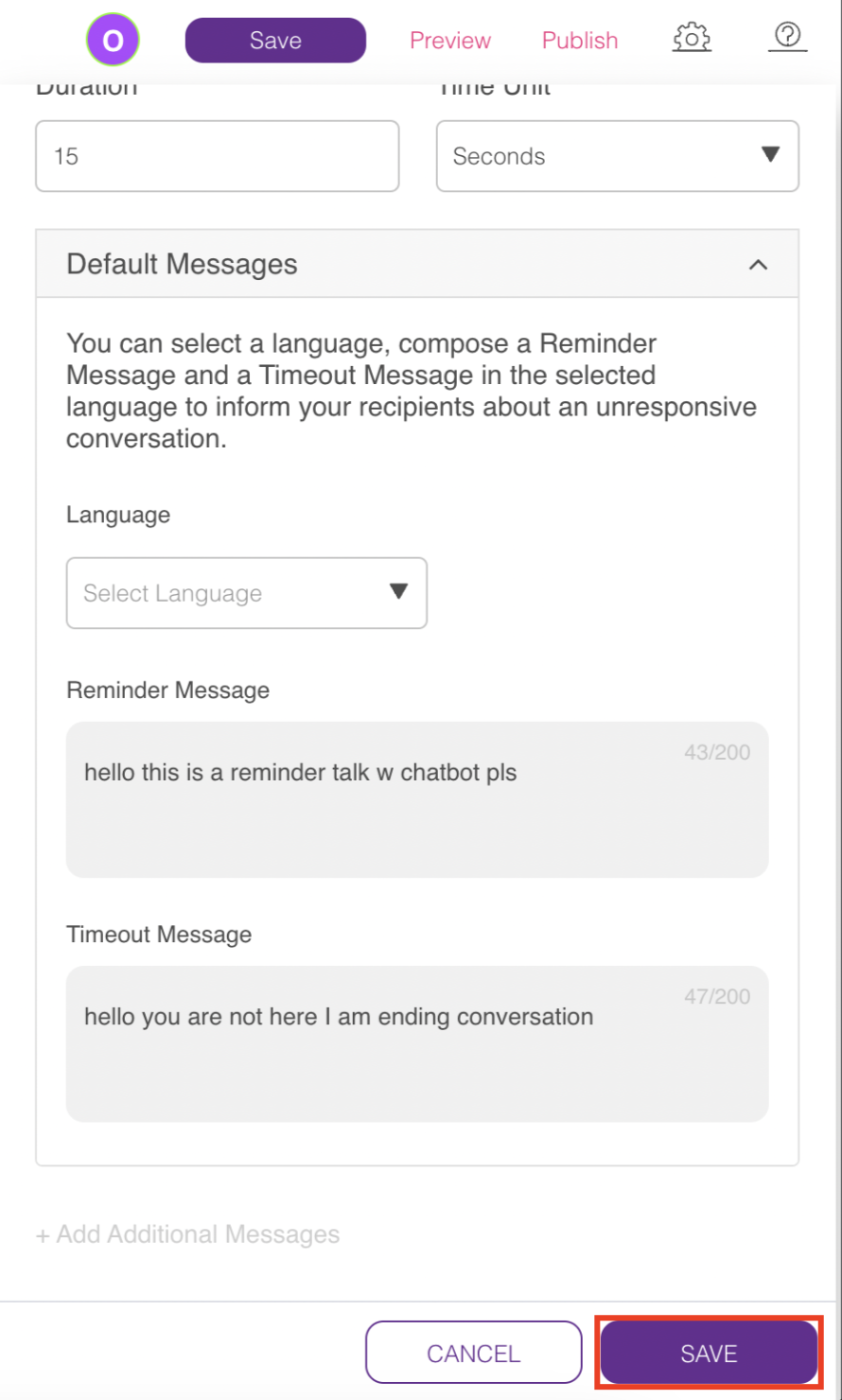
Additional messages can only be added after setting a default message. If you want to add extra messages, click the + Add Additional Messages.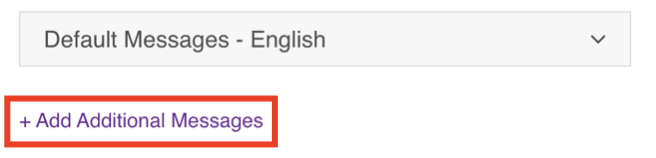 You can define additional messages in different languages. For each added language, you can customize the Timeout and Reminder messages accordingly.
Rules for setting the Reminder and Timeout durations
While configuring the Reminder and Timeout message durations, you need to follow the rules below:
- The duration for Reminder and Timeout messages must be specified only once.
- Durations can be configured in seconds, minutes, or hours.
- The Timeout duration must be at least 5 seconds longer than the Reminder duration.
- The maximum allowed Timeout duration is 24 hours.
.png)
After you set your Timeout and Reminder messages according to the rules above, you should consider the following information before saving your changes:
- Reminder messages cannot be set without a Timeout message, as the Timeout message is a prerequisite.
- The maximum duration for Timeout messages is 24 hours.
- Each message must be associated with a detectable language.
Handle Timeout and Reminder Messages in Multi-Language Flows
Our system provides a fully automated way to manage Timeout and Reminder messages in multi-language environments, ensuring a seamless experience for your users without requiring any manual setup.
Automatic Language Detection
The platform automatically detects the user's language based on their last three messages sent in the conversation. When a Timeout or Reminder event is triggered, the system sends the corresponding message in the language it has detected.
This automated process eliminates the need to manually add language detection modules or language selection buttons within your flow for handling these specific messages.
How does the automatic language detection work?
- The user interacts with the flow and sends messages.
- The system continuously analyzes the language of the user's last three inputs.
- If a Timeout or Reminder is triggered, the system uses the detected language to send the appropriate message you have configured for that language.
- If the system cannot confidently determine the language from the recent messages, it will fall back to the flow's default language.