The End action is used to end the conversation or to return to the parent assistant in case of a sub-assistant. This guide will help you learn how to use end actions in your conversation flows.
To use End action in your flows, follow the steps below:
- To add the End Action to your assistant canvas, drag and drop the End Conversation action from the Basic Actions menu to your canvas or click on it.
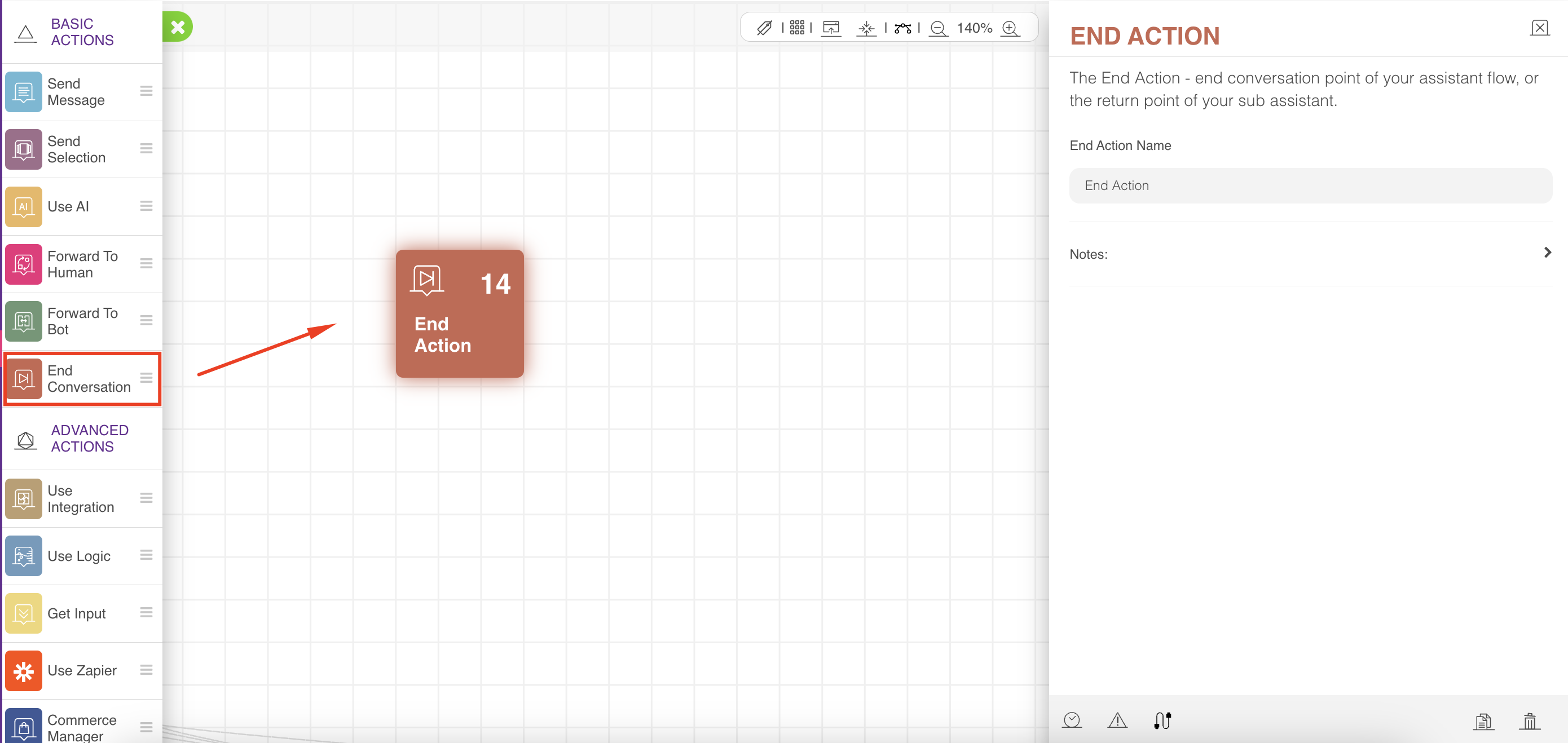
- You can name your End Action and connect it to your actions to end the conversation.
When the assistant flow passes this action, two scenarios might happen:
- If the flow is in the top assistant from which the conversation starts, this action will end the conversation.
- If the flow is in a sub-assistant, this action will return to the sub-assistant's parent.
Defining a delay for this action will delay the end of the conversation or return to the parent bot process.