This guide aims to explain how you can create a custom Azure subscription for Generative AI. The purpose of having your subscription is to have scalable resources as you have planned to increase your Generative AI traffic. To use the Generative AI Module with your subscription, you should follow the required steps.
To create a custom Azure subscription for Generative AI,
- You should have a Microsoft account/partnership. You should start working with Microsoft. That means for every case, even for the usages of Windows with license or Excel, Word, etc. If you already have a partnership with Microsoft, then you must have a record and ID on Microsoft.
- You should request access to Azure Open AI. Azure Open AI is the service of Microsoft to serve as the infrastructure provider for OpenAI. To apply for access, you can fill out this form. While the request form is being filled, you can always contact the Insider team.
- To create and deploy an Azure OpenAI Service resource, you should use these resources to finish deployment: gpt 3.5 turbo & text embedding ada 002.
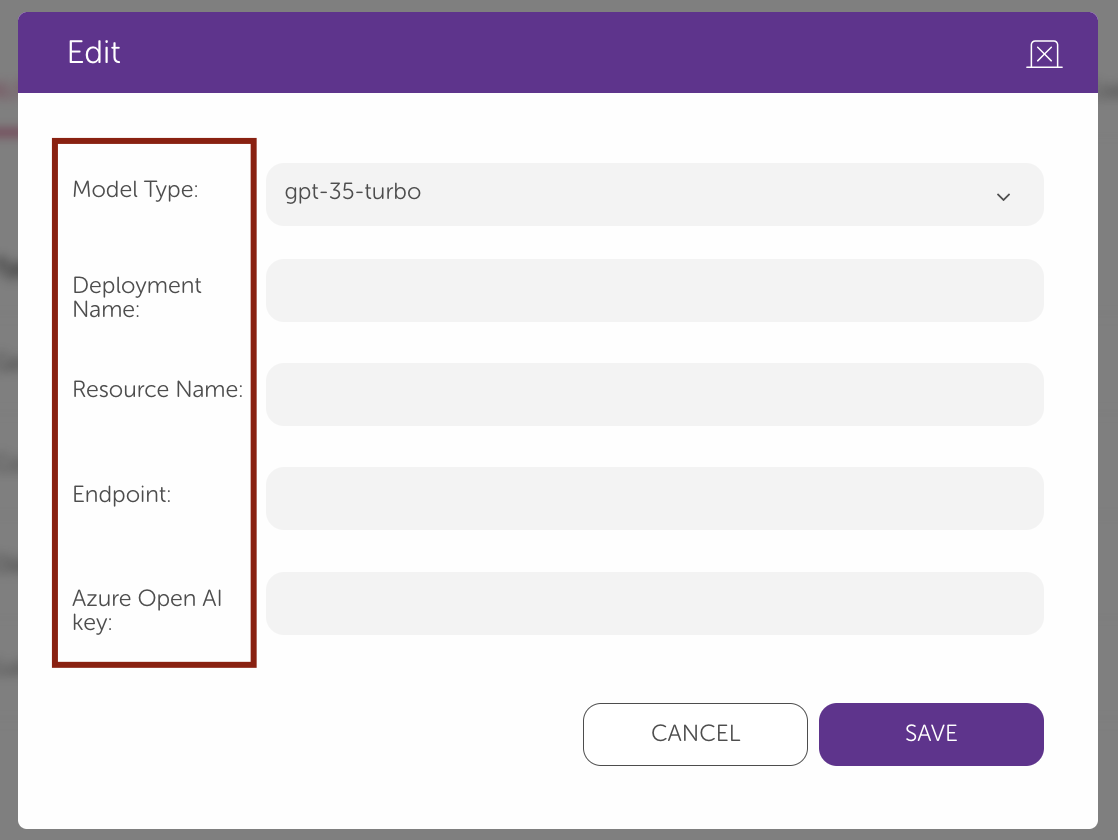
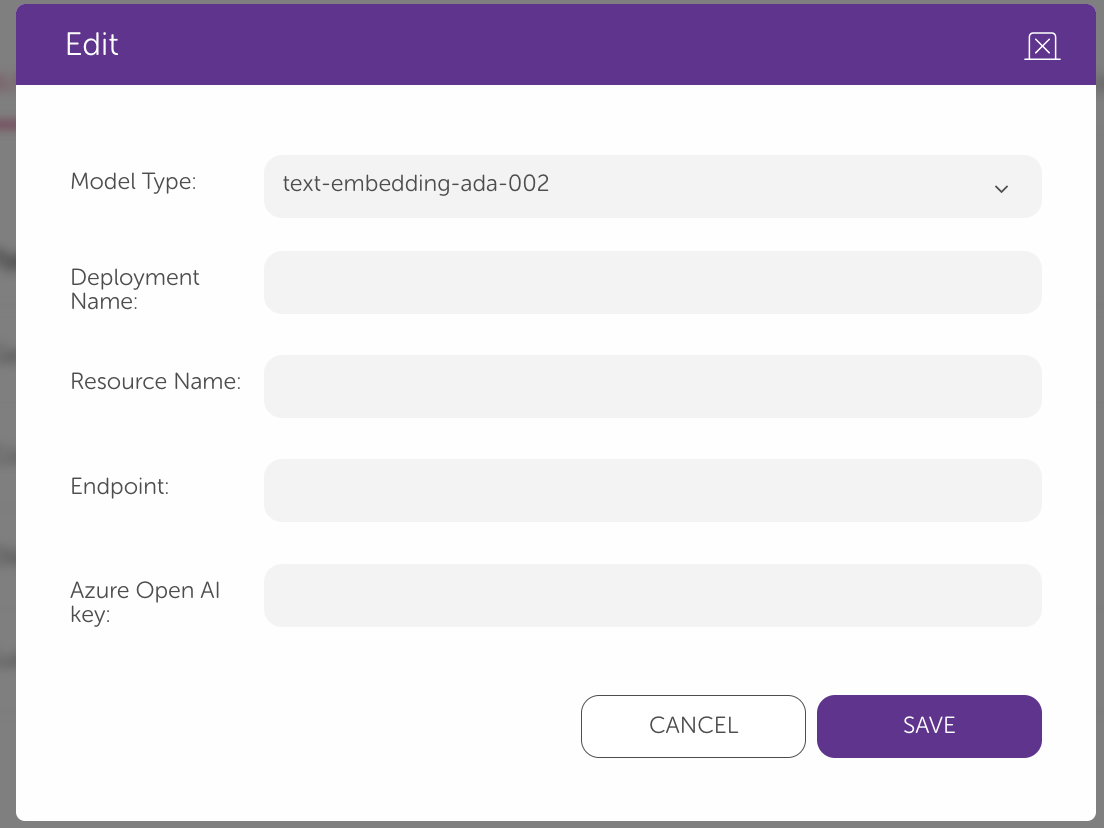
Refer to Create and deploy an Azure OpenAI Service resource documentation to create deployments.