Suggested reading: 13.5.0 & 2.0.0 Migration
This guide aims to help you migrate your CocoaPods project to SPM for both Objective-C and Swift projects.
To migrate your project, follow these steps:
1. Remove the following lines from your Podfile.
pod 'InsiderMobile'
pod 'InsiderMobileAdvancedNotification'
2. Open your project directory in the terminal and enter the following code.
pod install
(Optional) 3. Run the following code if you want to completely remove CocoaPods from your project. Otherwise, if you want to retain your other Pods, skip to Step 6.
pod deintegrate
(Optional) 4. If you have completed Step 3, you can now delete all CocoaPods-related files from your directory. You can see some examples below.
*.xcworkspace
Podfile
Podfile.lock
Pods/
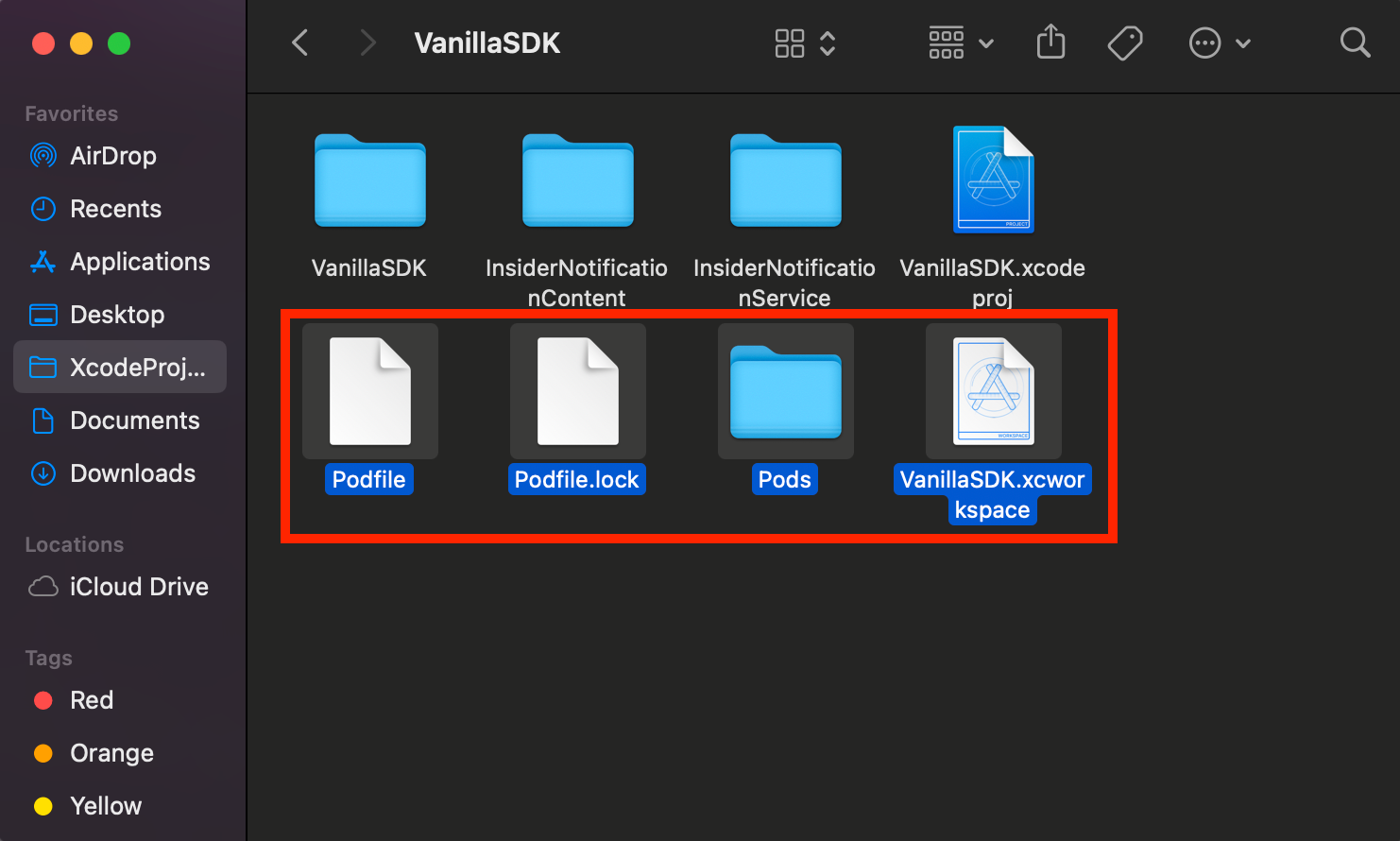
(Optional) 5. If you have completed Step 4 and completely removed CocoaPods from your project, open it using the .xcodeproj file.
Now, you can integrate Swift Package Manager (SPM) into your project.