You can start a live chat on the Insider One Help Center.
To start a chat:
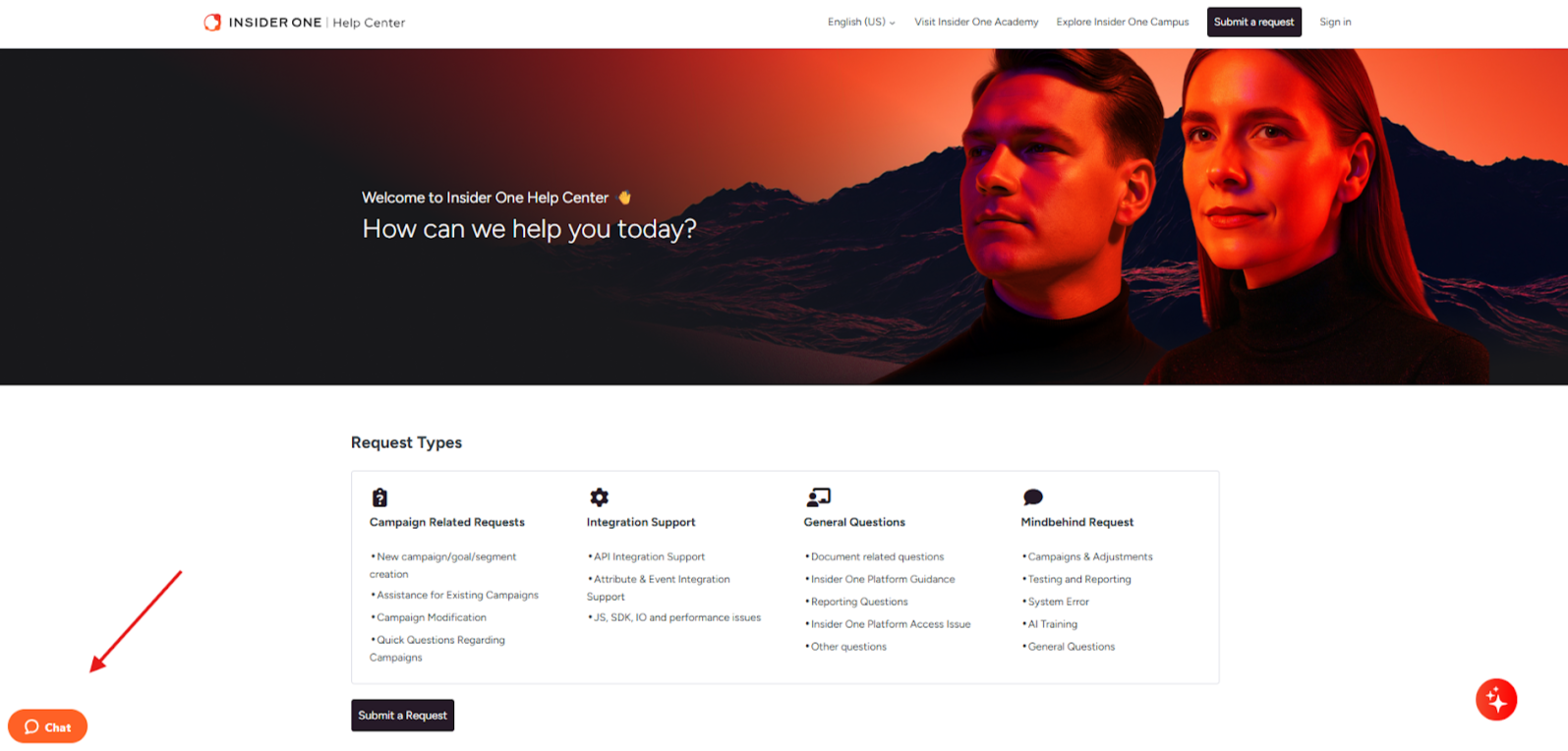
Click the widget button in the bottom left corner.
Enter your name, email address, and message, and click the Start Chat button for an agent to join the conversation. You will have a live agent available depending on the working hours of your region, listed in the next section.
You can also start a live chat with the AI assistant. After you receive an AI-generated answer and still want to start a live chat, click the No button for the "Were you able to find the answer you are looking for?" question. Or you can type "live chat" in the assistant to trigger the live chat widget.
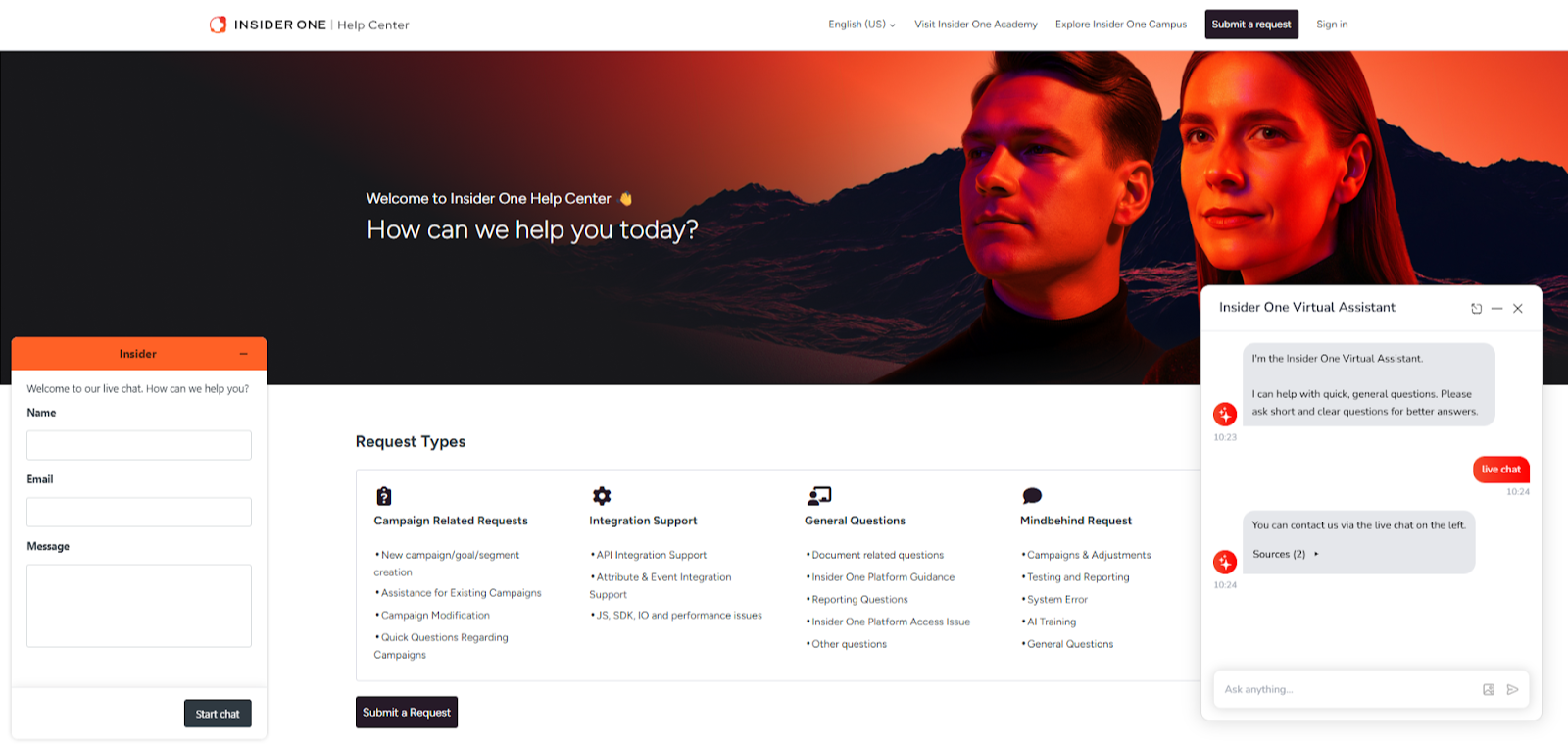
Create tickets on the chat widget
The live chat is available between the following slots based on your website's time zone. During the offline hours, you can create support tickets on the widget. The green represents the online hours, while the red represents the offline hours.
Country | 09:00-10:00 | 10:00-11:00 | 11:00-12:00 | 15:00-16:00 | 16:00-17:00 | 17:00-18:00 |
|---|---|---|---|---|---|---|
Argentina | ||||||
Australia | ||||||
Benelux | ||||||
Brazil | ||||||
CEE (Poland) | ||||||
Chile | ||||||
Colombia | ||||||
France | ||||||
Hong Kong | ||||||
Indonesia | ||||||
Malaysia | ||||||
MENA (Dubai) | ||||||
Mexico | ||||||
Philippines | ||||||
Russia | ||||||
Singapore | ||||||
Spain | ||||||
Taiwan | ||||||
Thailand | ||||||
Turkey | ||||||
United Kingdom | ||||||
United States (New York) | ||||||
Vietnam |
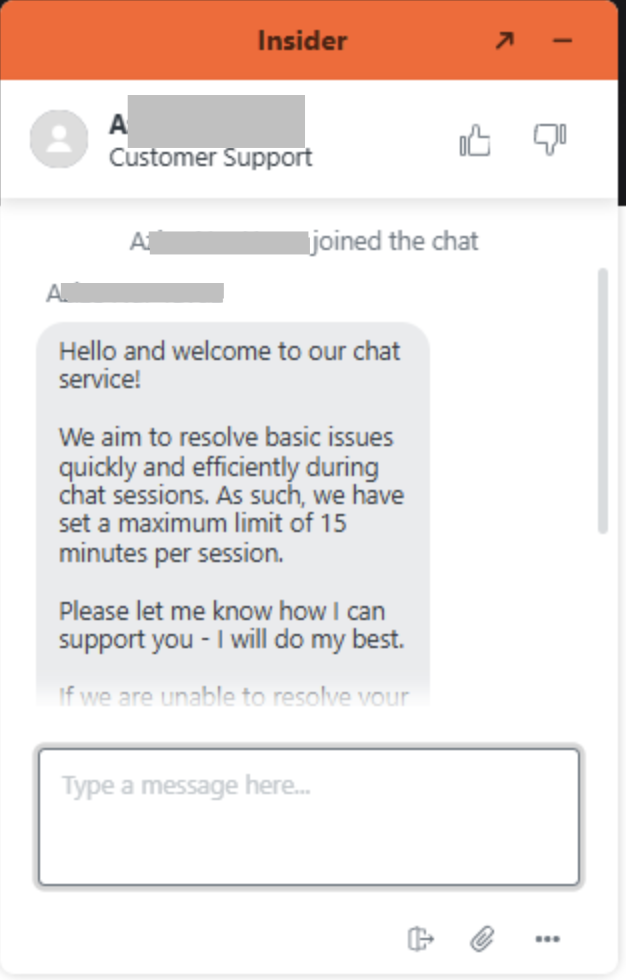
Live chat message example
Live Chat aims to assist you in 15 minutes and resolve any issues you encounter. For optimal support, you can also create support tickets.
The following table serves as a guide for choosing the most suitable support type for common use cases and displays the recommended channels (Insider One Academy, tickets, and live chat) for finding solutions to those use cases. Also, the relevant Academy page is added as a source for each case.
Case | Insider One Academy | Tickets | Live Chat | Source |
|---|---|---|---|---|
Changing placement and position of a template | Recommended | If necessary | Alternative | |
Changing design and style of countdown | Recommended | Alternative | If necessary | |
Troubleshooting for mobile app pushes and templates | Recommended | Alternative | If necessary | |
Requesting new web campaigns, custom rules, segments, product attributes, and user attributes | Recommended | Alternative | If necessary | |
Seeking guidance on utilizing the basic features of Inone | Recommended | If necessary | Alternative | |
Adding dynamic content to email templates | Recommended | If necessary | Alternative | |
Adding test devices to mobile app | Recommended | If necessary | Alternative |
Insider One Academy is always the recommended and preferred option for finding answers to your queries. However, Live Chat and Ticket support can be a better choice depending on the nature of the problem for certain issues.