Feedback is crucial for validating an organization's efforts. While working on a system, you might encounter various challenges.
To ensure we are on the right track and have reviewed all potential issues or threats, we have the Give Feedback option in the InOne panel. To give feedback:
Click the Give Feedback button on the InOne homepage screen.

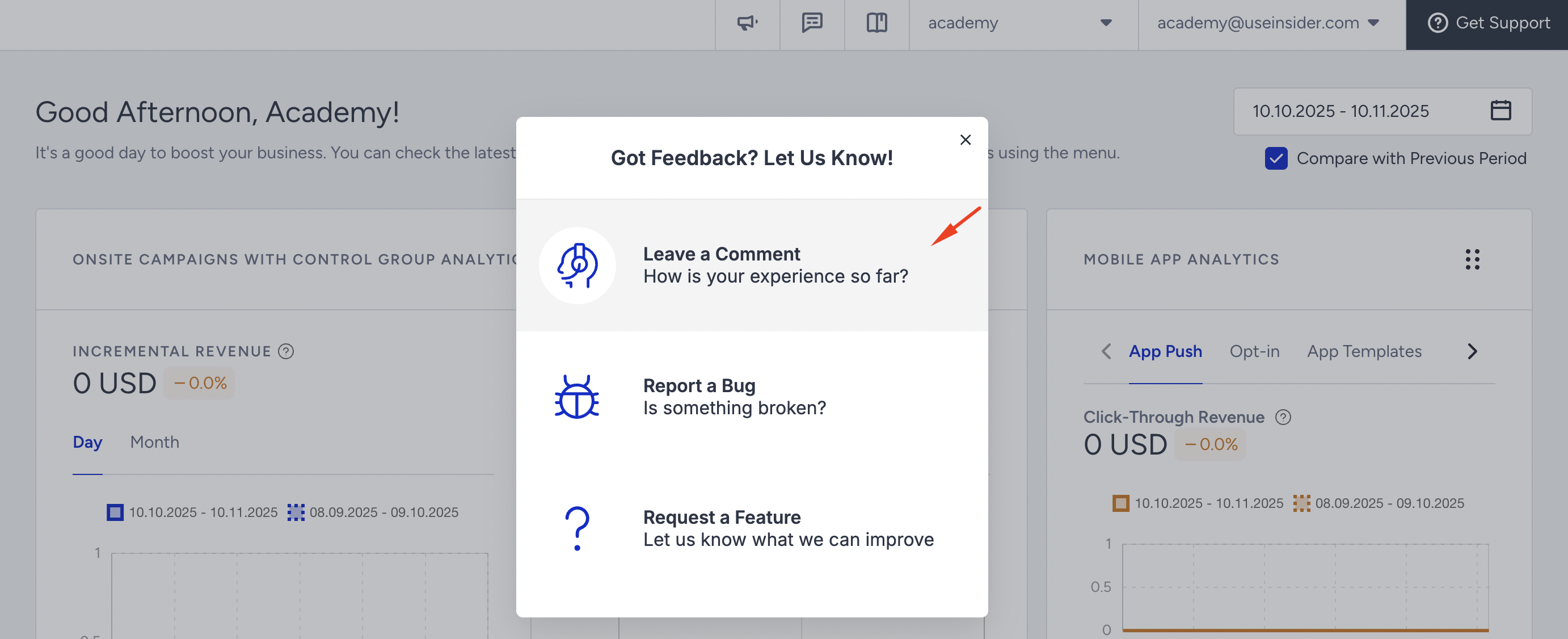
Leave a Comment
While ranking the product, you can also leave your comments. You can add visuals to your comments. Click Submit after you enter your feedback.
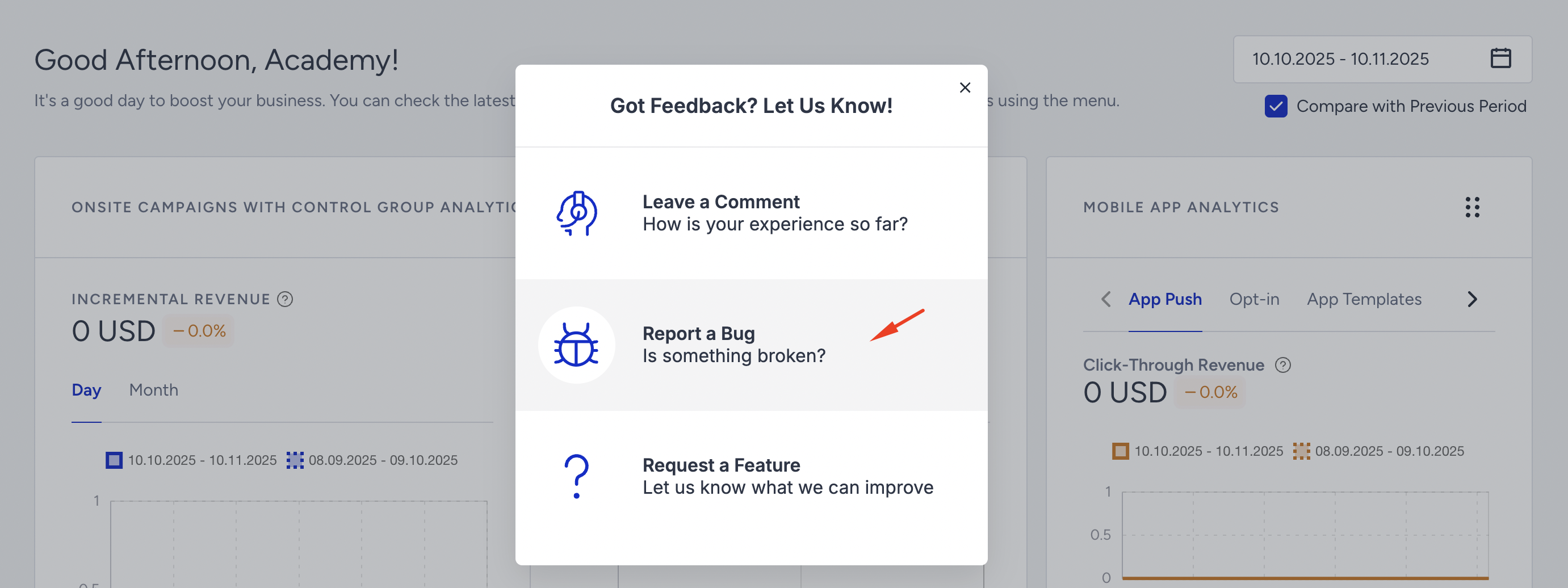
Report a Bug
If you notice a button or feature not working or spot a bug that could affect the system, simply click the Report a Bug option. You can record your screen, take a screenshot, and add a description for clarity. Then, click Report to notify us of the issue.
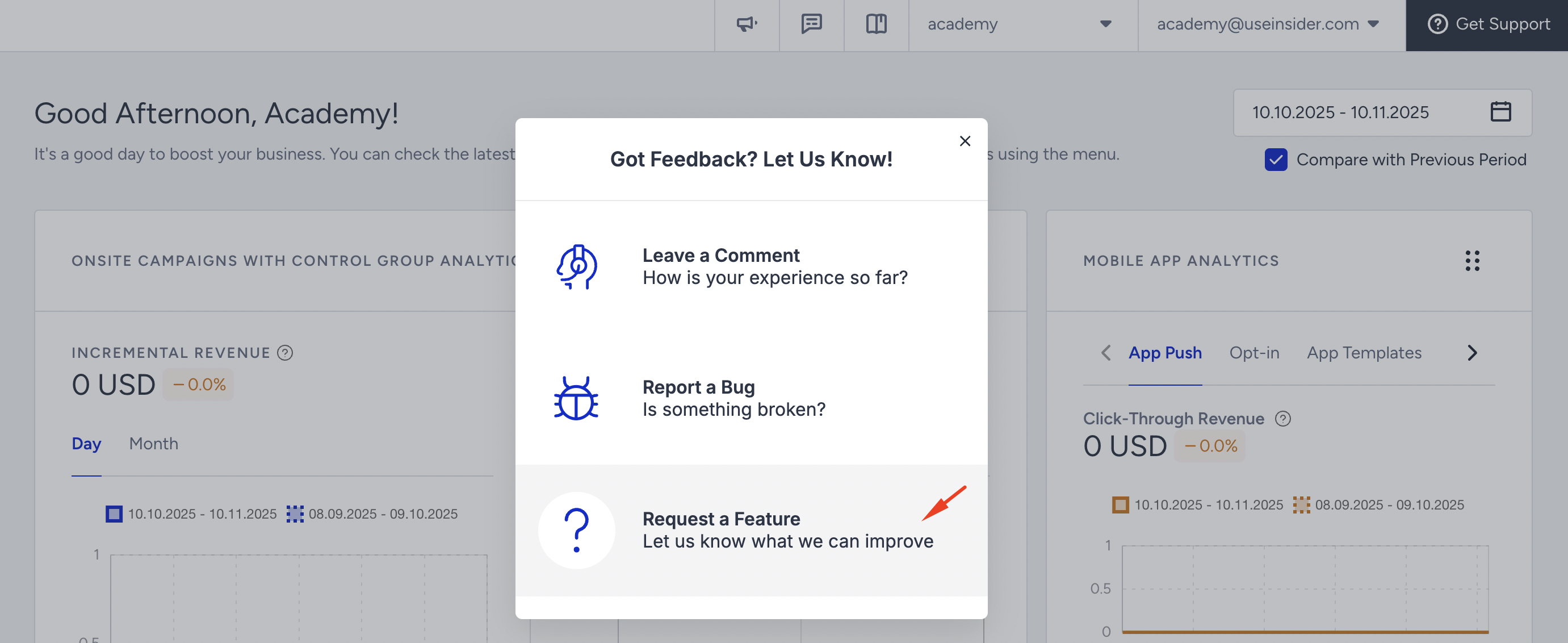
Request a Feature
If you have an idea you think we should build, or see an opportunity to improve a specific feature, please share it with us. Select the Request a Feature option to share your suggestion. Provide details of the feature in the 'Which feature would you like to have?' section, and explain the problem it addresses in the 'What problem does it solve for you?' section.
When you submit your feedback, we follow up with you to gather more details or provide updates as we work to resolve the issue.
Happy feedbacking!