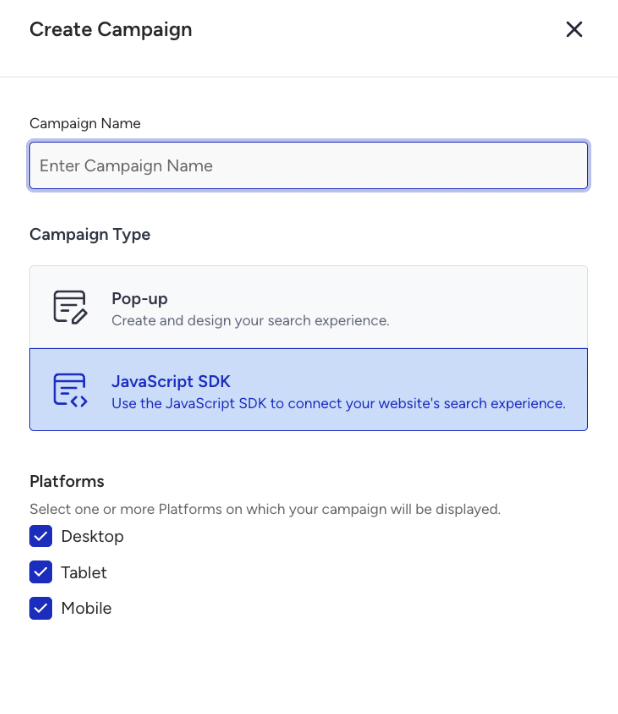
The JavaScript SDK campaign (Eureka SDK) is available for Eureka. Within this campaign, you can choose multiple platforms: Tablet, Mobile, and Desktop.
For the selected platforms, you manage your listing pages with a single campaign.
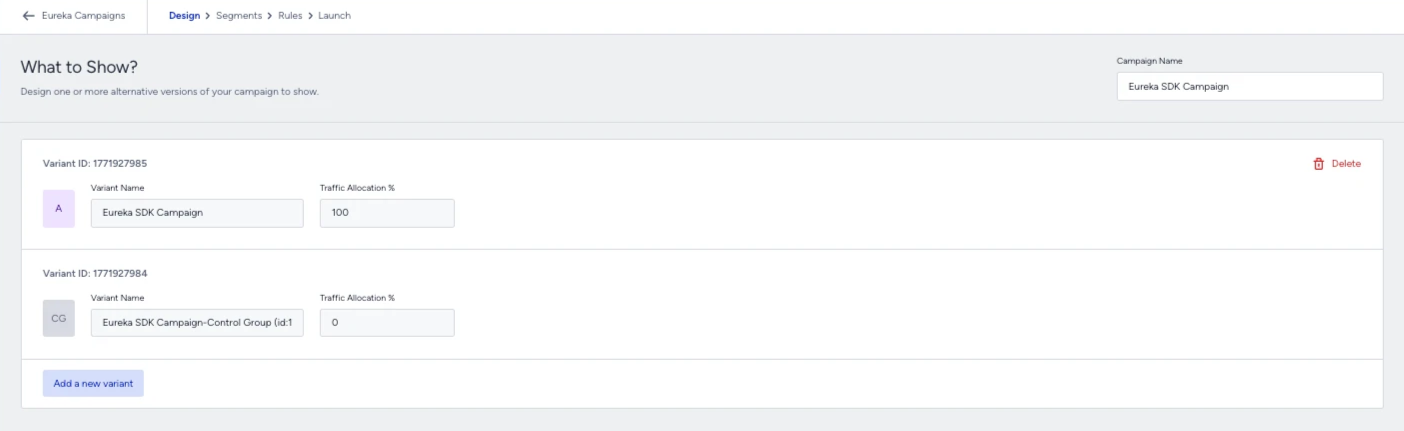
After selecting the Campaign Type and Platform, you access the Design step, where you create variations based on your use cases. Variations are used to fetch products from the SDK and draw listing pages. The Control Group uses your default data source.
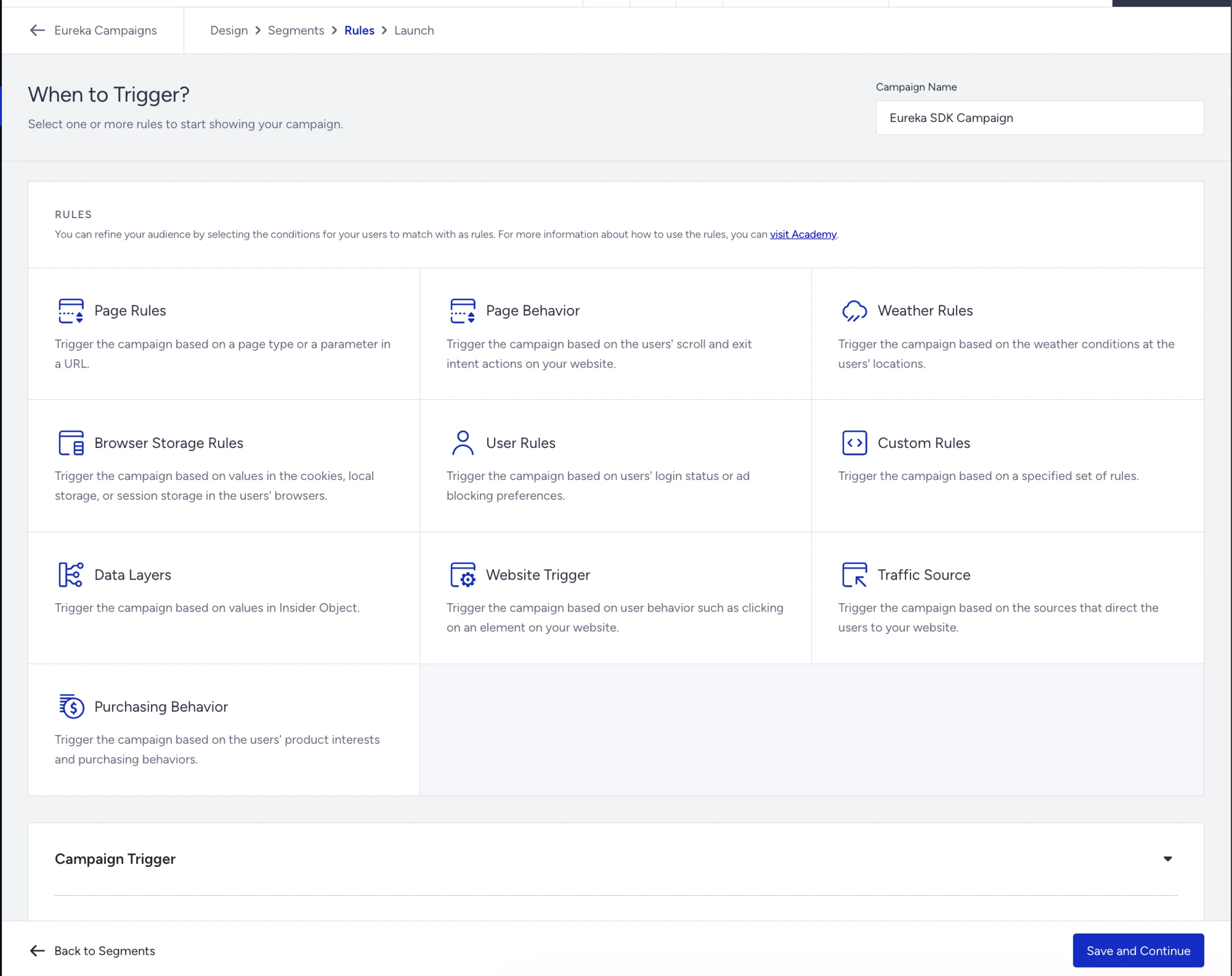
In the Segments and Rules steps, you choose the audience and the trigger conditions for the campaign.
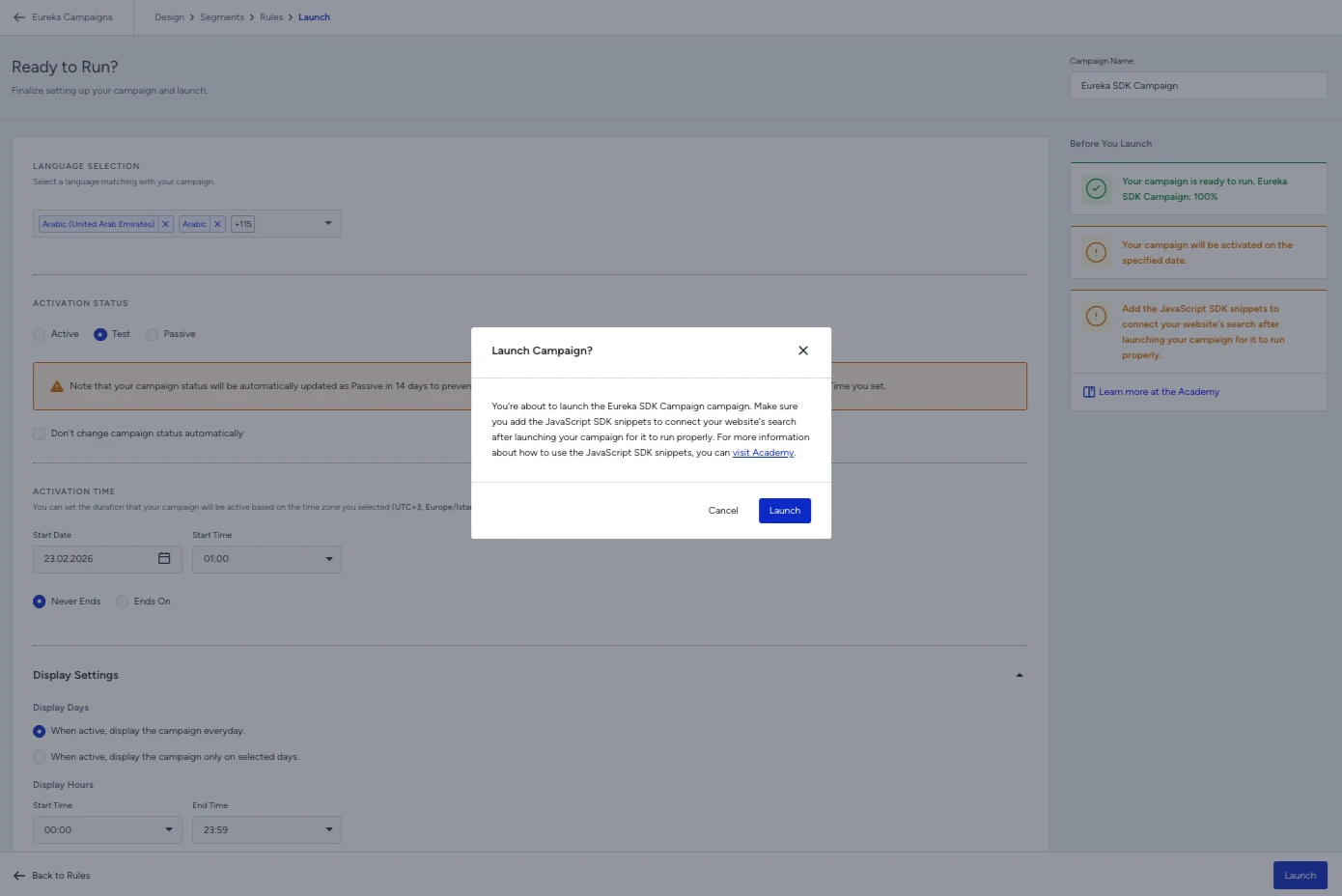
Finally, you use the launch step to initialize the campaign.