You cannot make any changes to External Platform Integrations without having either an Administrator or an Editor with PII access in InOne. Refer to User Roles for further information.
Refer to İYS Bağlantısı için Uzman CRM Entegrasyonu for the Turkish version of Uzman CRM integration.
Only opt-in and opt-out changes originating from Insider One Lead Collection forms and Insider One’s native email or SMS unsubscribe/resubscribe mechanisms are sent through this integration. Changes made via APIs, CSV uploads, Web or Mobile SDKs, CRM systems, or other integrations are not automatically synced to IYS.
Uzman CRM integration allows you to keep user data up to date on IYS and ensures the seamless transfer of contact information collected through Insider’s lead collection templates to IYS.
To set up the Uzman CRM integration, follow these steps:
Navigate to Components > Integrations > External Integrations in Insider One's InOne panel.
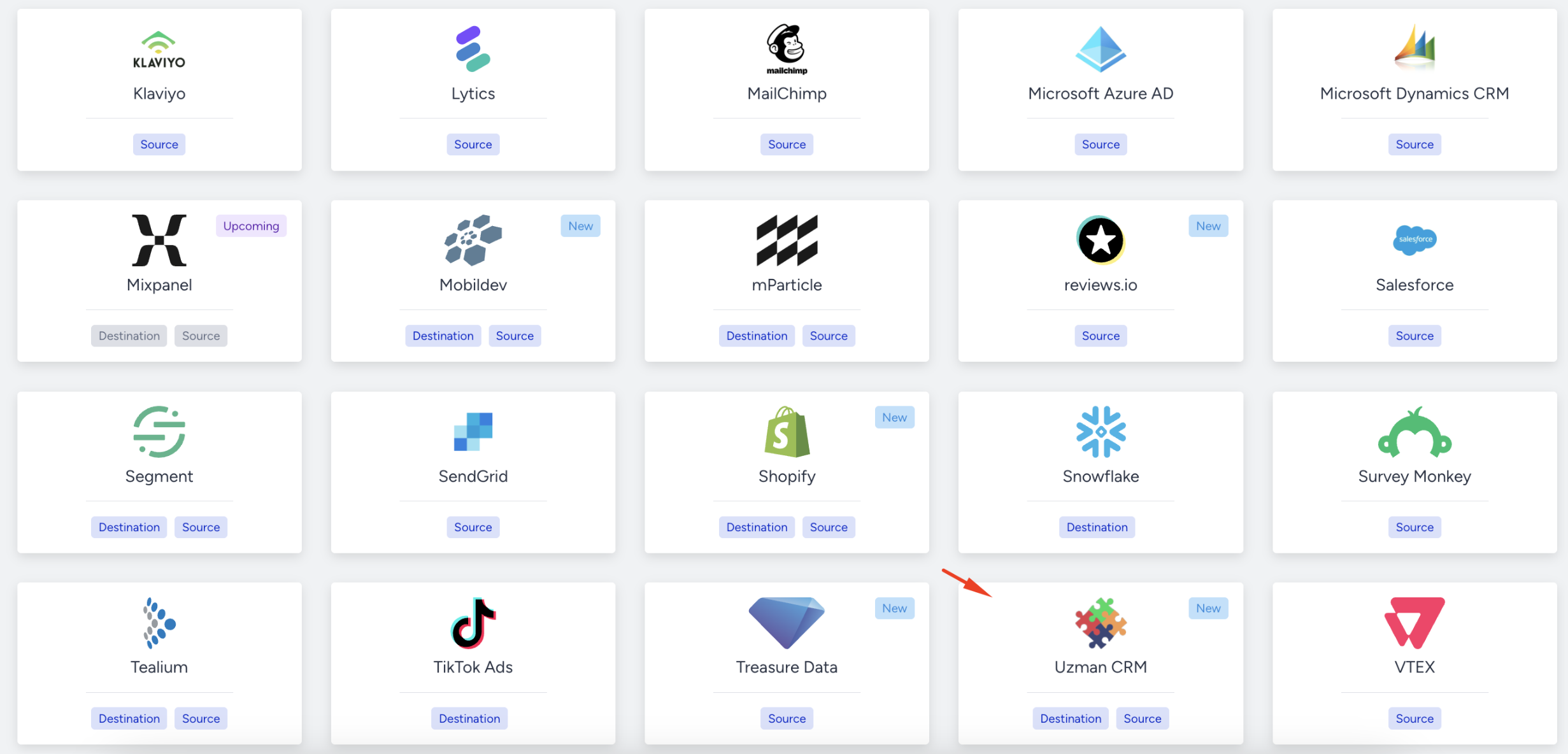
Select the Uzman CRM platform.
Enter your API email and API password, which are your IYS authentication credentials, into the relevant fields.
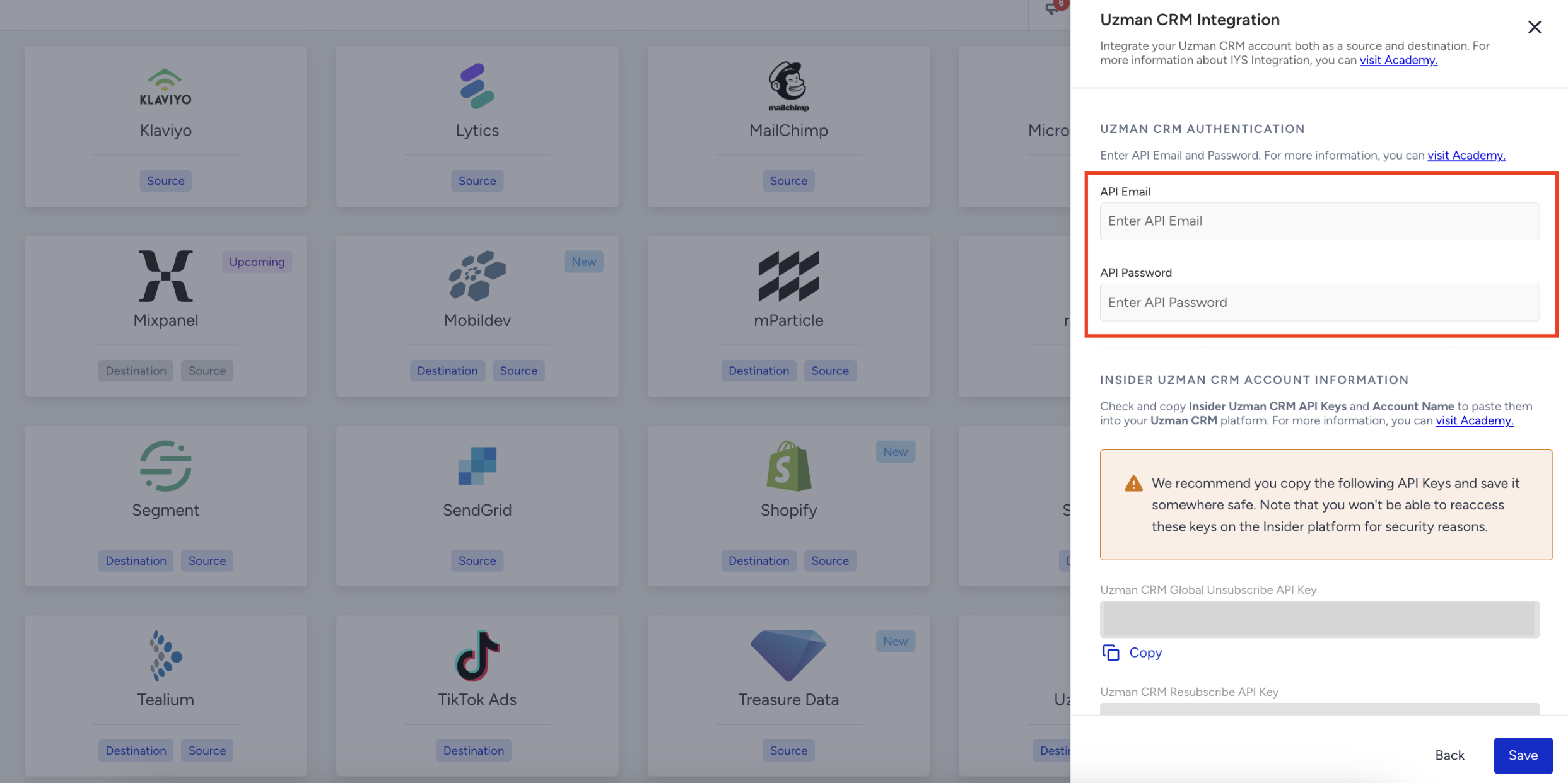
After entering your IYS credentials, copy the following details and click Save:
Global Unsubscribe API Key
Resubscribe API Key
Insider Account Name
Enter these details into your Uzman CRM integration settings.
Once you complete the integration in Uzman CRM, the setup is complete.