This guide explains how to integrate a T-Soft store into MindBehind. To integrate a T-Soft store into MindBehind:
Navigate to MindBehind > Company Management > Integrations.
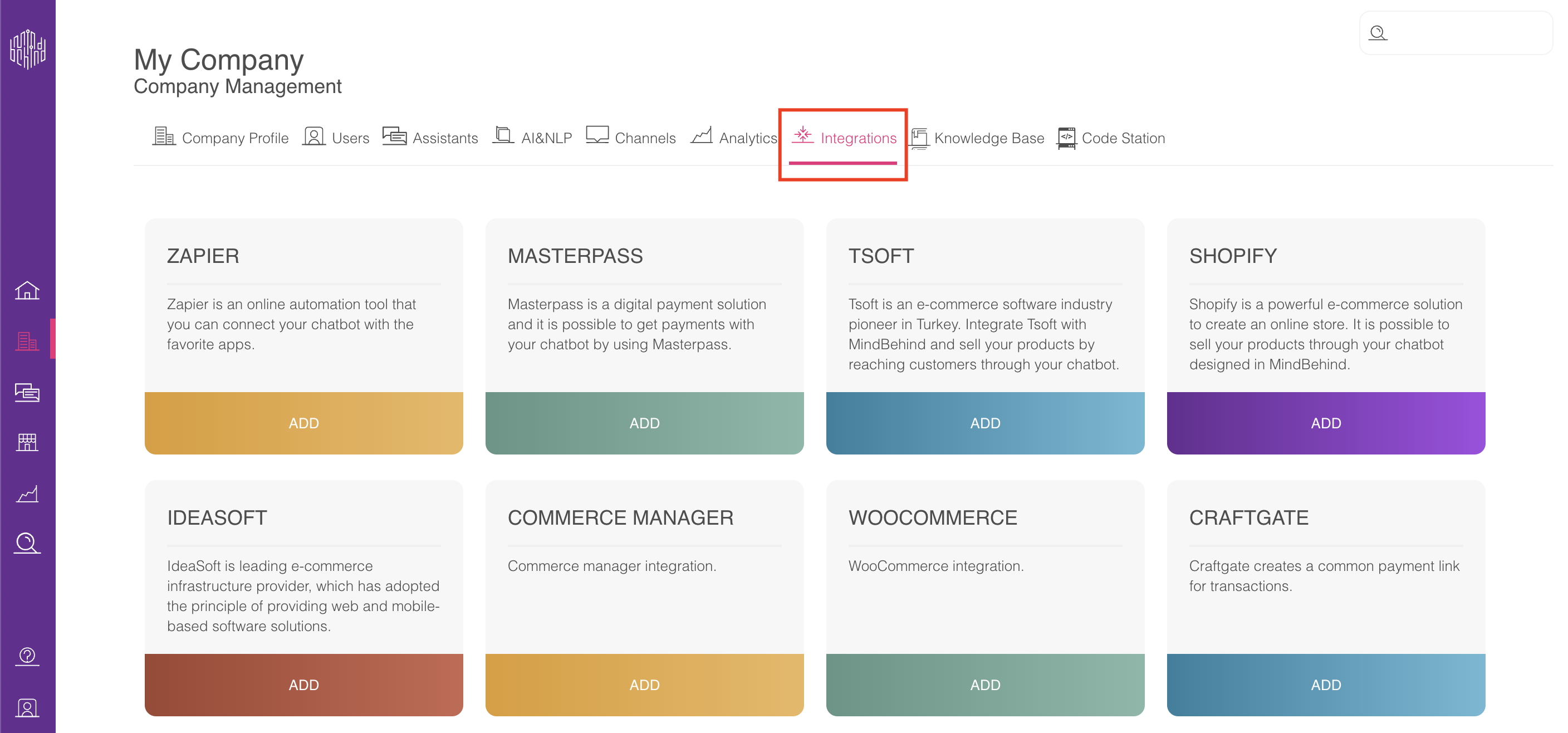
Click the Add button in the T-Soft box.
To complete this process, you should already have a T-Soft store.
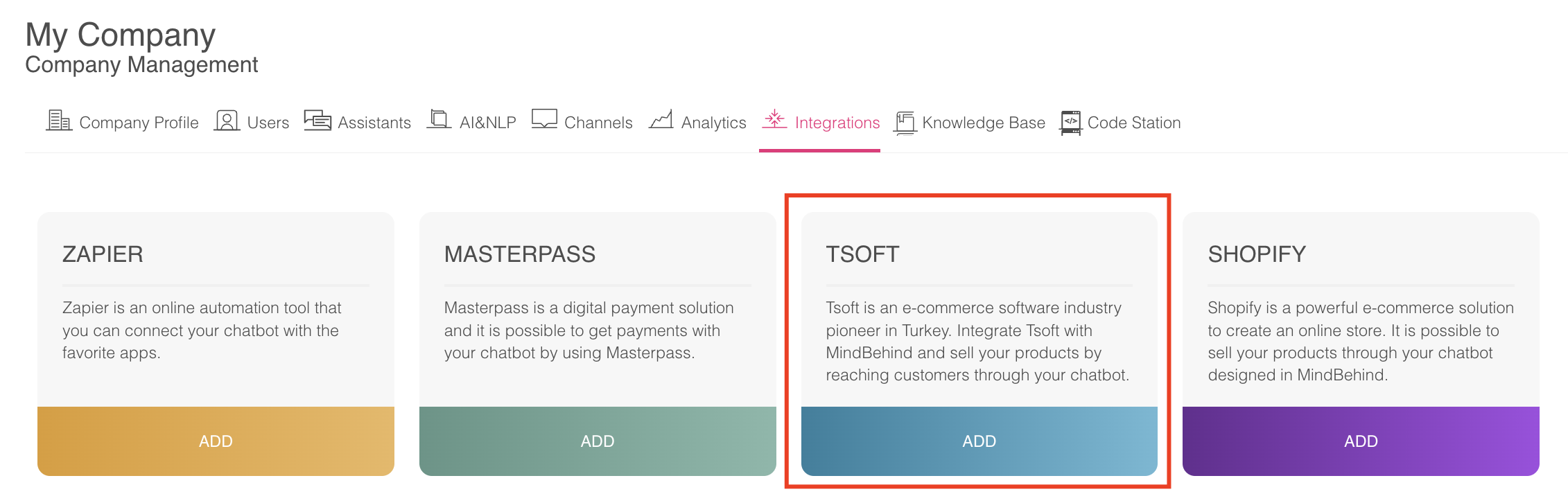
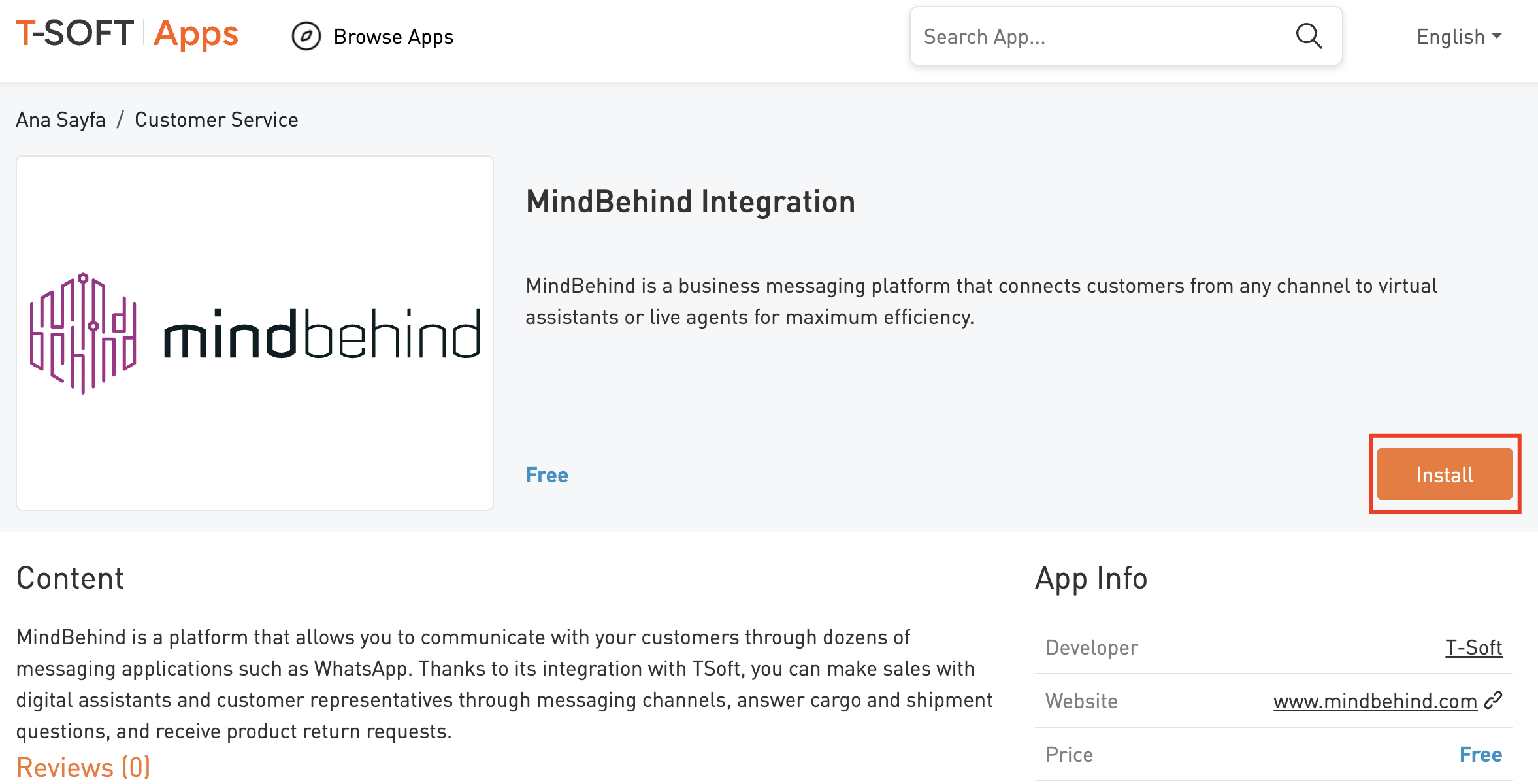
Click on the relevant link in the pop-up screen to continue configuration.

Click the Install button.
Add the ecommerce website URL you want to integrate into MindBehind.
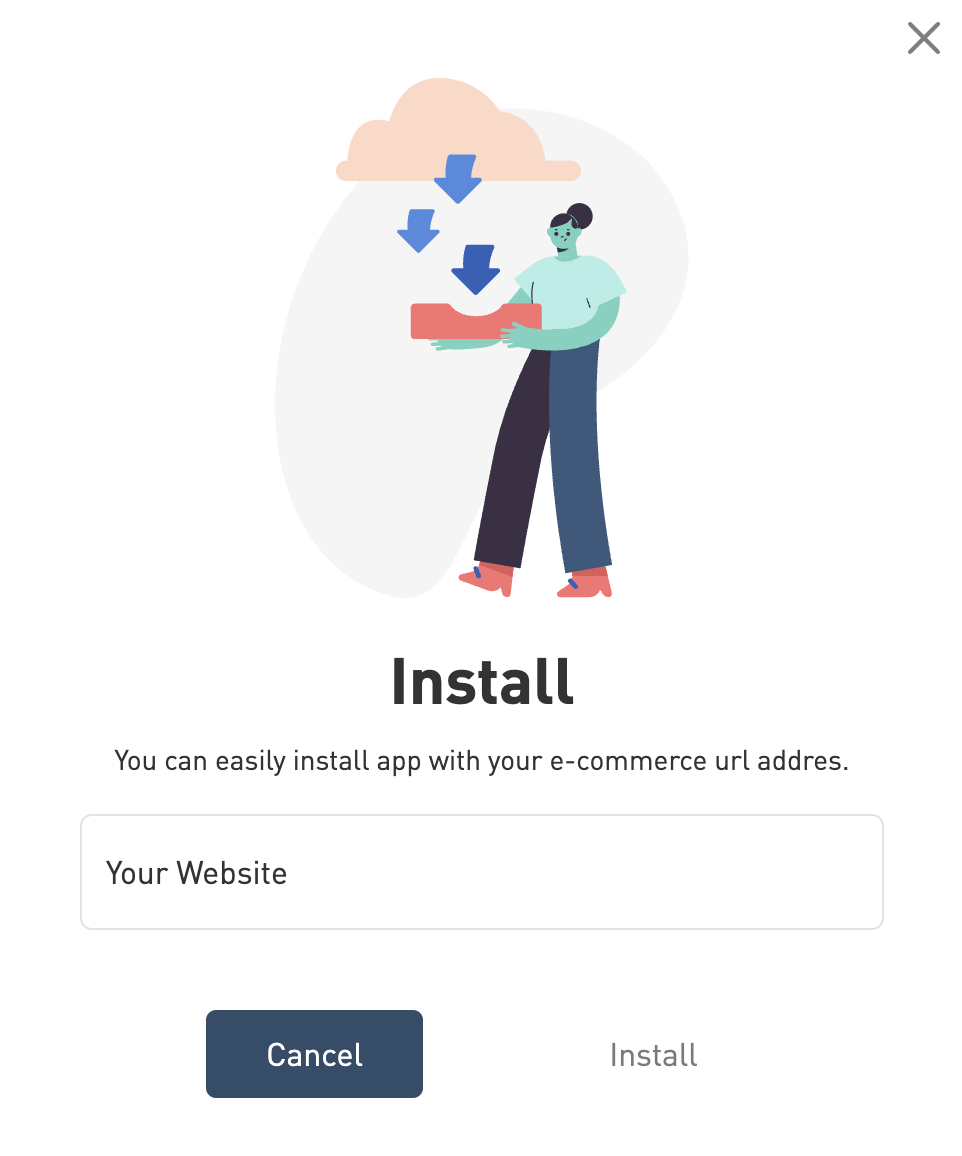
You will see a pop-up about MindBehind integration. To continue, click on the Install button.
In this short form, the email address that you should enter is the email address in your MindBehind account. After you enter the email and click the List icon, the companies connected to that email address will be listed. You can choose the company with which you want to integrate this store.
Ensure you are an admin on the account you are trying to integrate T-Soft with.
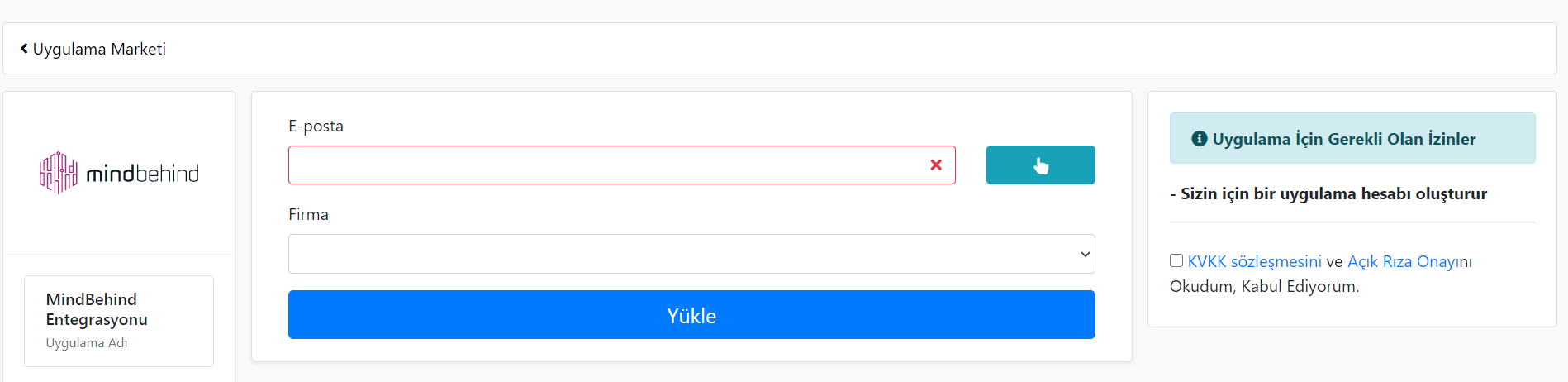
Once you confirm that step, you will see that MindBehind is installed.
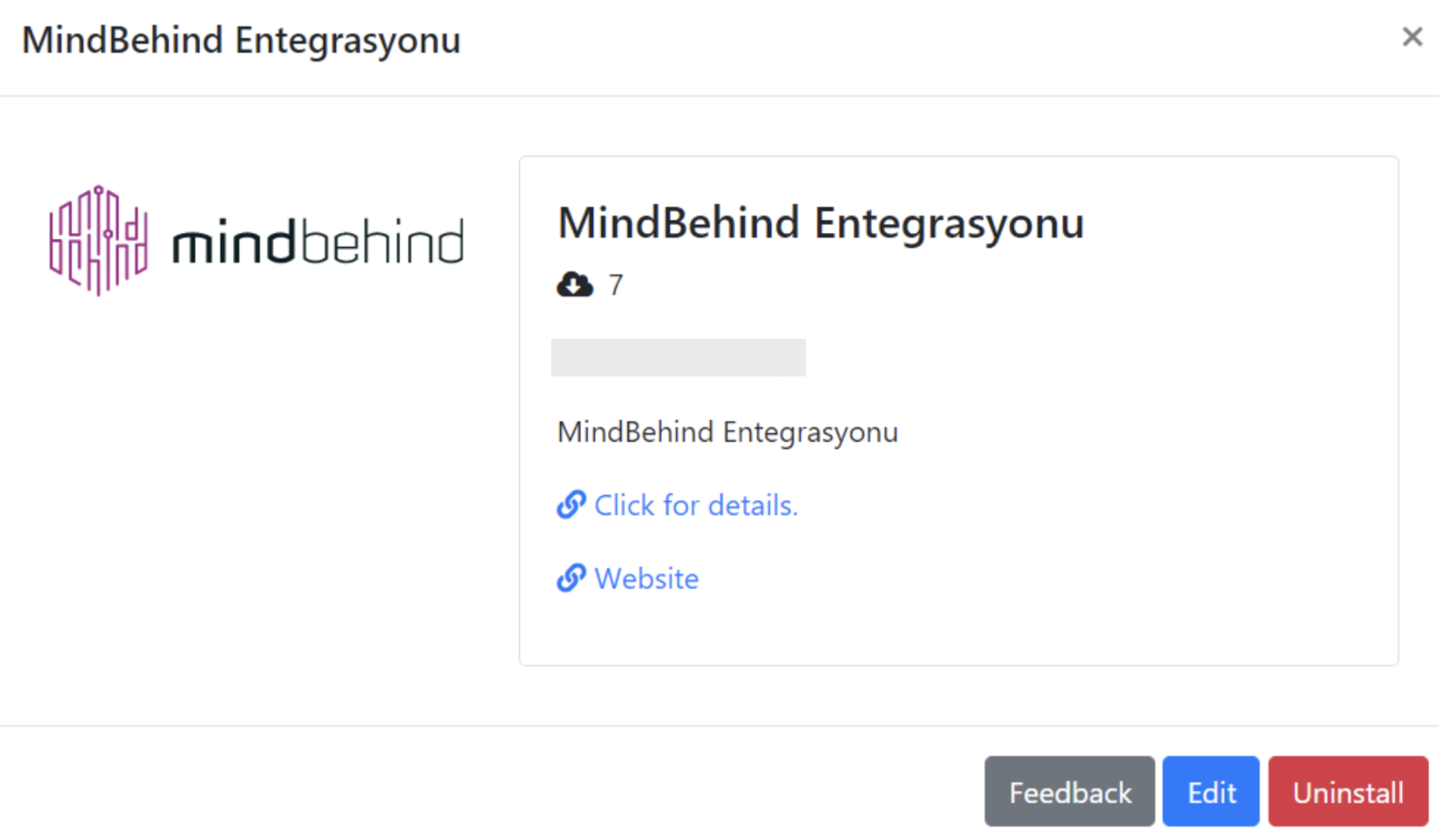
To see the integration, navigate to the Company Management > Integrations tab.
