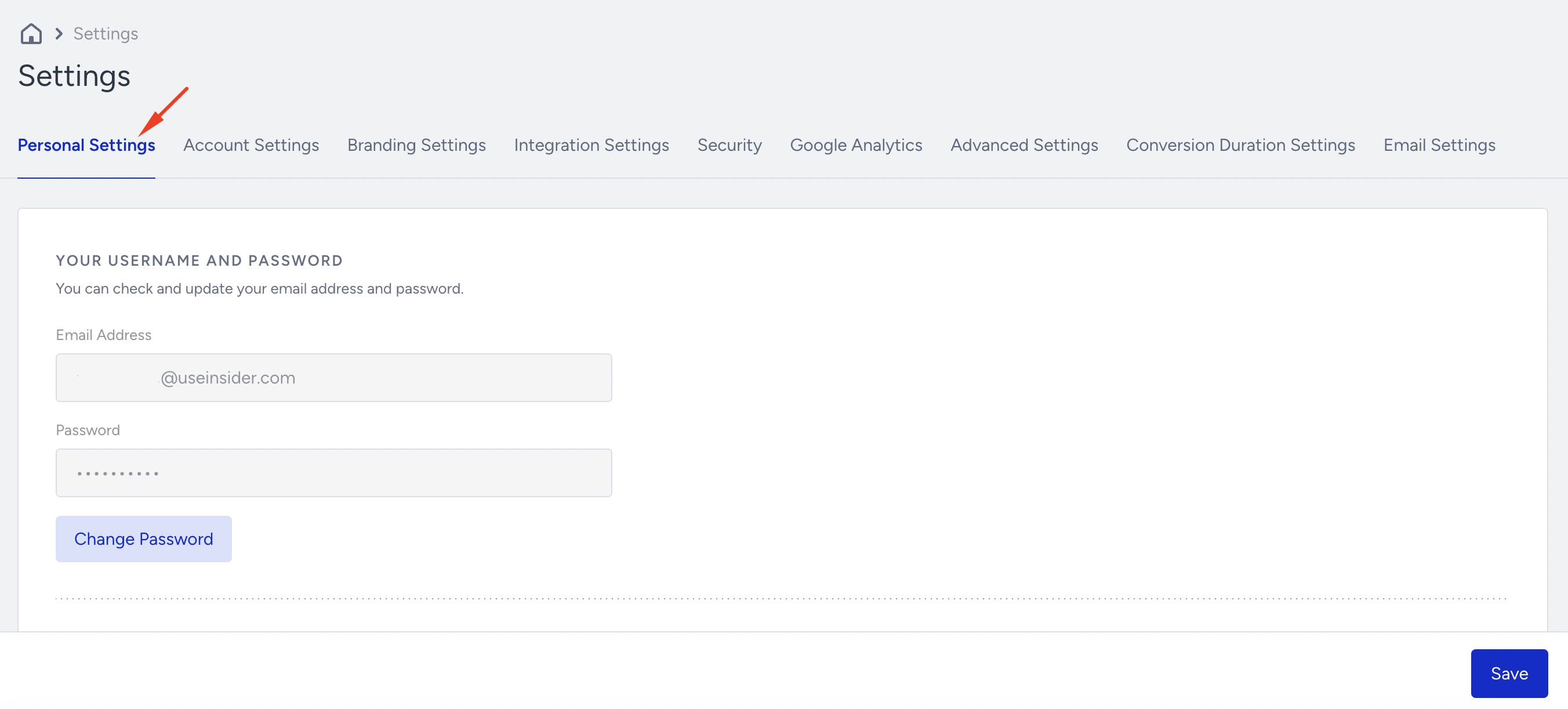
Personal Settings allow you to manage your profile, including your password, panel language, two-factor authentication, and backup codes.
Click your username > Settings > Inone Settings to navigate to this page.
Your Username and Password
The email address in this field is the username you need to use when logging into your account. You can change your password at any time by simply clicking Change Password.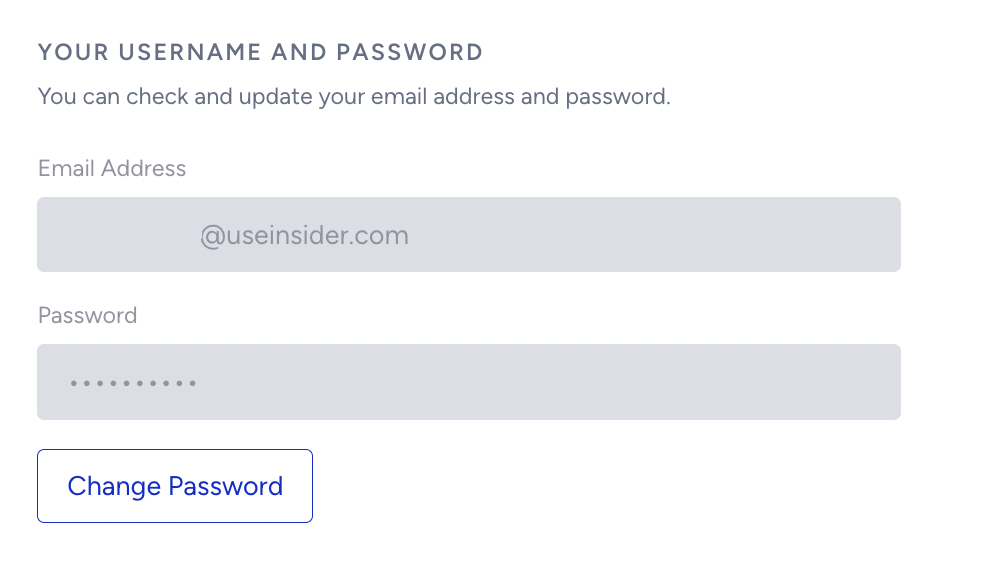
InOne Panel Language
The default panel language is English. You can use your panel in English, Japanese, Turkish, Korean, Simplified Chinese, Vietnamese, Portuguese, and Traditional Chinese. Once the panel language is set to any language other than English, your panel will be displayed in that language, provided a translation is available.
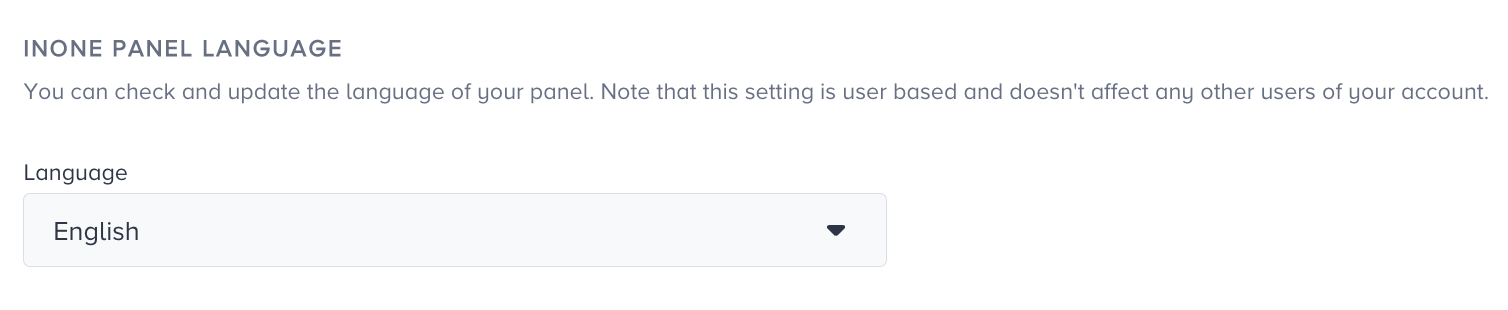
Note: Please remember that this setting is user-based and does not change the language for all registered users.
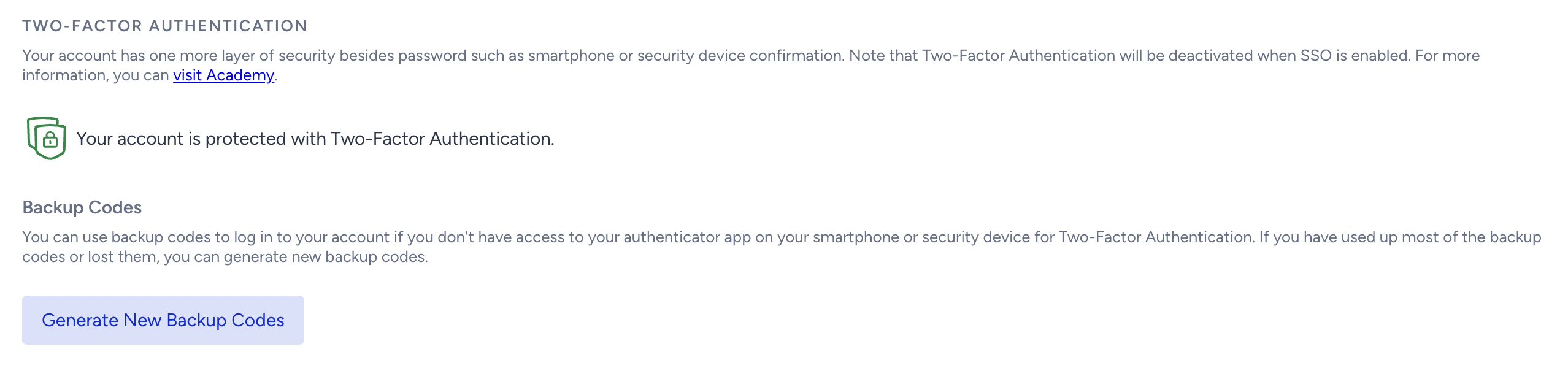
Two-Factor Authentication
Two-factor authentication enables you to log into your account with one more layer of security. If you cannot access the authenticator app on your mobile device, you can generate backup codes.