Image Search enables the Shopping Agent to understand images uploaded by customers and use them to search your product catalog. Instead of describing a product in words, customers can simply upload a photo to find the same or visually similar items.
Based on the customer's message, the agent can also understand the customer's intent. For example, it can search for a matching product or recommend complementary items that complete the look, turning a single image into a personalized shopping experience.
Image Search capabilities
Recognize the product in the uploaded image, including its category, attributes, color, style, and shape.
Search the catalog for the same or visually similar products.
Interpret the accompanying message to determine whether the customer wants to find a similar product or complete the look.
Recommend complementary products that pair well with the uploaded item.
Set up Image Search for Shopping Agent
Image Search requires file uploads to be enabled for your webchat. Once enabled, Image Search behavior is configured through the Shopping Agent instructions.
Navigate to MindBehind Flow > Companies > Channels.
From the list of integrations, click the Update icon next to the Shopping Agent integration you want to configure.

Click the Settings tab.
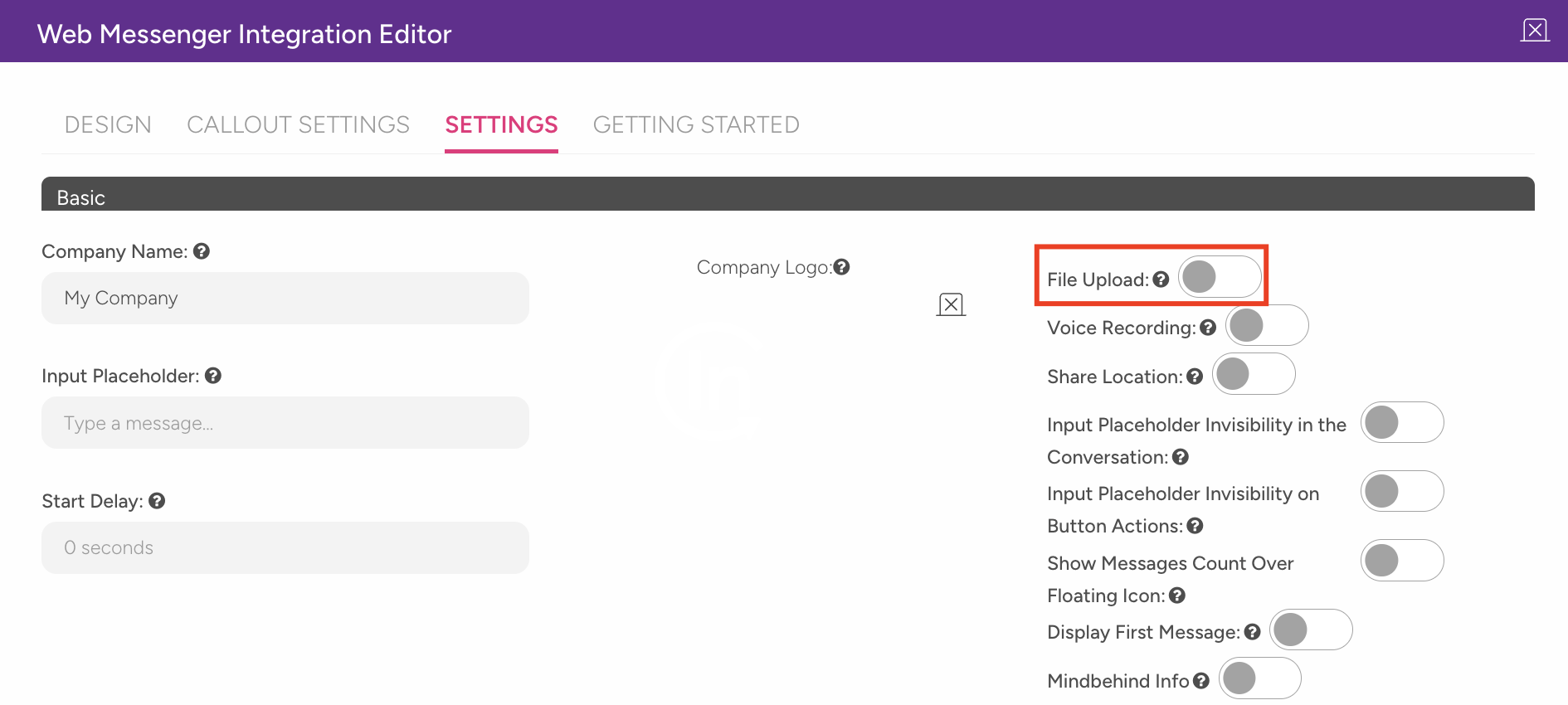
Enable the File Upload toggle for the webchat in the MindBehind panel.
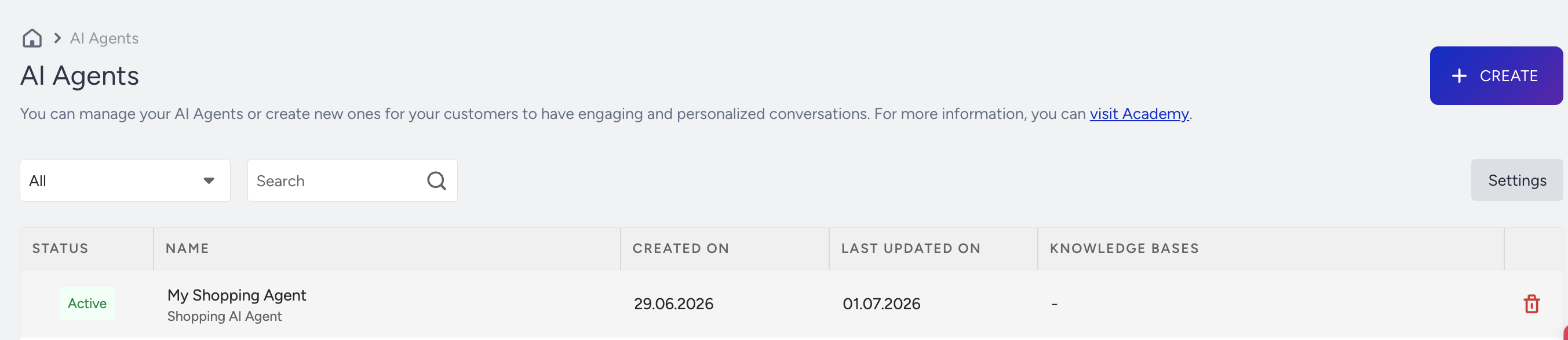
Navigate to InOne > Agent One > AI Agents and click on the relevant Shopping Agent from the listing page.
In the Personality step, under the Instructions, you can define how the agent should interpret uploaded images. For example, you can specify when it should search for similar products or recommend complementary items.
Use Cases
Use Case 1: Find this outfit (Clothing)
Scenario
A shopper sees a dress they like on another website or social media, takes a screenshot, and asks, Do you have something like this?
How it works
The customer uploads a photo of the garment.
The agent identifies the product and analyzes its attributes, such as the silhouette, color, pattern, and length.
The catalog is searched for exact or visually similar dresses.
If requested, the agent also recommends complementary items, such as shoes or a jacket, to complete the look.
How the Action is used
The recognized product attributes are passed to the catalog search Action to return the closest matching products that are currently available.
Benefits
Customers can find products using images instead of text descriptions, while complementary recommendations help increase basket size.
Use Case 2: Match This Shade (Beauty)
Scenario
A customer uploads a photo of a lipstick or foundation they already own and asks for the same shade or a similar product.
How it works
The customer uploads a photo of the product or a color swatch.
The agent identifies the product type and analyzes the shade, finish, and, where visible, the brand.
The catalog is searched for the exact product or the closest matching shade.
The agent can also recommend complementary items, such as a matching lip liner or primer.
How the Action is used
The detected shade and finish are passed to the catalog search Action to return the closest available match.
Benefits
Customers can quickly find products that are difficult to describe while creating opportunities to cross sell complementary beauty items.
Use Case 3: Complete This Room (Furniture)
Scenario
A shopper uploads a photo of a sofa or a corner of their room and asks what furniture or décor would go well with it.
How it works
The customer uploads a photo of the furniture or room.
The agent identifies the furniture, its style, material, and dominant colors.
If the customer wants the same item, the catalog is searched for exact or visually similar products.
The agent can also recommend complementary pieces, such as a coffee table, rug, or lamp, that match the style and color palette.
How the Action is used
The recognized style and color attributes are passed to the catalog search Action to build a coordinated product recommendation.
Benefits
Customers receive coordinated product recommendations instead of a single item, helping increase the average order value.
Best practices
Use the accompanying customer message to distinguish between requests to find a specific product and requests for complementary recommendations.
If no exact match is available, return the closest visual alternatives instead of an empty result.
Keep the image recognition attributes aligned with your catalog structure to improve matching accuracy.