While designing a template, if you want to hide a layout, click the Hide icon in the left menu or directly on the canvas. This allows you to remove a layout temporarily without deleting it, making it easier to manage your design.
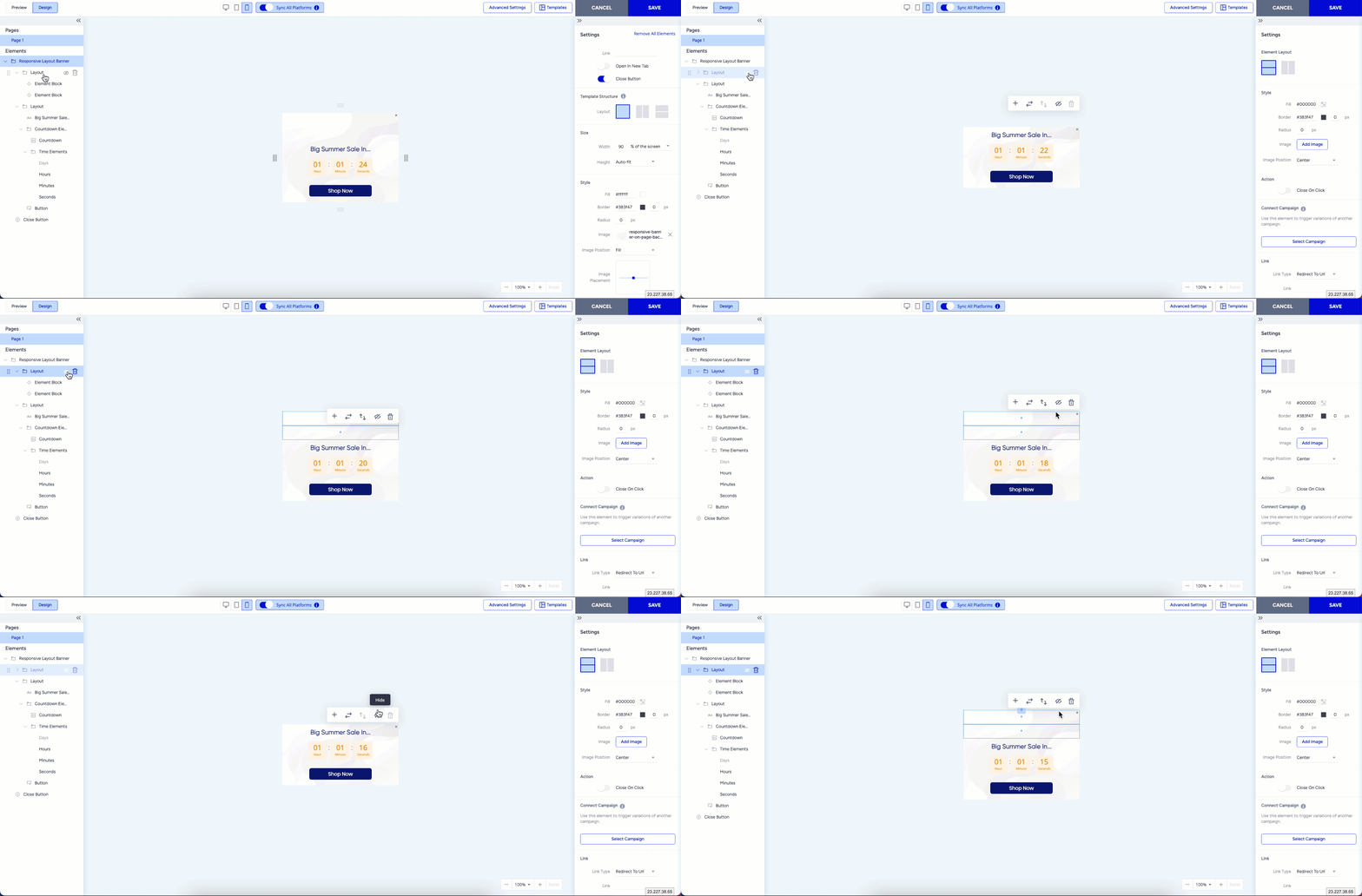
However, the Hide function is only available if a template contains at least one visible layout or element. If a layout is the only visible element in the template, you cannot hide it.