The list of default product attributes remains consistent across all catalog integration methods. However, the required attributes vary depending on the feed management type:
Across all catalog integration types, the default attributes remain consistent. Therefore, regardless of the integration method, you'll encounter the same default set of attributes. Required attributes represent the minimum information required for Insider to identify a product. Consequently, attributes such as price, description, and category are not considered required. This logic applies, for example, because publishers typically don't include price attributes for items in their catalogs.
For required fields, inputs arriving as 'undefined', 'unknown', 'null', or empty strings are invalidated.
Each string field can accommodate data up to 512 characters.
description and category fields in the record can be as large as 1024 characters.
The item_id field supports data up to 32 characters in length.
In cases where you lack stock information, Insider assigns a value of "1" to the in_stock field to indicate availability.
Refer to the Product Catalog Attribute List for the Product Feed default attributes based on your feed management type.
If any required attribute is missing, the catalog ingestion process will fail.
To perform validation and ensure all the required attributes for the Recommendation Algorithms are received, visit Check Your Product Catalog Health.
Only System Rules and Insider Web SDK Integration
Default attributes are automatically recognized by Insider's Product Feed database when you use the expected field name and type (e.g., "name" as a string). This means you don’t need to create custom product attributes for default attributes. However, if you want to include a product attribute that isn't on the default list, you need to create a custom product attribute.
XML Integration
Attribute matching should be completed before activating the integration. For Google and Criteo formats, predefined mappings are displayed on screen during the XML integration type selection. These mappings should suffice if you haven't customized your Google or Criteo XML formats.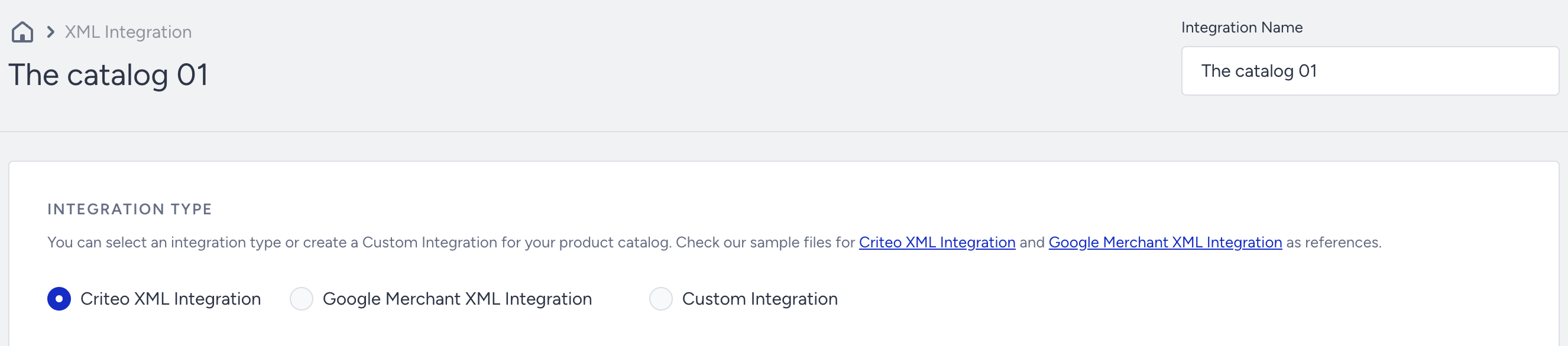
If attributes are not found in the default list, you can use the Add Custom Attribute button under the Matching Attributes to match custom product attributes with those in your XML.
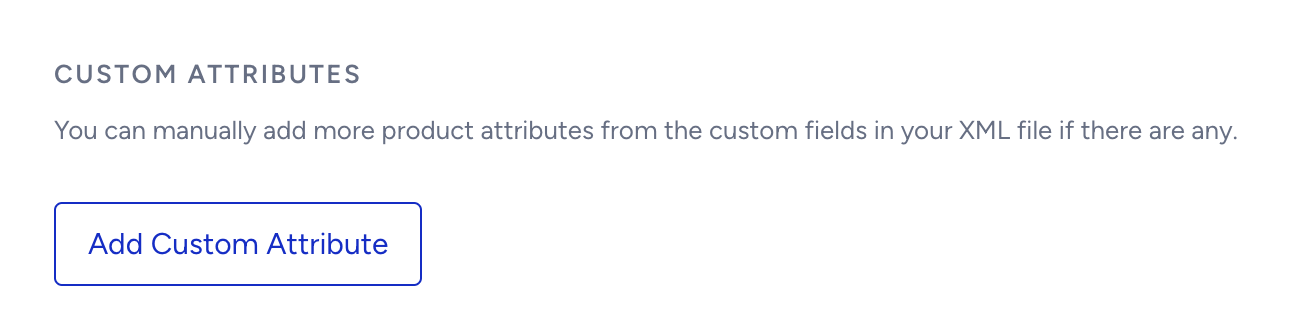
Before custom product attribute matching can be done, it's essential to define the necessary product attributes from theProduct Attributes menu if they haven't already been defined in the InOne panel. Once these attributes are defined, you can proceed with custom attribute matching.
When both Clickstream and XML are enabled and used simultaneously, ensure that attributes have the same name and type across both integrations.
Catalog API Integration
Before incorporating custom attributes, ensure they are defined on the Product Attributes page.
The field and request limits are as follows:
The total request size must not exceed 5 MB.
Each record in the request must not surpass 512 KB.
Each string field in the record can be up to 512 characters.
A maximum of 10,000 products can be processed in a single request.
Refer to Ingest Product Information for details and sample requests.
When both the Clickstream and Catalog APIs are enabled and utilized simultaneously, it's essential to ensure that attributes have the same name and type across both integrations.