Can we group the saved deep links by their categories?
No, you cannot categorize them.
Can we use the names of the deep links saved in the Components > Deeplinks section for the key-value field while creating campaigns?
Yes, you can.
How does Internal Deep Link work?
Internal URL: When you add a URL here, like https://www.google.com, the application opens a webview inside the App, and opens this website inside the application.
How does External Deep Link work?
External URL: When you add a URL here, like https://www.google.com, the application opens a web browser in the phone, like default Safari or Chrome, and opens this URL there.
How does "Add Attribute" work in Deep Links?
With the +Attribute button, you can add attributes anywhere in the deep link section. This property is usually used to direct users to dynamic pages.
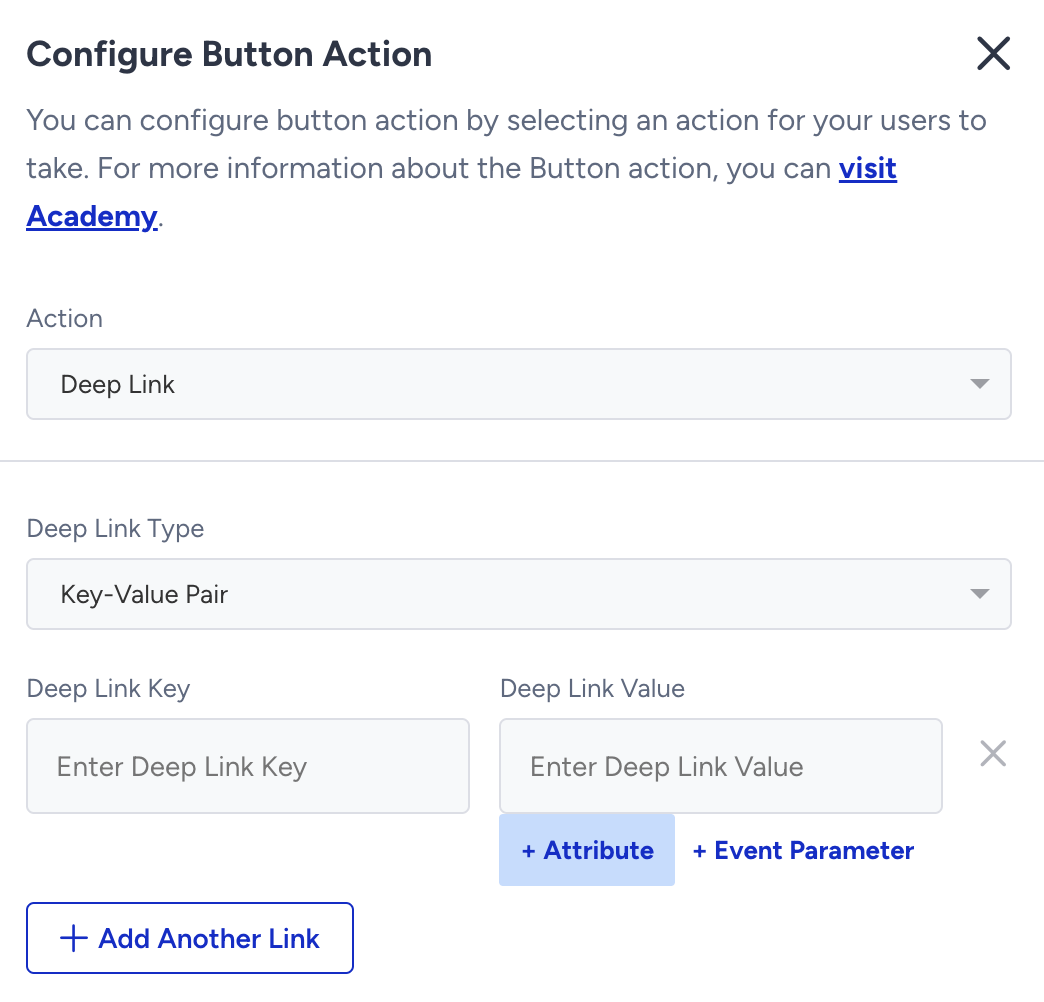
For example, say you want to direct users to the detail page of the last item they visited. You can add the last_visited_product attribute inside the deep link, and when users open the notification, they will be directed to the detail page of the last product they visited. Since the last_visited_product attribute differs for each user, each user will be directed to a different product detail page. Remember that your deep link schema should be compatible with this format.
Instead of deep links as SMS notifications, can we include URLs in push notifications or InApps messages to redirect users to these pages?
No, the URLs added in the messages would be received as plain text rather than hyperlinks and would not redirect users.
Where are users redirected when there is no deep link?
If there is no deep link or the deep link key/value is false, users will be redirected to the homepage.
Is it possible to deep-link from the web to the app? Can users who receive a web push notification view the content/URL/CTA on the app?
Yes, if the correct deep link is used to redirect users to the app.
How can our IT team create deep links? Is there any guide we can refer to?
As each application has a unique deep link structure, there is no specific method.
We’re switching from another provider. Will our existing deep links keep working?
The way your app routes users is part of your app’s code, so it does not depend on the push provider. Your app reads the key-value pairs, JSON, or URL scheme in the push payload and opens the right screen. You can keep the same keys and fields that your app already parses.
You still need to complete the following:
Create your deep links again in the Insider One panel and attach them to your Insider One campaigns.
If you use universal links for Insider One, add the Insider One methods to your app. Refer to Handle Universal Links in the respective platform.
If your app has more than one push provider, make sure each provider’s notifications are handled separately. See I’m having push handler issues with multiple push providers.