Suggested reading: Dynamic segment
You might encounter different reasons for undelivered messages. To avoid sending unnecessary SMS messages to hard-bounced phone numbers, you can use the attribute of Invalid phone numbers. Invalid phone numbers are those that you are trying to reach in a non-standard format, or that are missing numbers or country codes.
Thanks to the invalid phone number attribute, you get protected from the overcost of sending redundant SMS messages.
Create a dynamic segment
To create a Dynamic Segment for Invalid phone numbers:
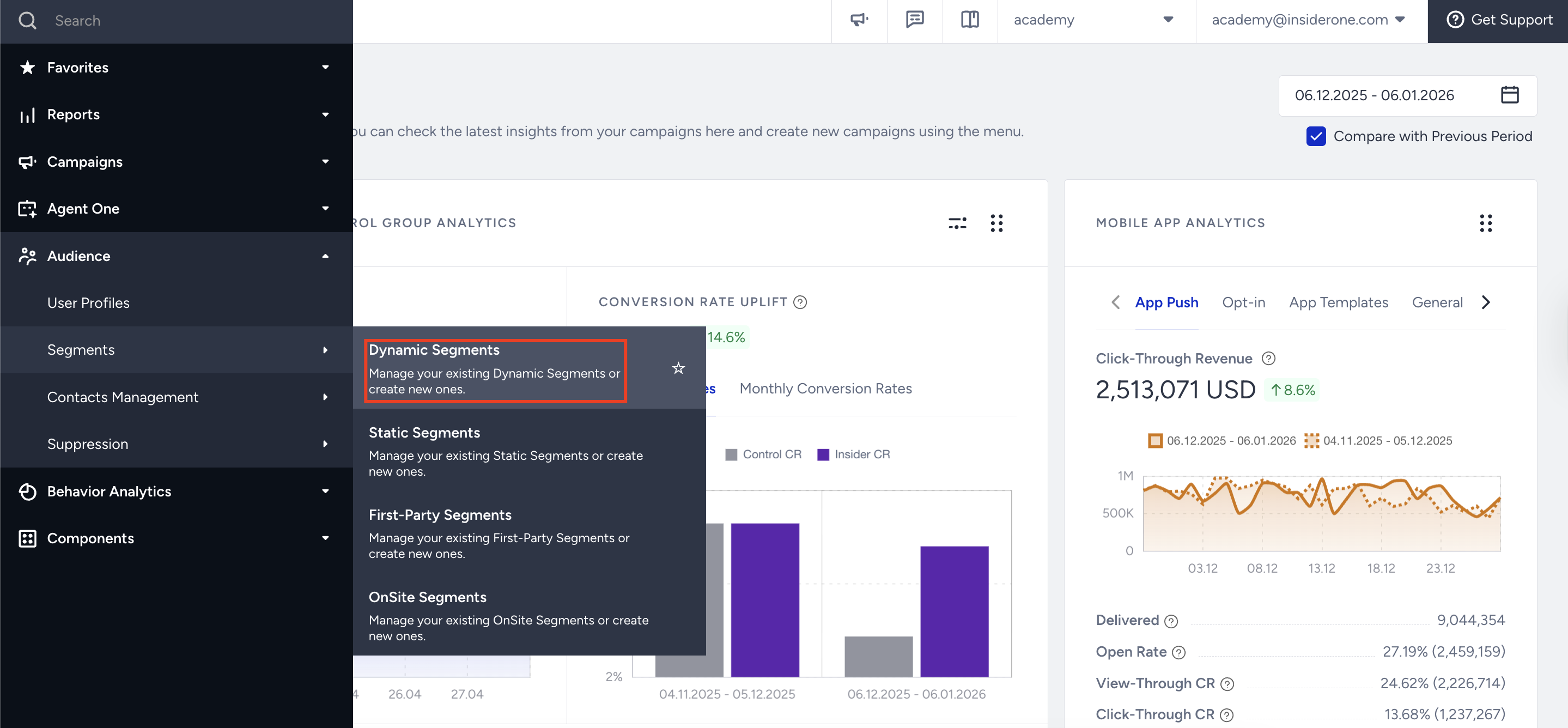
Navigate to Audience > Segments > Dynamic Segments.
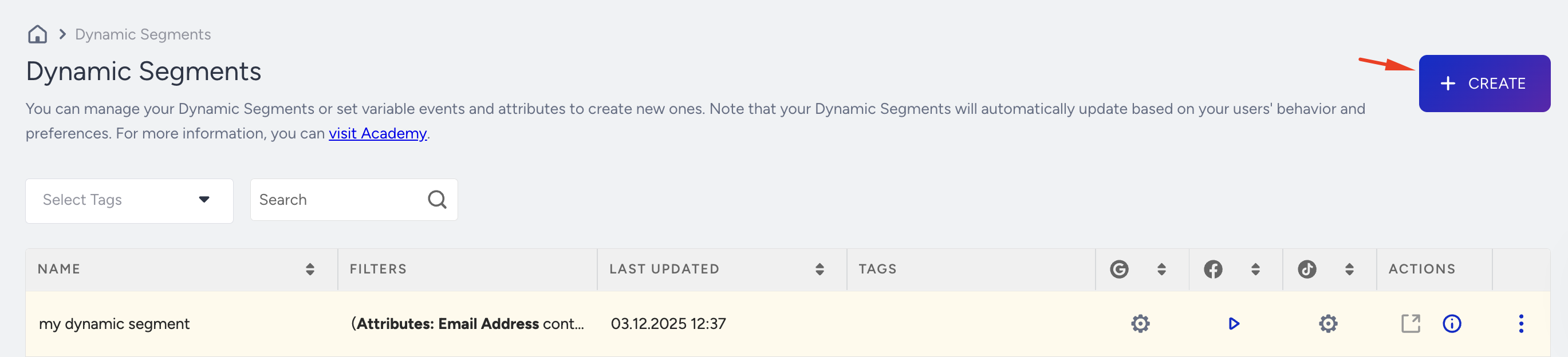
Click the Create button in the top right corner of the screen.
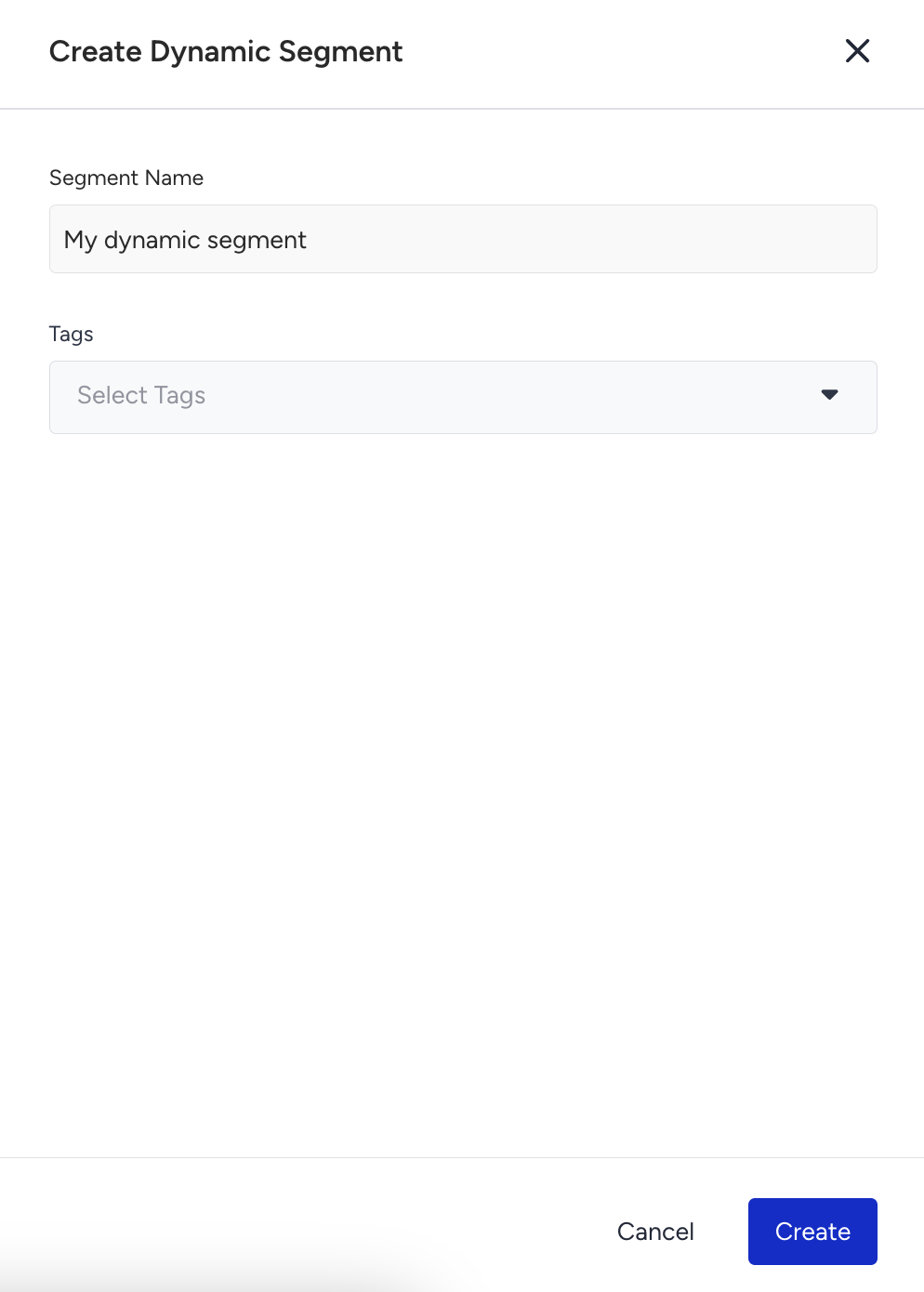
Enter a name for your segment and click Create.
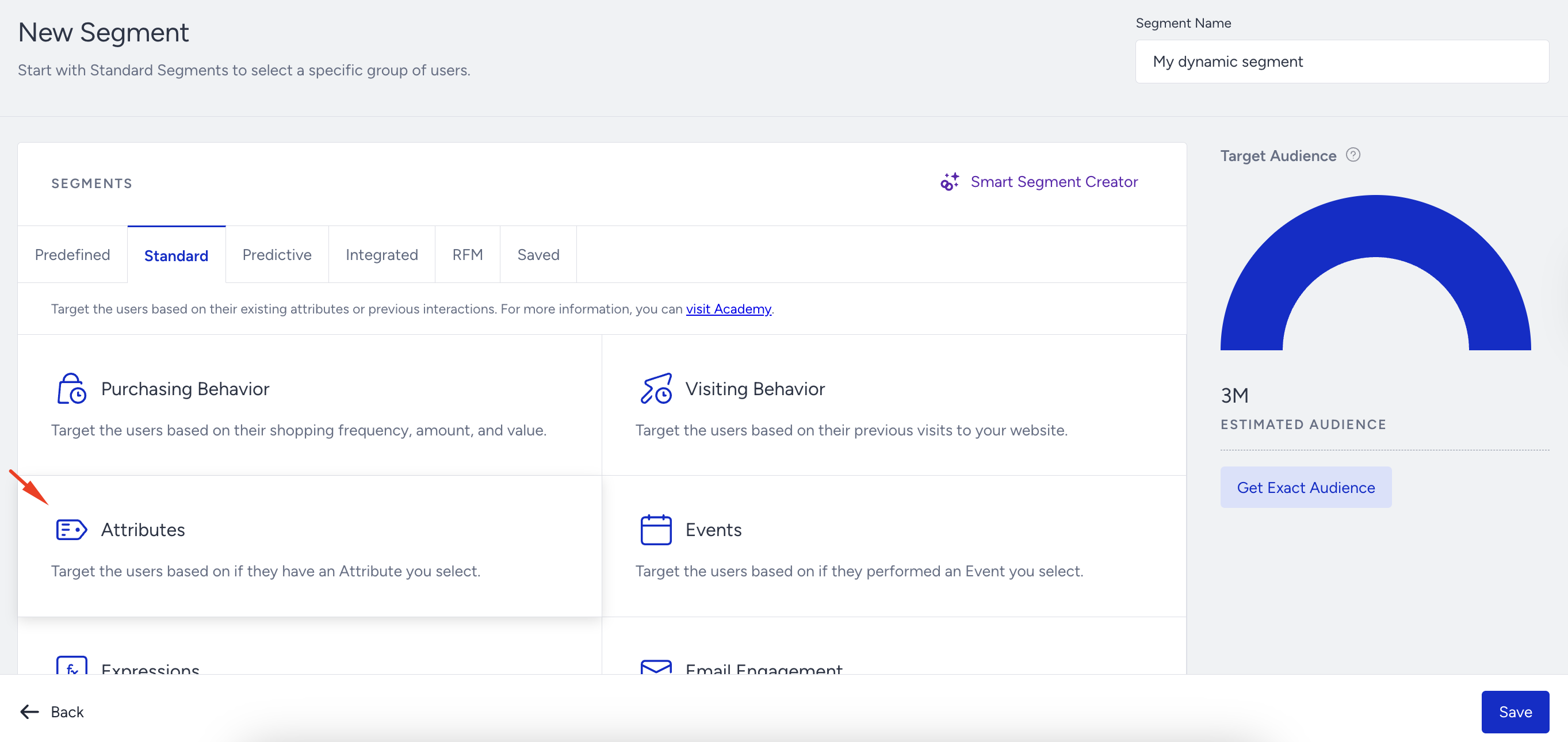
Choose Attributes under the Standard tab.
To define the Invalid Phone Number segment, select the "Invalid SMS Phone Number", "is", and "True" options from the dropdown menu.
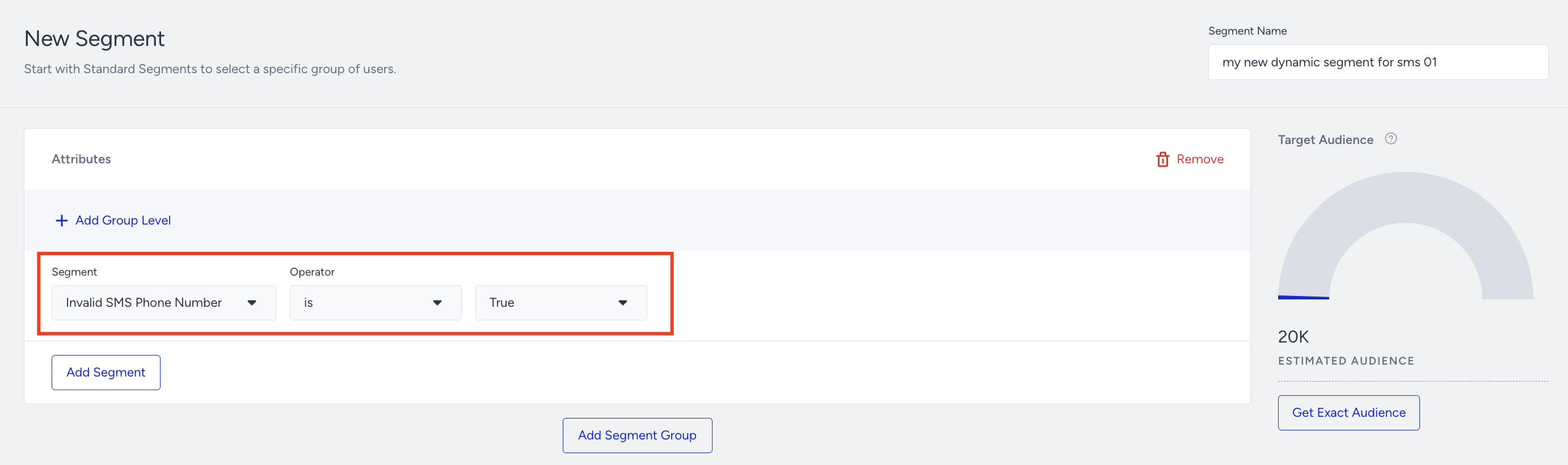
Click Save, and your segment is ready.
Export invalid phone numbers
To export phone numbers segmented as Invalid phone numbers,
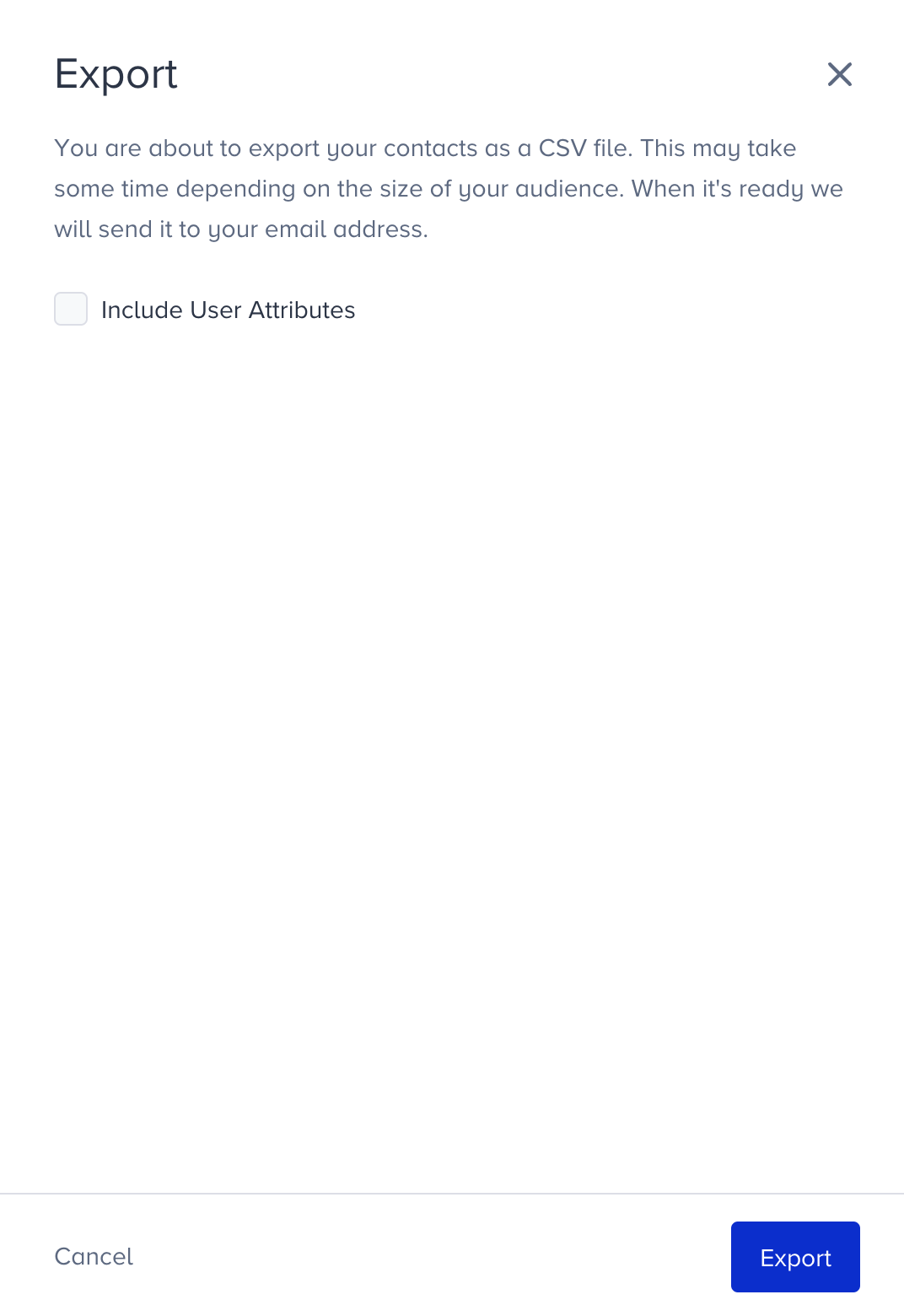
Click the Export button against the segment you want to export.
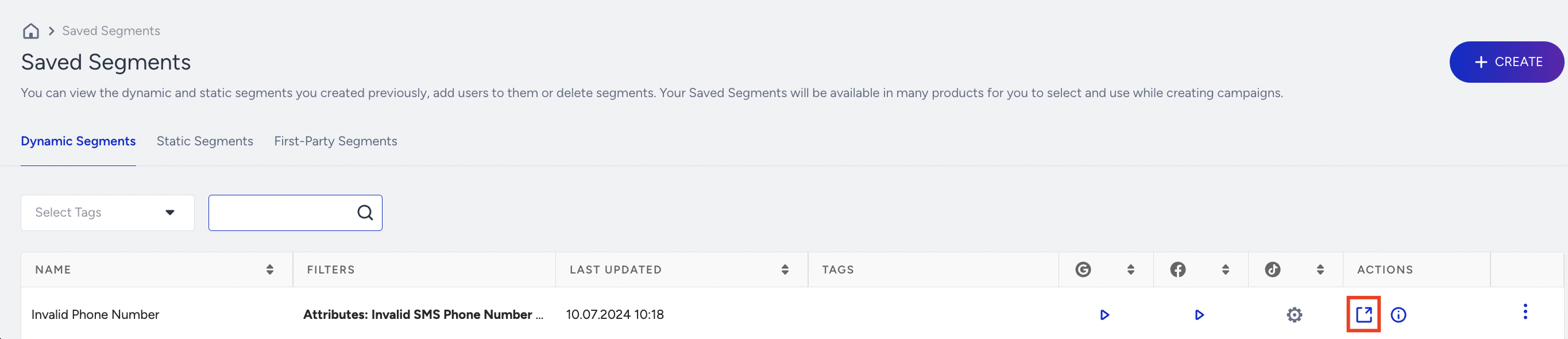
2. Click the Export button. You can also retrieve the User Attributes by checking the checkbox. You will export the contacts (phone numbers) as a CSV file and receive an email including the file when it is ready.