An Email Footer typically contains your contact information (email address), the reason for the email, links/icons to your social media accounts, an unsubscribe link, and optionally, the name of the person responsible for the email.
This is a compound element of emails. To build an Email Footer with the Drag and Drop Editor, you need to:
- Drag a structure with a necessary quantity of columns.
2. Enter the copy into these columns/blocks.
3. Edit the copy.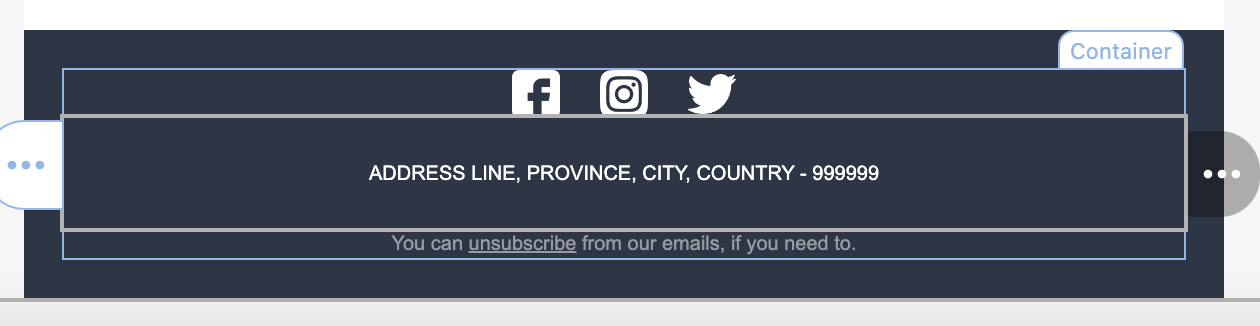 4. Insert the respective link to the unsubscribe option.
5. Add social media icons.
You can go back to editing or save your design.