Suggested readings: Build Countdown Timers in an Email, Top Elements of an Email with Countdown Timer
Timers are first meant to urge your recipients to act as soon as possible. When done properly, they complement the email campaign’s mission.
1. Banana Republic
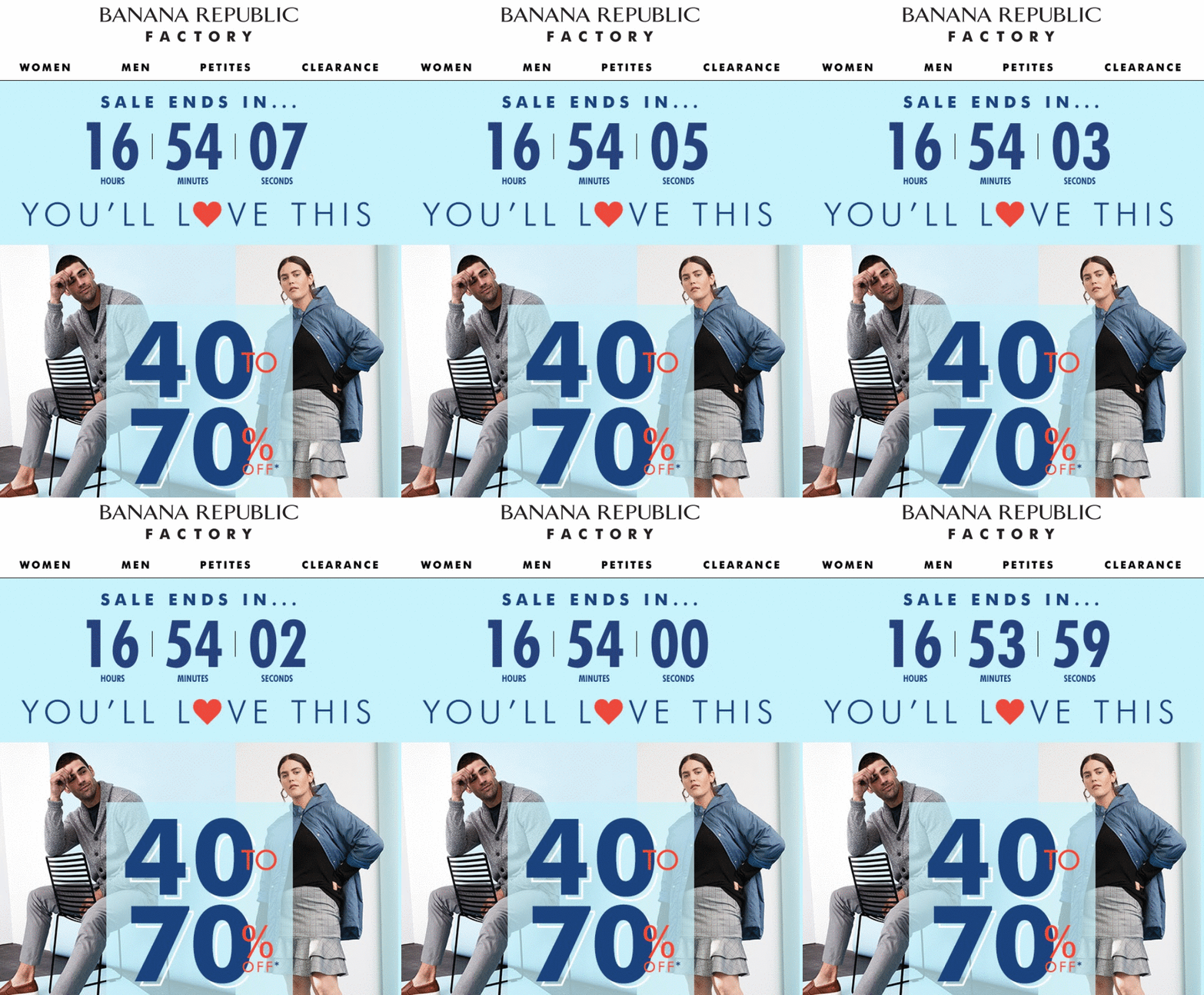
Users like knowing they can buy their favorite or long-awaited products at lower prices. Banana Republic Factory used a countdown timer to draw attention to a clear, engaging message and its big-digit discount. The campaign's most crucial information is displayed on the first screen, so recipients cannot miss it.
2. Malooka
By sending teaser emails, you can encourage prospects to anticipate our product launch. But how will they know when Day X comes? The simplest and most effective way to let your customers know is by adding a countdown timer to your emails.
Many famous brands use this strategt when announcing new product releases.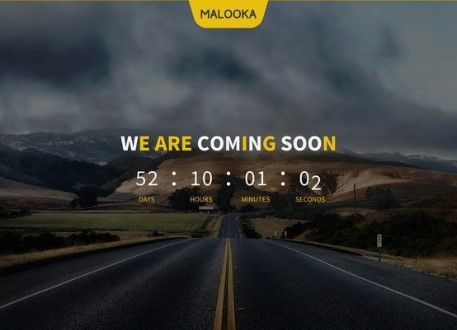
3. Monica Vinader
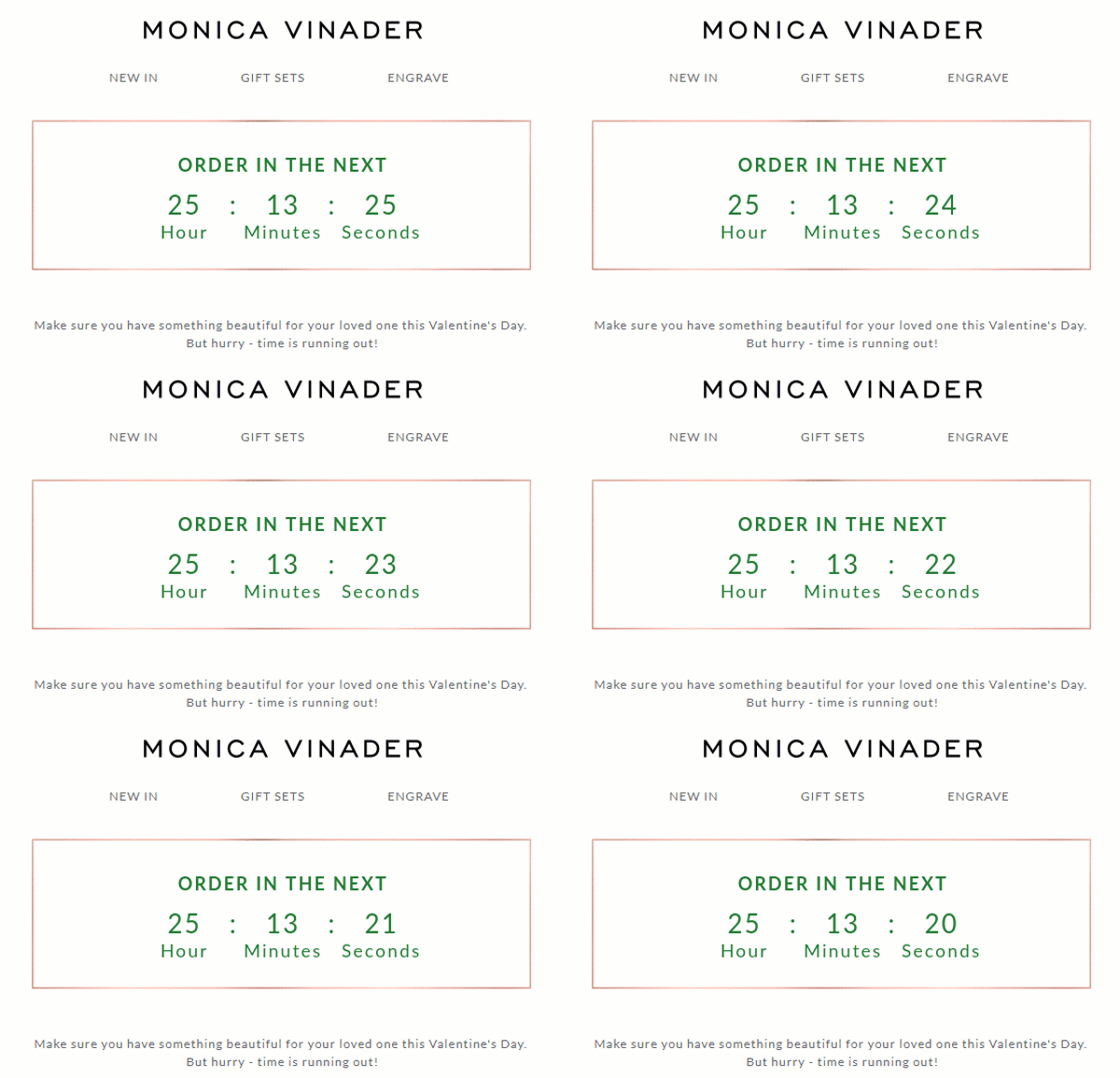
If your coupon applies to all the items on your website and you want to keep your email concise, this example is exactly what you need. It’s not overloaded with images; it just says how soon the sale ends.
4. Click-Fill-A
Once you decide to announce a product launch, you hold a presentation. Then, usually, a few days/weeks later, you run a pre-order sale. Countdown timers in emails are the perfect way to inform prospects how soon this day will come.
In this email, Click-fill-A announced the day the pre-order would start. It did not reveal all the features of its new app, but it mentioned once again that it would let customers know when the app would be released.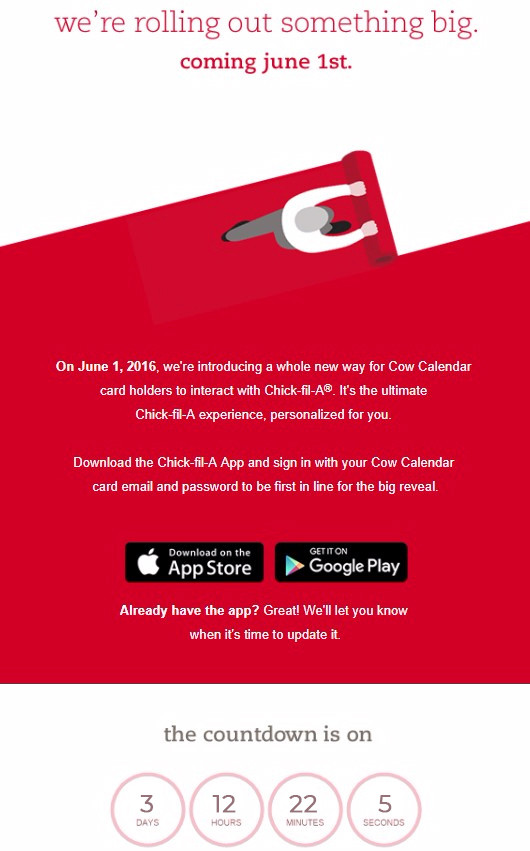
5. Gap
In their few previous emails, Gap announced a Long Weekend event. Once it started, they hurried to notify recipients. Without a countdown timer, this email could be confusing. It would be hard to understand exactly when the event was supposed to end.
With the email countdown clock, Gap specified how much time recipients have to make a purchase.
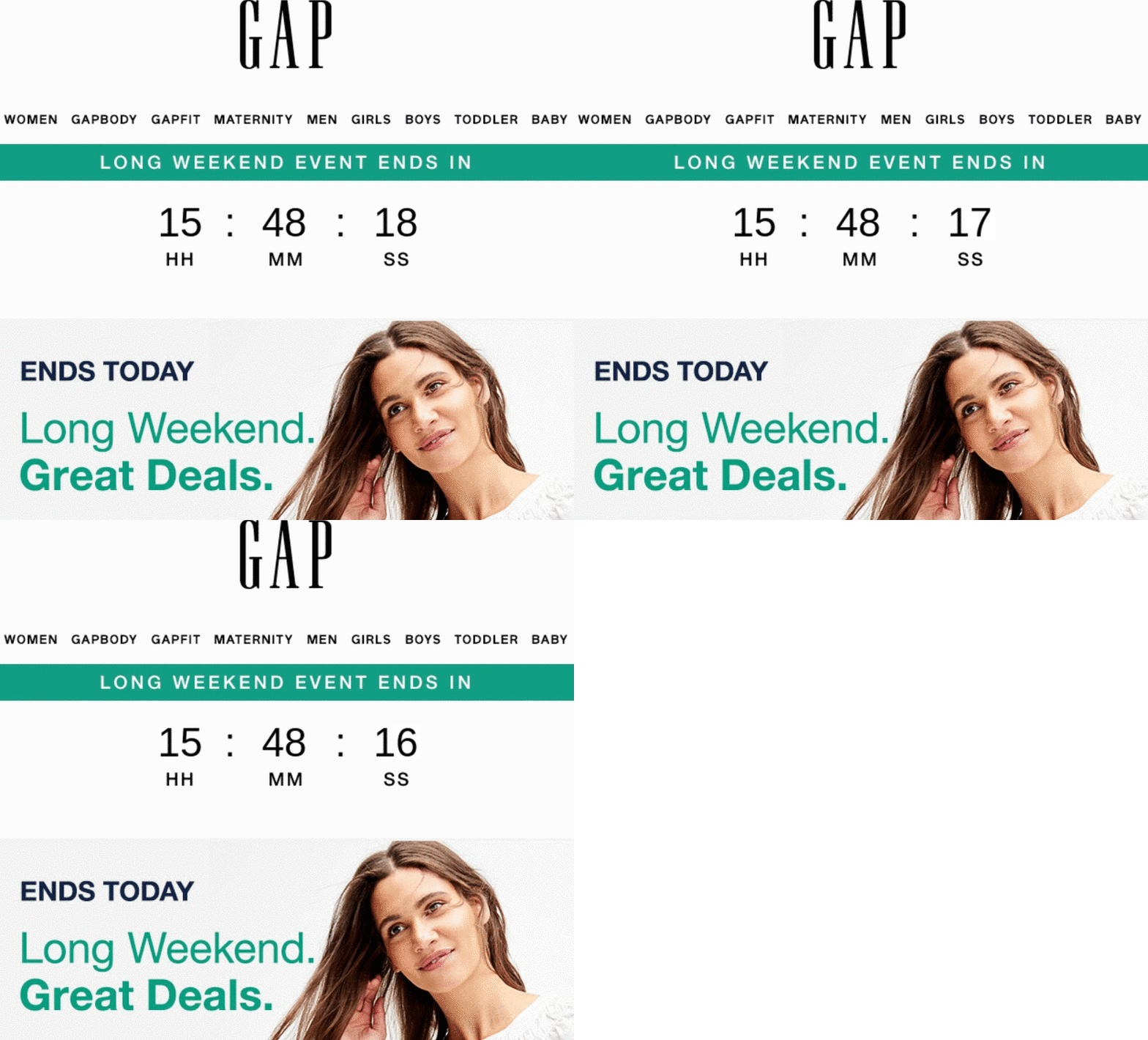
You can also specify the time zone. This is preferable for international online stores and big countries with a few time zones.
6. Purina
When you run a competition, please remember to include a countdown timer in your newsletter emails to inform contestants of the end date.
Here is an effective idea for social content: Use persuasive copy. Include a timer in your email to encourage subscribers to participate and motivate them to subscribe quickly. Many of us are likely to have funny stories about them to share. Of course, we cherish, respect, and feel gratitude to our defenders for what they do for us.
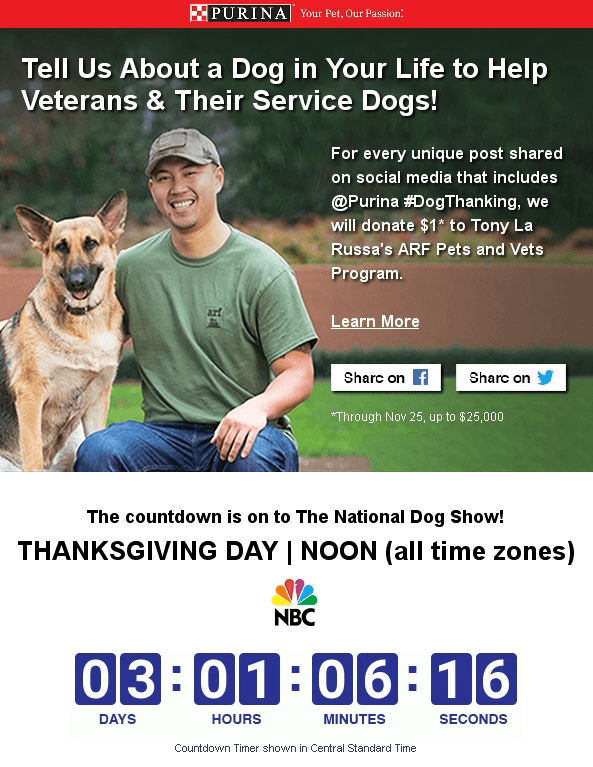
Purina also specified the time zone, which made the email even more informative.
7. Neds
Whether you sell sports garments or promote a paid TV channel that broadcasts boxing matches, remind sports fans how soon the game/match/season starts—they will appreciate it.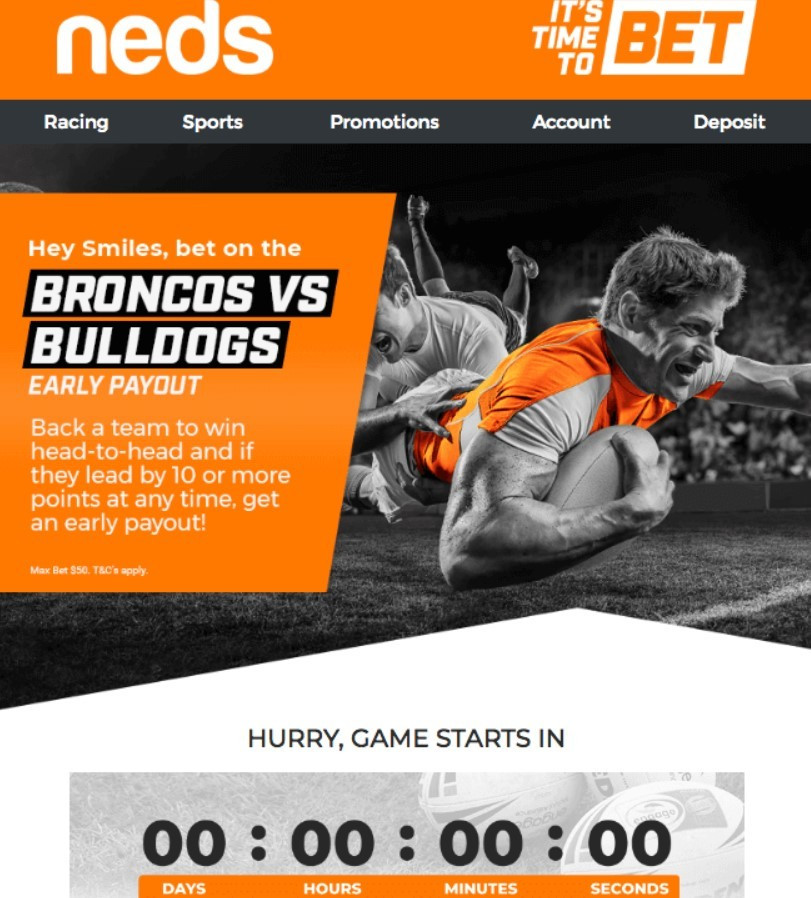
8. Zales Outlet
Normally, coupons are dedicated to a special event, be it St. Valentine’s Day, a birthday, or even President’s Day. However, customers should be informed about how long the coupon will be active. Your customers shouldn’t have to guess how much time they have left to use their coupons. Once recipients look at the email countdown timer, they will see how much time they have left. 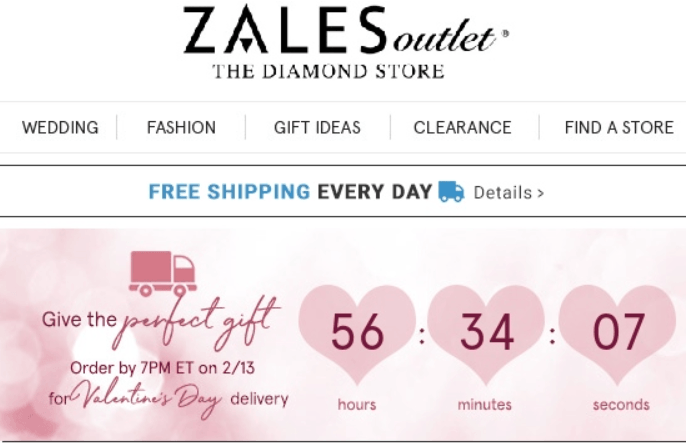
9. Affinity
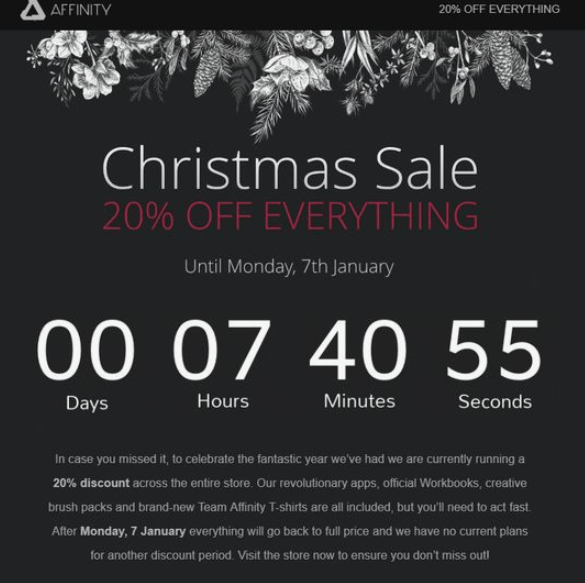
When designing an elegant e-card to congratulate customers on their birthdays or a memorable holiday, an email countdown timer with a different color can ruin the design. To prevent it from happening, set its background to transparent.
10. Forever21
Once the offer ends, the recipients should be aware of it. You can insert a fallback notification to let your customers know the coupon is no longer valid.
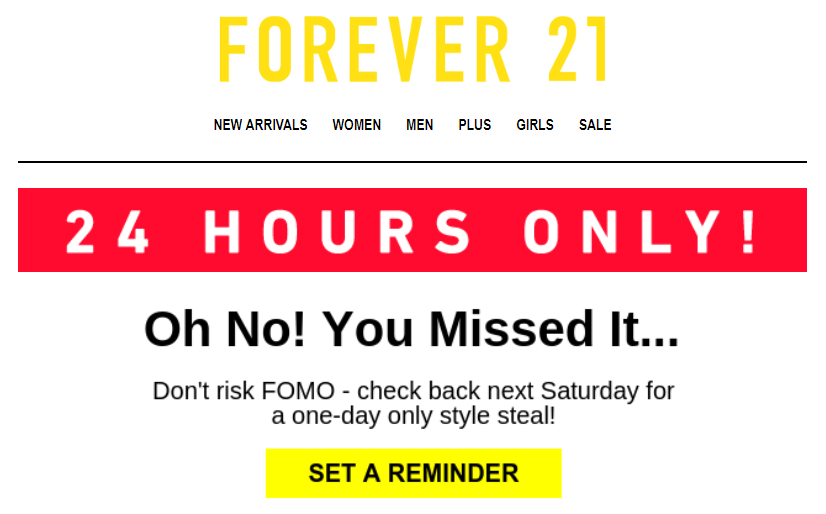
Additionally, Forever21 inserted the "set a reminder" button. You can set one, too. This should be a link to Google Calendar/iCalendar — a good way to ensure your emails are anticipated.